 SCREEN
 iPhone 17 Wallpapers
These are the ScreenLux picks for iPhone 17 wallpaper: 105 featured stills and Live Photos chosen for the iPhone 17, 17 Pro, 17 Pro Max and iPhone Air. Every file is 1080 × 2400, a tall 9:20 frame that covers the display across the whole line without a crop you did not choose. Dragon Over Ruins, Blazing Tunnel Ride and Earth City Lights are among the 91 Live Photos here; each animates on the Lock Screen when you wake the phone. Preview them free in ScreenLux; ScreenLux+ unlocks the download.
Get ScreenLux Free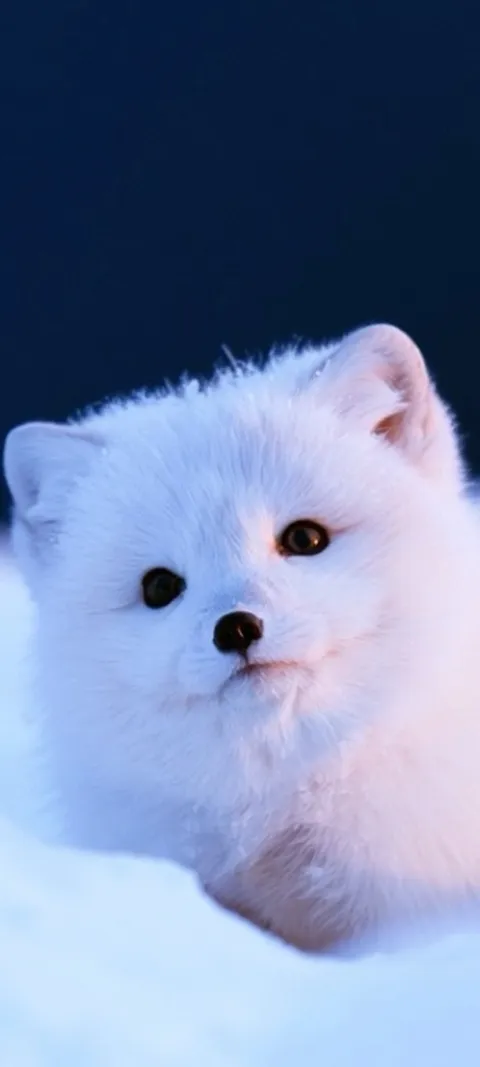 LIVE Arctic Fox Cub
 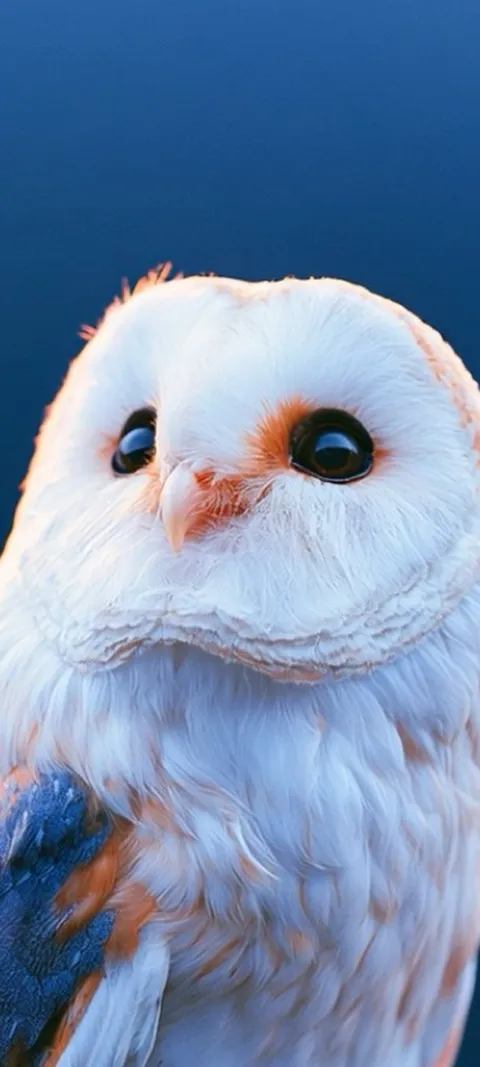 LIVE Barn Owl Gaze
 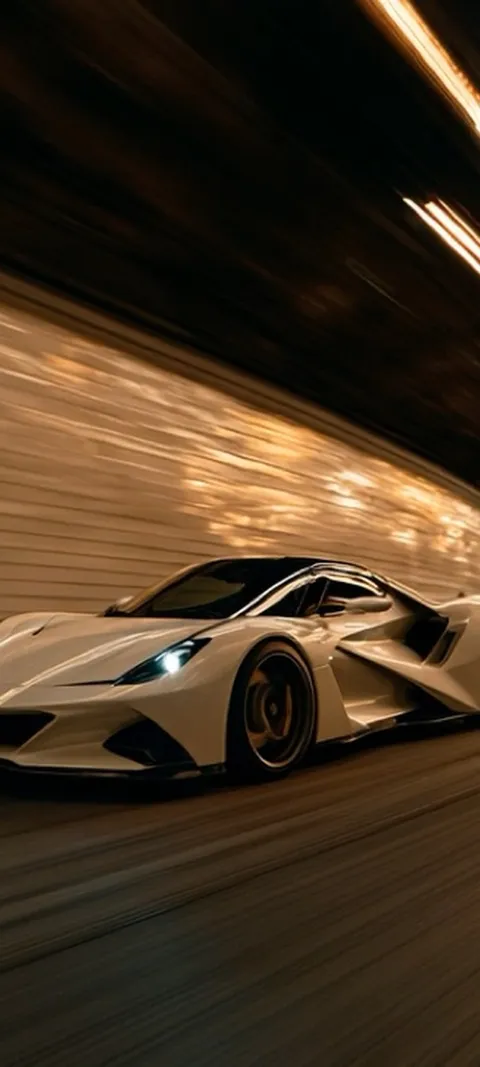 LIVE Blazing Tunnel Ride
 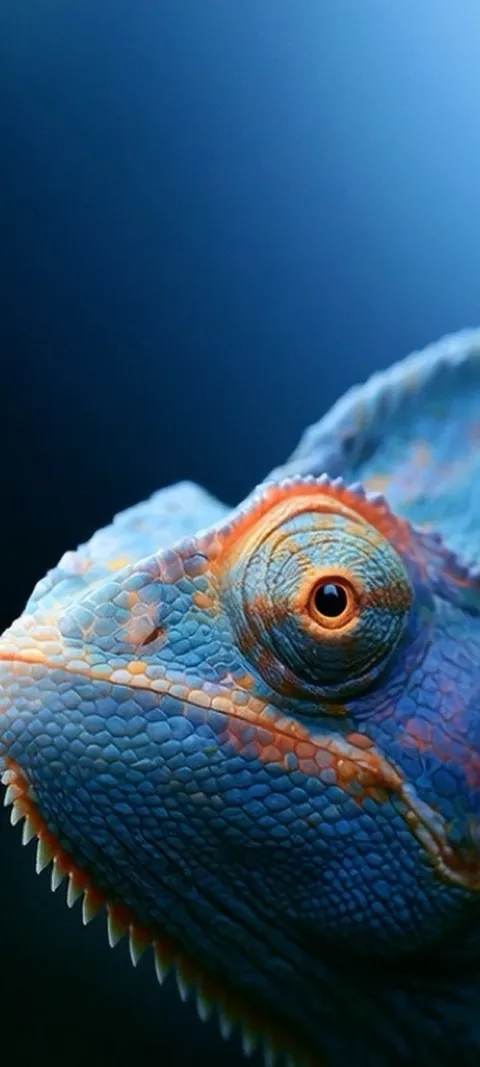 LIVE Blue Chameleon Close-up
 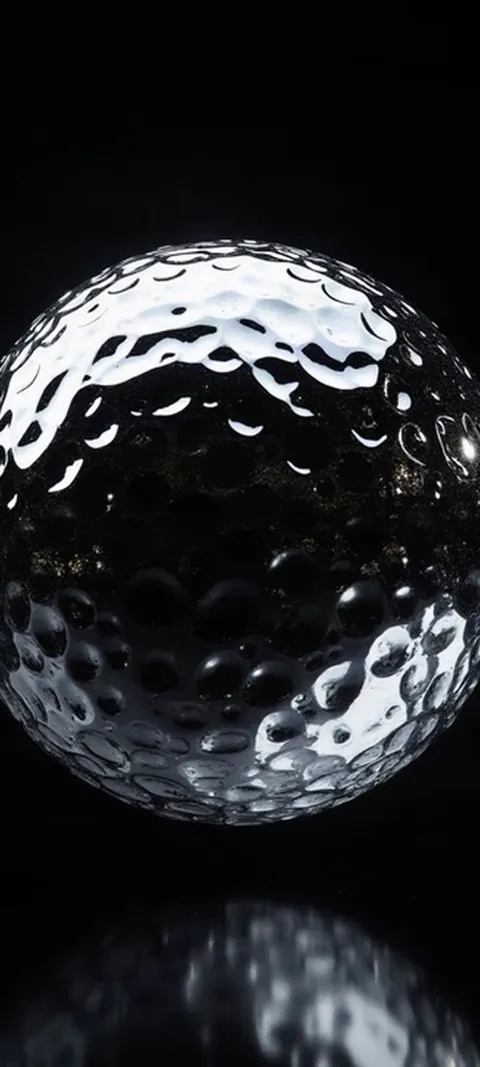 LIVE Dimpled Chrome Orb
 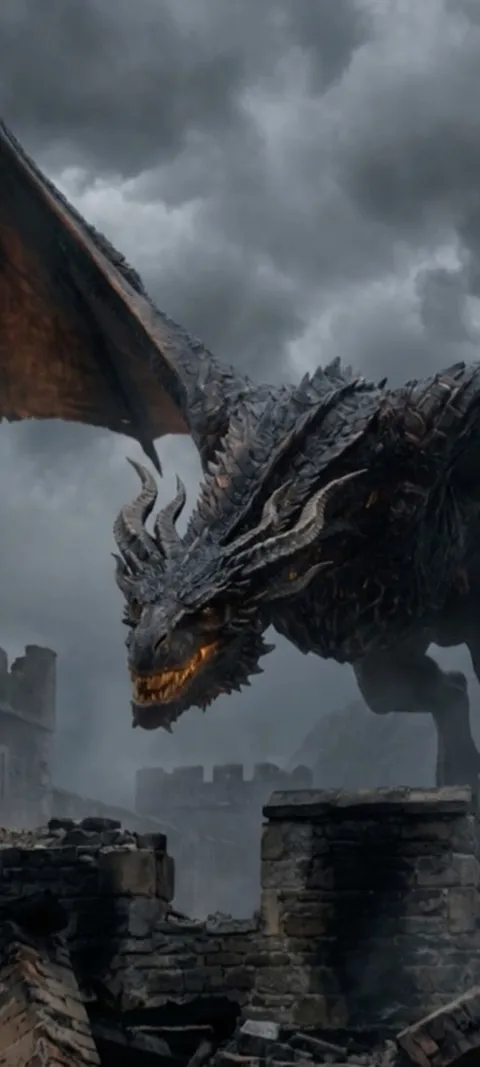 LIVE Dragon Over Ruins
 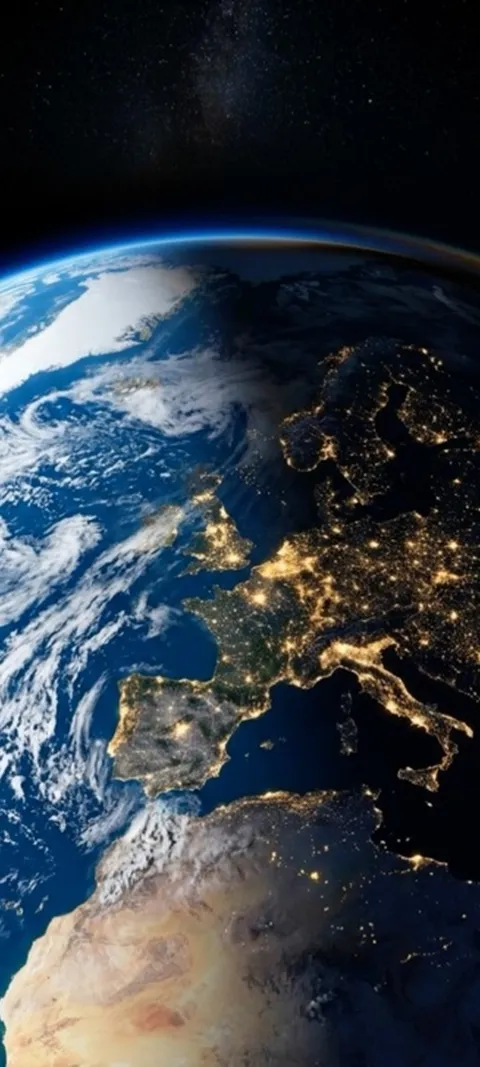 LIVE Earth City Lights
 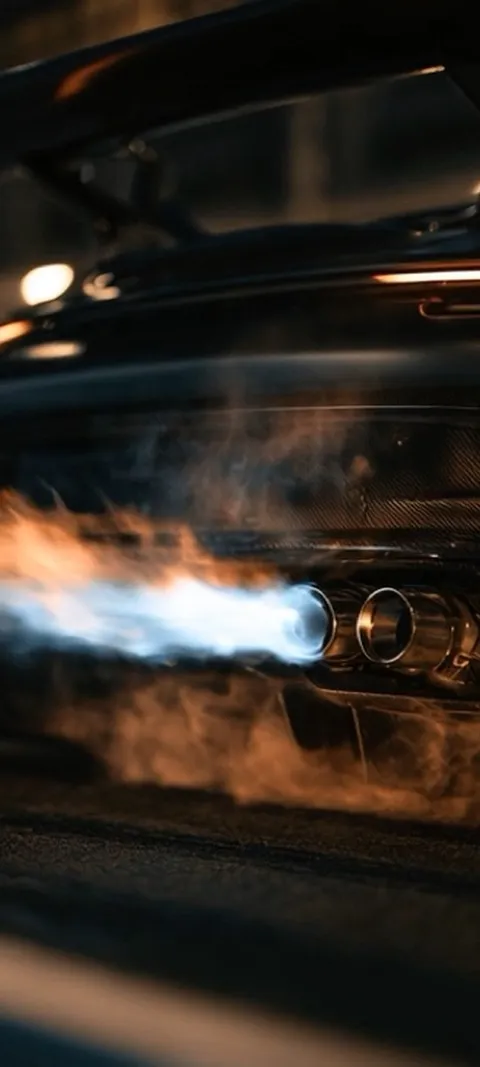 LIVE Exhaust Flame Burst
  LIVE Giant Robot Stroll
 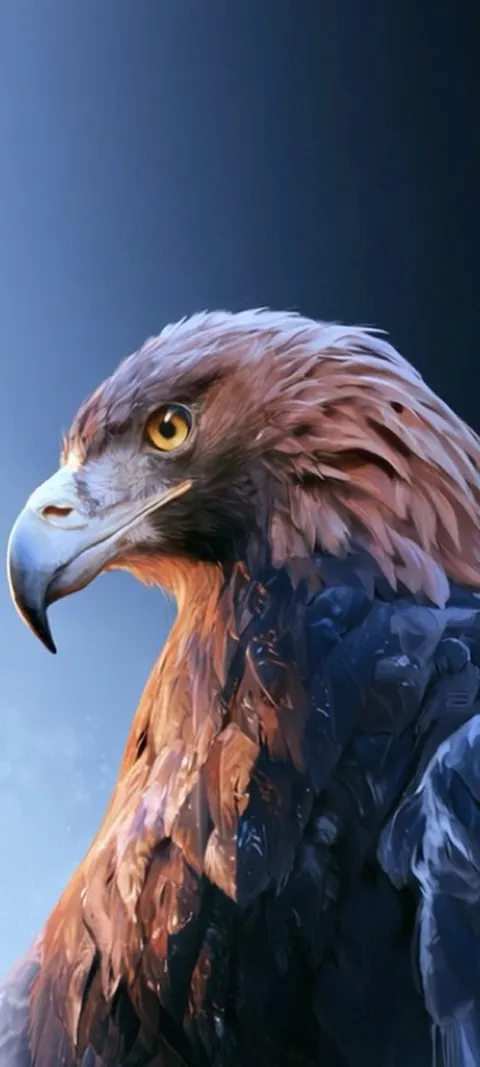 LIVE Golden Eagle Gaze
  LIVE Golden Ocean Wave
 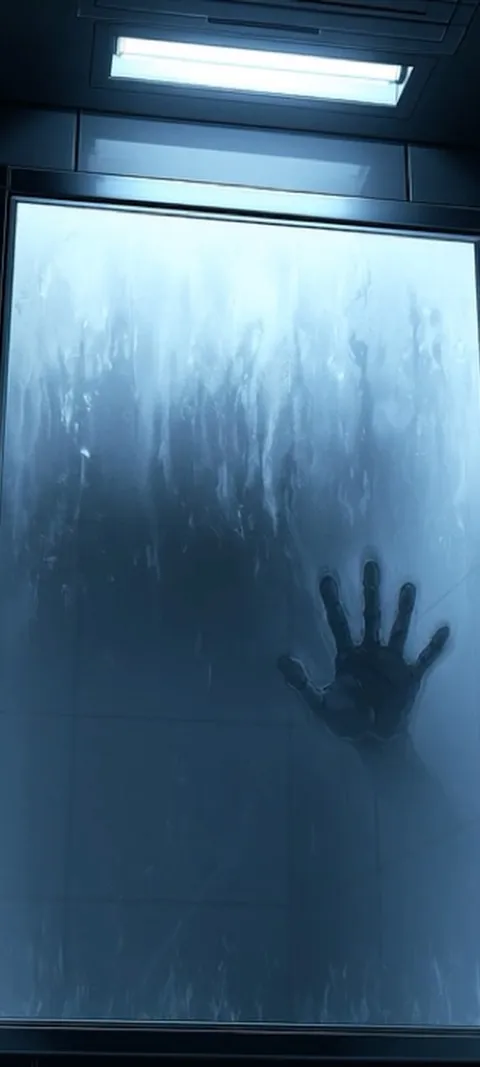 LIVE Hand On Glass
 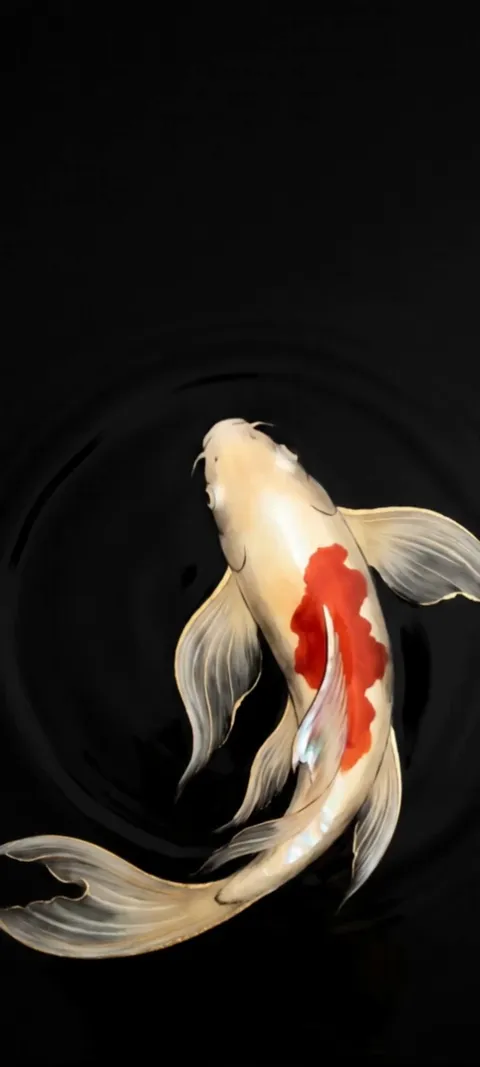 LIVE Koi Pond
  LIVE Lighthouse Night Beacon
 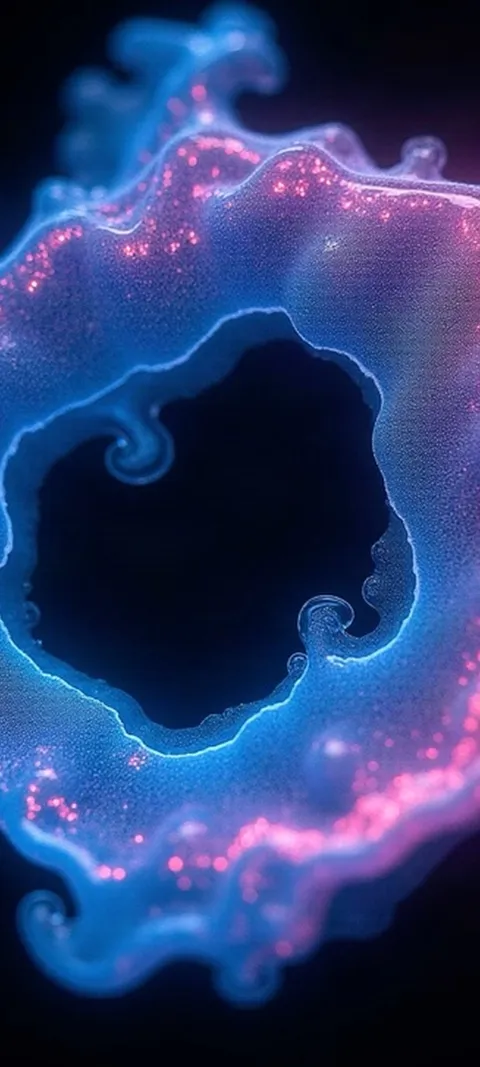 LIVE Luminous Abstract Swirl
 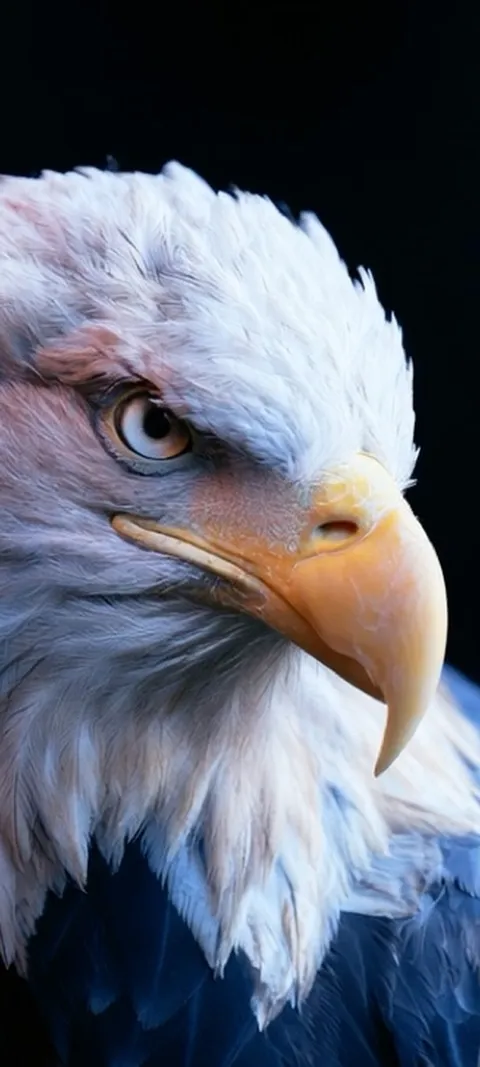 LIVE Majestic Bald Eagle
 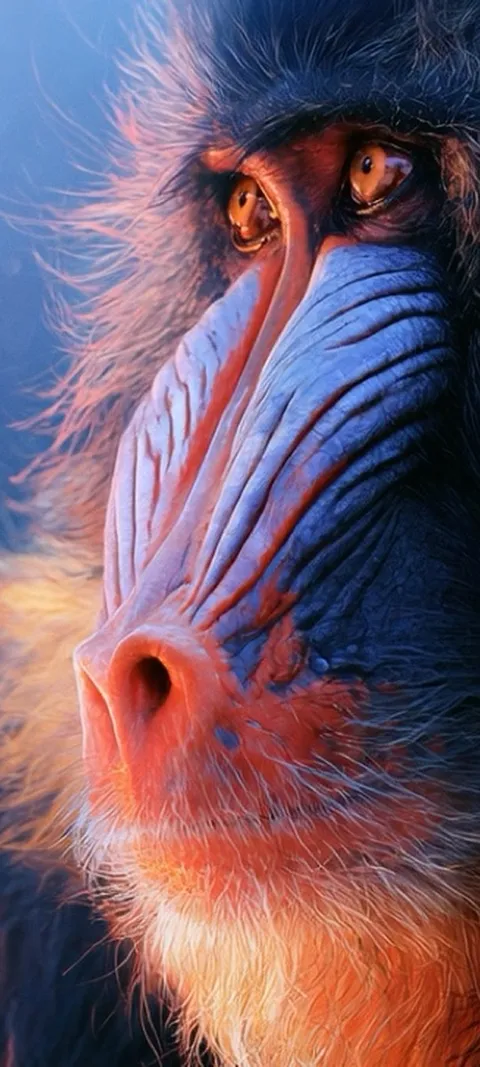 LIVE Mandrill Primate Portrait
 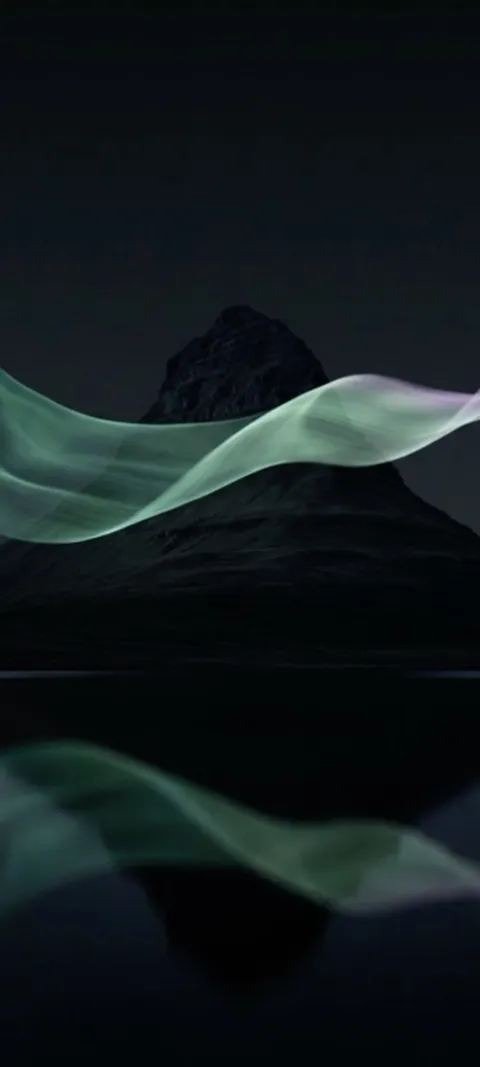 LIVE Mountain Aurora Reflection
  LIVE Mountain Train Journey
 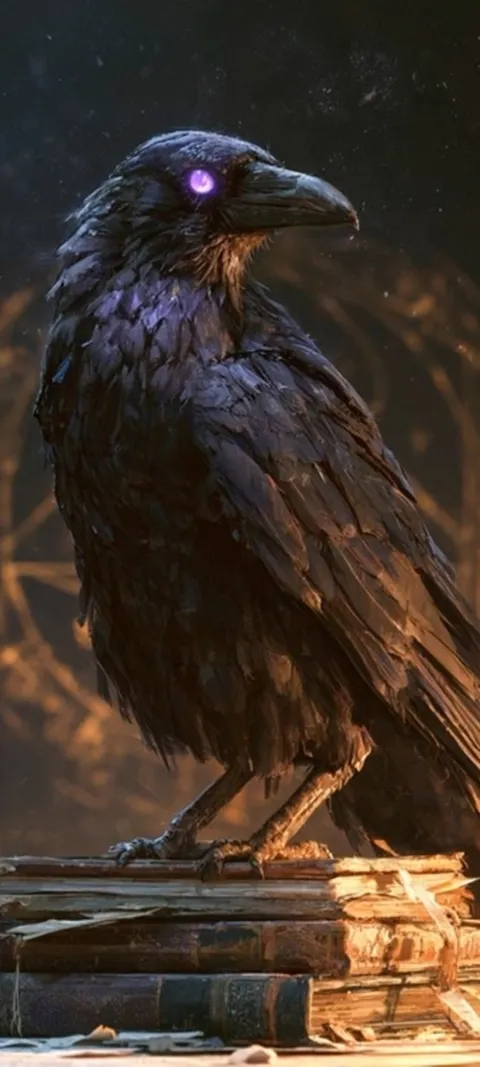 LIVE Mystic Raven Scholar
 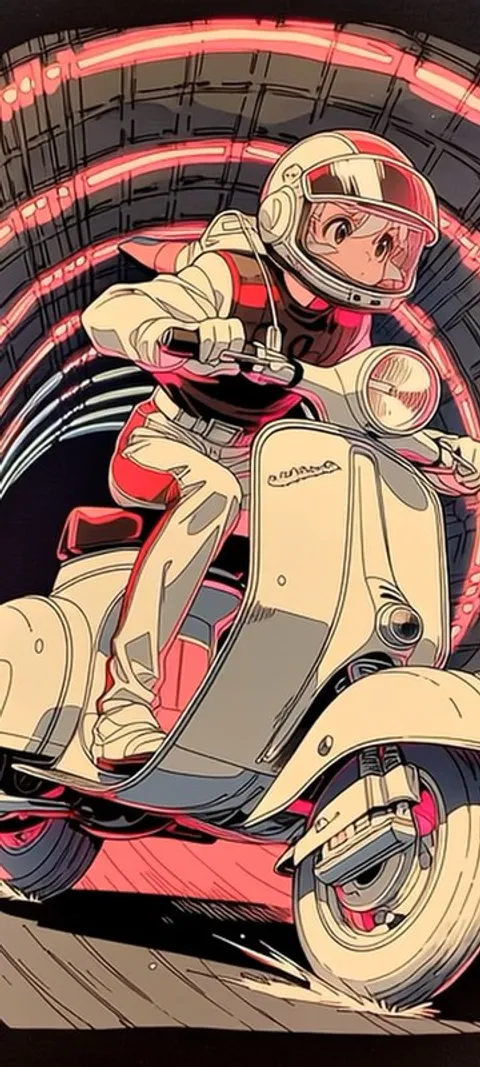 LIVE Neon Scooter
 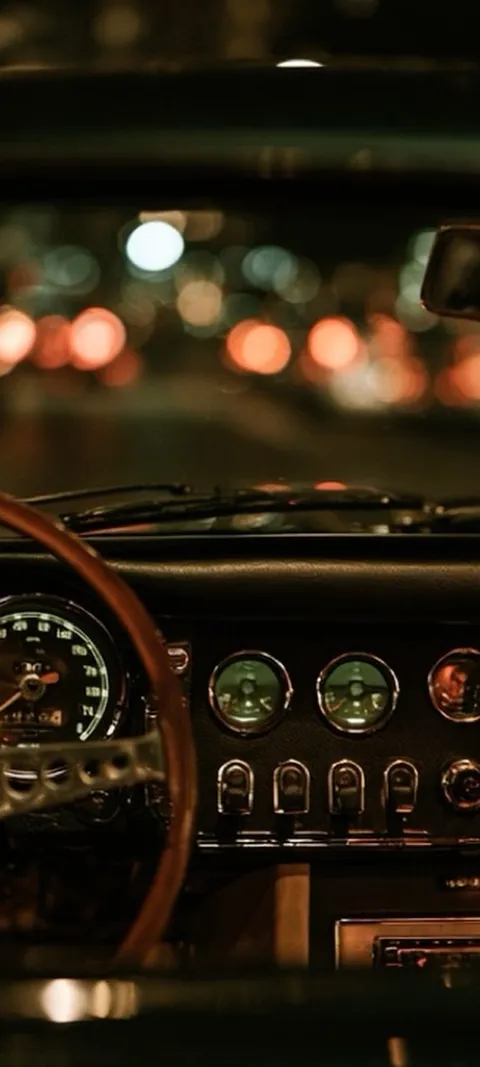 LIVE Night Drive Dashboard
 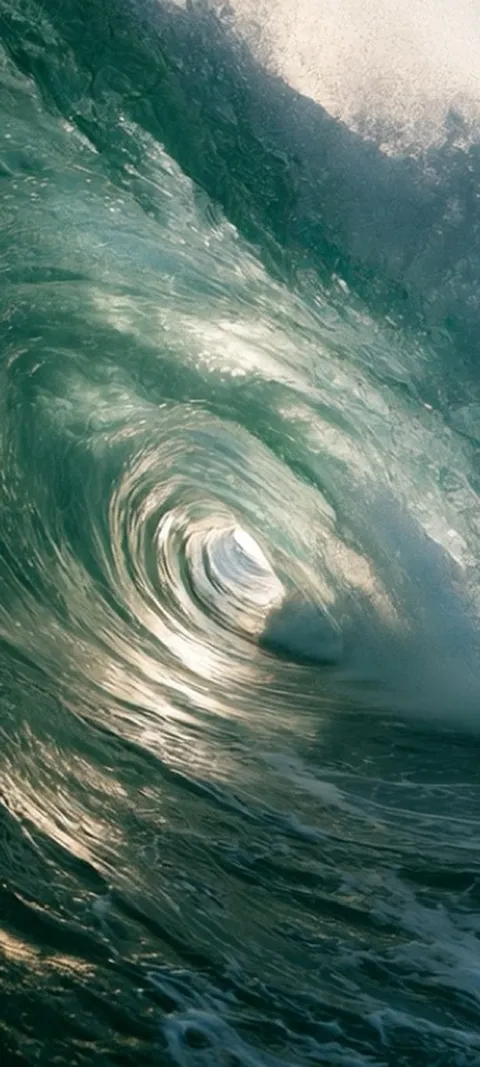 LIVE Ocean Wave Barrel
 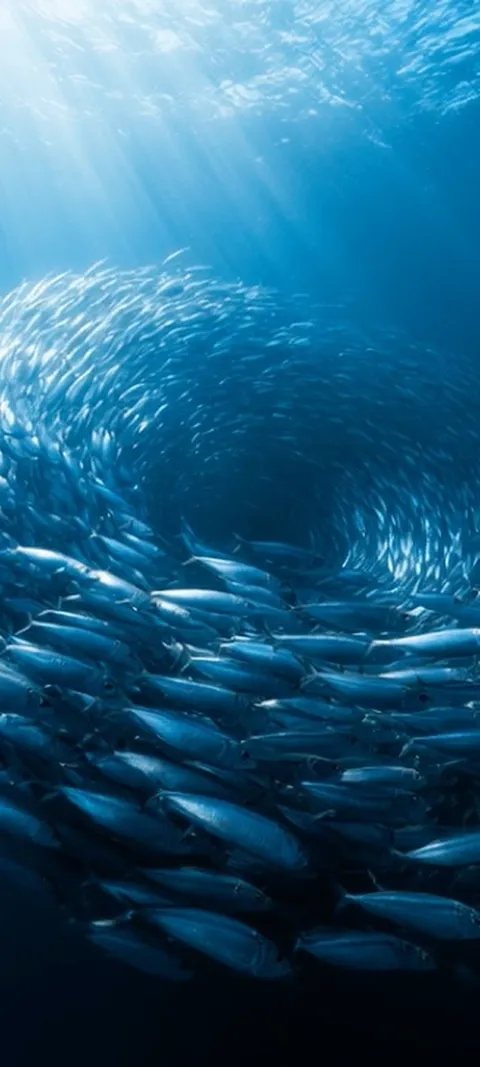 LIVE Oceanic Fish Vortex
 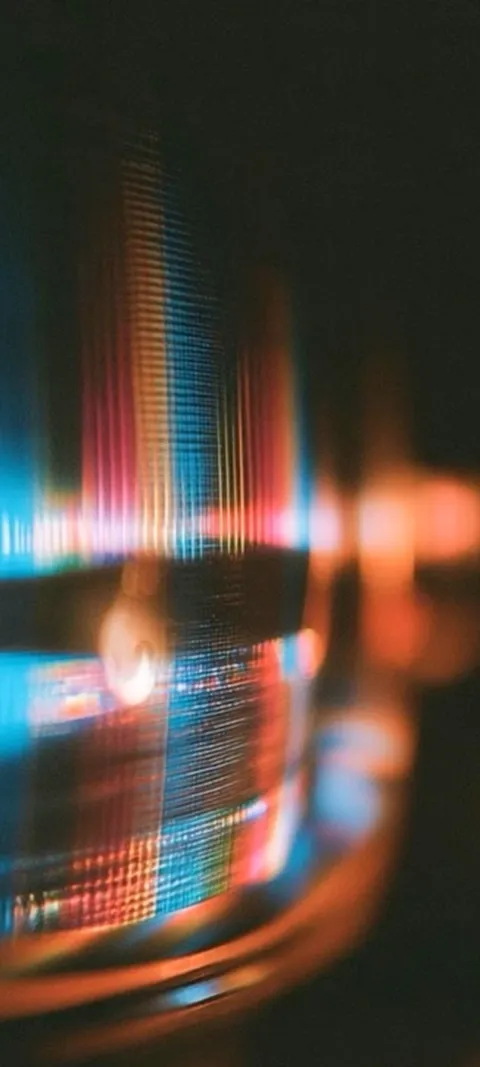 LIVE Prismatic Light Trails
 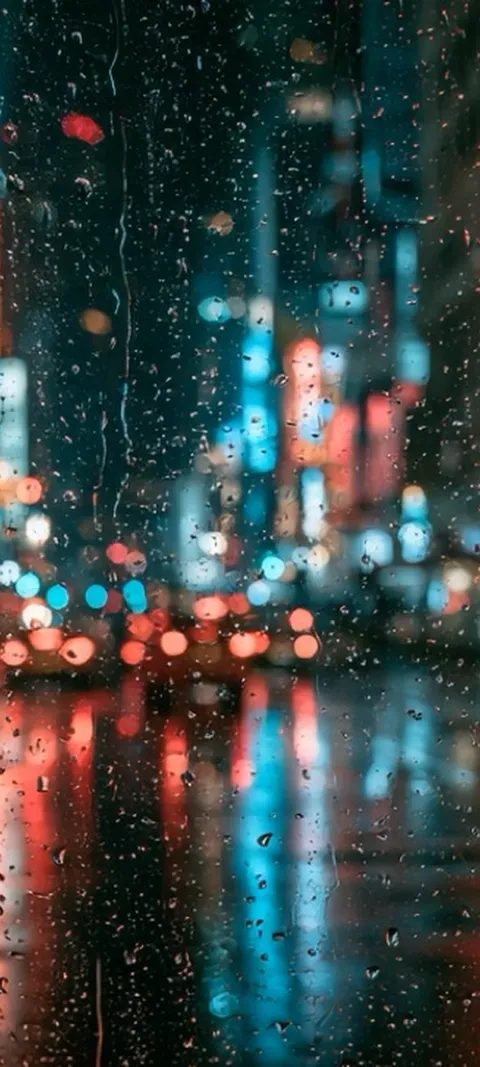 LIVE Rainy City Lights
 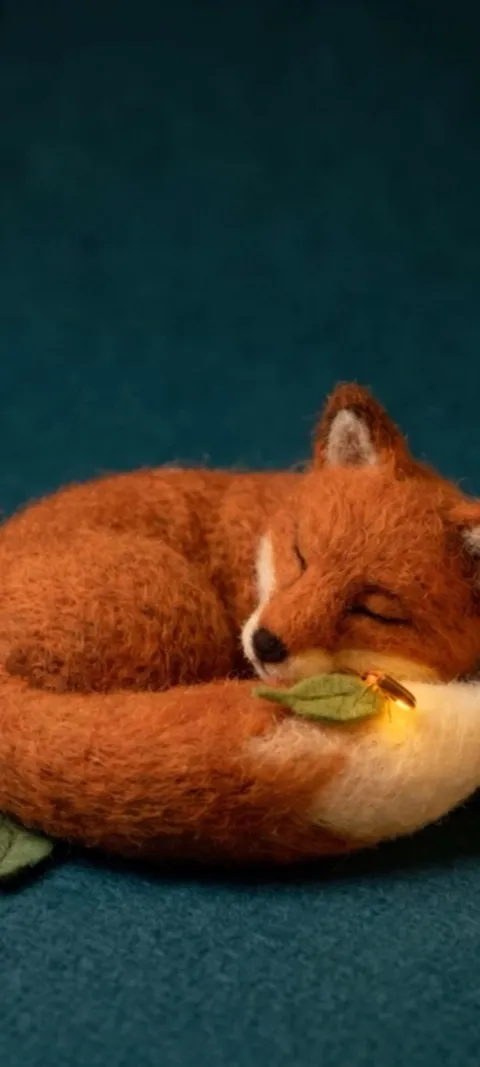 LIVE Sleeping Felt Fox
 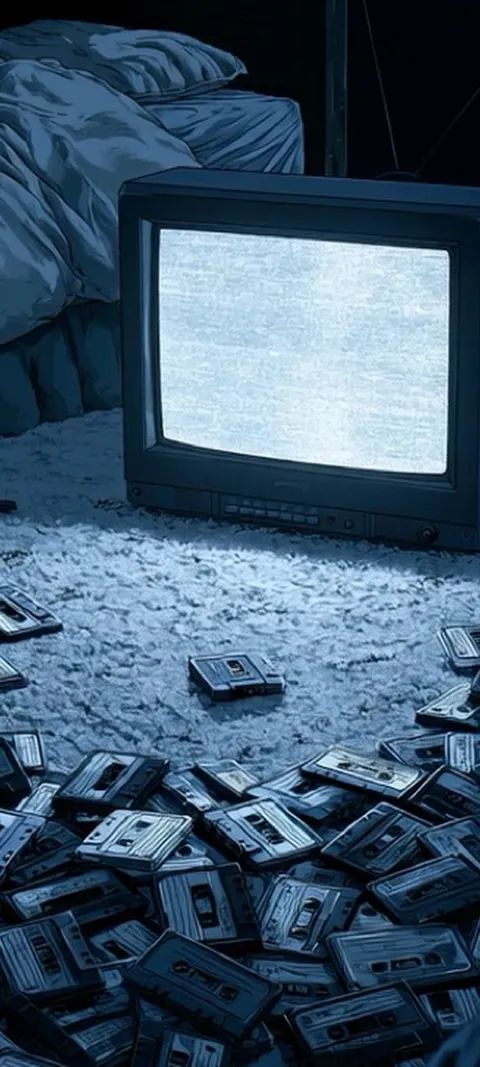 LIVE Static Screen Glow
 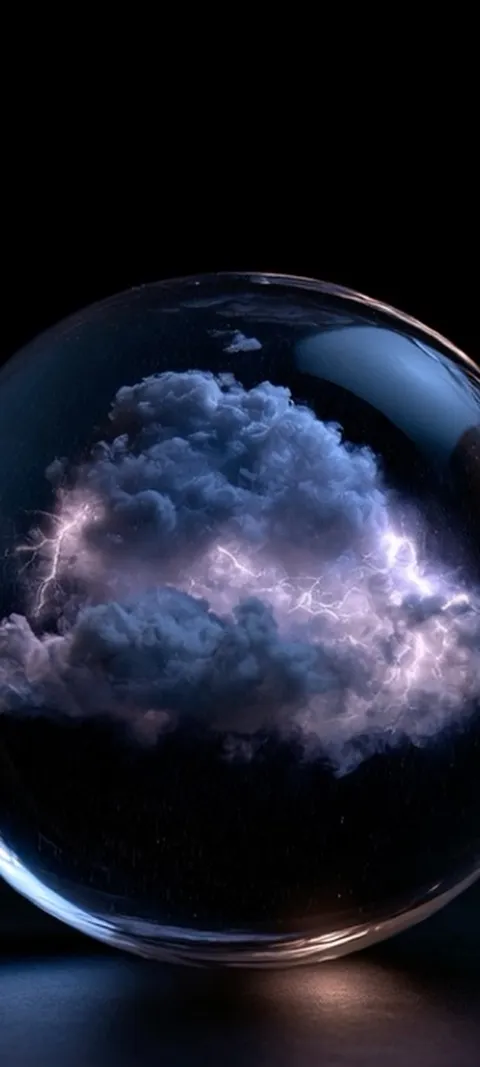 LIVE Stormy Cloud Orb
 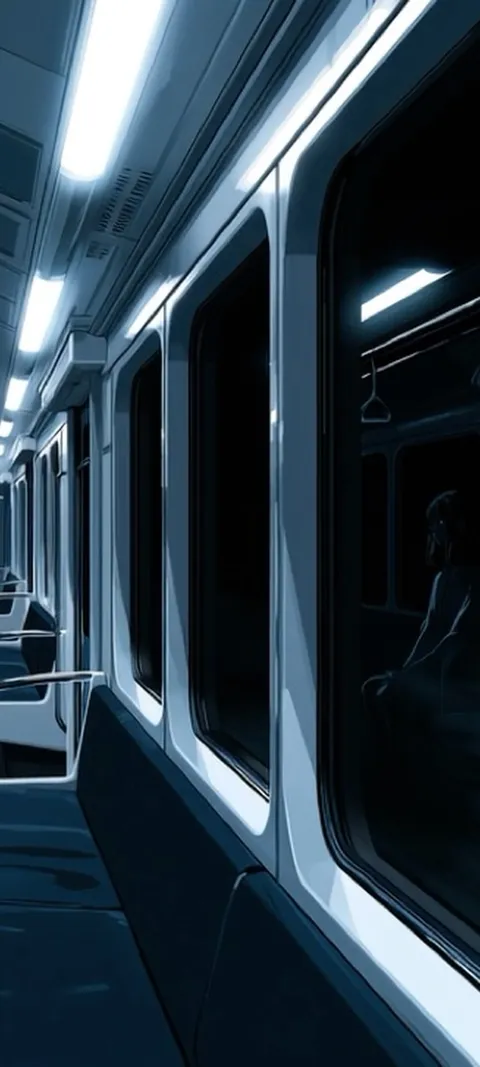 LIVE Subway Car Reflection
 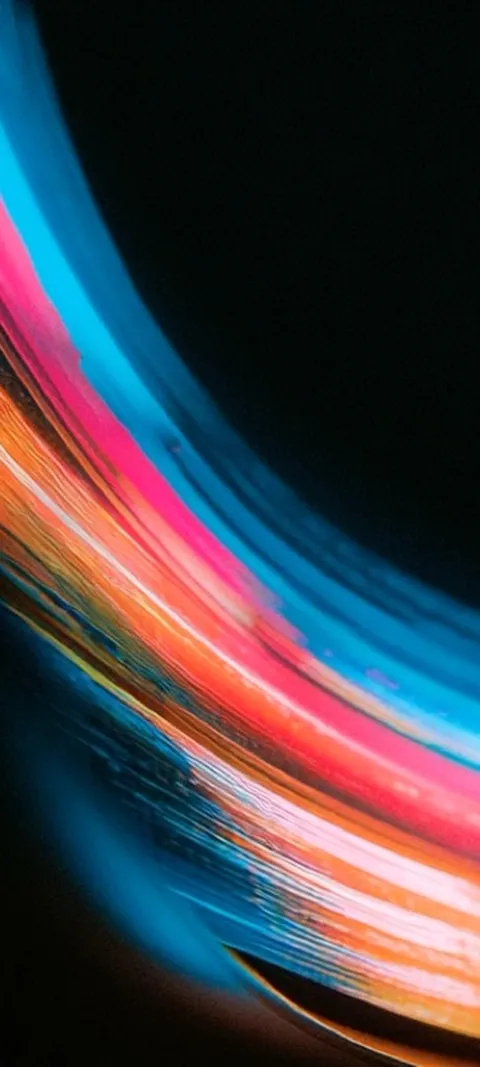 LIVE Vibrant Light Trails
 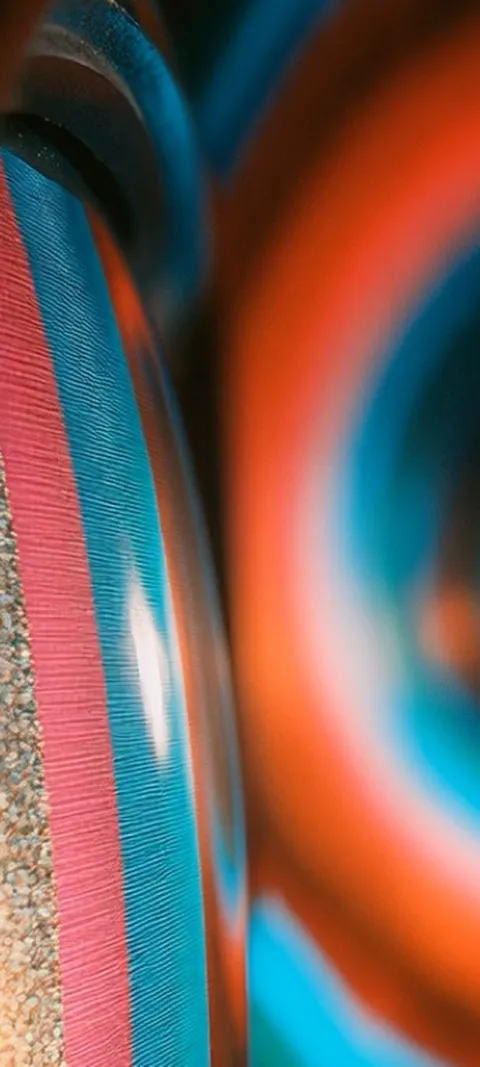 LIVE Vibrant Textured Swirls
 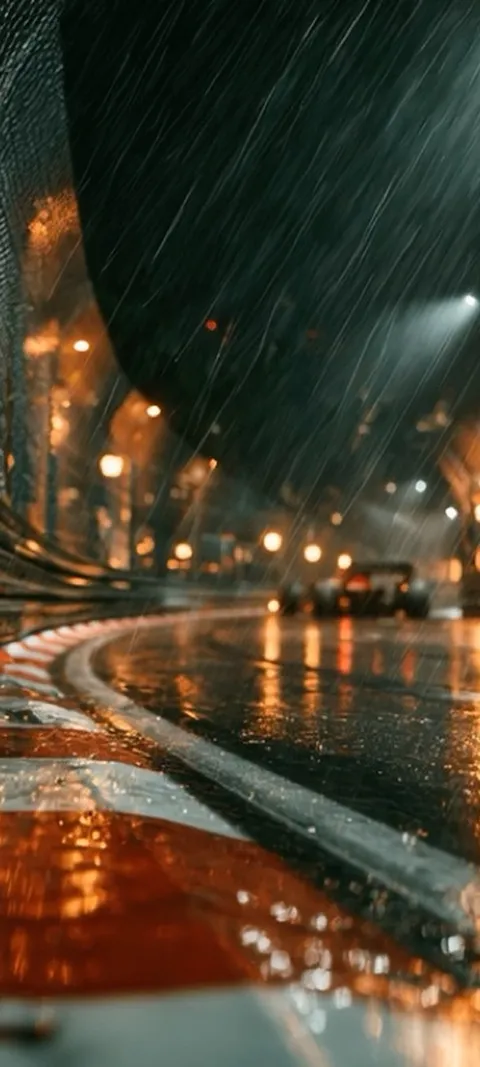 LIVE Wet Urban Circuit
  Abyss Purple
  Blue Blocks
 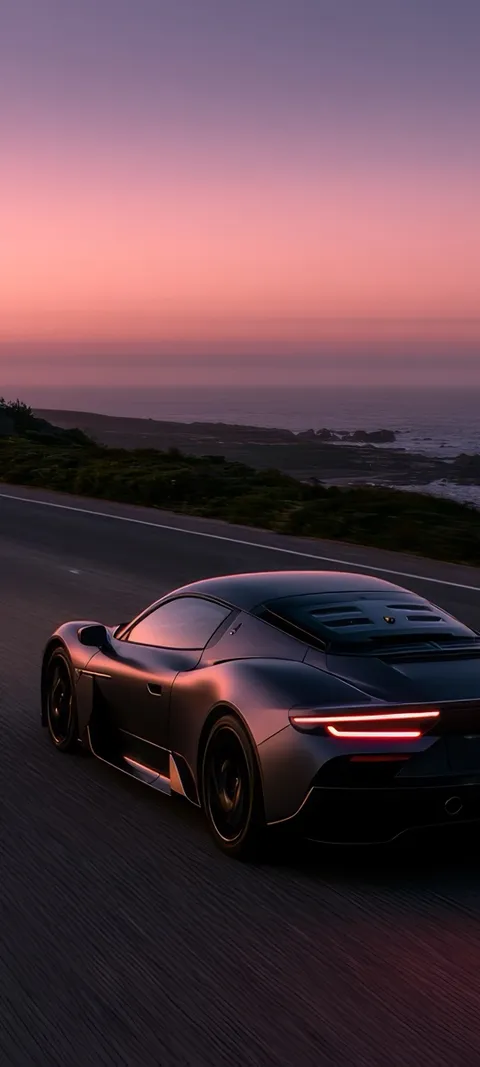 Coastal Sunset Drive
  Dark Panels
  Deep Reflection
  Ember Glowing
  Holographic Hues
  Mechanical Elegance
 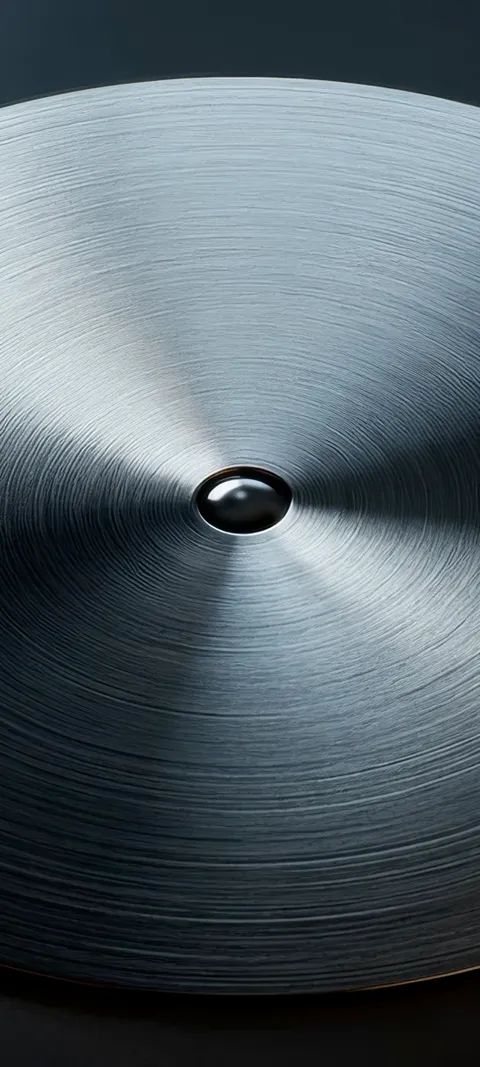 Metal Bloom
 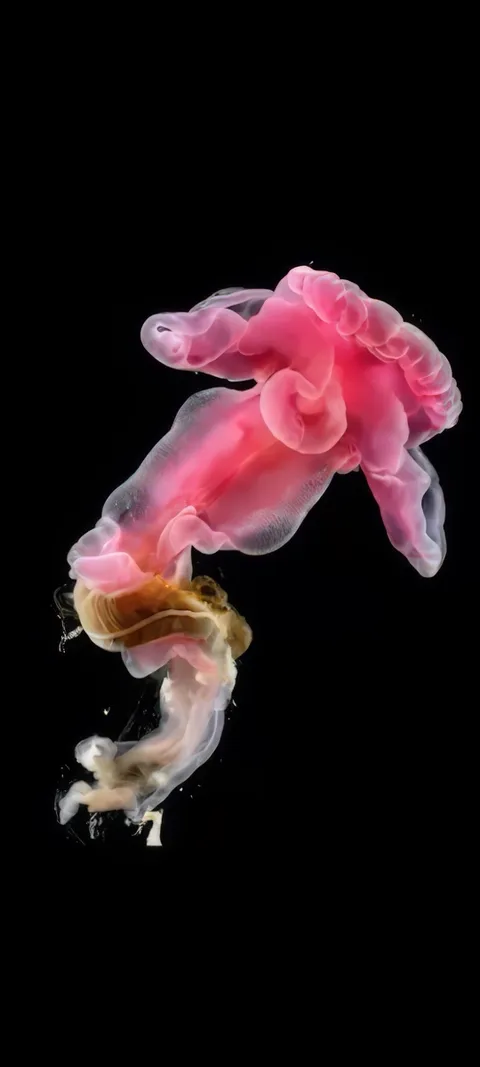 Pink Bloomer
  Pink Hue Sunset
 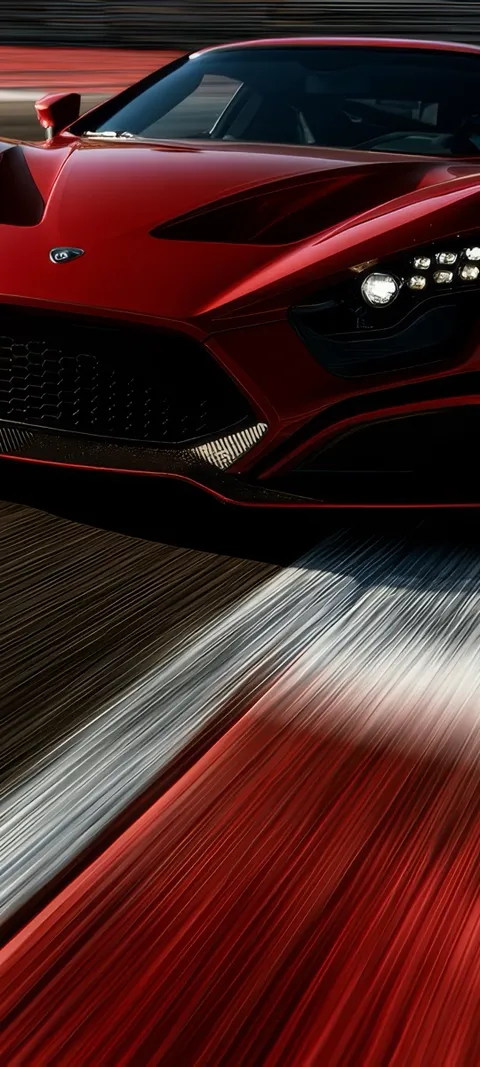 Red Race Car
 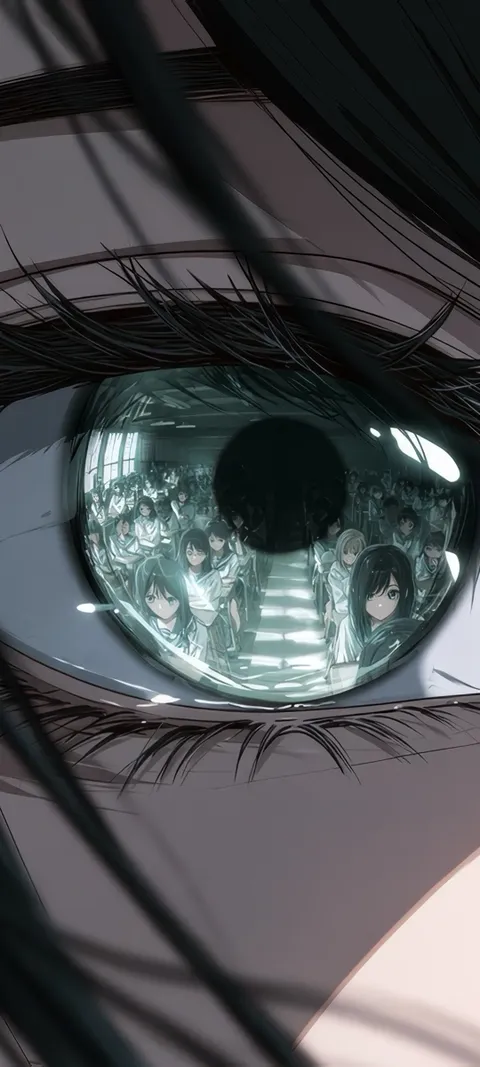 Reflected Anime Crowd
 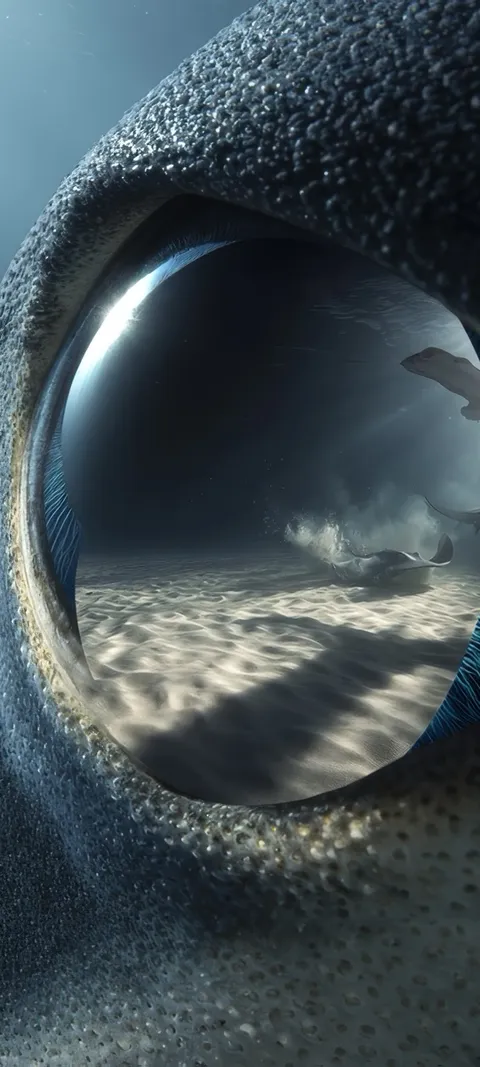 Shark Gaze
 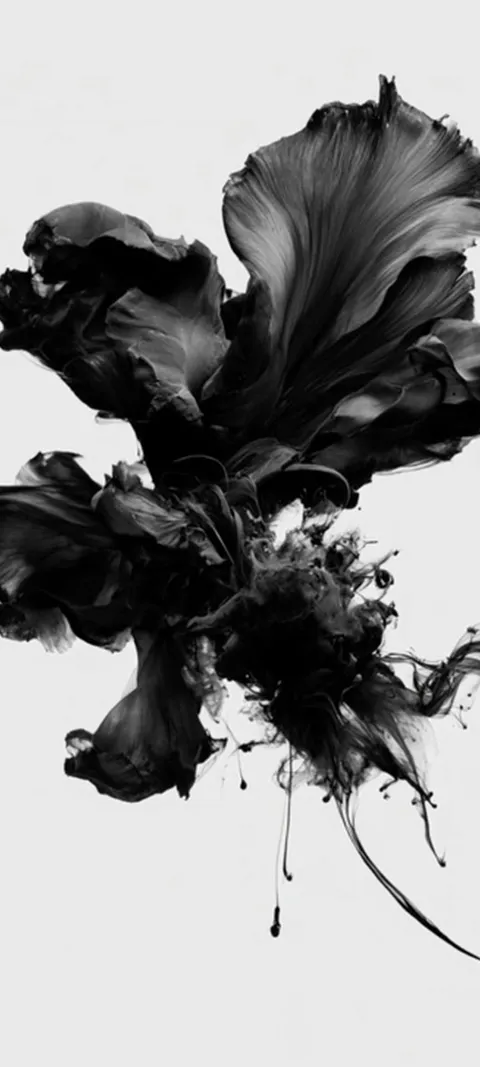 LIVE Abstract Black Form
 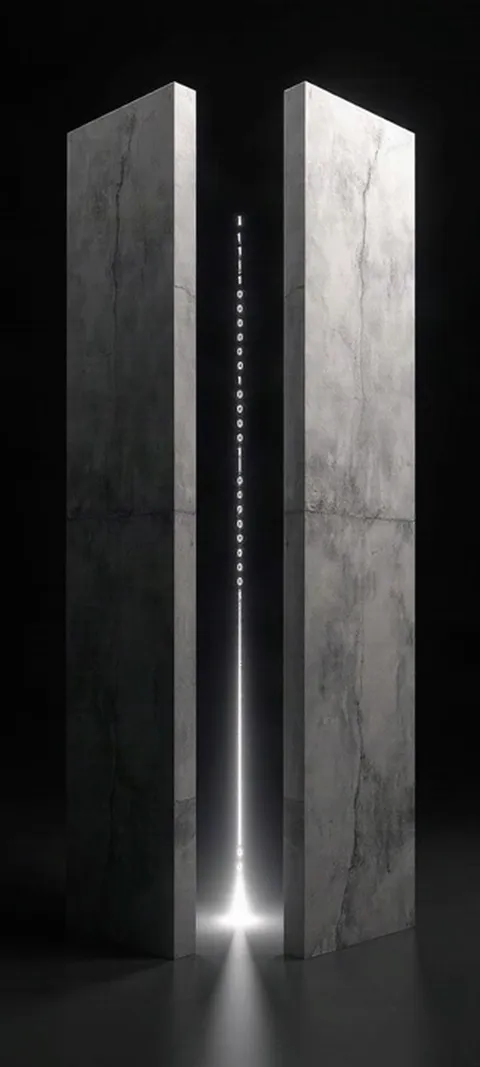 LIVE Binary Code Portal
 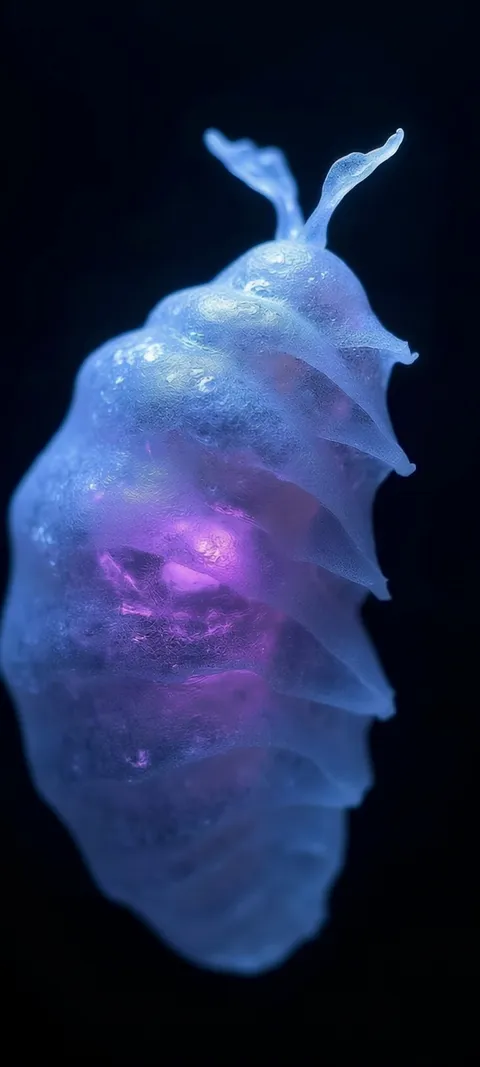 LIVE Bioluminescent Sea Creature
 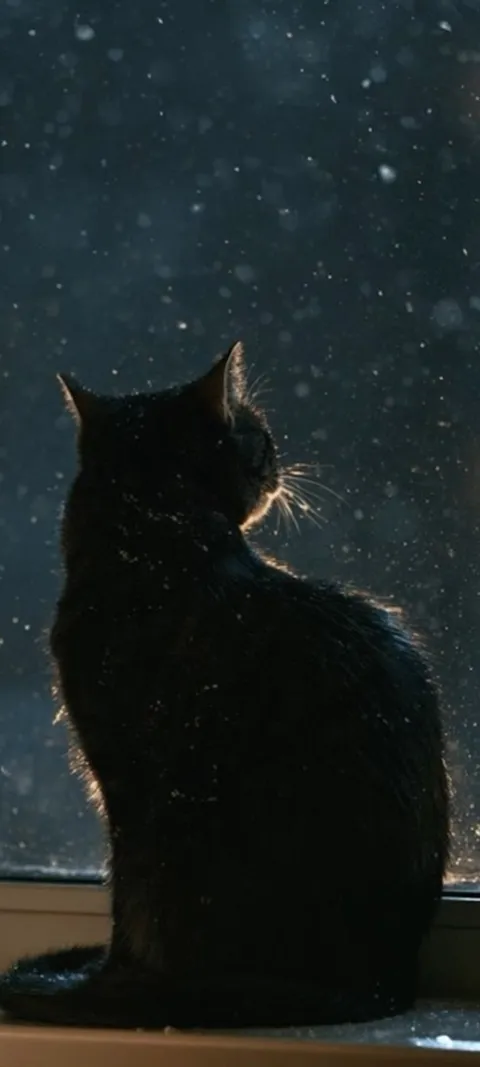 LIVE Black Cat Window
 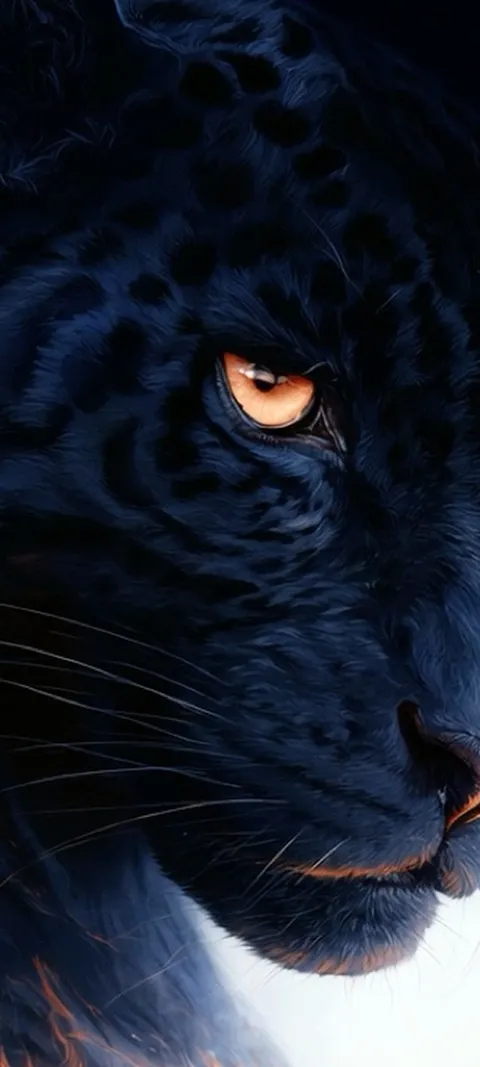 LIVE Black Panther Gaze
 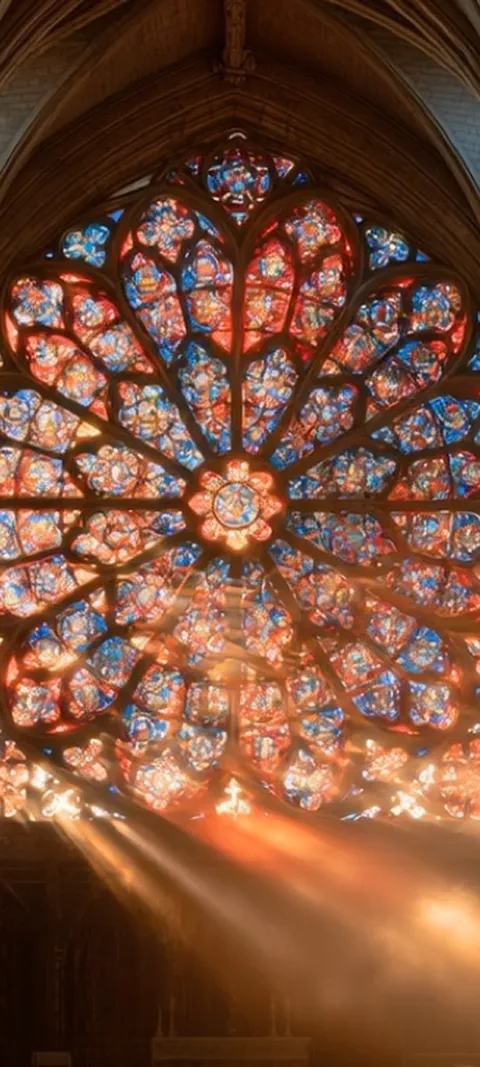 LIVE Cathedral Rose Window
 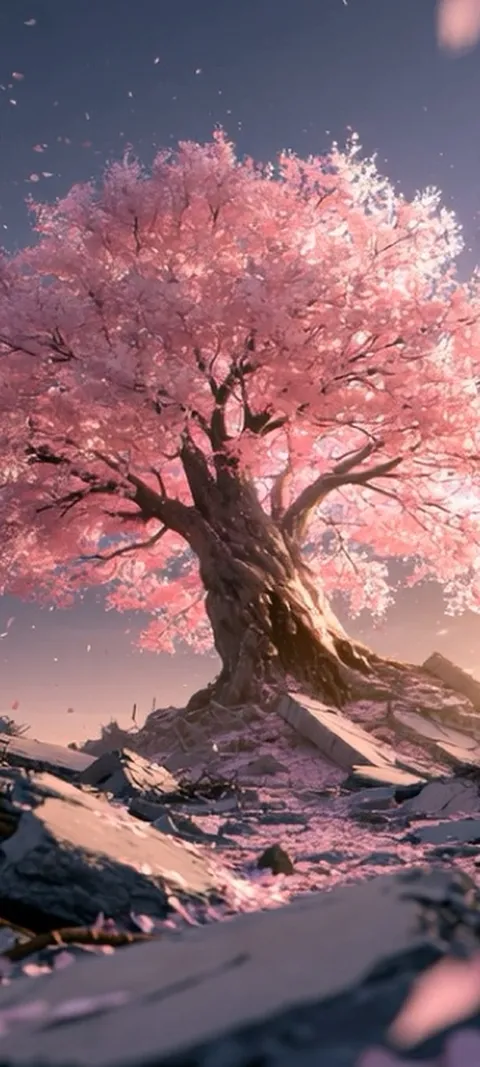 LIVE Cherry Blossom Ruins
  LIVE Cloudy
  LIVE Coral Glow
  LIVE Cosmic Cauldron
  LIVE Cosmic Energy Vortex
  LIVE Crashing Sea Tunnel
  LIVE Crocodile Eye
 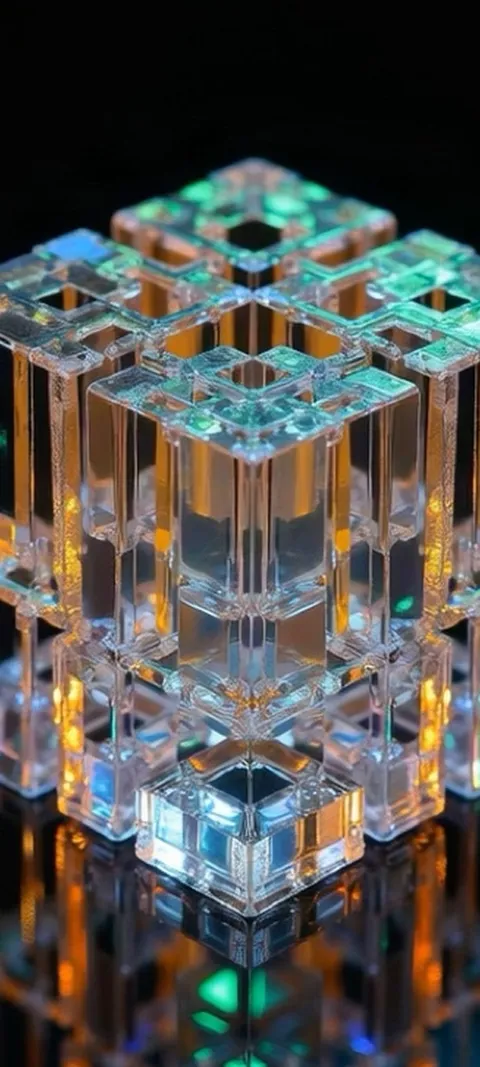 LIVE Crystal Cube Glow
 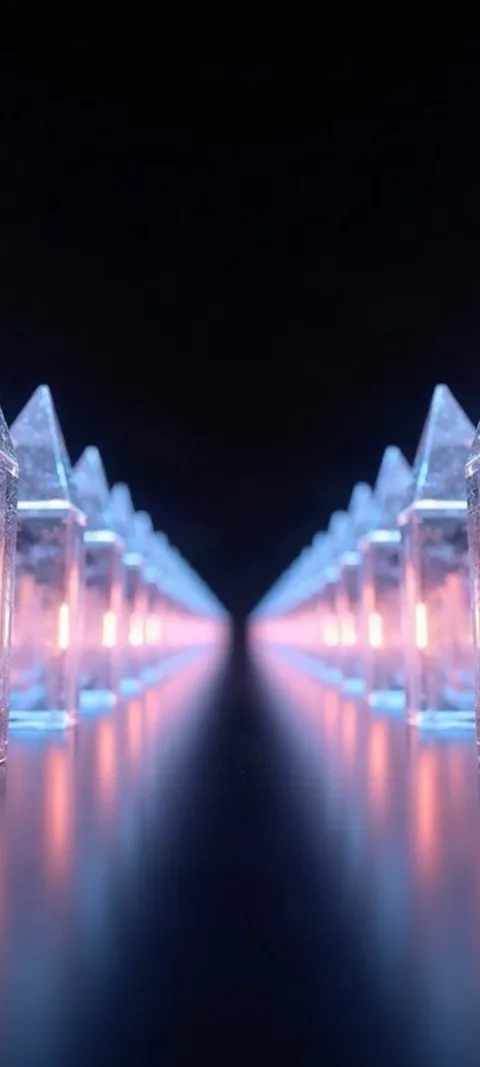 LIVE Crystal Light Path
 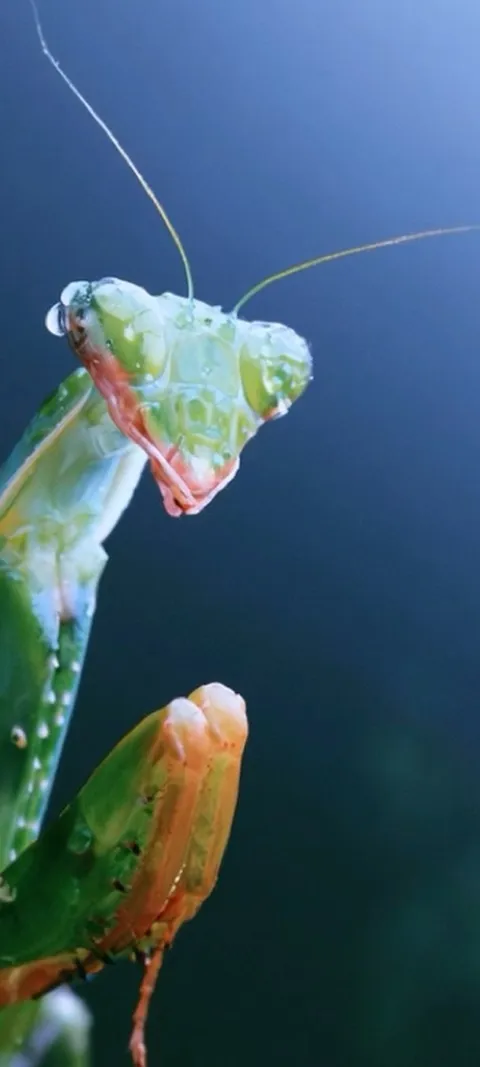 LIVE Dewy Mantis Portrait
 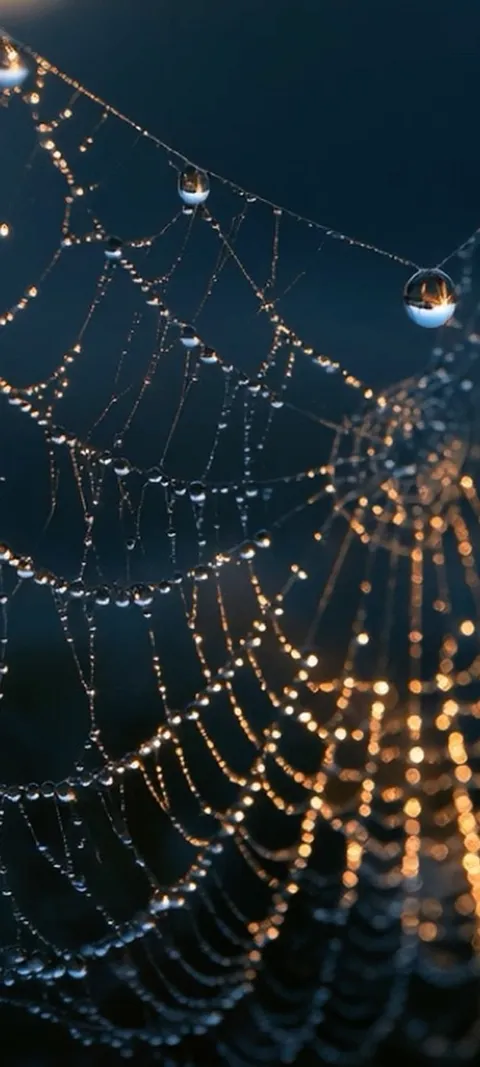 LIVE Dewy Spiderweb Glow
 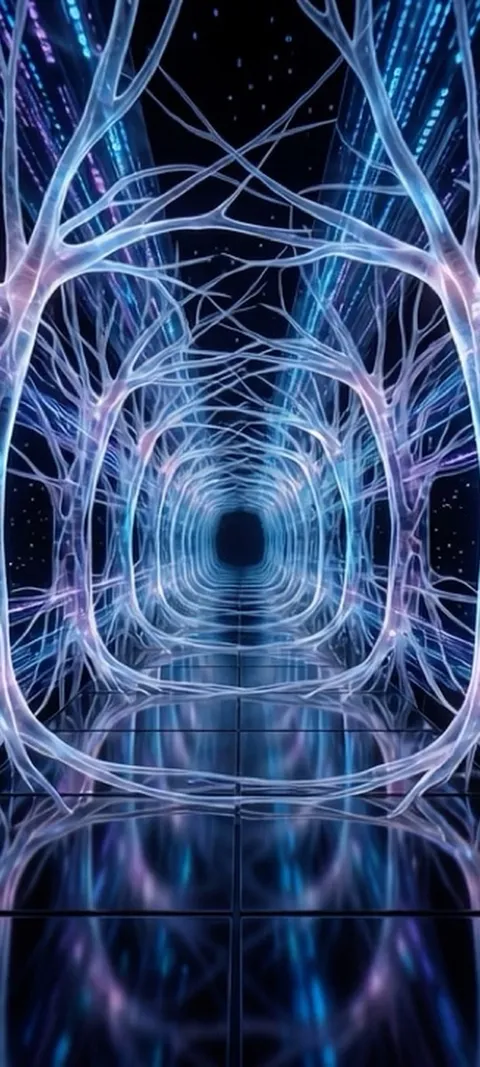 LIVE Digital Neuron Tunnel
 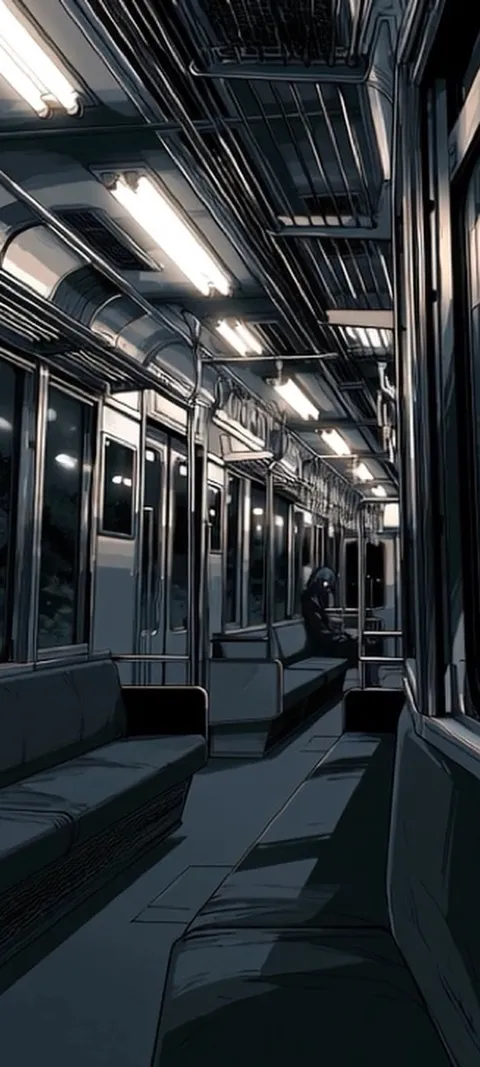 LIVE Empty Subway Car
 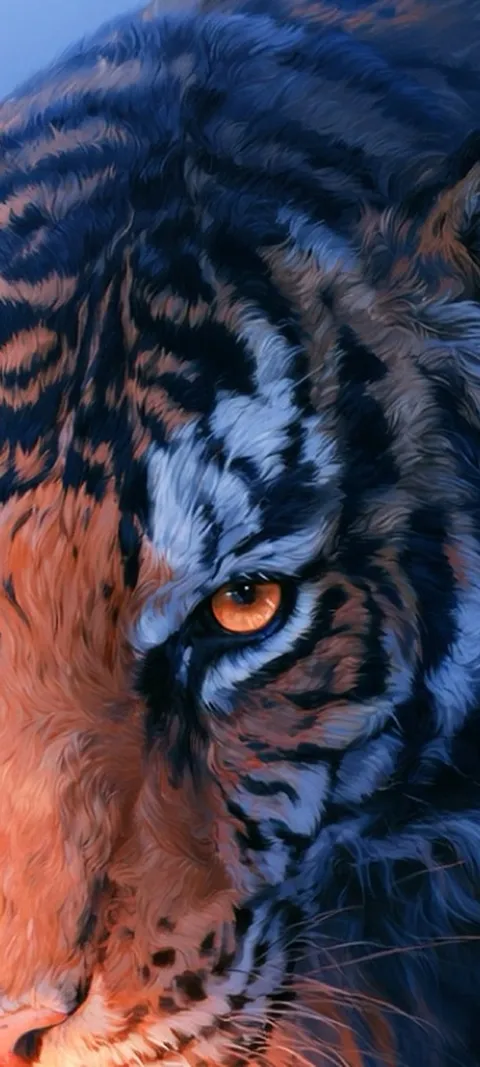 LIVE Feline Power
  LIVE Fiery Ember Burst
 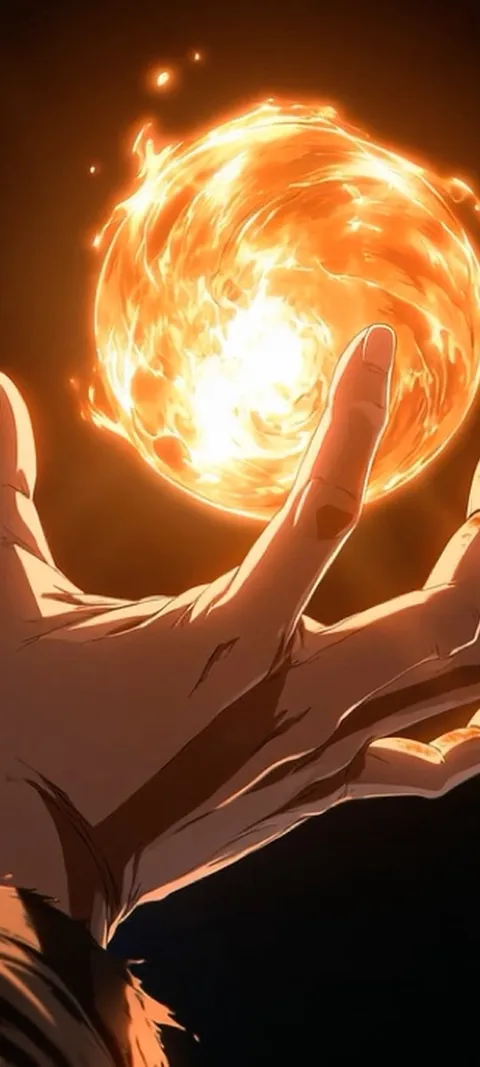 LIVE Fiery Orb Hand
 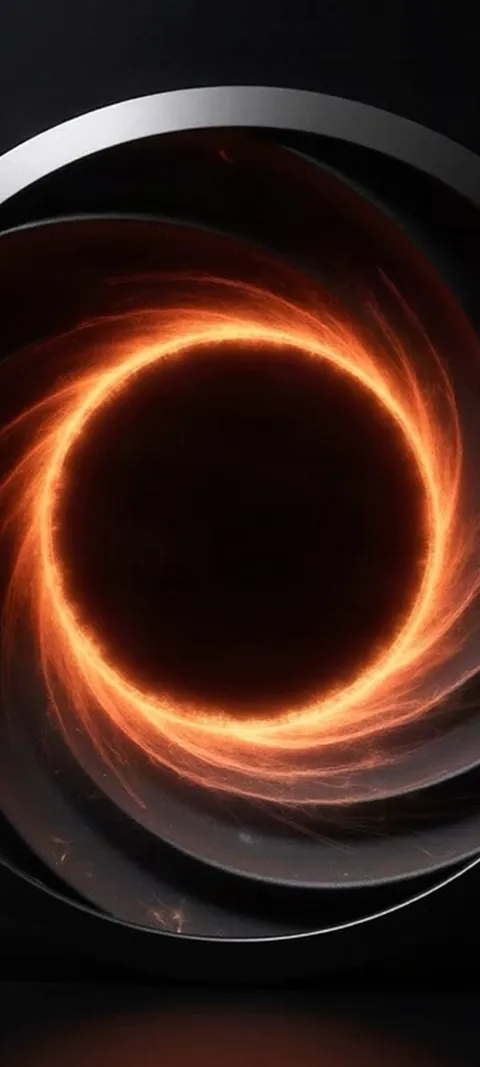 LIVE Fiery Vortex
 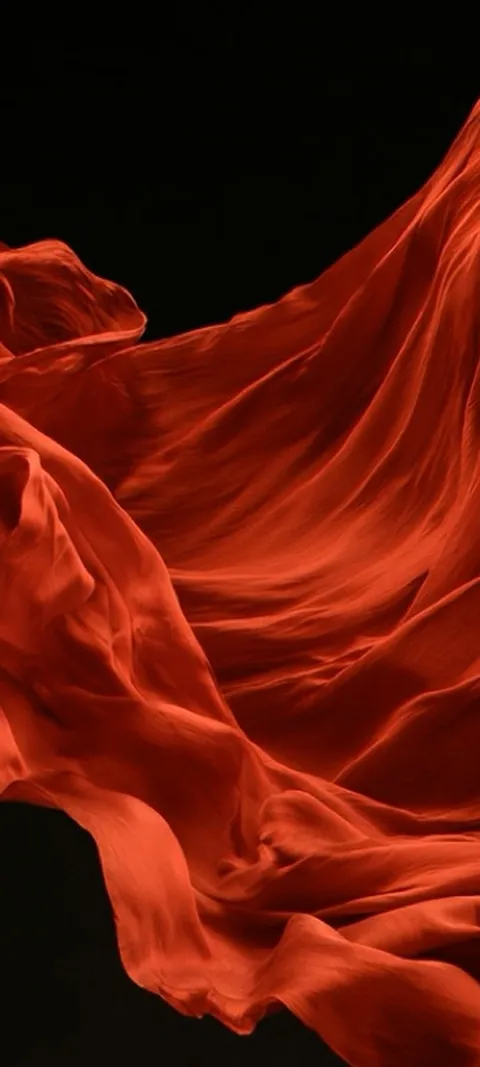 LIVE Flowing Red Fabric
 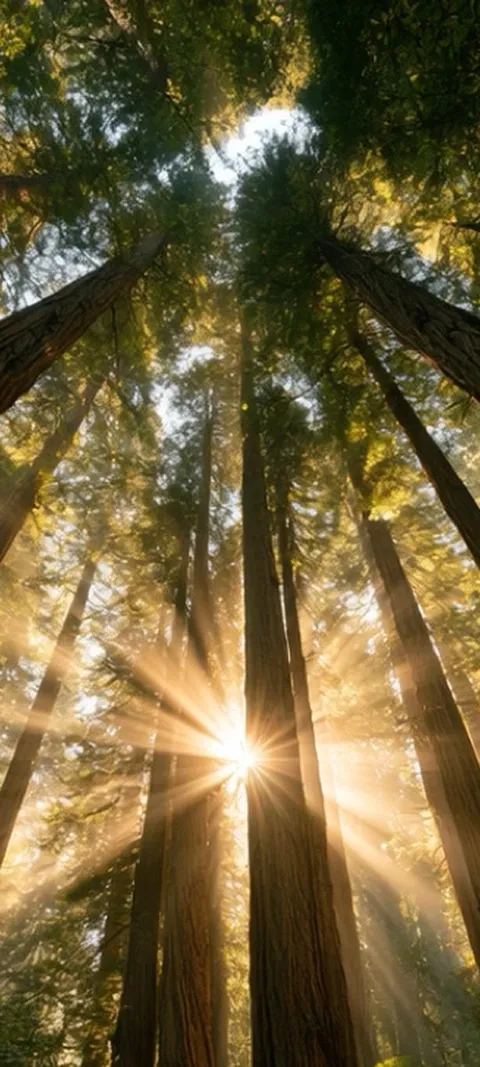 LIVE Forest Sunburst
 105 iphone 17 wallpapers in the live ScreenLux catalog — 91 of them live; showing 72 here, the rest are in the app.
How to set a Live Photo wallpaper on iPhone 17
- Pick a Live Photo in ScreenLux. Live wallpapers are marked in the catalog. Tap one to see the loop and the Lock Screen preview.
- Save it. Tap Save. The Live Photo lands in your Photos library at 1080 × 2400. ScreenLux+ unlocks the save.
- Add it in Settings → Wallpaper. Tap Add New Wallpaper, choose Photos and pick the Live Photo. Check that the Live badge is on.
- Set it on the Lock Screen. Drag the subject under the clock, tap Add, then choose Set as Wallpaper Pair or Customize Home Screen.
- Wake the phone. Press the side button. The loop plays on the Lock Screen each time you wake it.
Frequently asked
Do these wallpapers fit the iPhone 17 Pro Max and iPhone Air?
Yes. The iPhone 17, 17 Pro, 17 Pro Max and iPhone Air all use tall displays close to 19.5:9, and a 1080 × 2400 wallpaper covers that frame edge to edge. iOS scales the image to the exact pixel grid of your model, so the larger Pro Max screen and the thinner Air show the same composition with the subject in the same place. You can still pinch to reposition before you tap Add, and Depth Effect works where the image allows.
Do live wallpapers work on the iPhone 17?
Yes. The iPhone 17 line ships with iOS 26, and Live Photo wallpapers animate on the Lock Screen when you wake the phone or tap the screen. Save a live wallpaper from ScreenLux, then set it through Settings → Wallpaper as you would any photo. The Home Screen does not animate continuously on any iPhone. The 91 Live Photos on this page are composed as short loops for the phone, so the motion reads clearly at Lock Screen size.
Will my wallpapers carry over when I upgrade to an iPhone 18?
Yes. Anything you saved from ScreenLux lives in your Photos library, so it moves with a normal iPhone transfer or with iCloud Photos. The 1080 × 2400 frame fits newer models too, since the tall display ratio has not changed across recent generations. ScreenLux+ is tied to your Apple ID: install the app on the new phone and tap Restore Purchases if it does not unlock on its own. You will need to set the wallpaper again in Settings.