 SCREEN
 Samsung Galaxy Wallpapers — Live & Still
This is the ScreenLux Samsung wallpaper set: 103 picks for Galaxy phones on One UI, including 89 live wallpapers that play as muted video loops on the Home Screen. Dragon Over Ruins, Blue Blocks and Exhaust Flame Burst are in the set, each at 1080 × 2400 with a 1080 × 1920 rendition for budget Galaxy models. Tap Apply in the app and choose Home, Lock or Both; One UI also lists ScreenLux under Settings → Wallpaper and style. Previews are free; ScreenLux+ unlocks the apply.
Get ScreenLux Free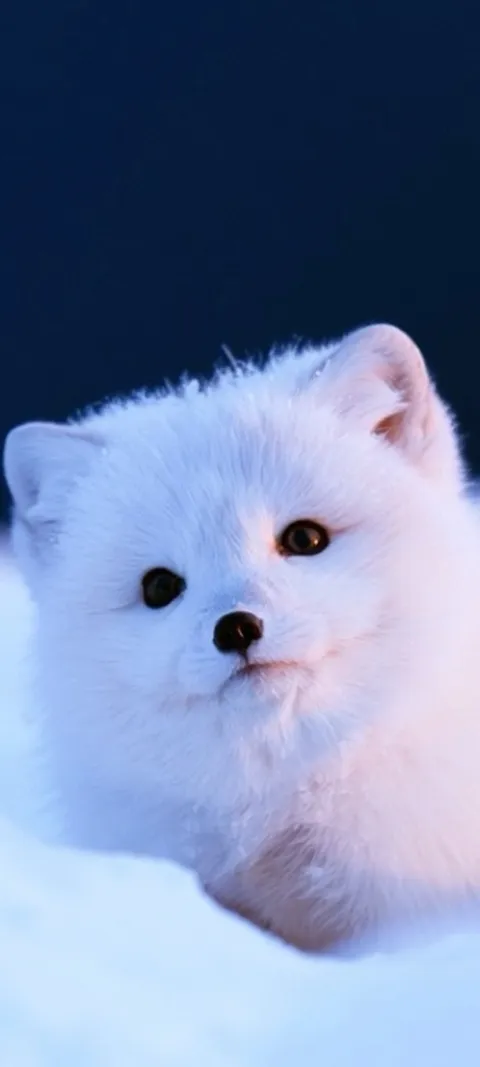 LIVE Arctic Fox Cub
 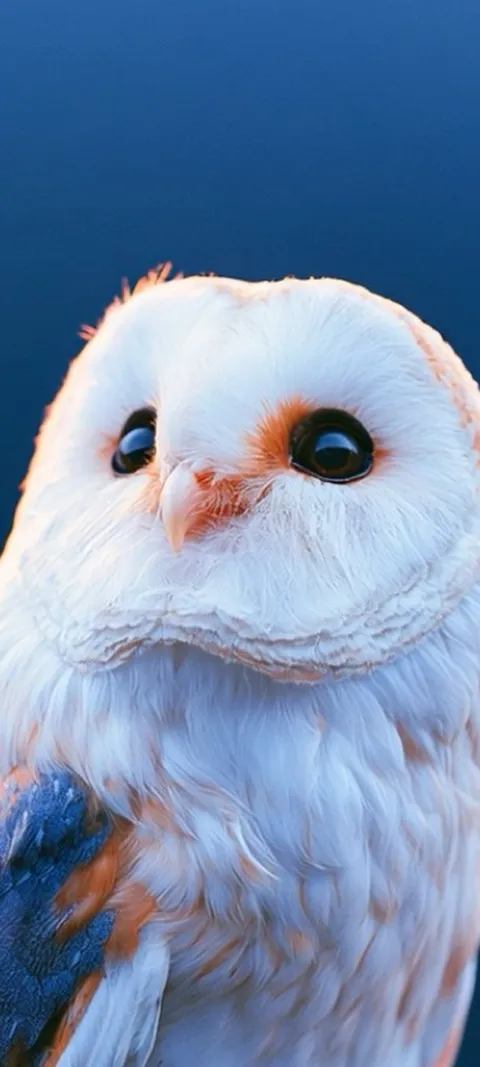 LIVE Barn Owl Gaze
  LIVE Blazing Tunnel Ride
 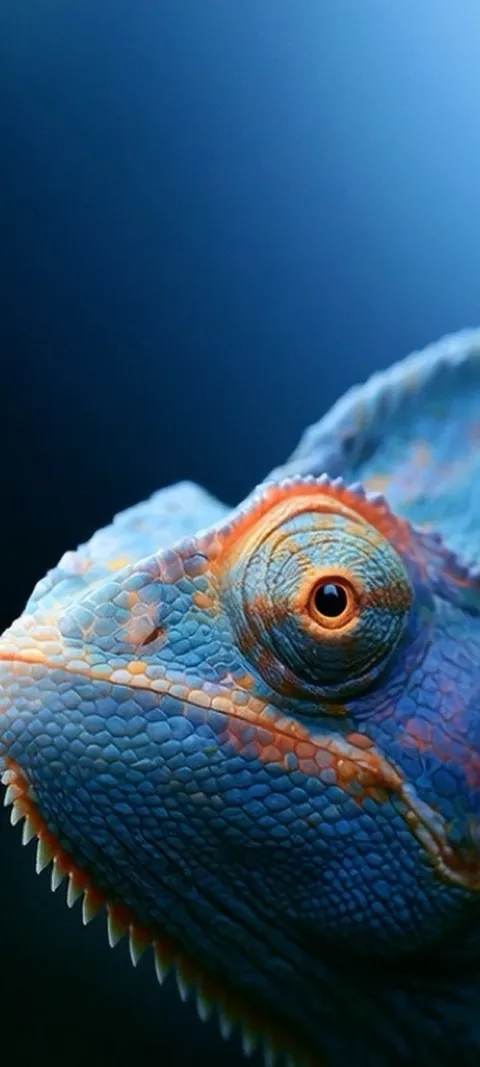 LIVE Blue Chameleon Close-up
 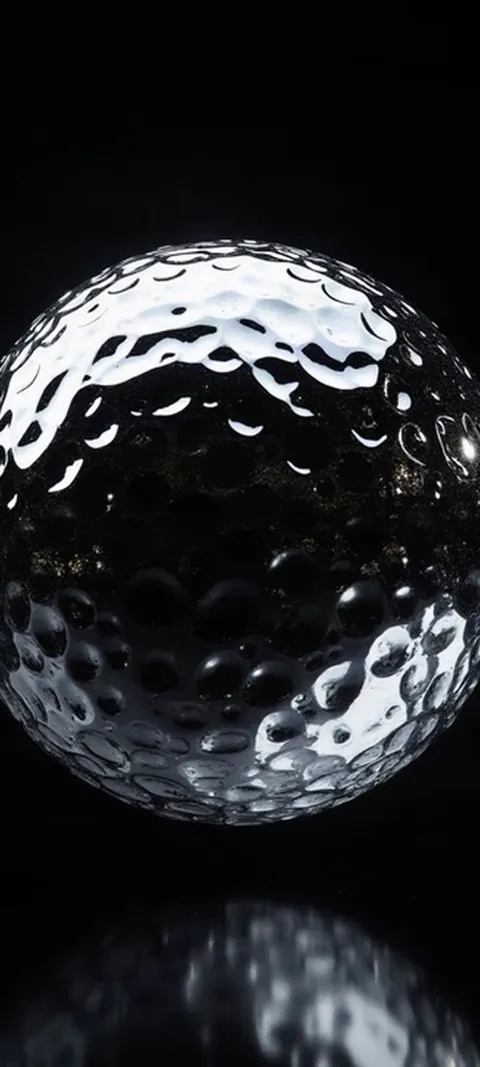 LIVE Dimpled Chrome Orb
 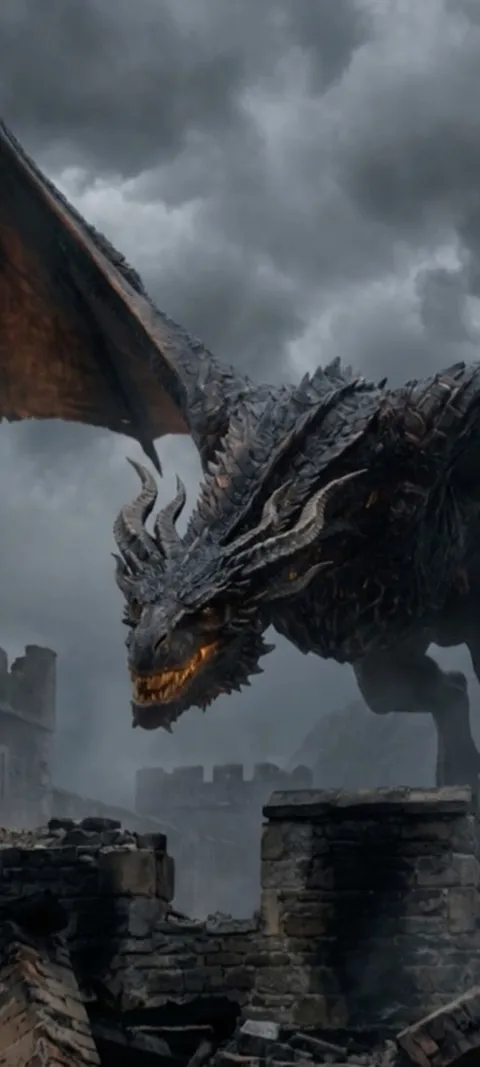 LIVE Dragon Over Ruins
  LIVE Earth City Lights
 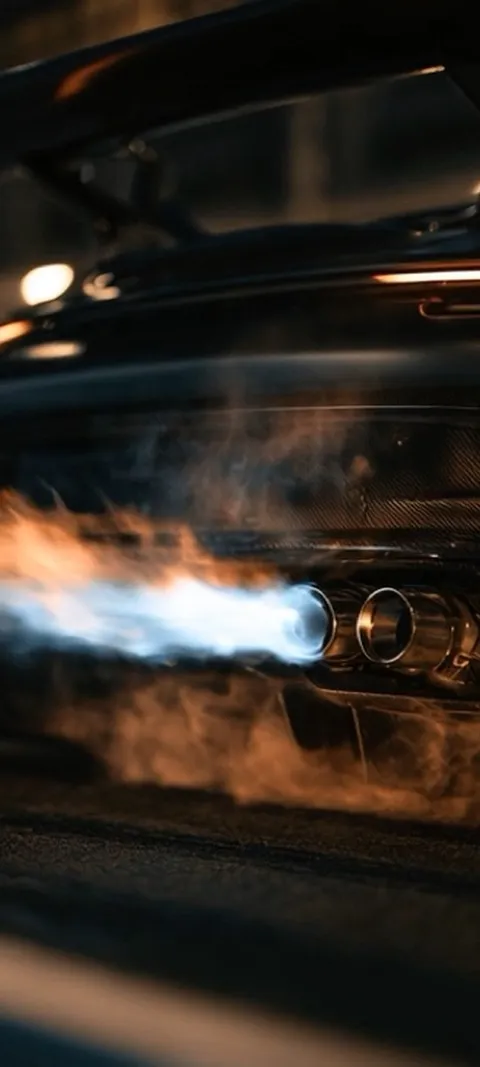 LIVE Exhaust Flame Burst
  LIVE Giant Robot Stroll
 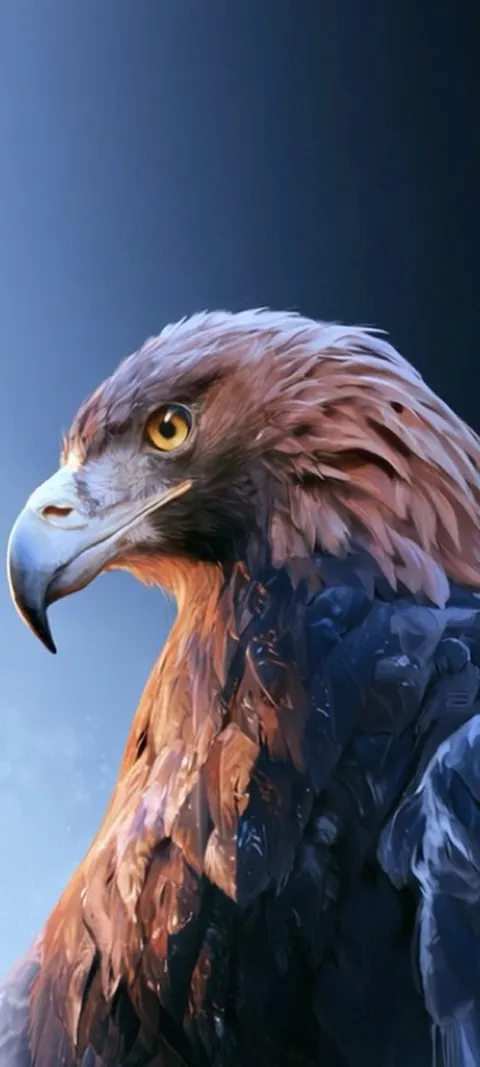 LIVE Golden Eagle Gaze
  LIVE Golden Ocean Wave
 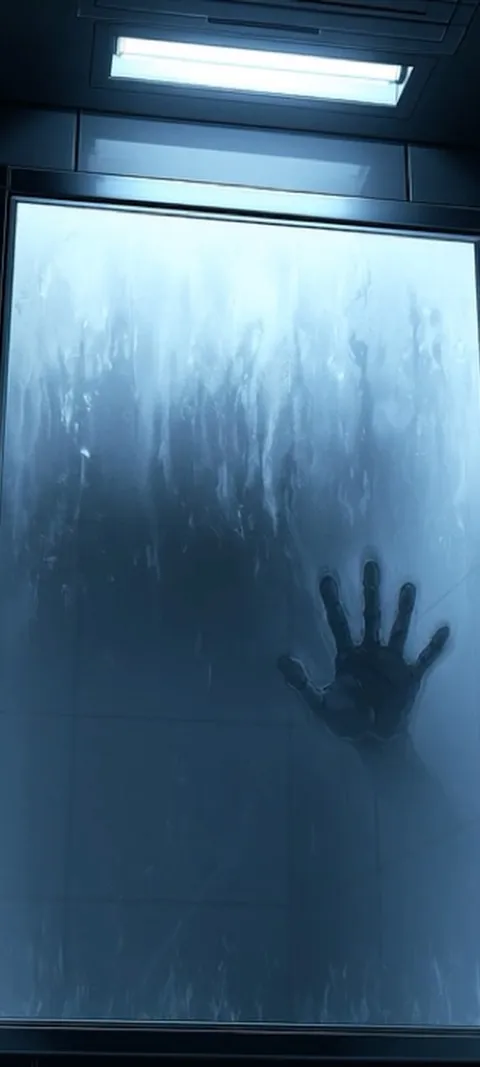 LIVE Hand On Glass
 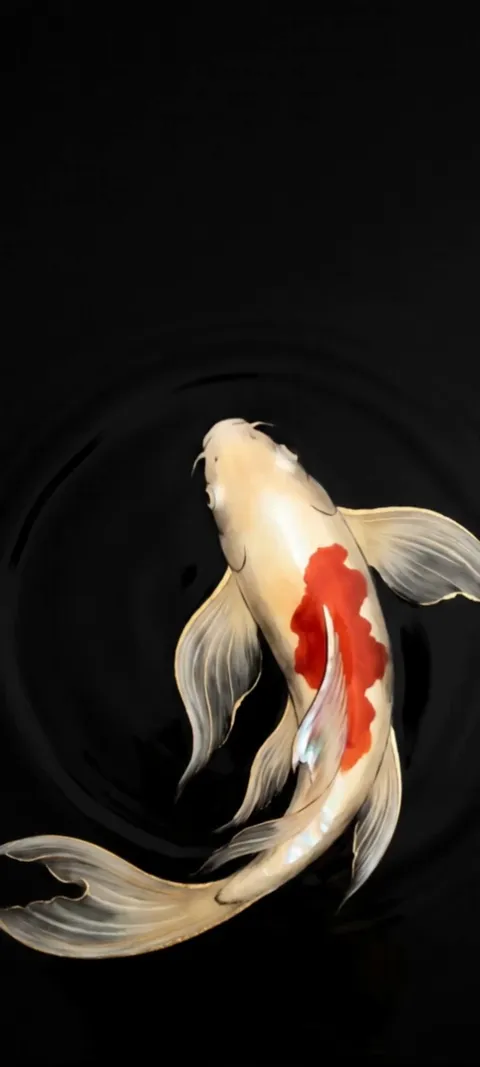 LIVE Koi Pond
  LIVE Lighthouse Night Beacon
  LIVE Luminous Abstract Swirl
 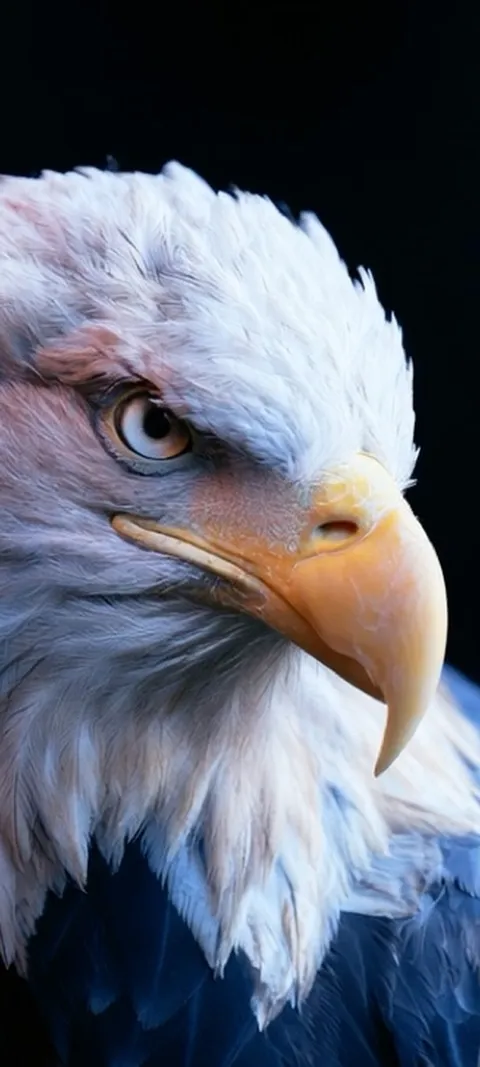 LIVE Majestic Bald Eagle
 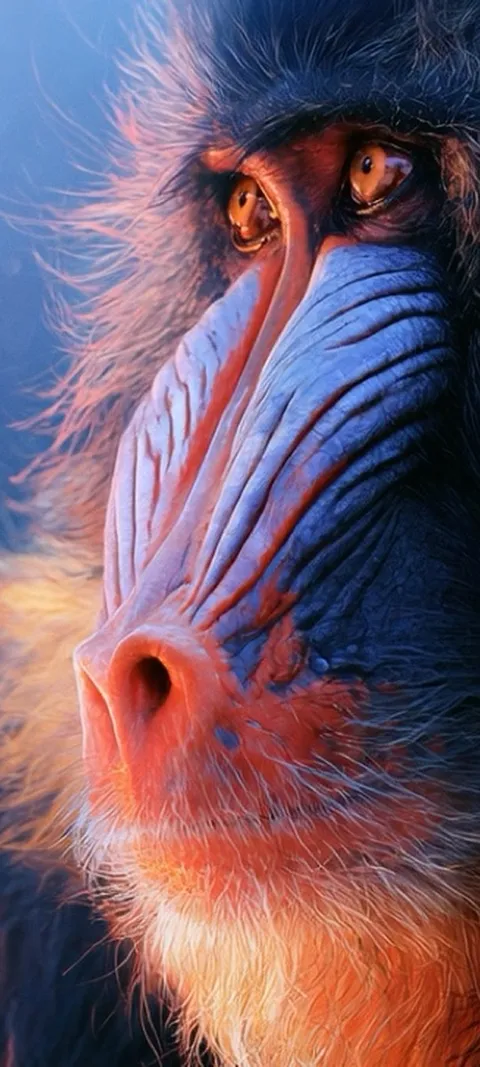 LIVE Mandrill Primate Portrait
 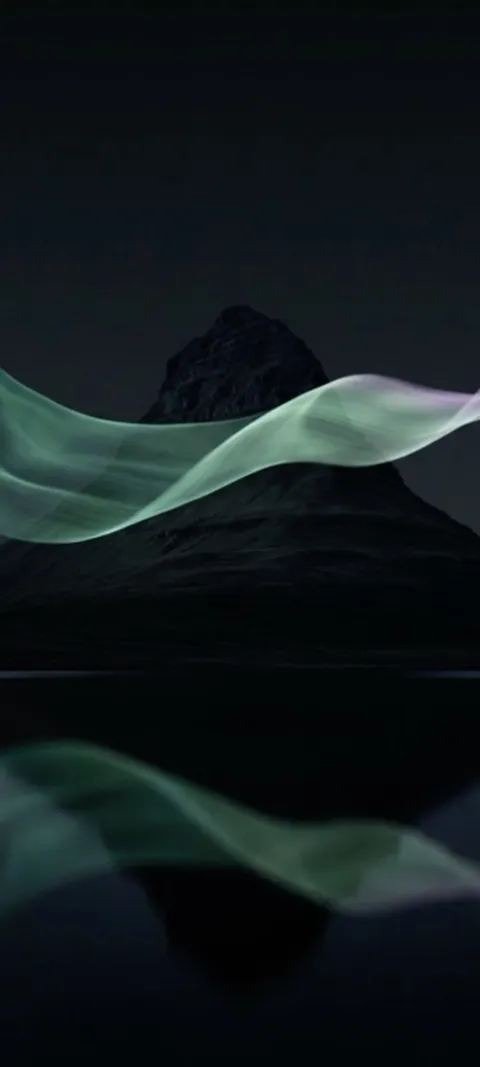 LIVE Mountain Aurora Reflection
 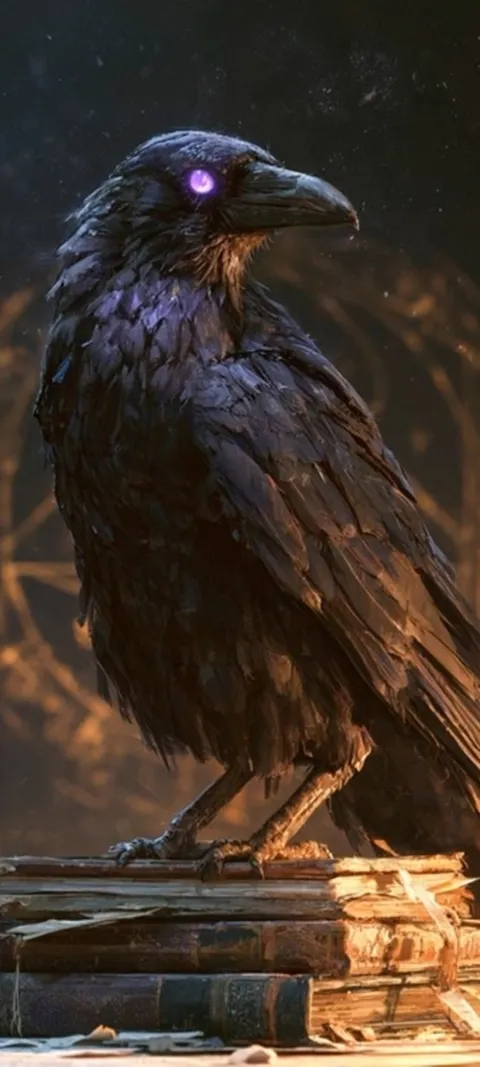 LIVE Mystic Raven Scholar
  LIVE Neon Scooter
 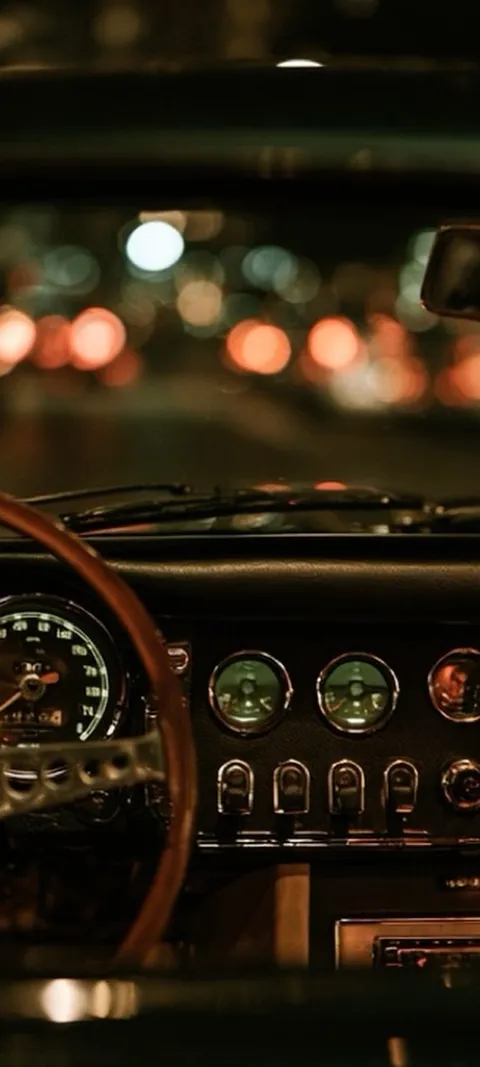 LIVE Night Drive Dashboard
  LIVE Ocean Wave Barrel
  LIVE Oceanic Fish Vortex
 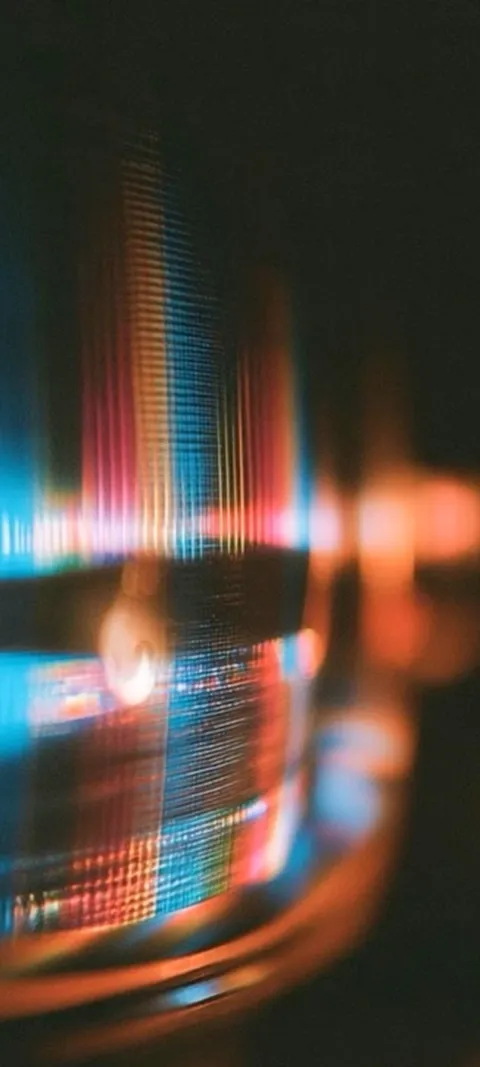 LIVE Prismatic Light Trails
 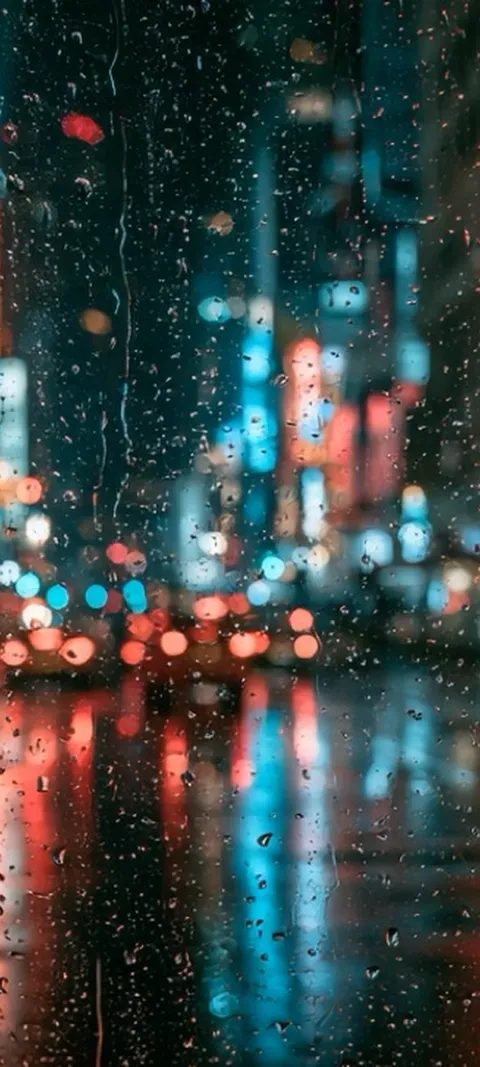 LIVE Rainy City Lights
 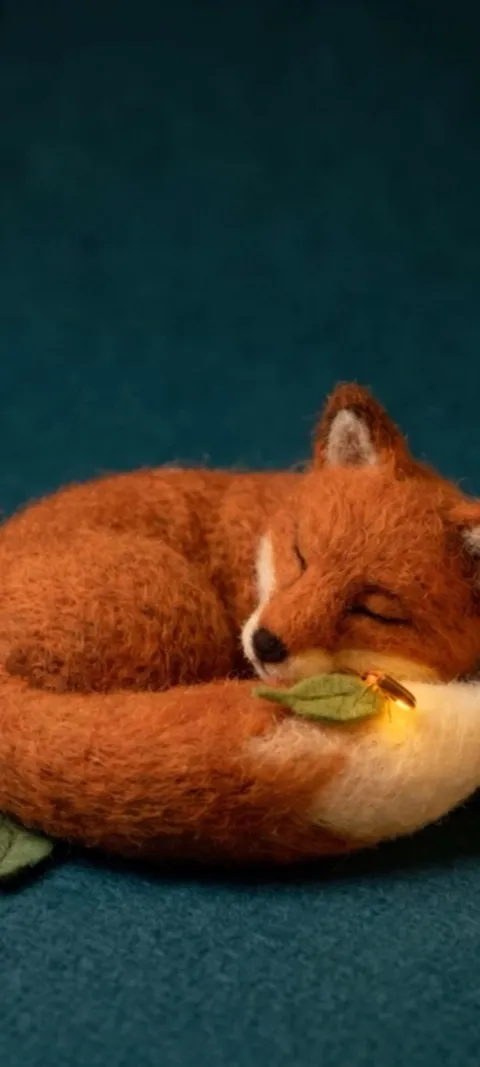 LIVE Sleeping Felt Fox
 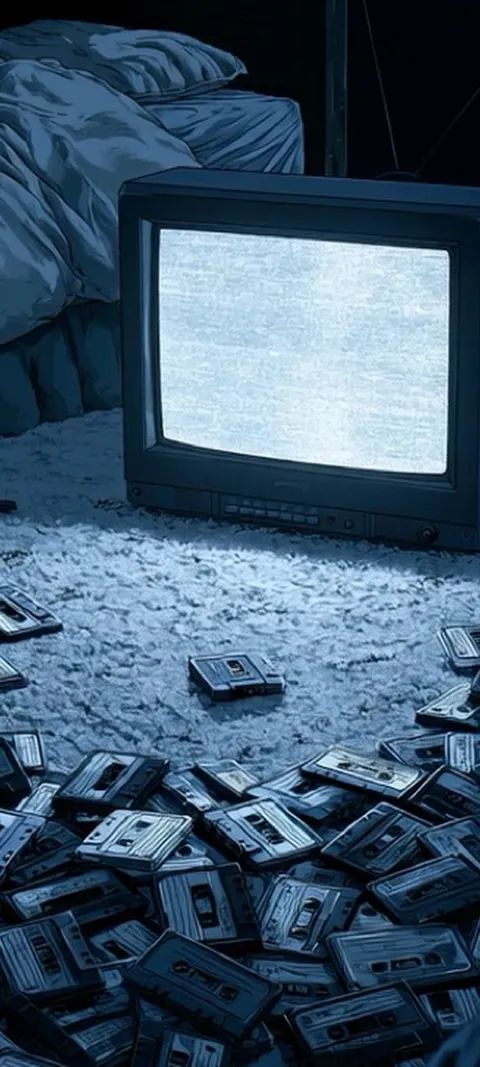 LIVE Static Screen Glow
  LIVE Stormy Cloud Orb
 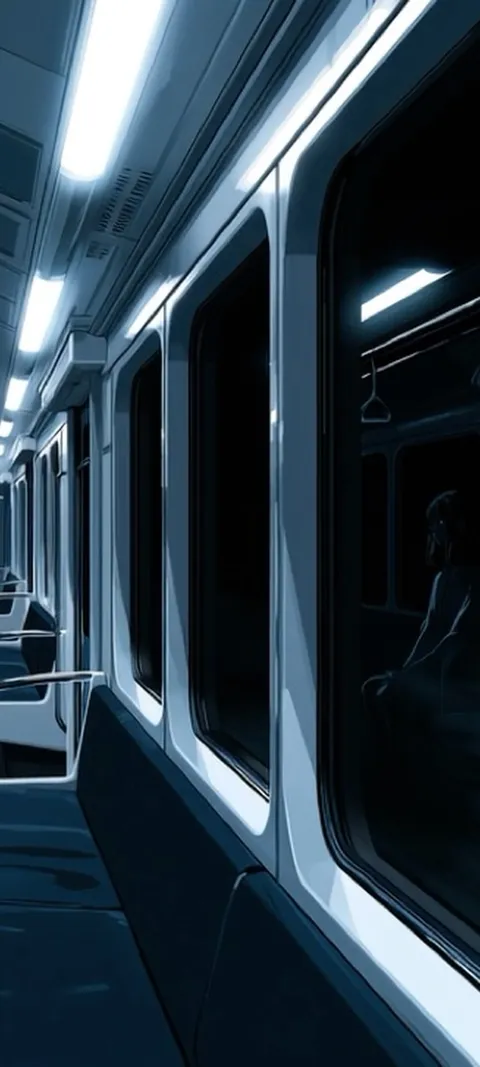 LIVE Subway Car Reflection
 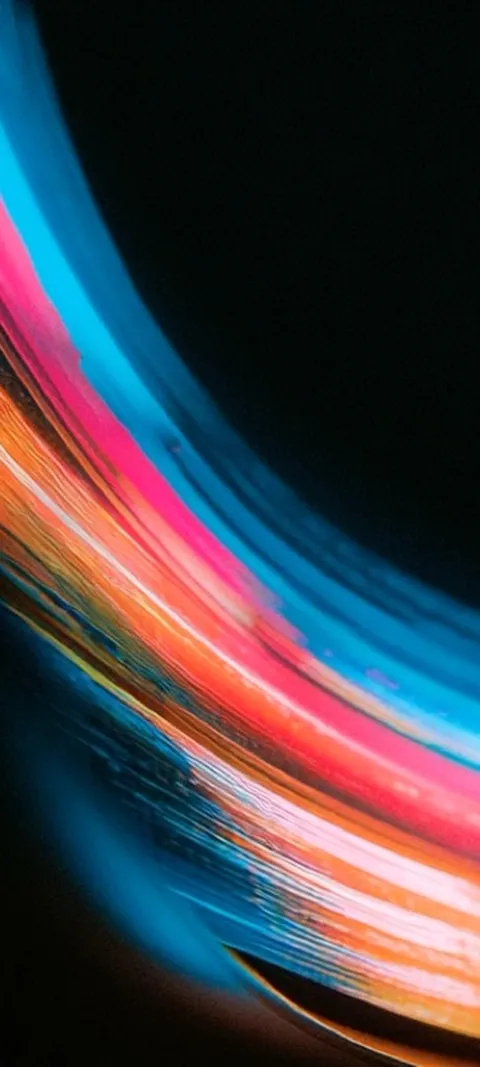 LIVE Vibrant Light Trails
  LIVE Vibrant Textured Swirls
  LIVE Wet Urban Circuit
  Abyss Purple
  Blue Blocks
  Coastal Sunset Drive
 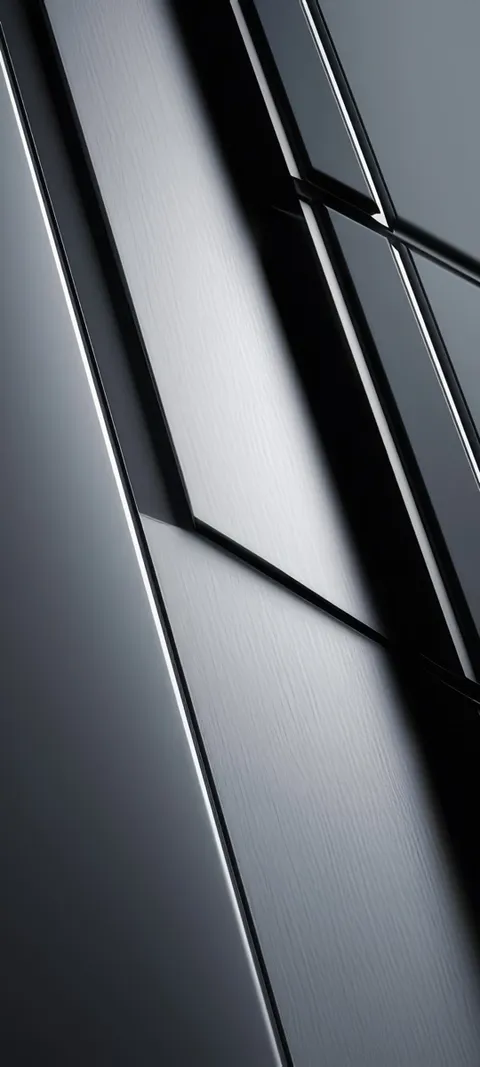 Dark Panels
 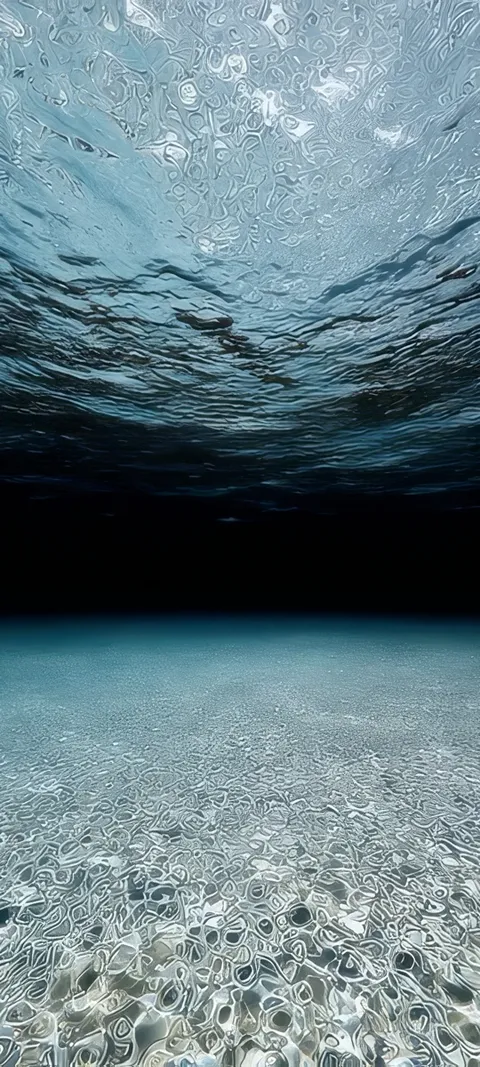 Deep Reflection
  Ember Glowing
  Holographic Hues
 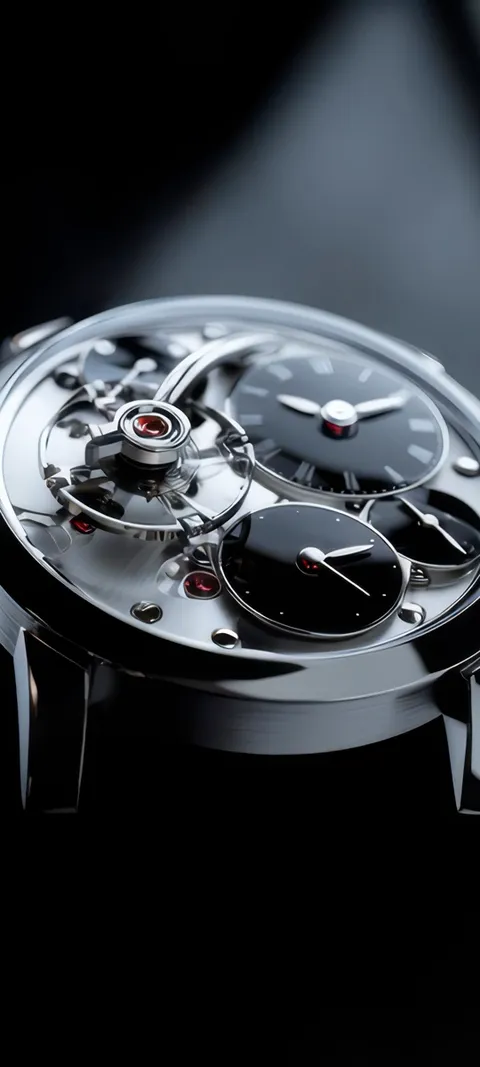 Mechanical Elegance
  Metal Bloom
 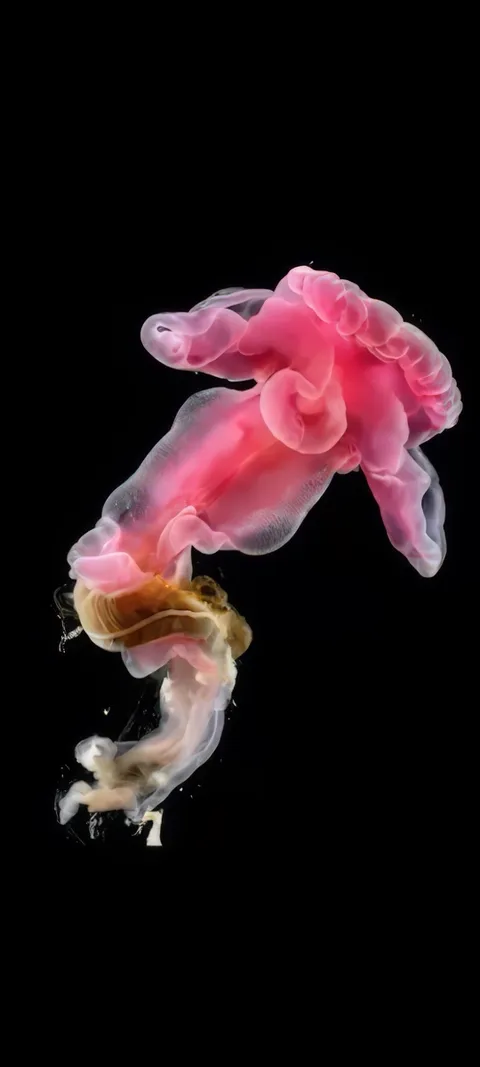 Pink Bloomer
  Pink Hue Sunset
 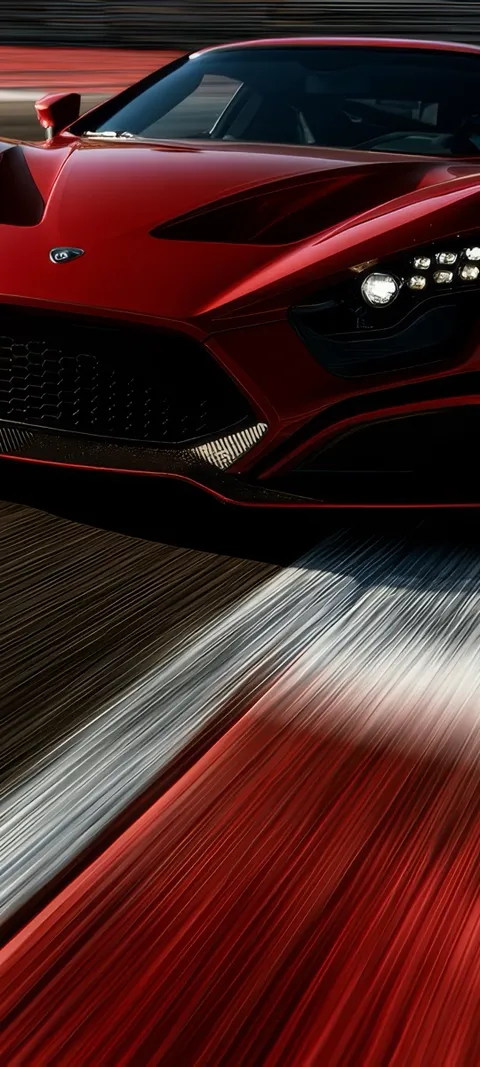 Red Race Car
 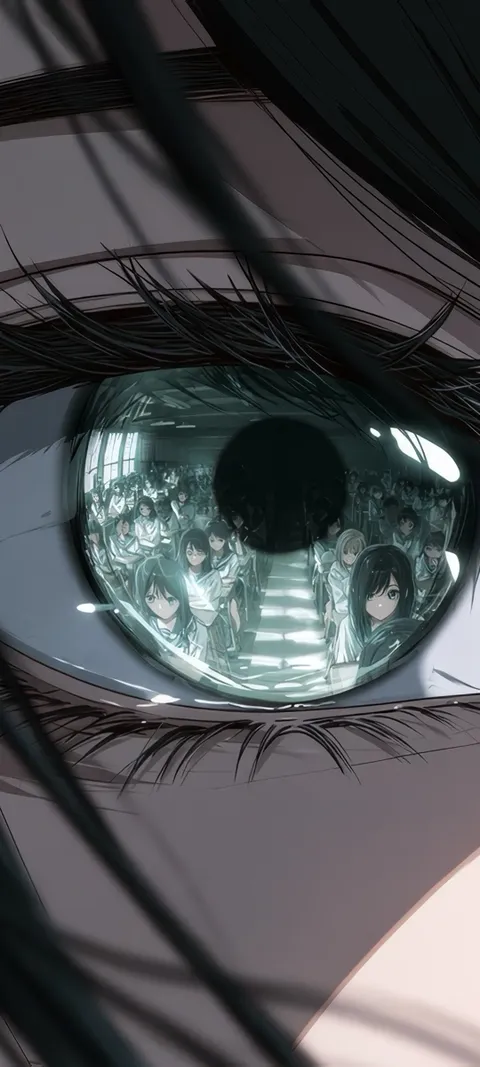 Reflected Anime Crowd
 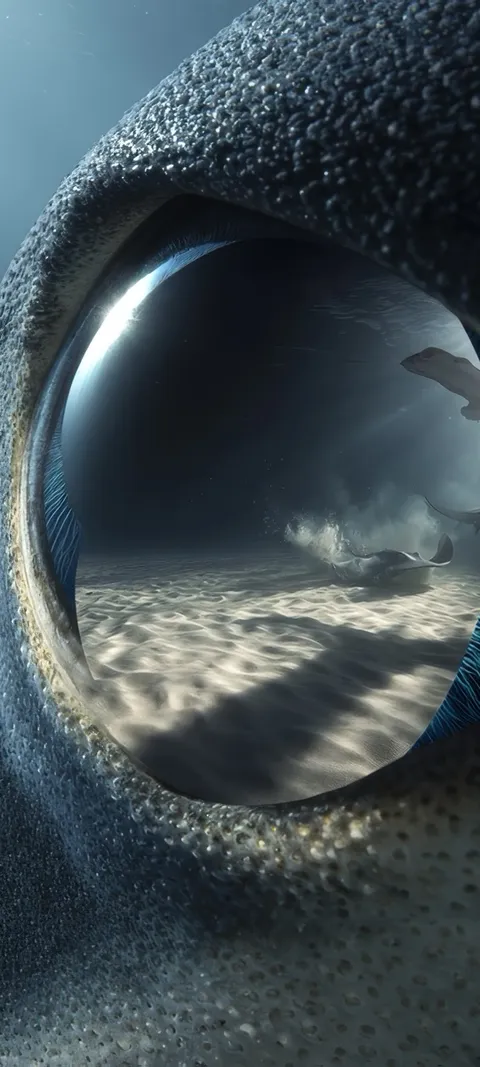 Shark Gaze
 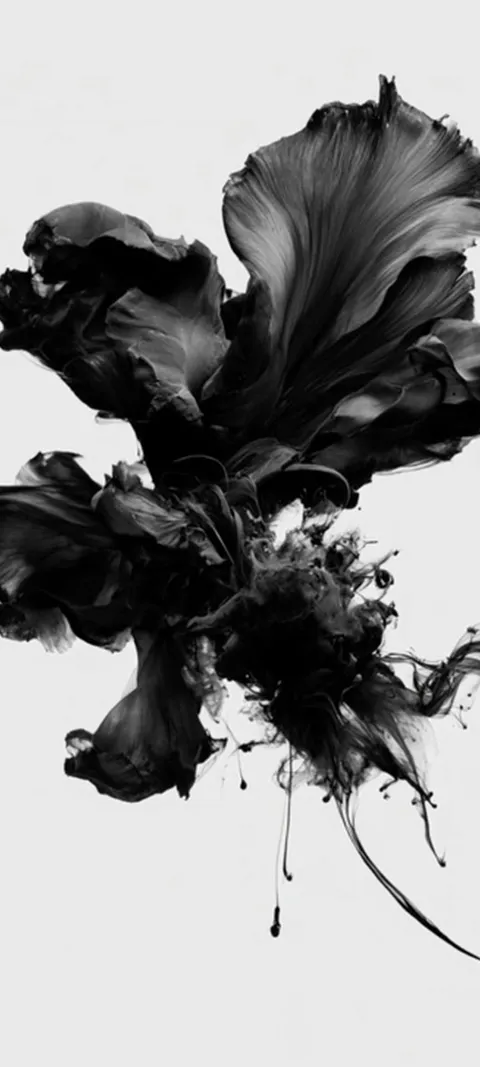 LIVE Abstract Black Form
 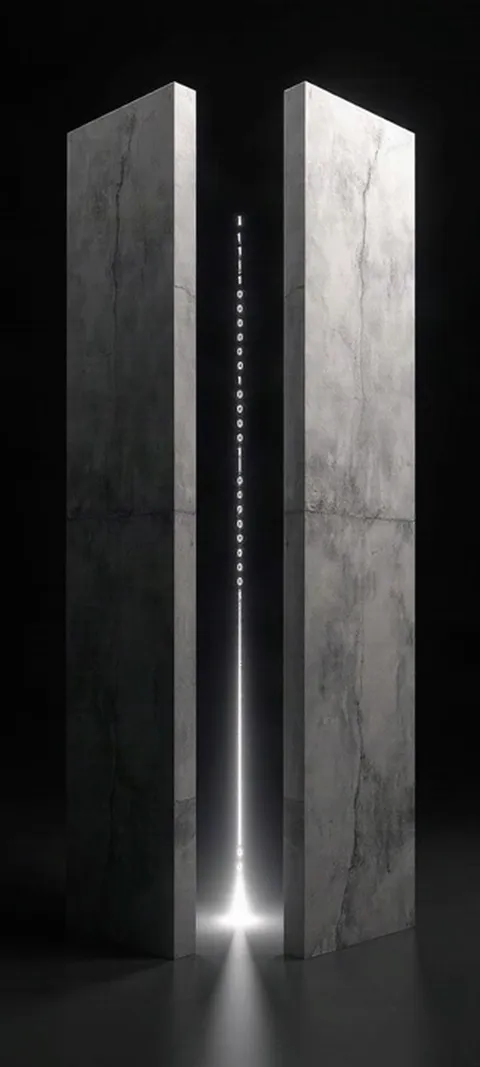 LIVE Binary Code Portal
 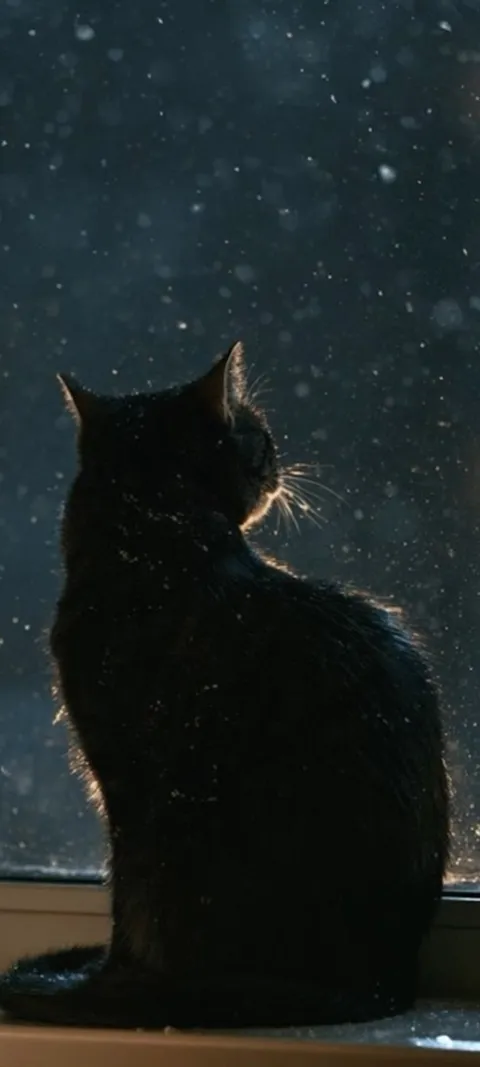 LIVE Black Cat Window
 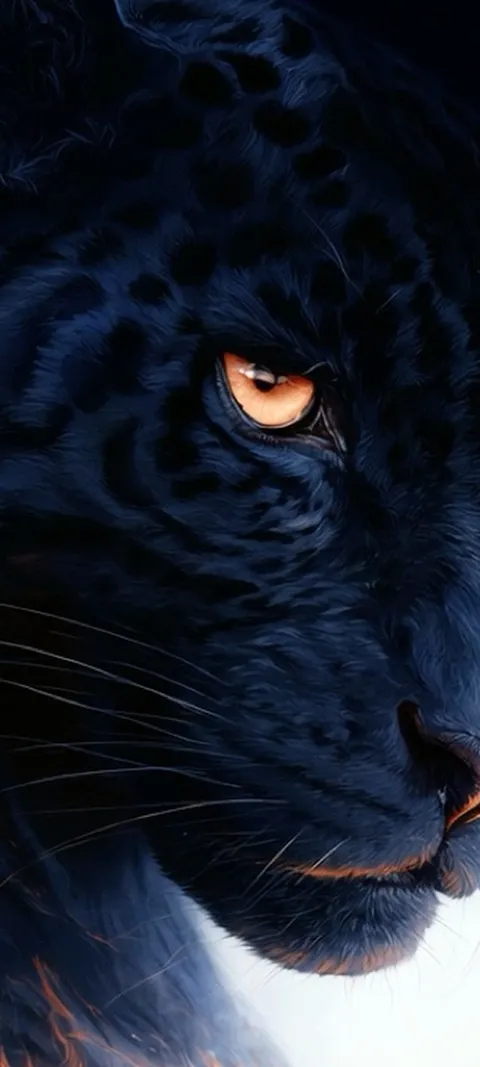 LIVE Black Panther Gaze
 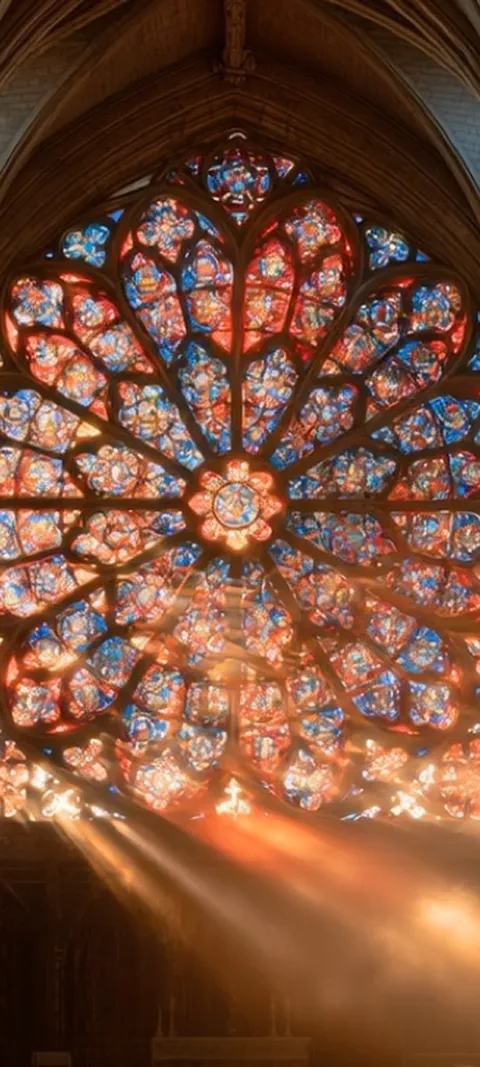 LIVE Cathedral Rose Window
  LIVE Cherry Blossom Ruins
  LIVE Cloudy
  LIVE Coral Glow
  LIVE Cosmic Cauldron
  LIVE Cosmic Energy Vortex
  LIVE Crashing Sea Tunnel
  LIVE Crocodile Eye
 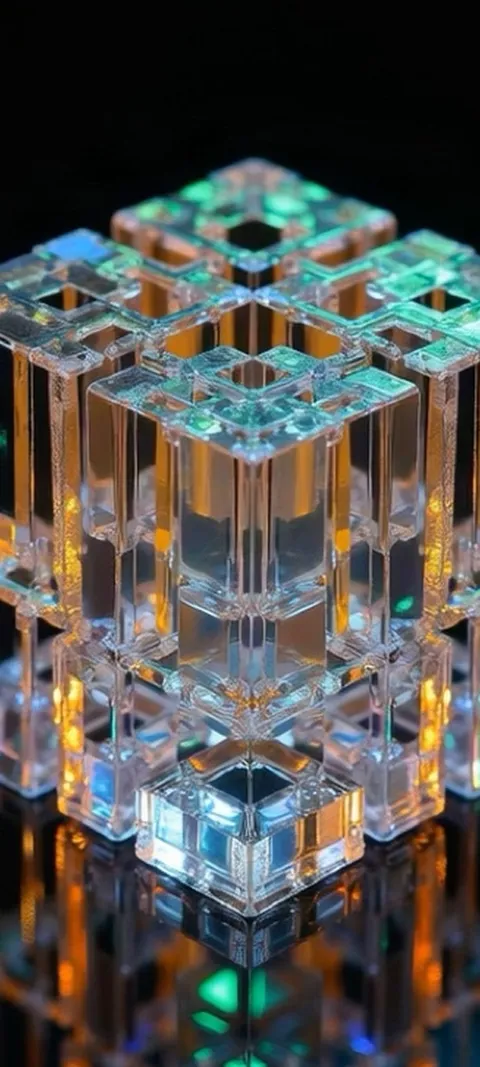 LIVE Crystal Cube Glow
 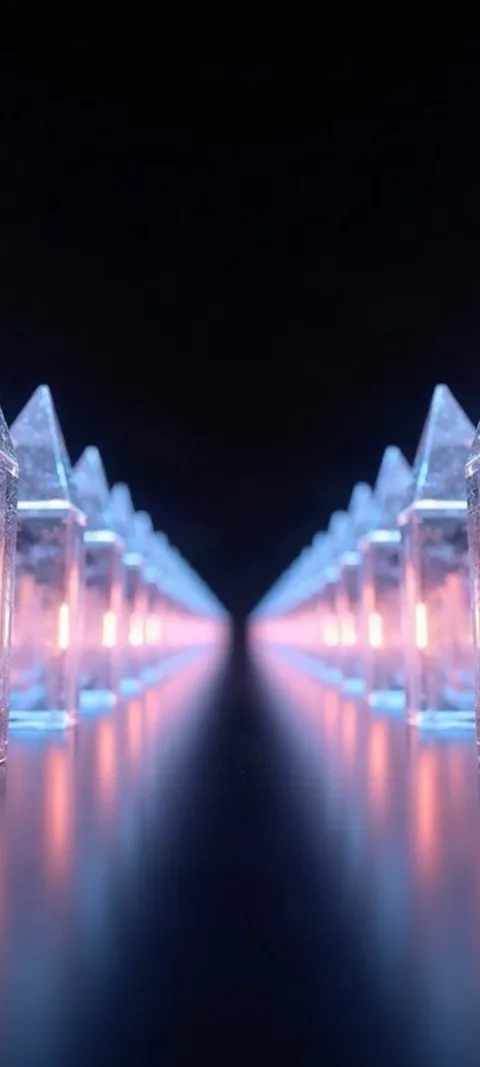 LIVE Crystal Light Path
 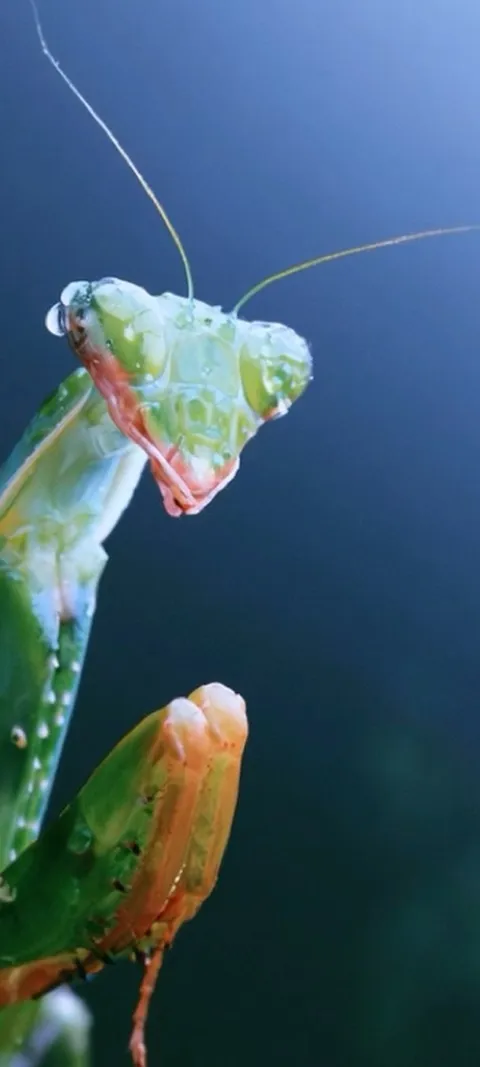 LIVE Dewy Mantis Portrait
  LIVE Dewy Spiderweb Glow
  LIVE Digital Neuron Tunnel
 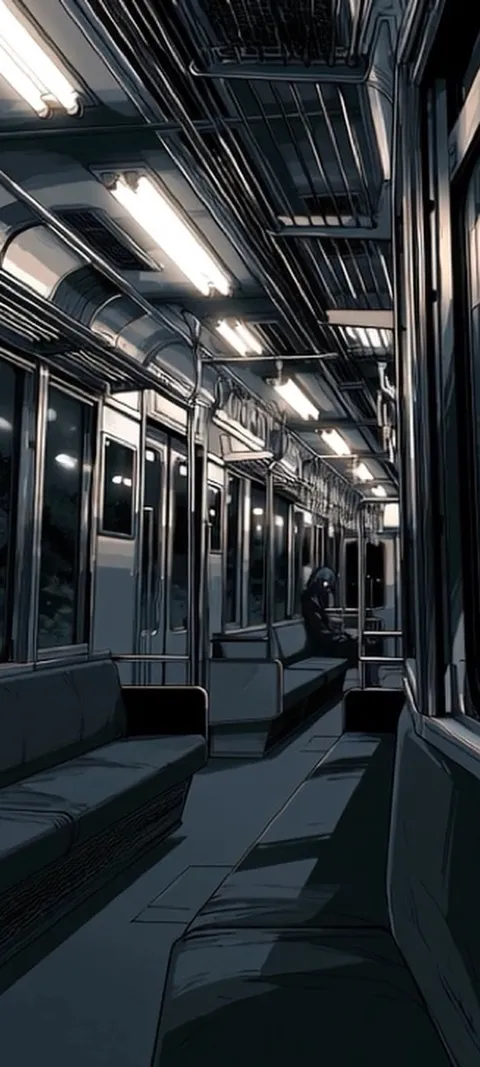 LIVE Empty Subway Car
 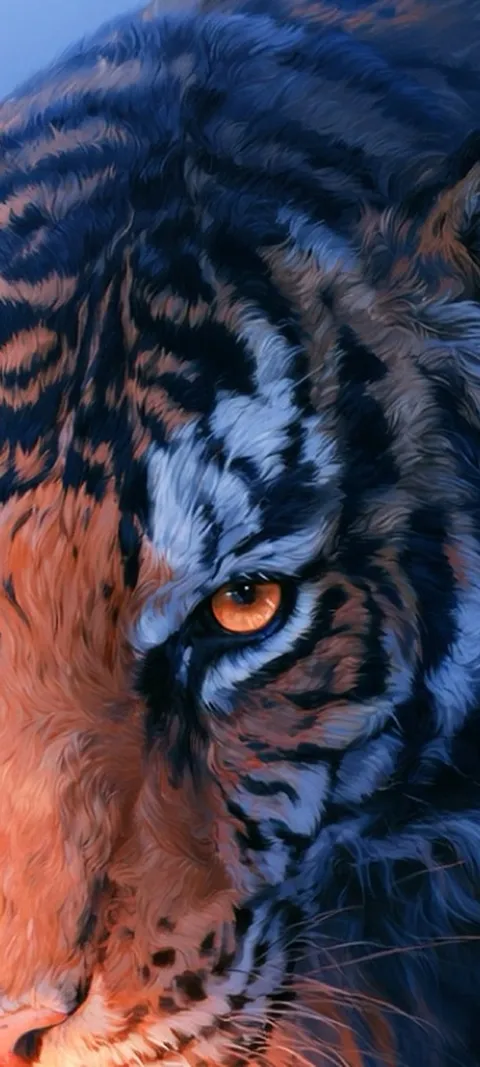 LIVE Feline Power
  LIVE Fiery Ember Burst
  LIVE Fiery Orb Hand
 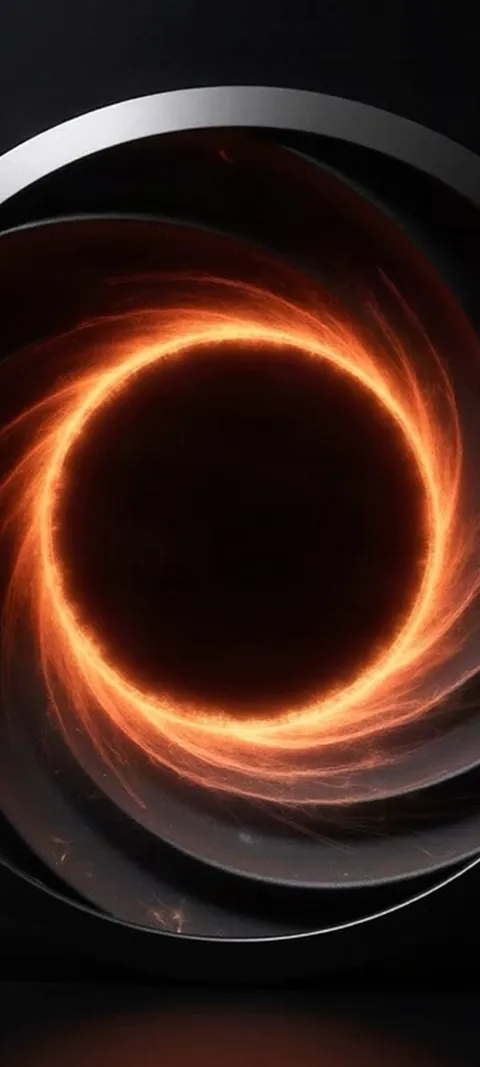 LIVE Fiery Vortex
 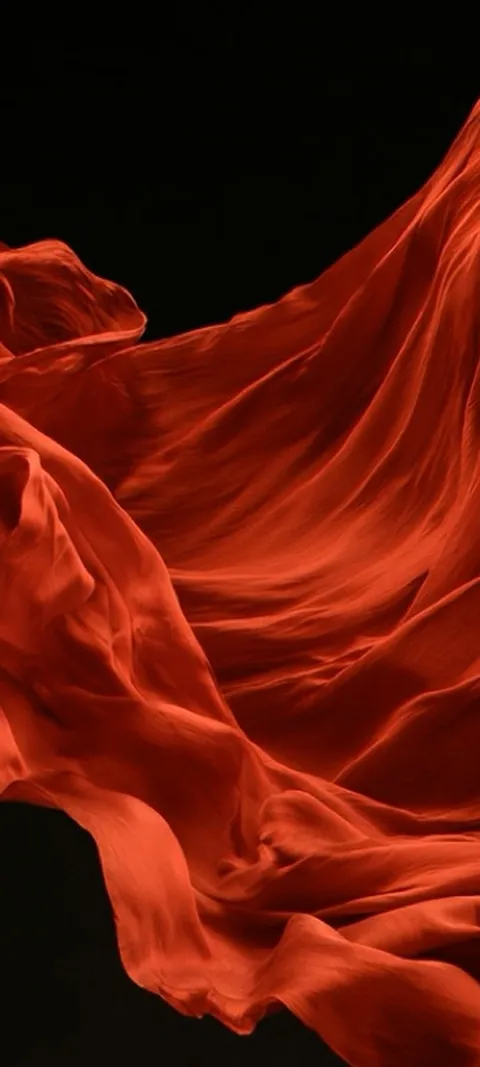 LIVE Flowing Red Fabric
  LIVE Forest Sunburst
 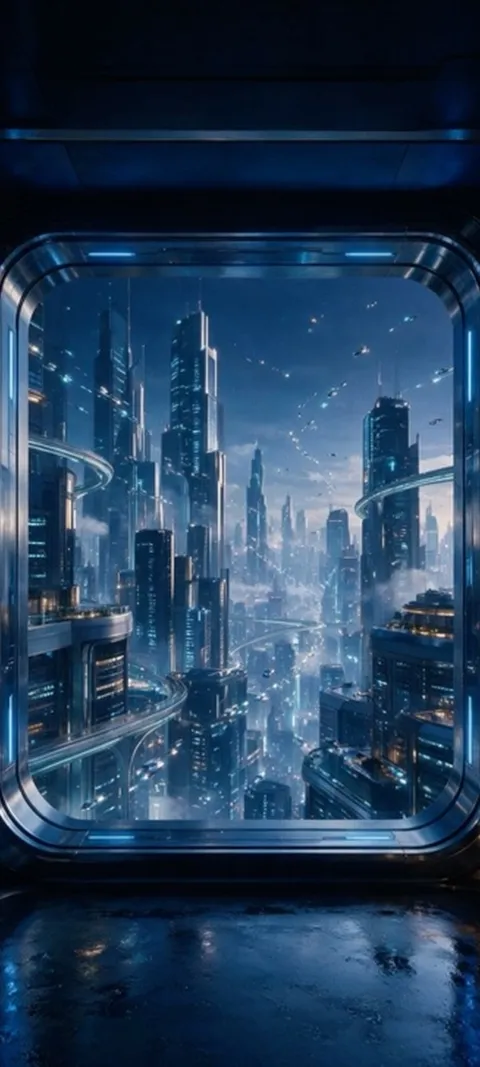 LIVE Futuristic Cityscape View
  LIVE Galactic Sand
 103 samsung galaxy wallpapers in the live ScreenLux catalog — 89 of them live; showing 72 here, the rest are in the app.
How to set a live wallpaper on a Samsung Galaxy
- Open the wallpaper in ScreenLux. Pick a live wallpaper and watch the loop in the preview.
- Tap Apply. Choose Home, Lock or Both. ScreenLux+ unlocks the apply.
- Confirm in the Android picker. One UI shows the live wallpaper preview. Tap Set wallpaper.
- Check both screens. The Home Screen plays the loop. The Lock Screen shows the matching still, or the video where your Galaxy allows it.
- Find it later in Wallpaper and style. ScreenLux appears under Settings → Wallpaper and style, so you can reselect it without opening the app.
Frequently asked
How do I set a live wallpaper on a Samsung Galaxy phone?
Open the wallpaper in ScreenLux, tap Apply and choose Home, Lock or Both. Android shows its live wallpaper preview with ScreenLux selected; tap Set wallpaper and the loop starts on the Home Screen. Because ScreenLux installs a real live wallpaper service, One UI also lists it under Settings → Wallpaper and style, so you can reselect it there later. The service plays a muted video loop and pauses whenever the Home Screen is not visible.
Does the video play on the Galaxy Lock Screen too?
It depends on the phone. ScreenLux always places a matching still on the Lock Screen, and One UI decides whether a live wallpaper is also allowed to play there; that varies by model and software version, and Samsung’s own video lock screens follow separate rules. If your Galaxy supports it, you will see the loop after choosing Both; if not, you get the still, which is the same frame the loop rests on. Either way the Home Screen animates.
Do these wallpapers fit Galaxy S, A and Z Fold screens?
Galaxy S and A phones use tall displays close to 9:20, so the 1080 × 2400 files cover them, and One UI lets you adjust the position before applying. Budget models get the 1080 × 1920 rendition automatically for smooth playback. On a Z Fold, ScreenLux treats the device as large-screen and shows the tablet catalog, with stills up to 2208 × 2688 and videos up to 3840 pixels on a side, so the inner display is not stretching a phone file.