 SCREEN
 iPad Wallpapers — Large-Screen Stills & Live Photos
This is the ScreenLux iPad wallpaper catalog: 451 designs built for the large screen, with stills up to 2208 × 2688 and 86 Live Photos at 2160 × 3840. The app detects an iPad and switches to this catalog, so Blue Blocks, Dark Panels and Deep Reflection arrive at tablet size rather than stretched from a phone file. Setting one works as on iPhone: Save to Photos, then Settings → Wallpaper. Previews are free; ScreenLux+ unlocks downloads and covers iPhone and iPad on the same Apple ID.
Get ScreenLux Free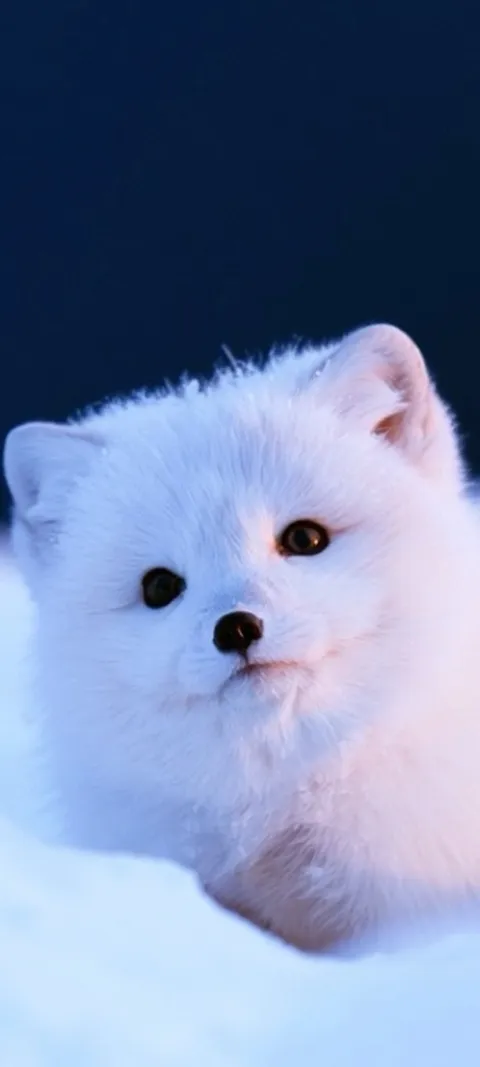 LIVE Arctic Fox Cub
 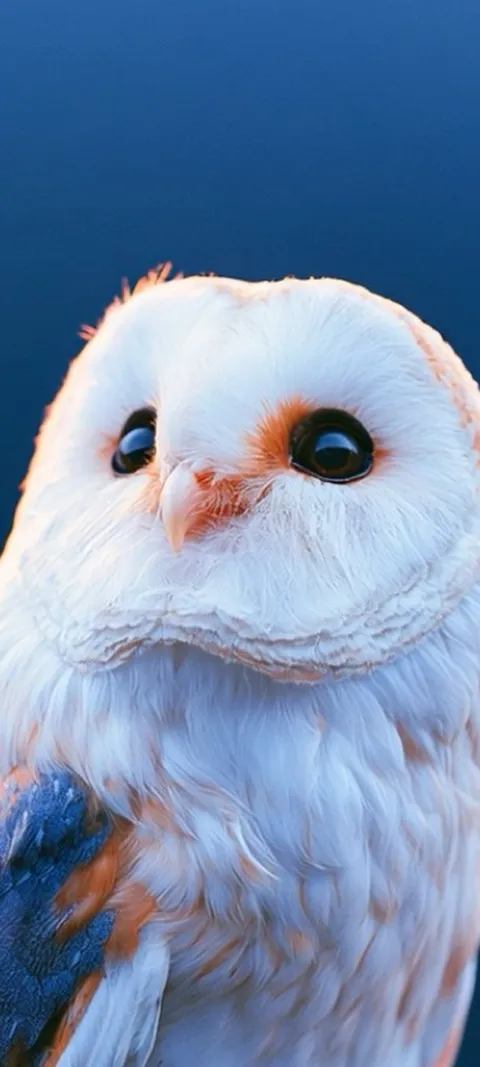 LIVE Barn Owl Gaze
  LIVE Blazing Tunnel Ride
 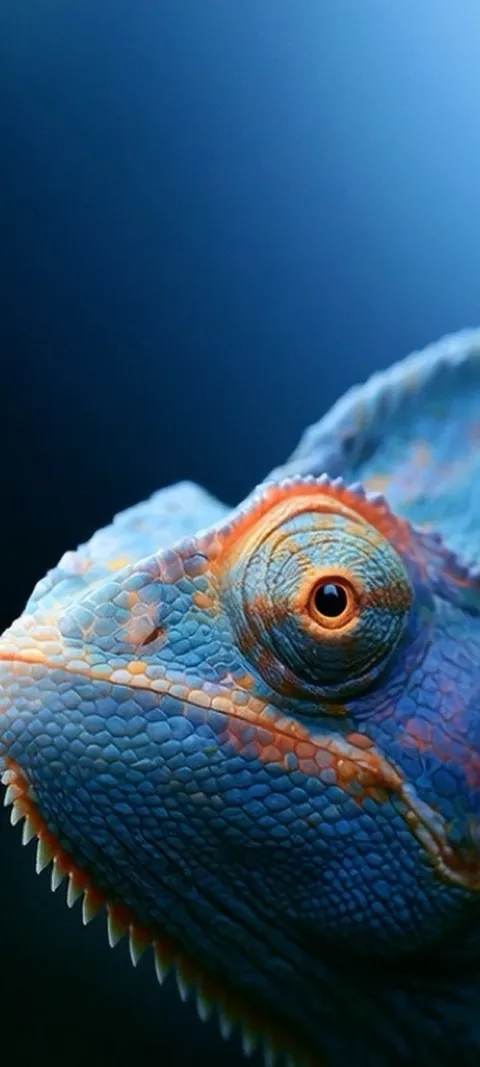 LIVE Blue Chameleon Close-up
 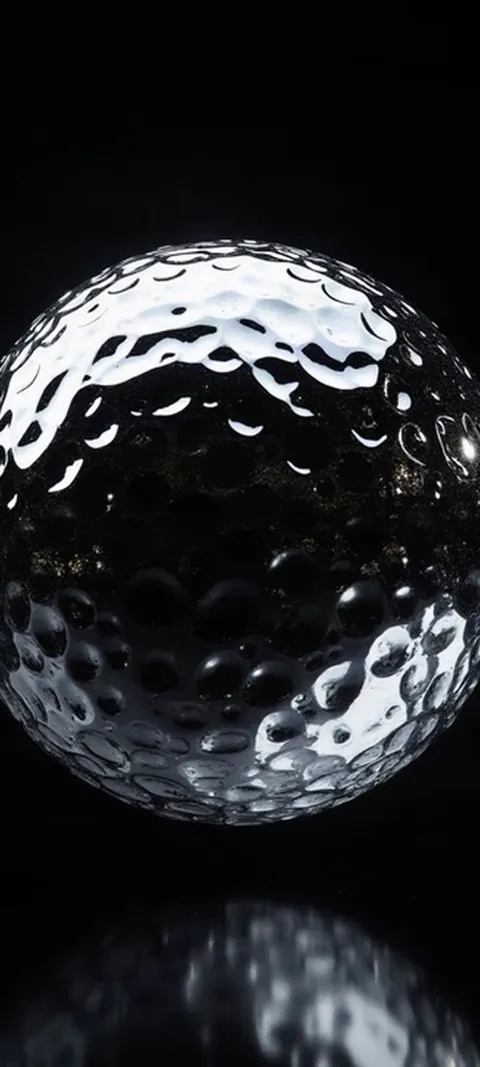 LIVE Dimpled Chrome Orb
 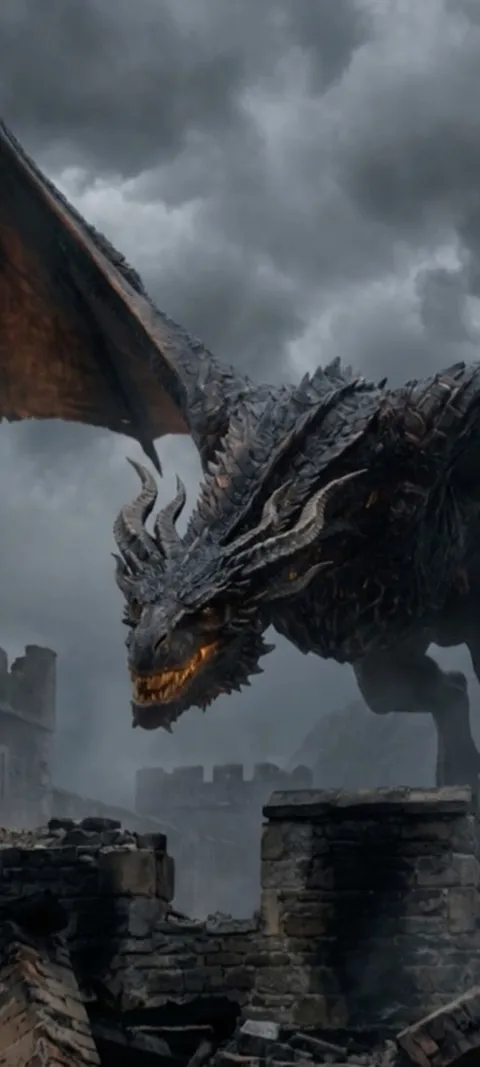 LIVE Dragon Over Ruins
 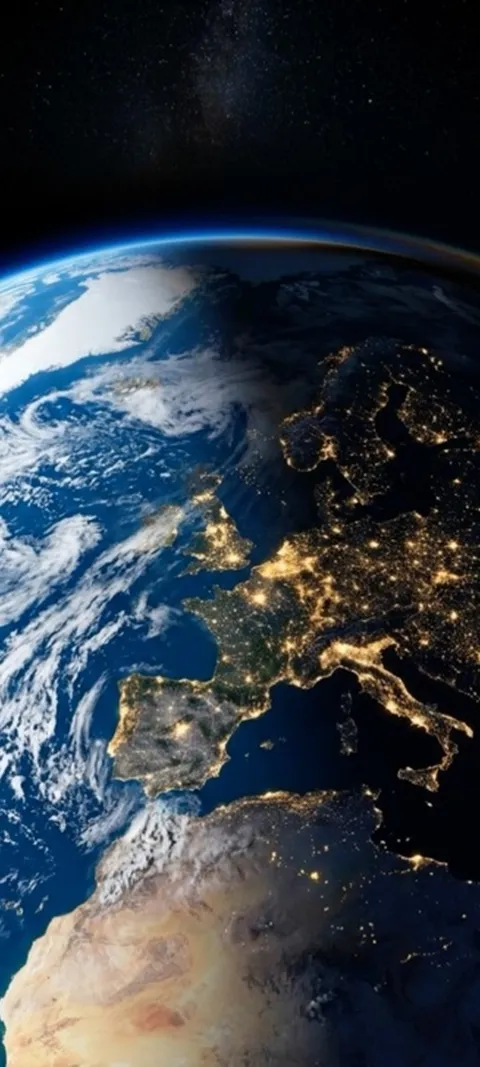 LIVE Earth City Lights
 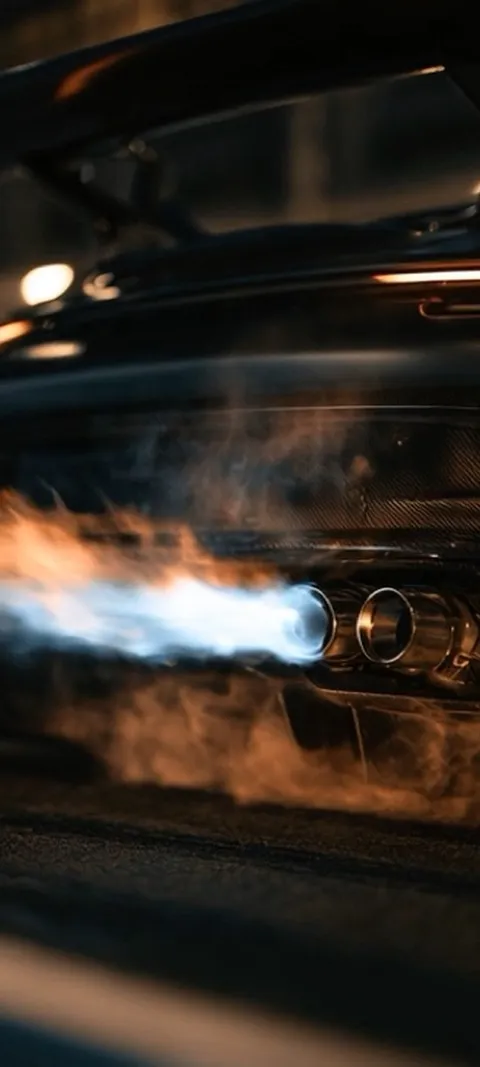 LIVE Exhaust Flame Burst
  LIVE Giant Robot Stroll
 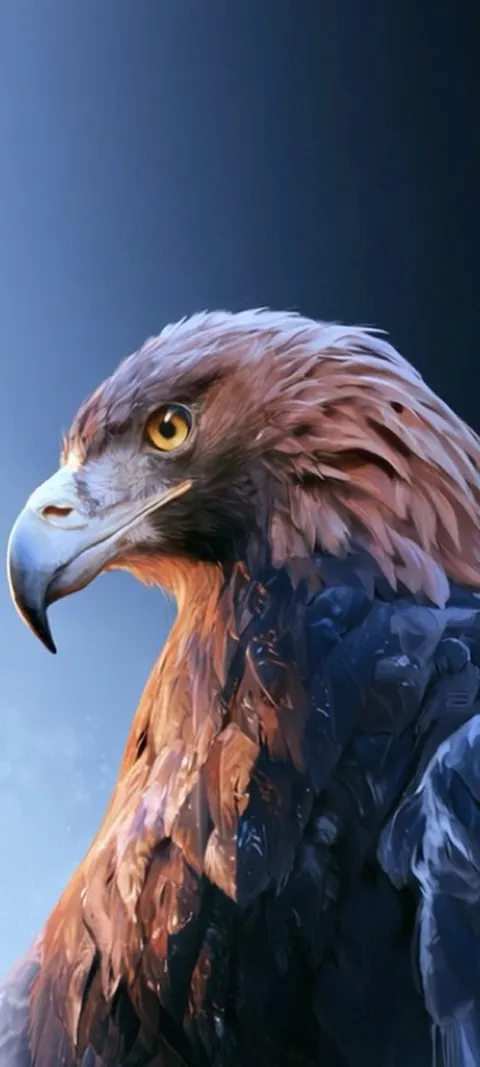 LIVE Golden Eagle Gaze
  LIVE Golden Ocean Wave
 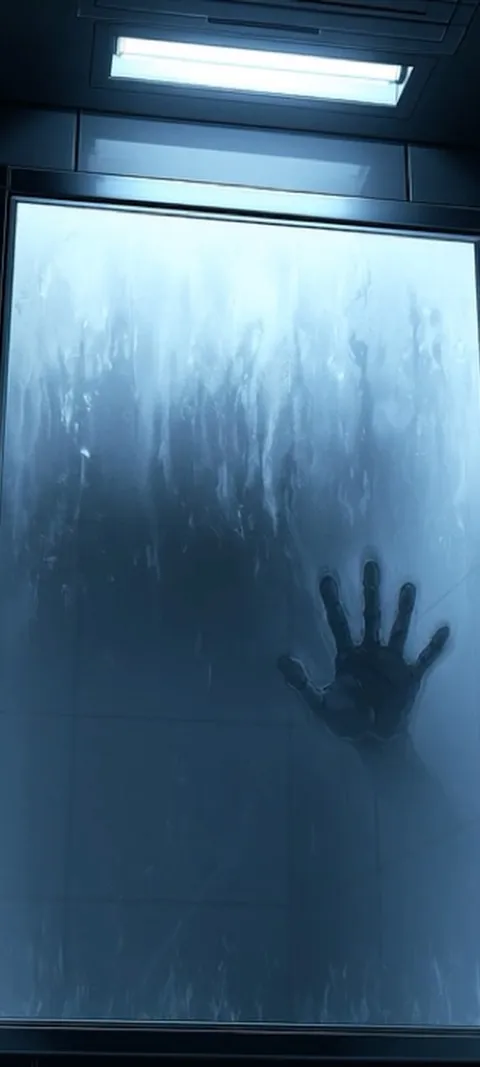 LIVE Hand On Glass
 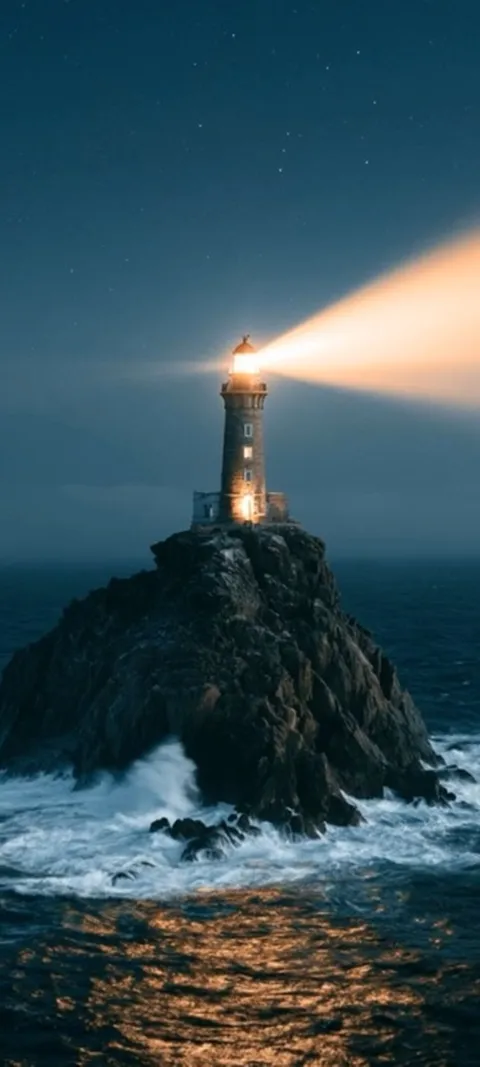 LIVE Lighthouse Night Beacon
 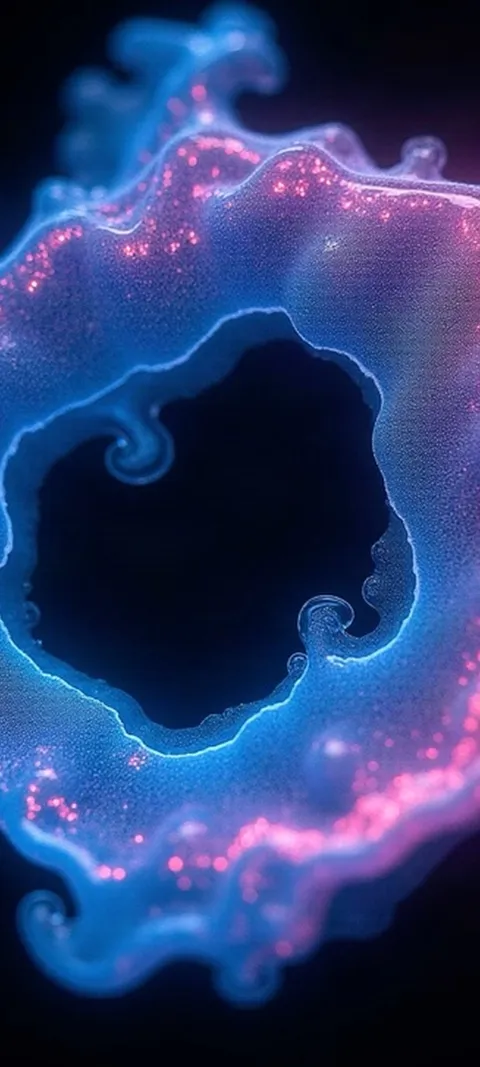 LIVE Luminous Abstract Swirl
 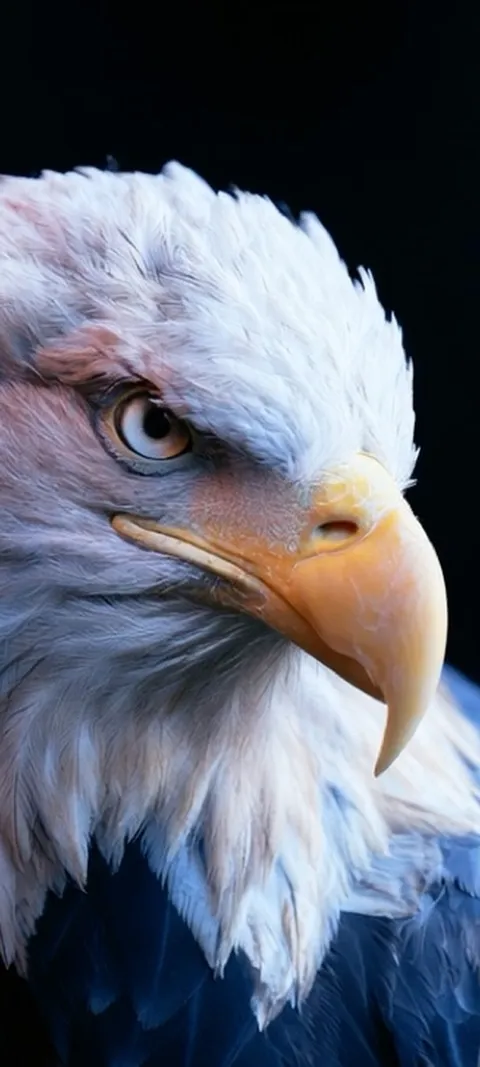 LIVE Majestic Bald Eagle
 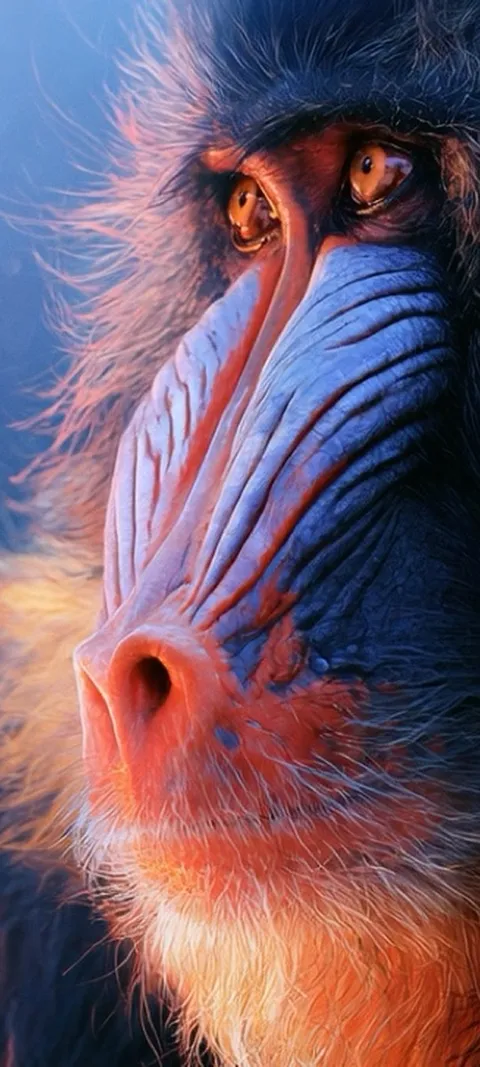 LIVE Mandrill Primate Portrait
 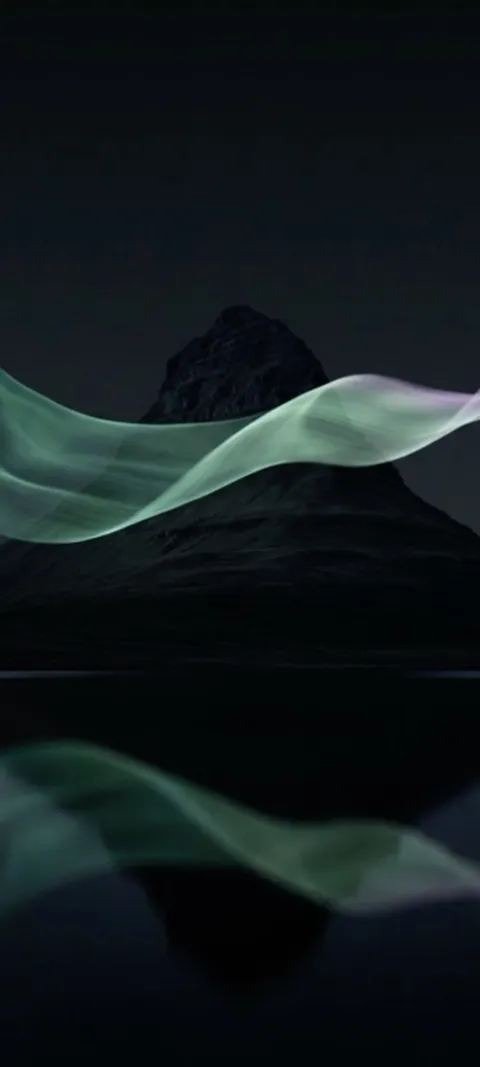 LIVE Mountain Aurora Reflection
 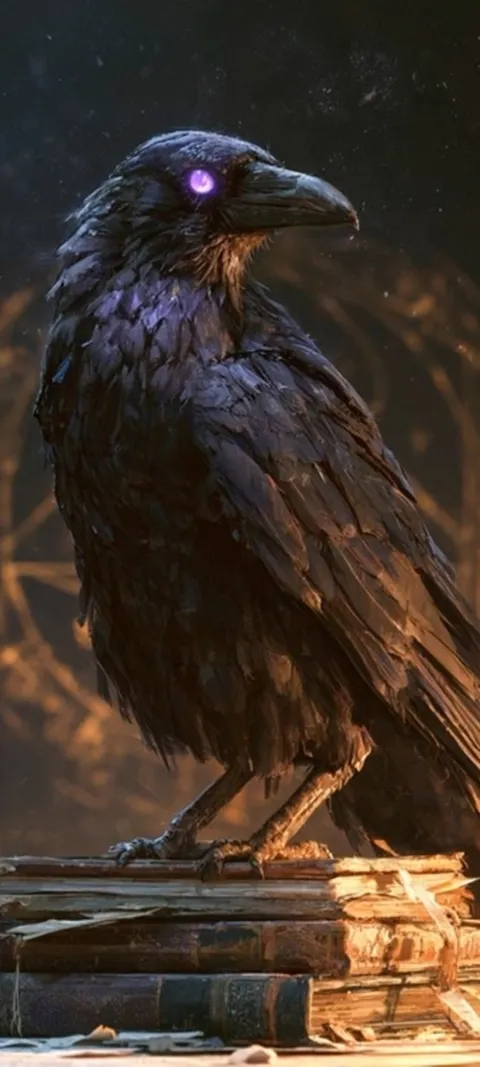 LIVE Mystic Raven Scholar
 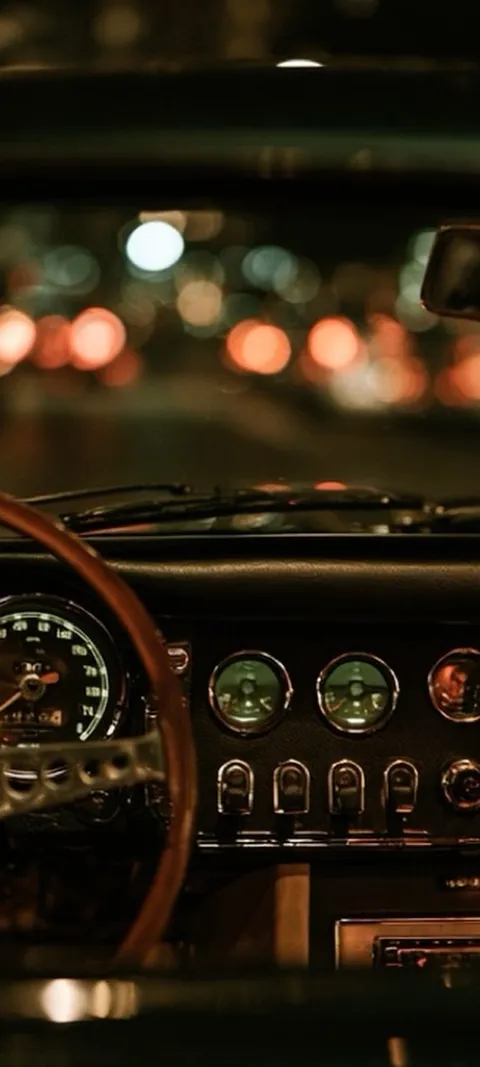 LIVE Night Drive Dashboard
 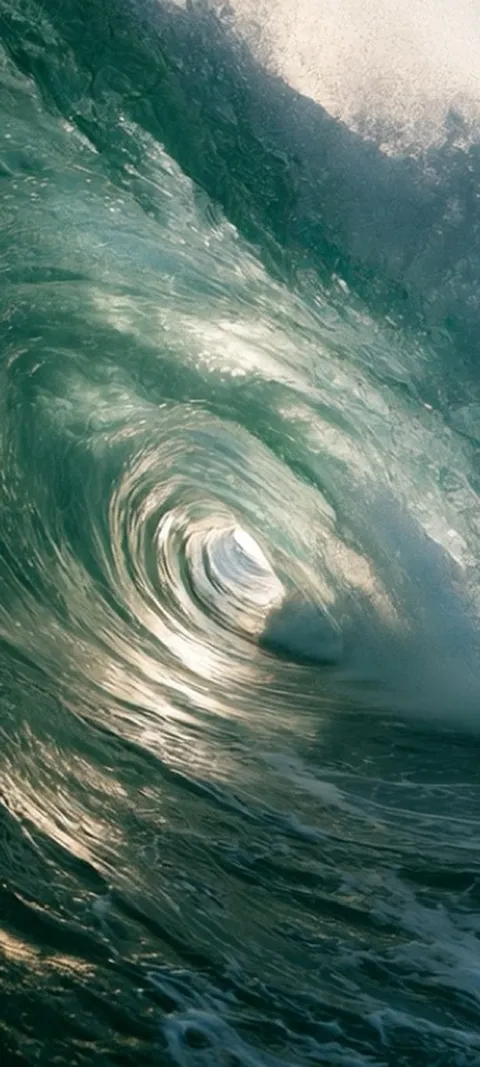 LIVE Ocean Wave Barrel
 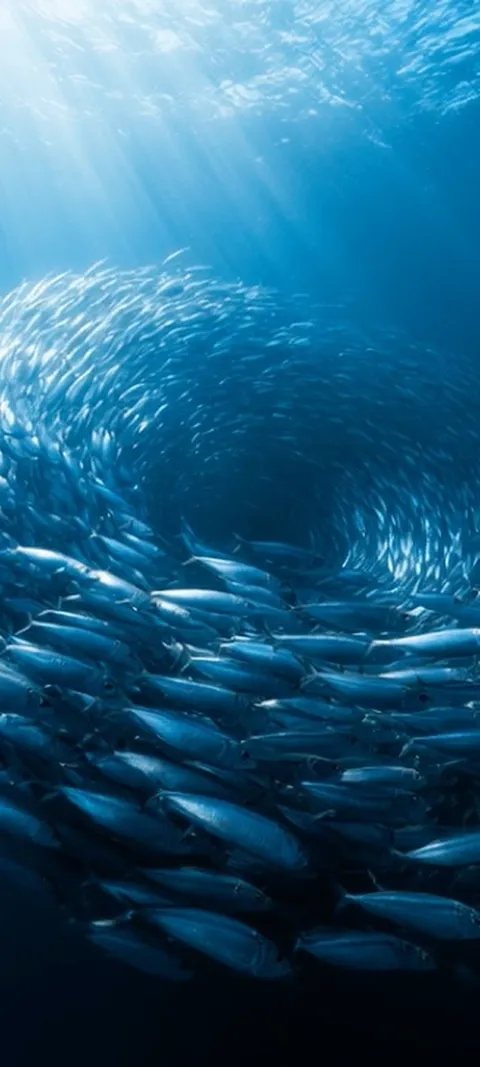 LIVE Oceanic Fish Vortex
 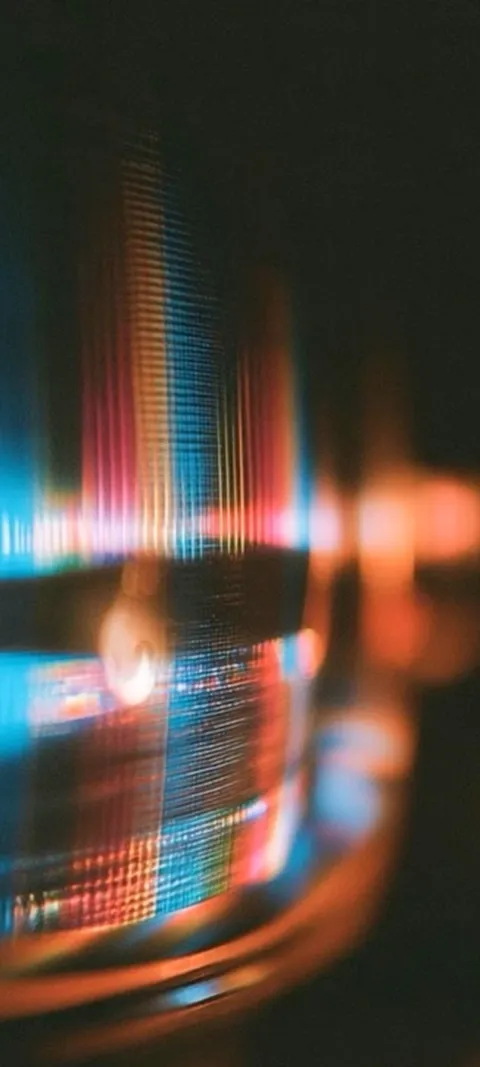 LIVE Prismatic Light Trails
 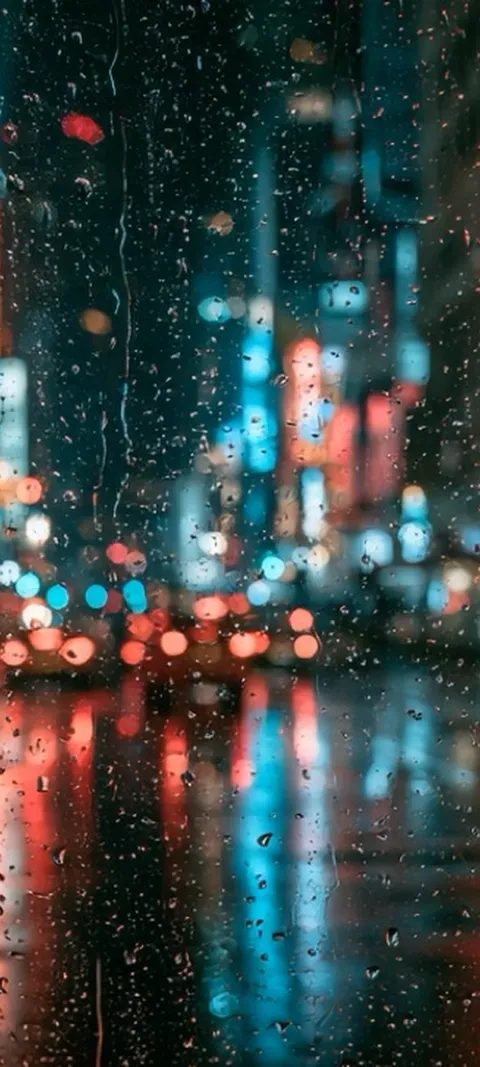 LIVE Rainy City Lights
 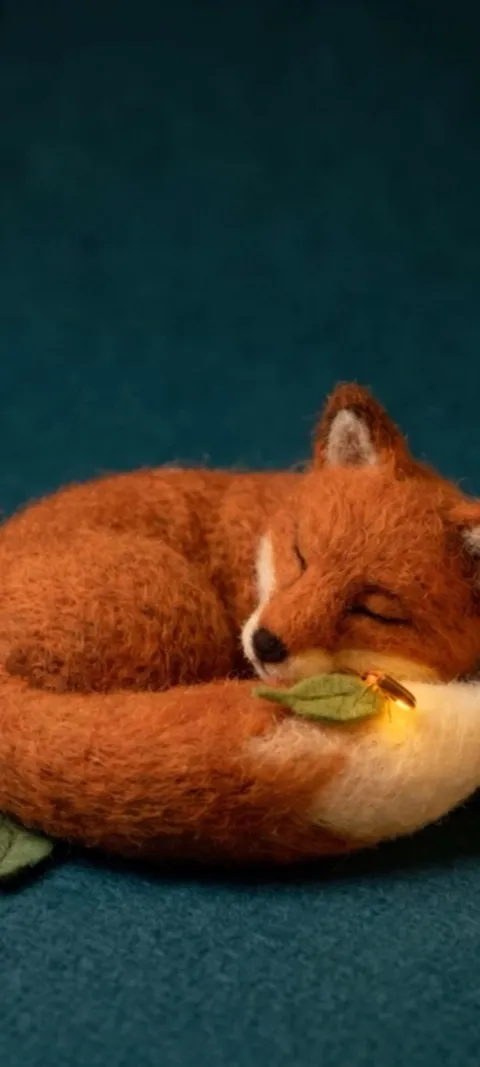 LIVE Sleeping Felt Fox
 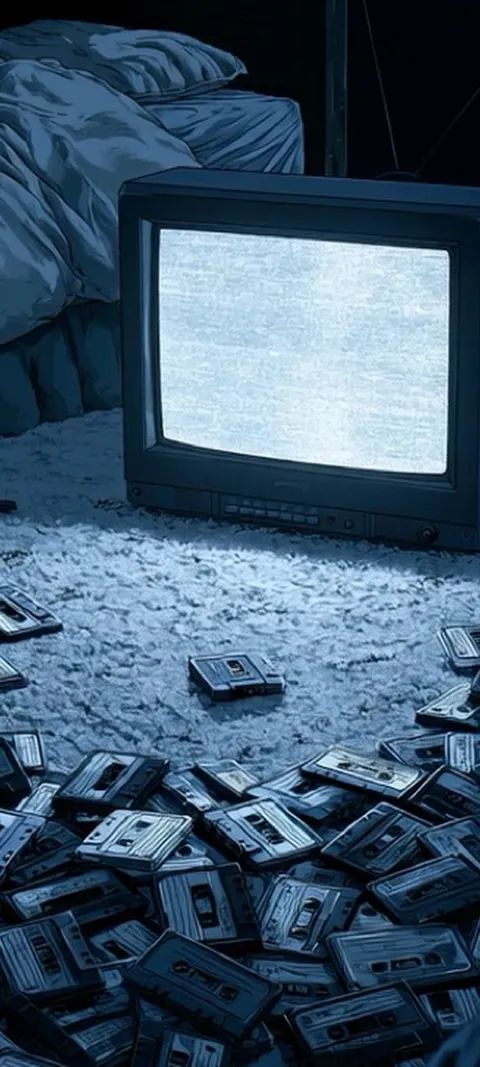 LIVE Static Screen Glow
 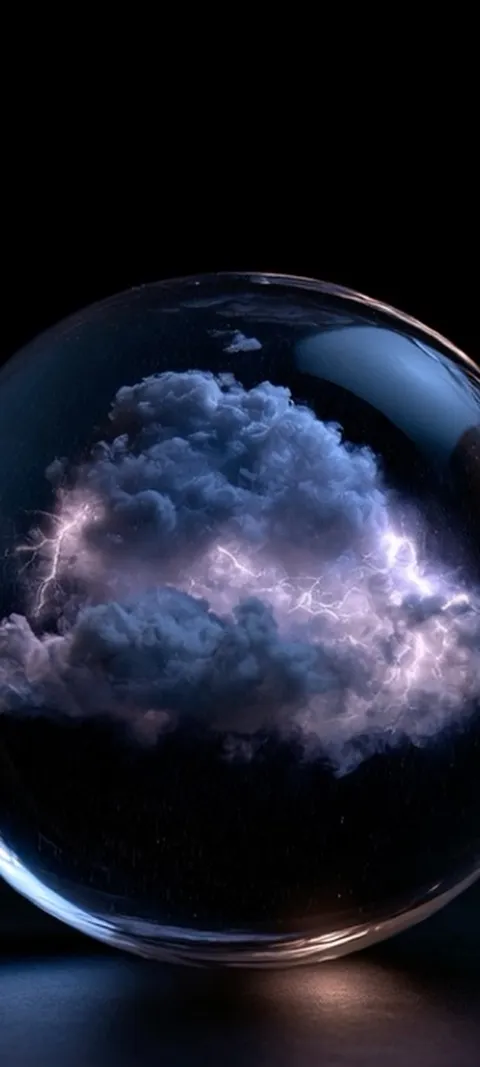 LIVE Stormy Cloud Orb
 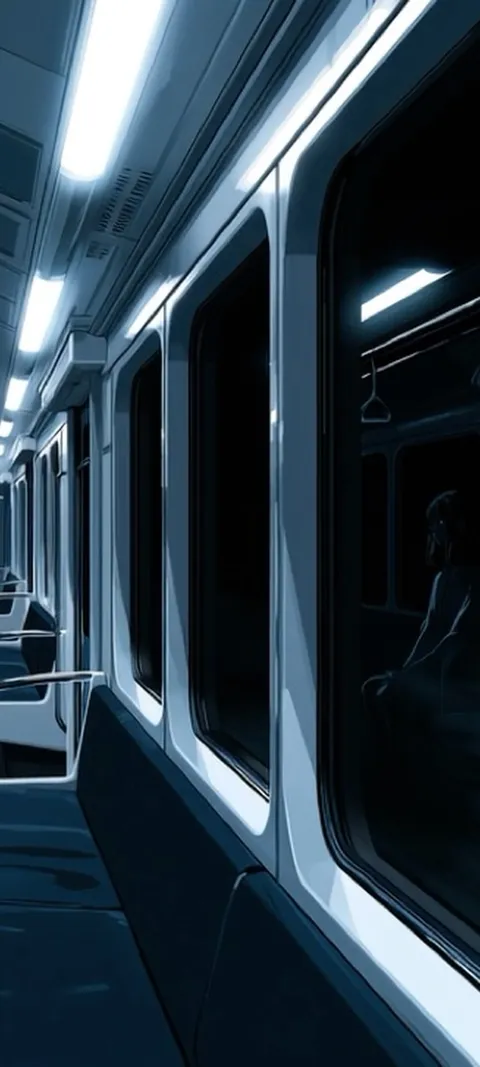 LIVE Subway Car Reflection
  LIVE Vibrant Light Trails
  LIVE Vibrant Textured Swirls
  LIVE Wet Urban Circuit
  Blue Blocks
  Coastal Sunset Drive
 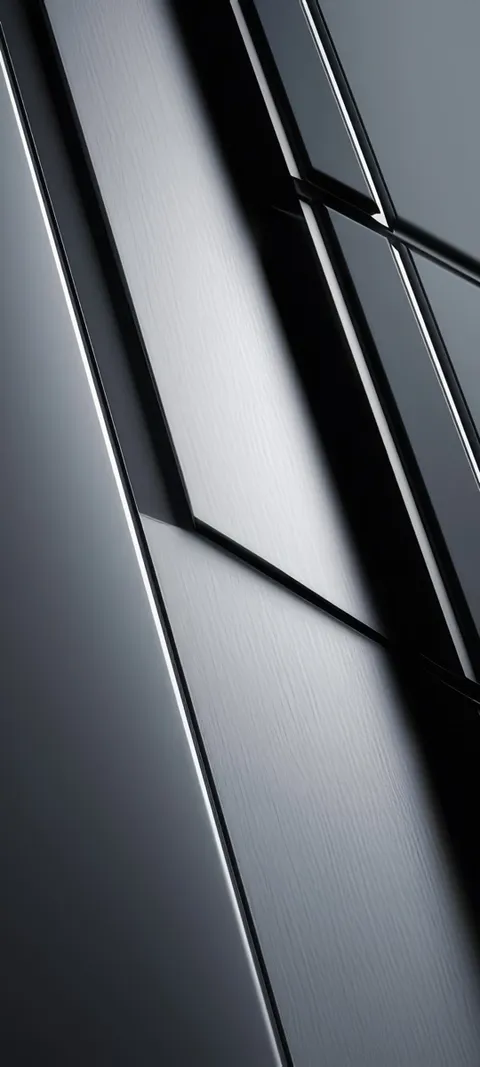 Dark Panels
 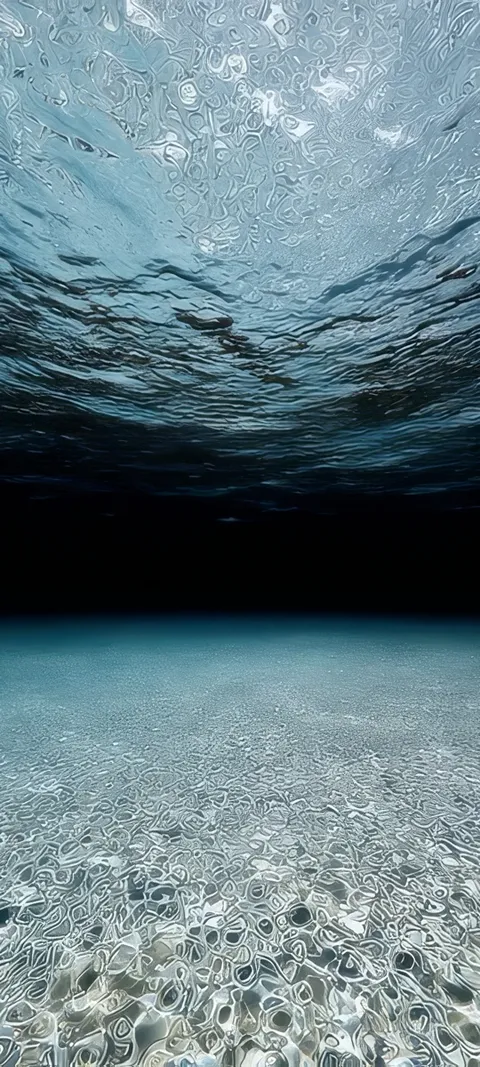 Deep Reflection
 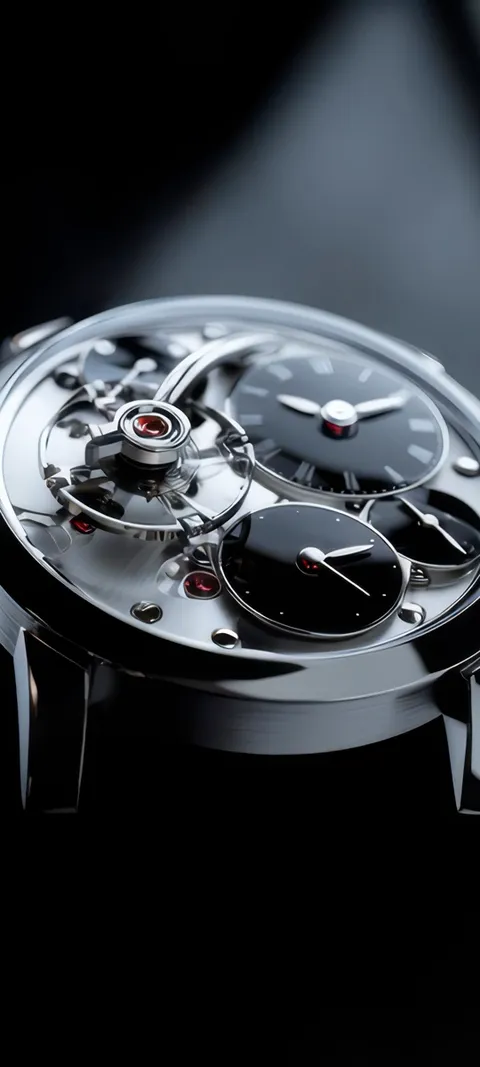 Mechanical Elegance
 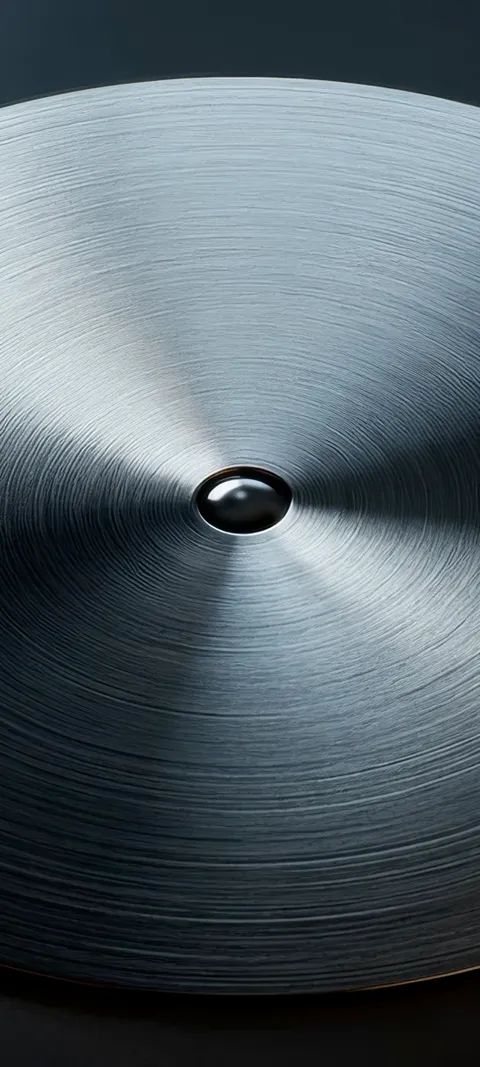 Metal Bloom
 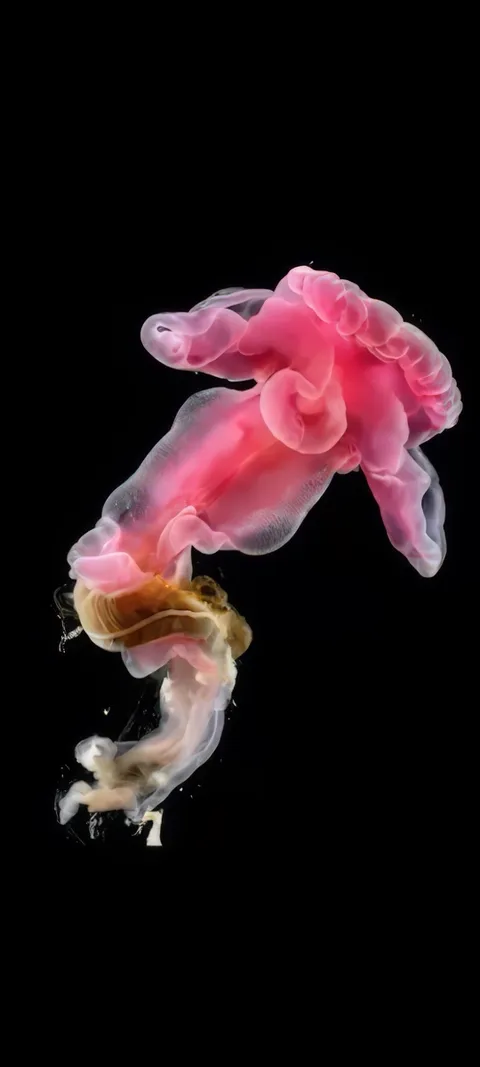 Pink Bloomer
 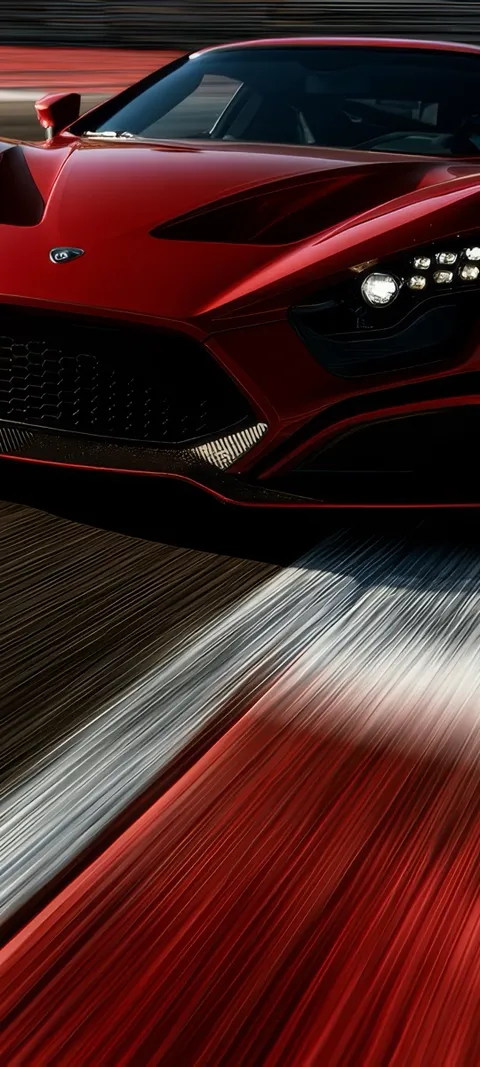 Red Race Car
 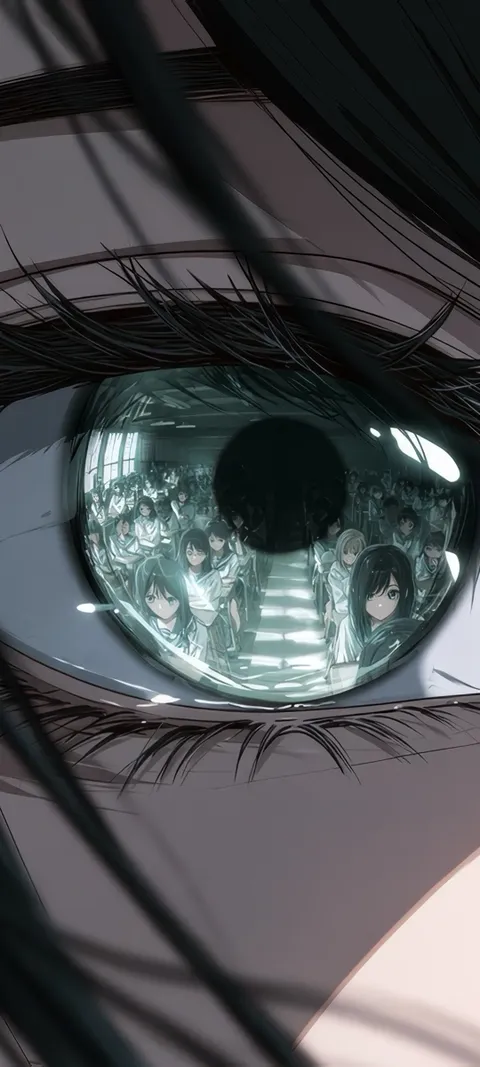 Reflected Anime Crowd
 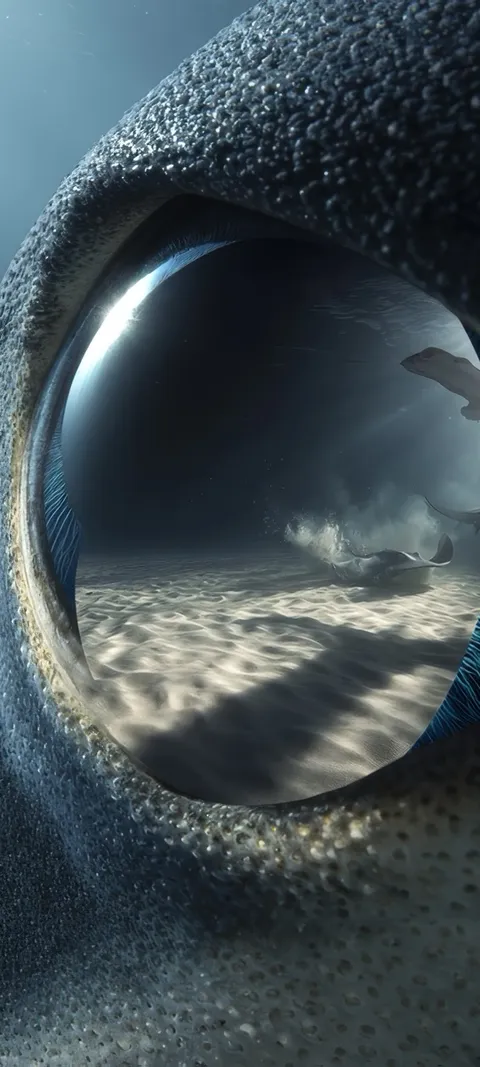 Shark Gaze
 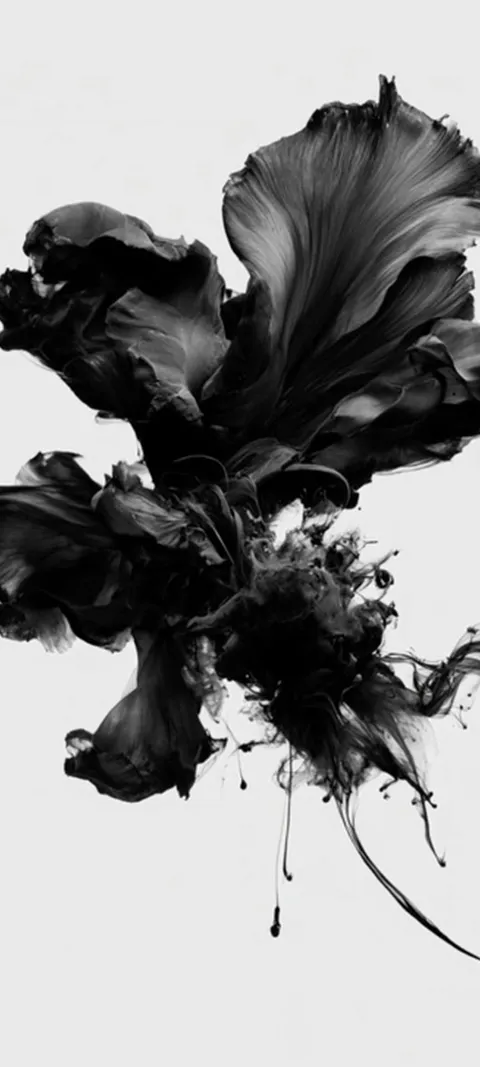 LIVE Abstract Black Form
 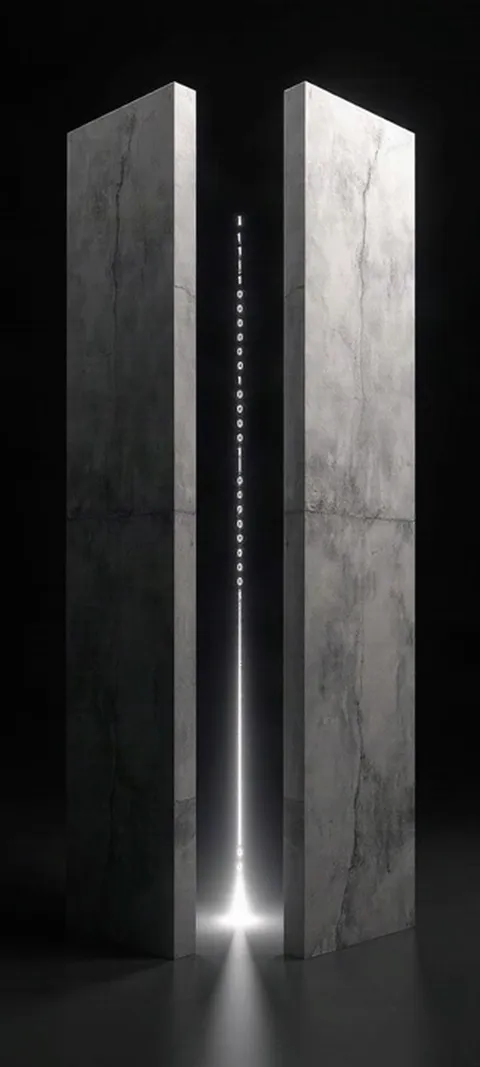 LIVE Binary Code Portal
 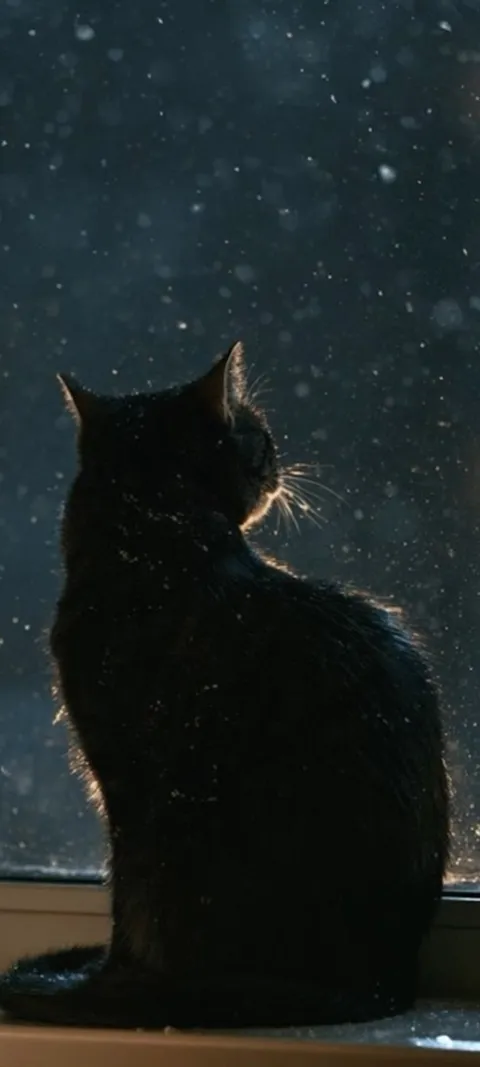 LIVE Black Cat Window
 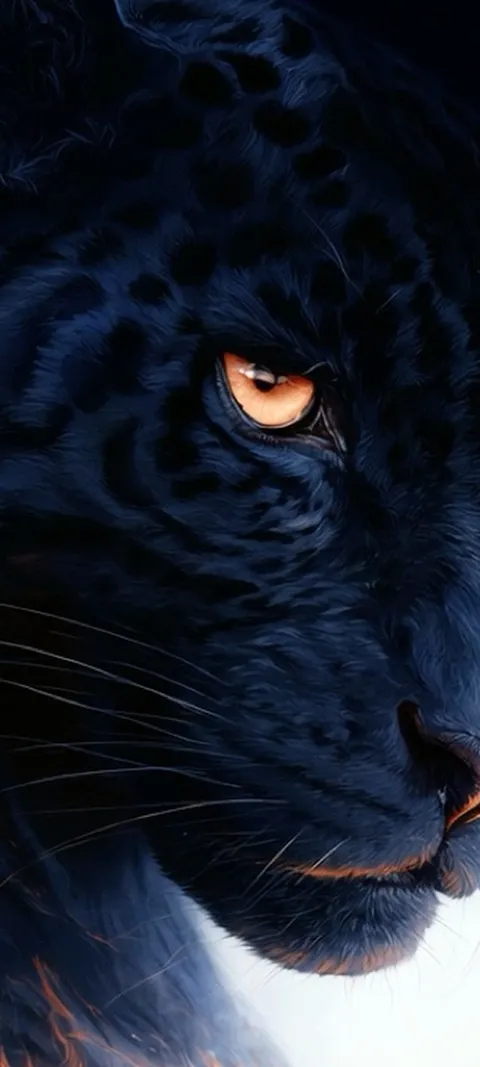 LIVE Black Panther Gaze
 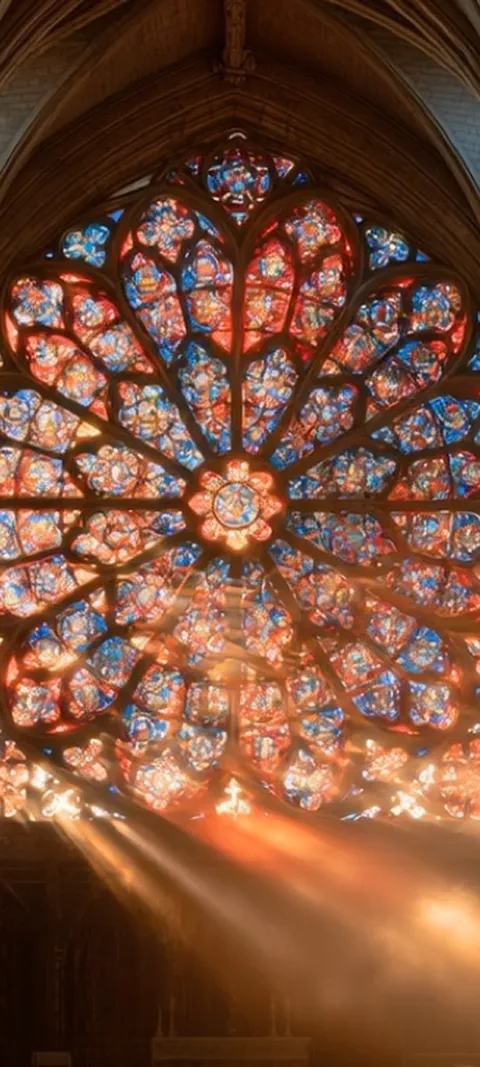 LIVE Cathedral Rose Window
  LIVE Cherry Blossom Ruins
  LIVE Cloudy
 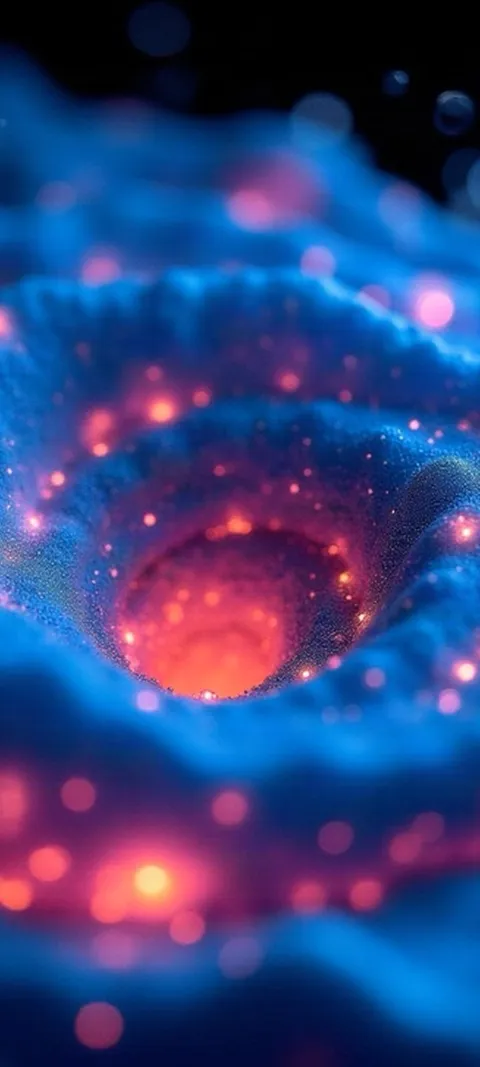 LIVE Coral Glow
  LIVE Cosmic Cauldron
 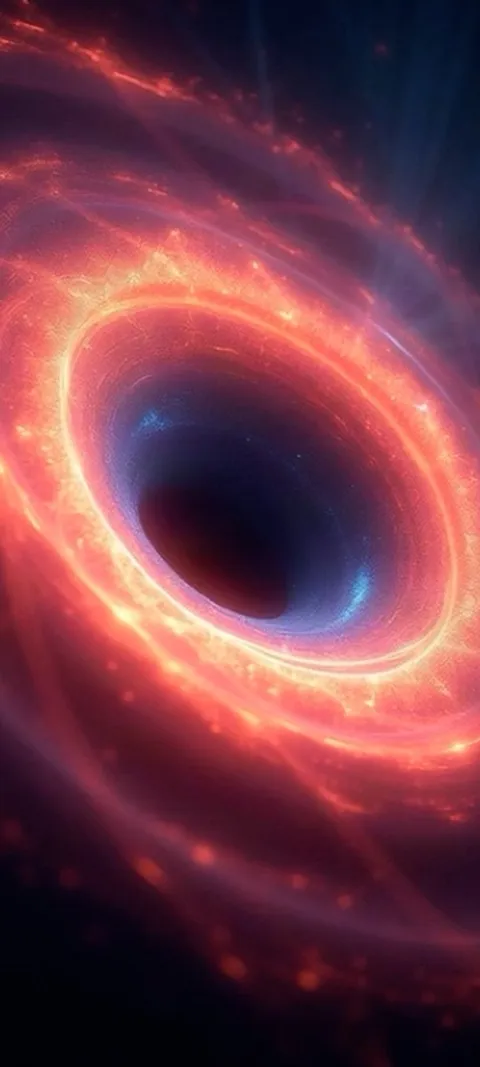 LIVE Cosmic Energy Vortex
 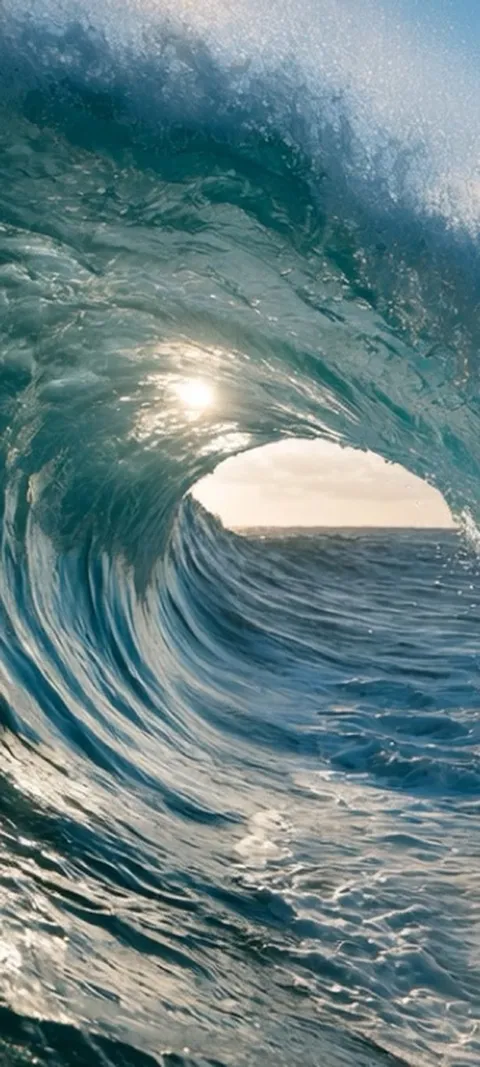 LIVE Crashing Sea Tunnel
 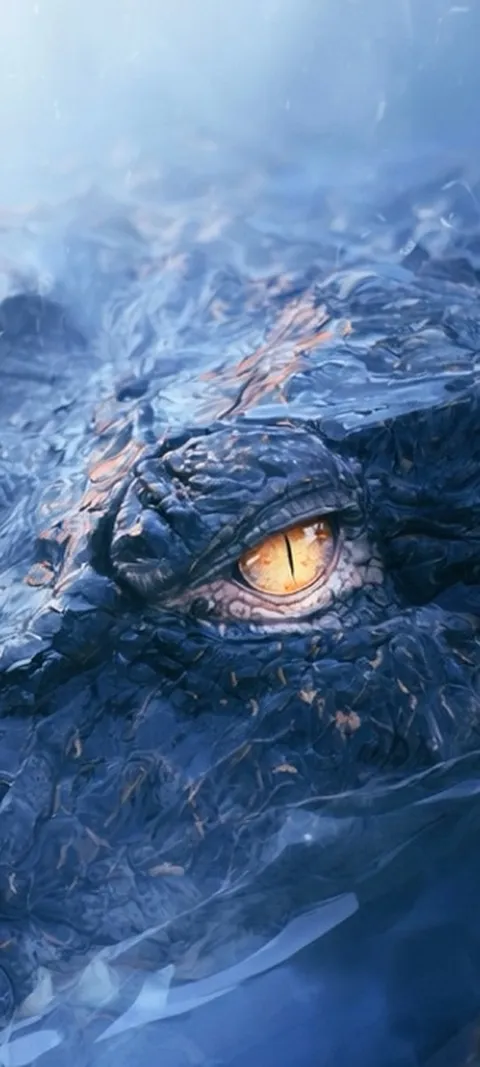 LIVE Crocodile Eye
 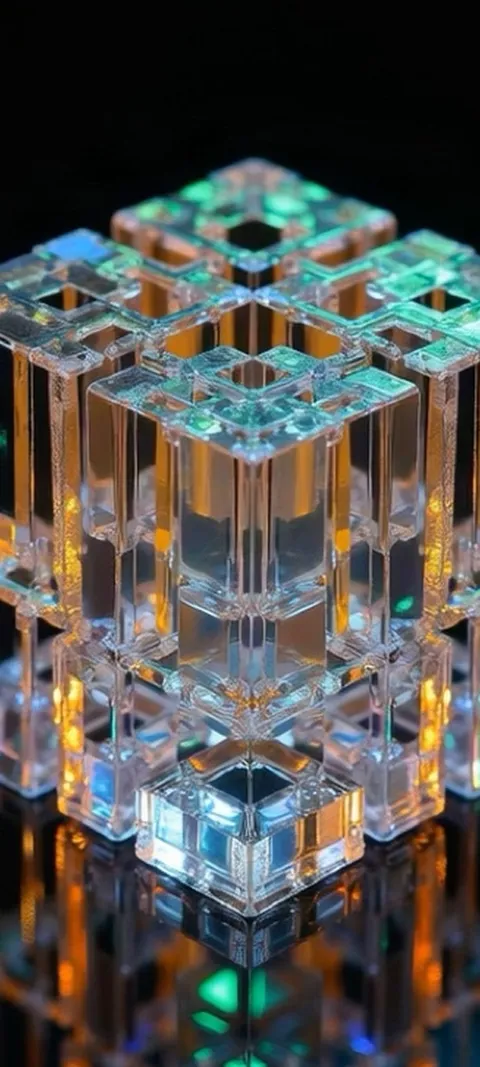 LIVE Crystal Cube Glow
 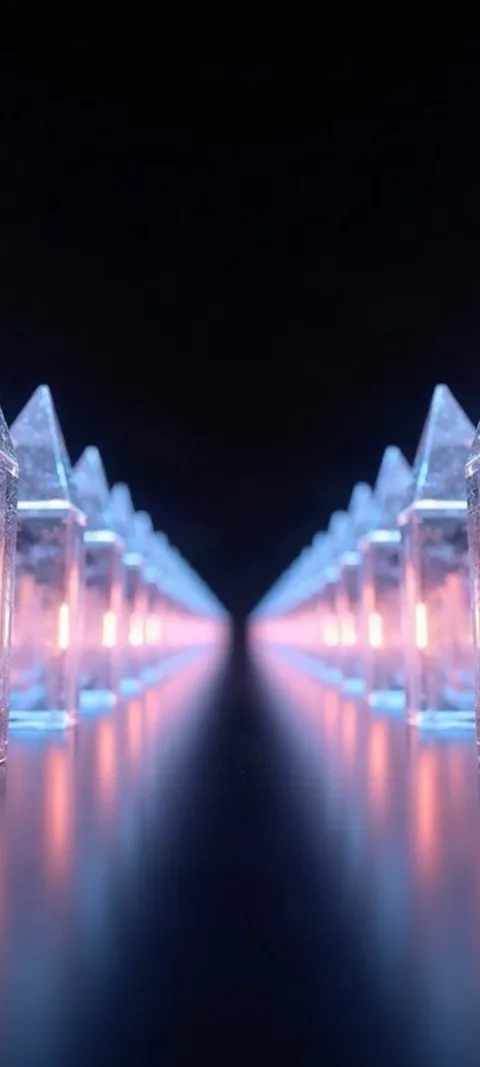 LIVE Crystal Light Path
 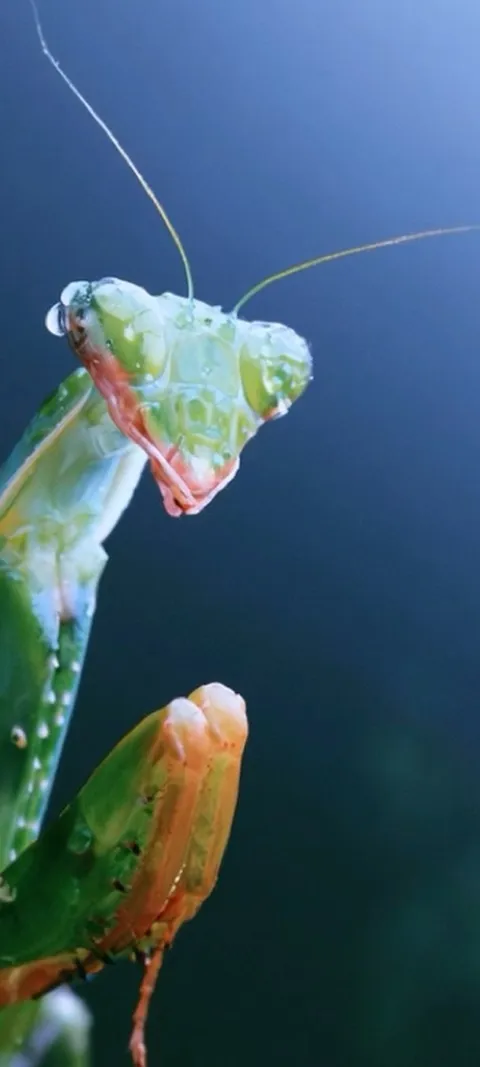 LIVE Dewy Mantis Portrait
 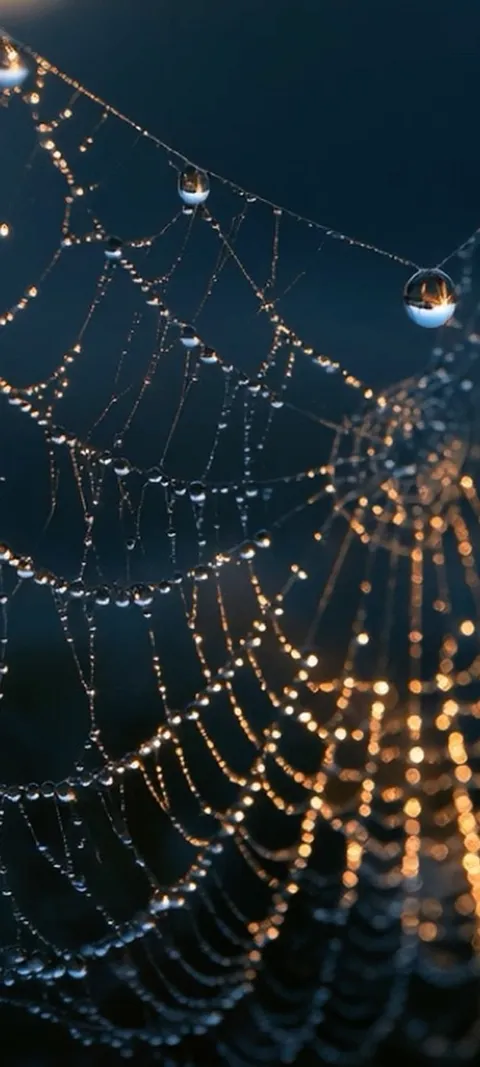 LIVE Dewy Spiderweb Glow
 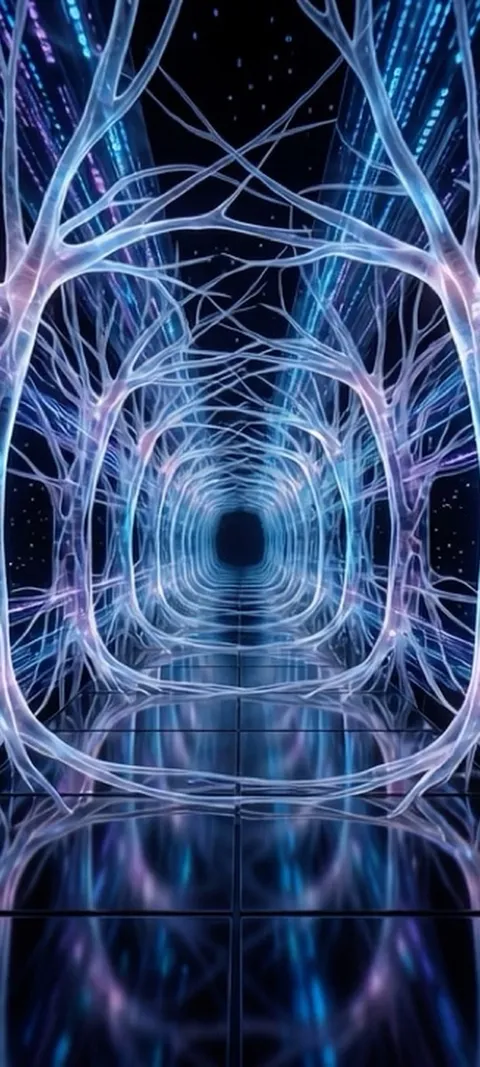 LIVE Digital Neuron Tunnel
 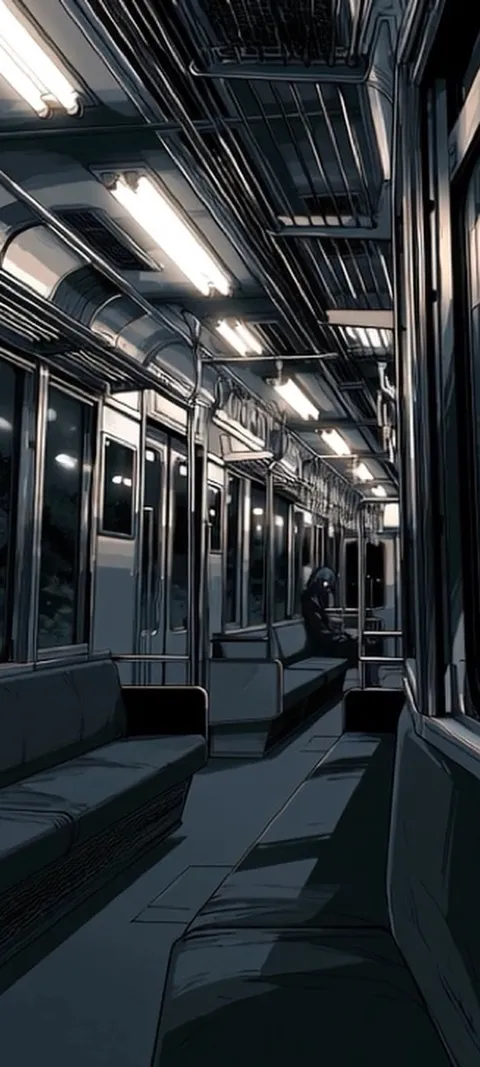 LIVE Empty Subway Car
 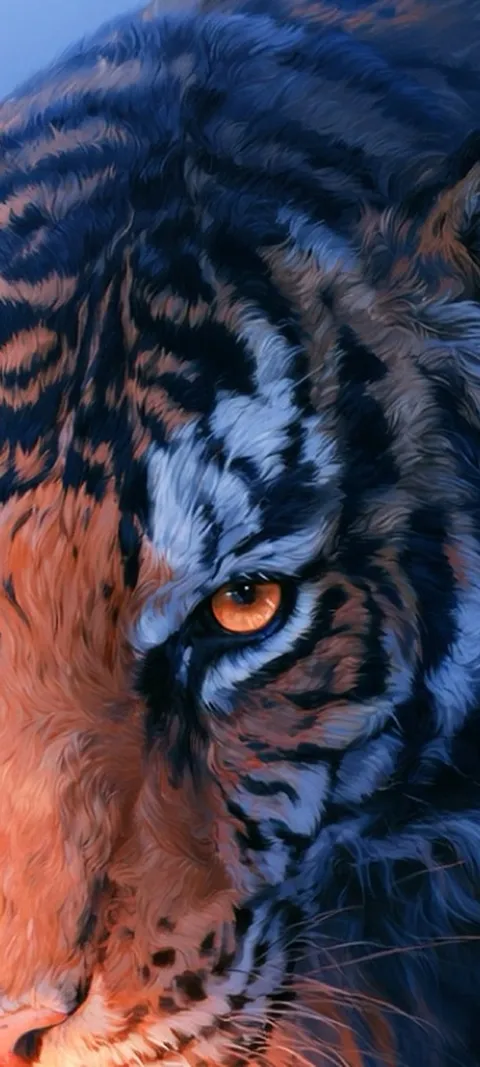 LIVE Feline Power
  LIVE Fiery Ember Burst
  LIVE Fiery Orb Hand
 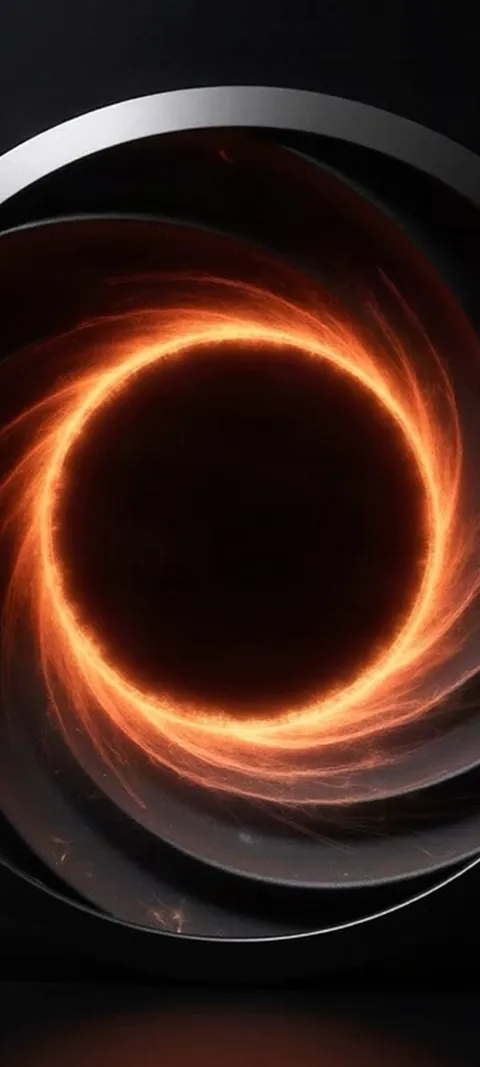 LIVE Fiery Vortex
 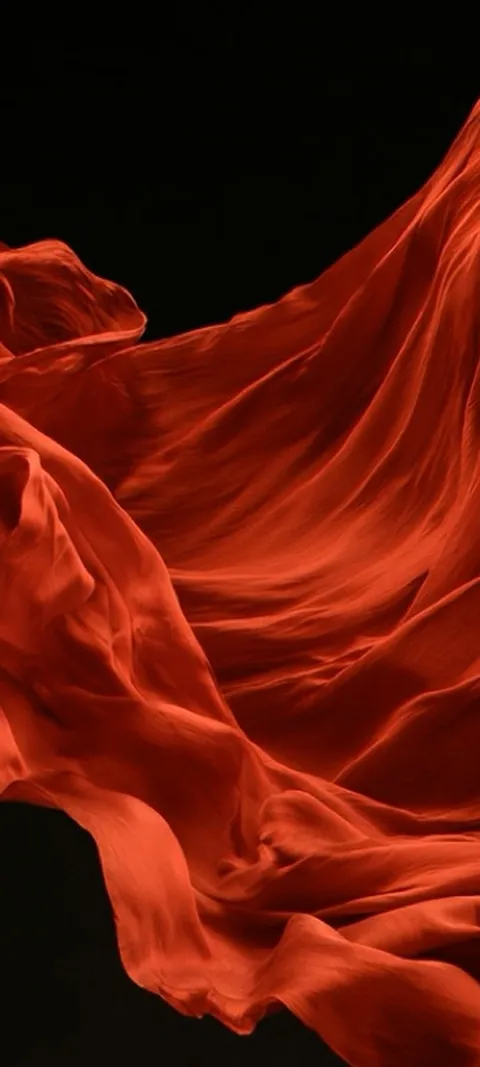 LIVE Flowing Red Fabric
 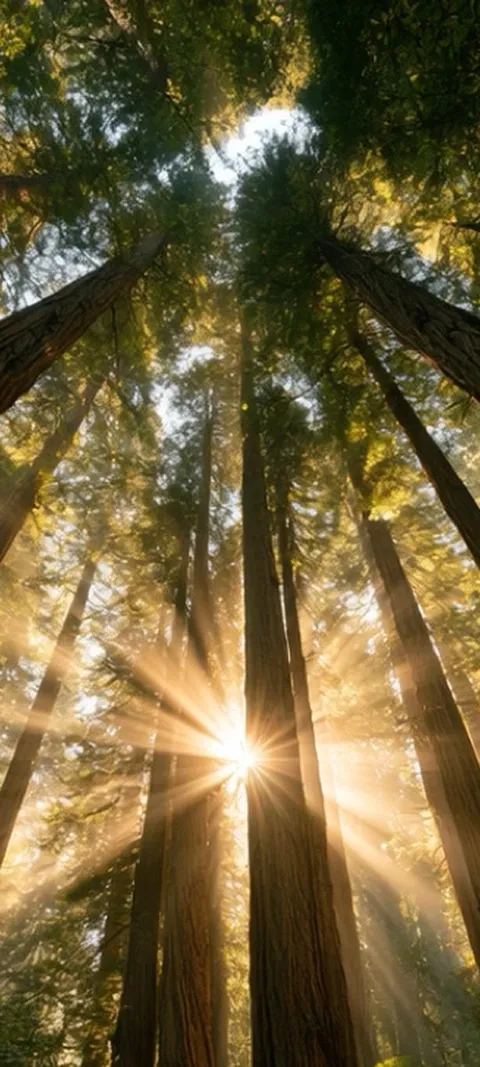 LIVE Forest Sunburst
 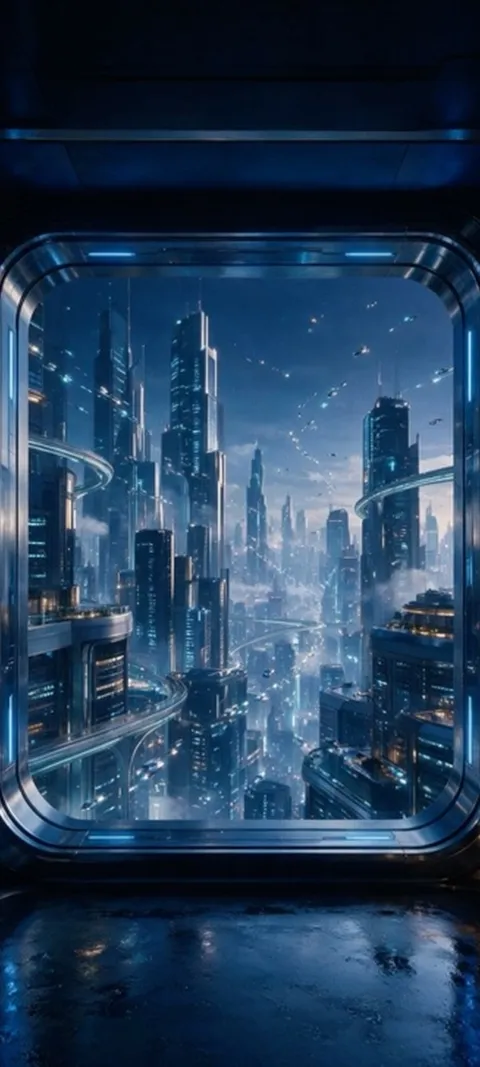 LIVE Futuristic Cityscape View
 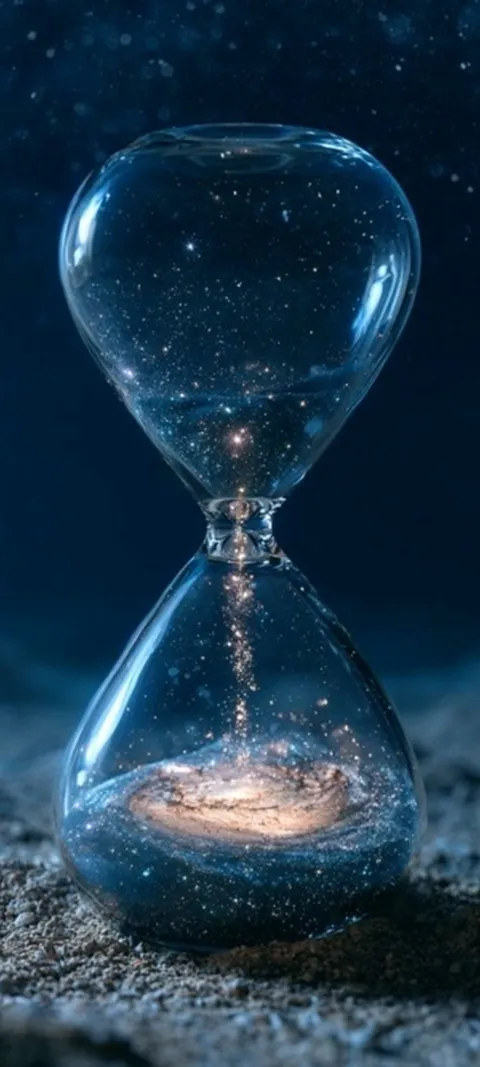 LIVE Galactic Sand
 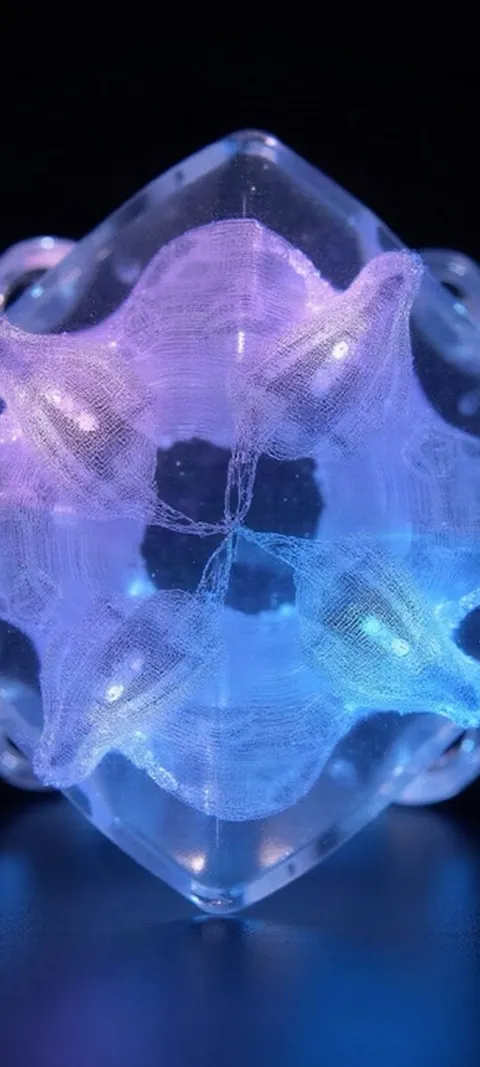 LIVE Glowing Geometric Cube
 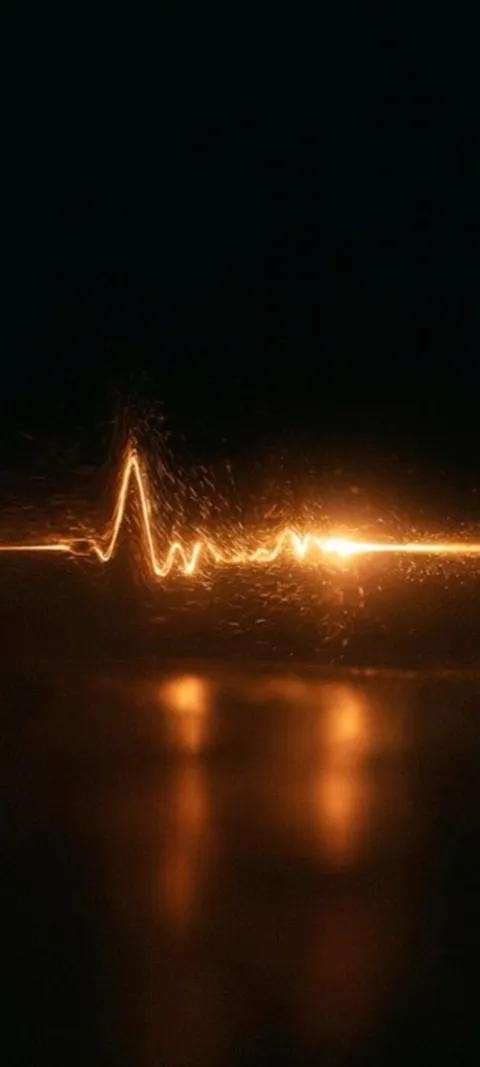 LIVE Golden Pulse Line
 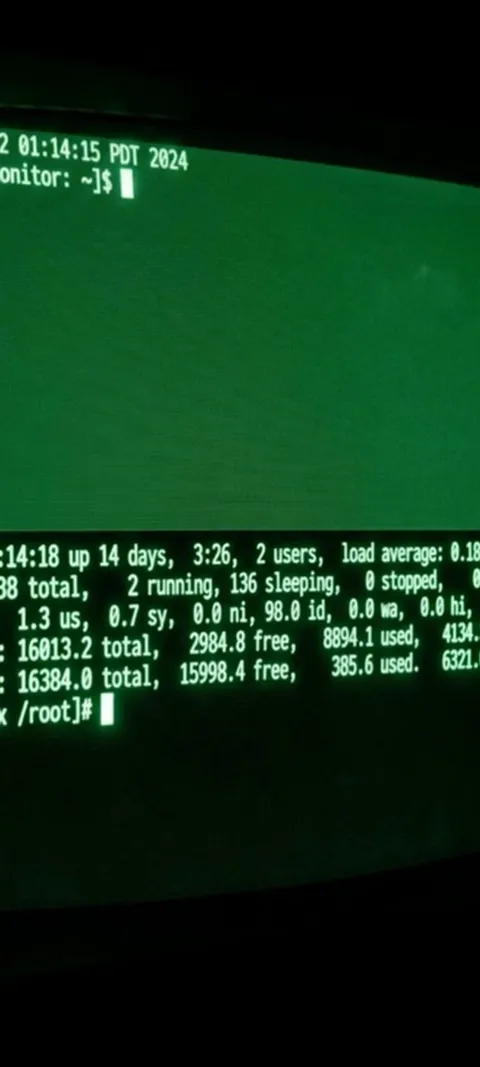 LIVE Green Terminal Screen
  LIVE Haunted Anime Gaze
 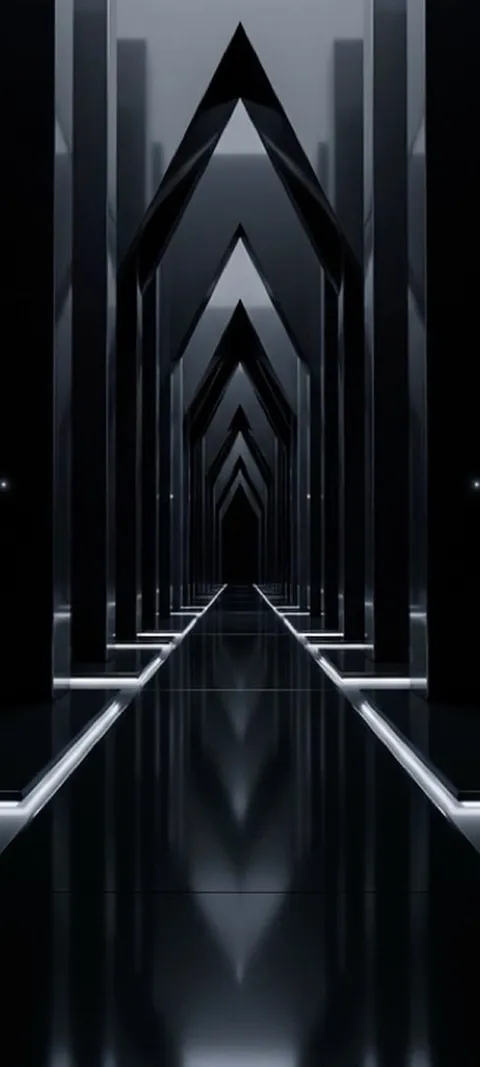 LIVE Infinite Dark Corridor
 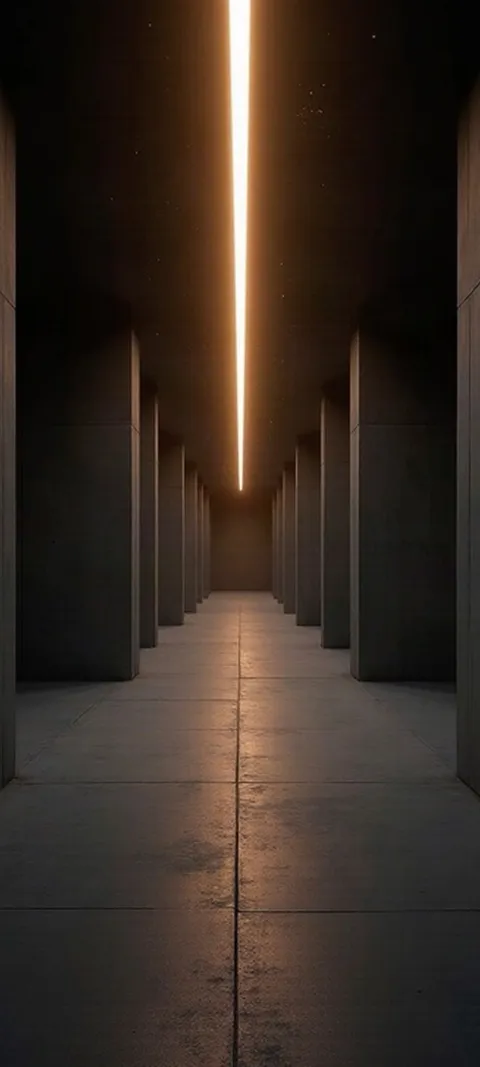 LIVE Infinite Light Corridor
 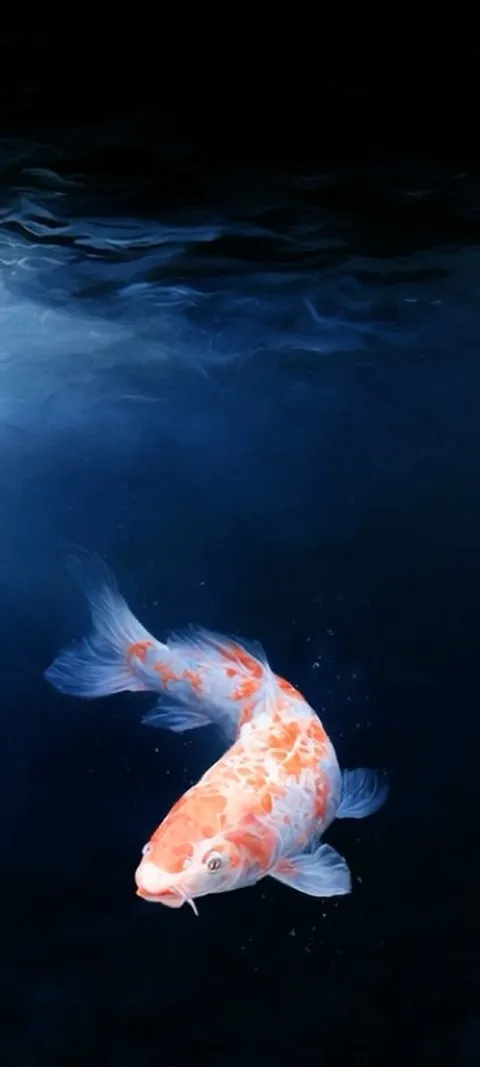 LIVE Koi In Deep
 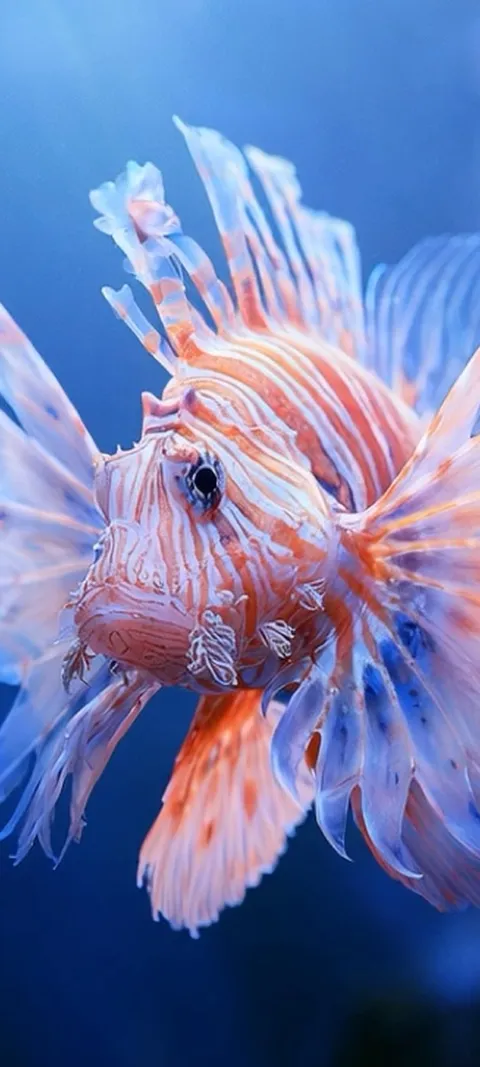 LIVE Lionfish Undersea
 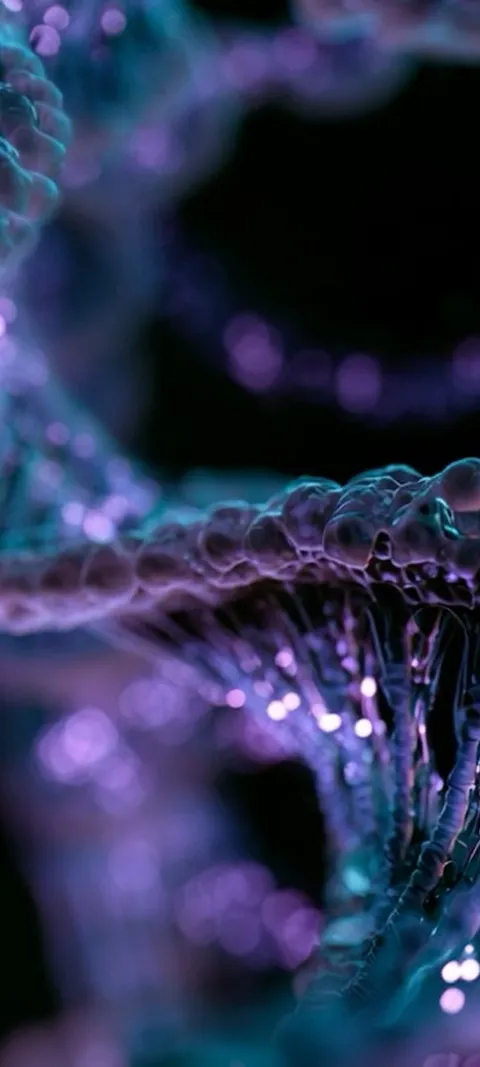 LIVE Luminous DNA Helix
 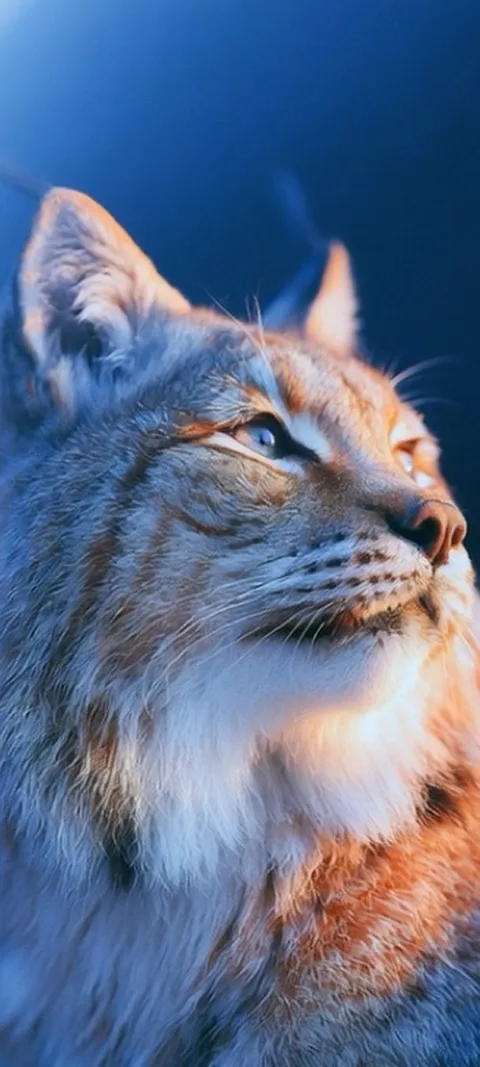 LIVE Lynx Golden Gaze
 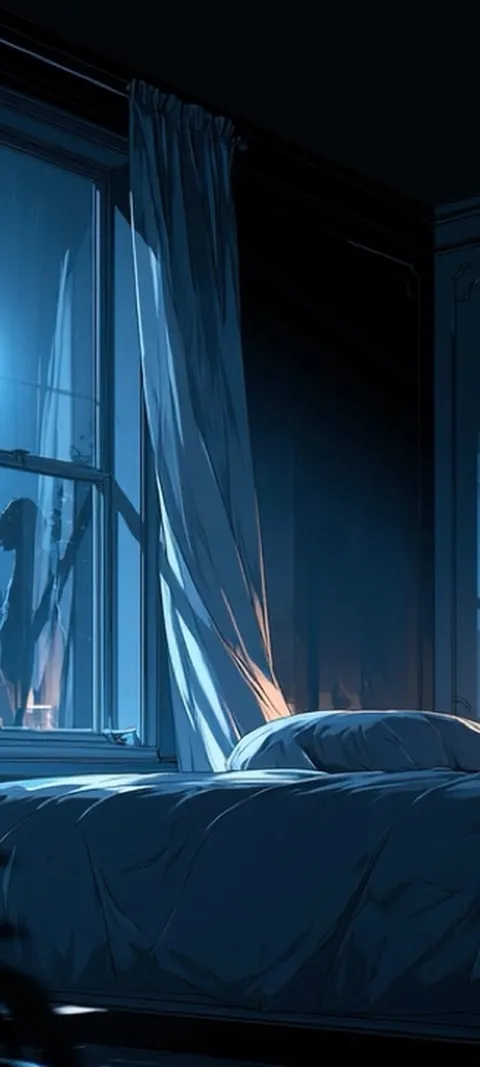 LIVE Moonlit Bedroom Window
  LIVE Moonlit Paper Mountains
 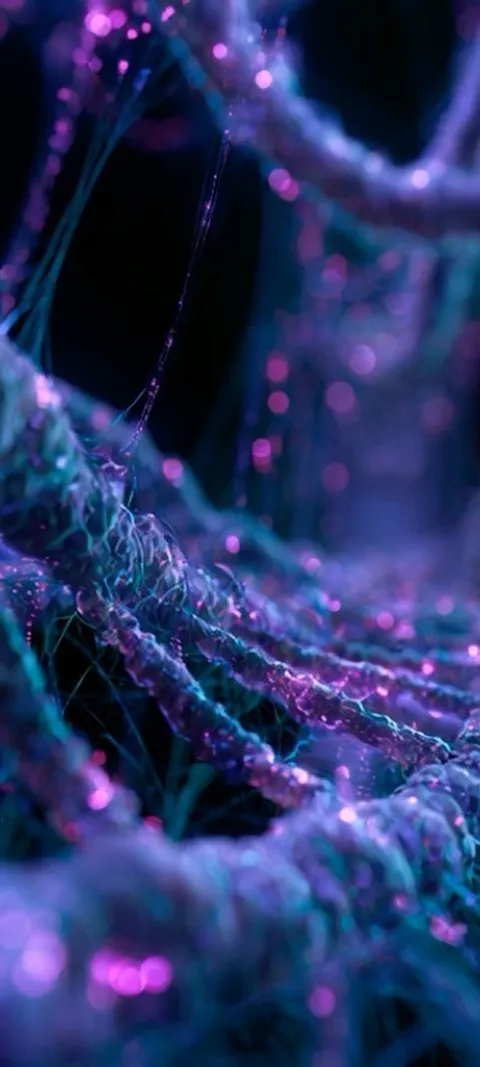 LIVE Neon Bioluminescent Strands
 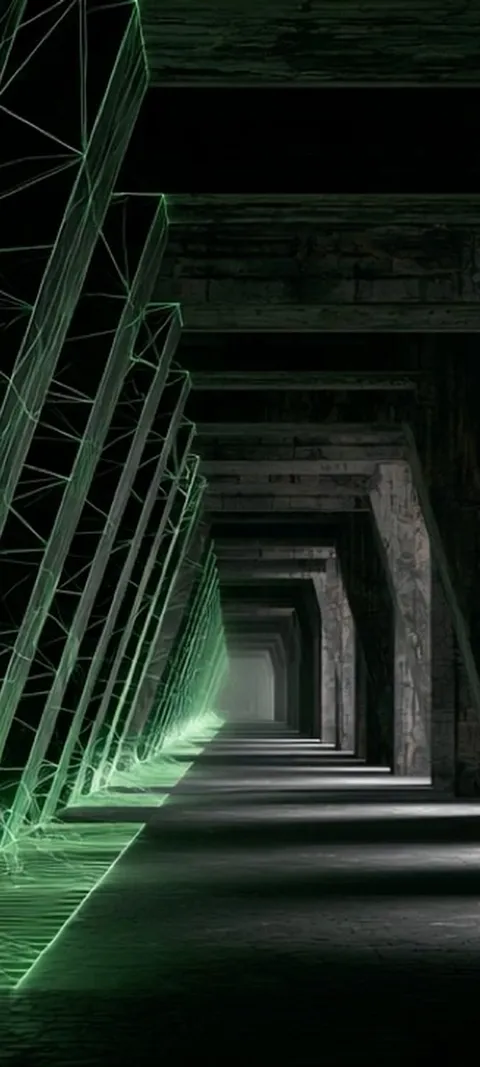 LIVE Neon Grid Tunnel
 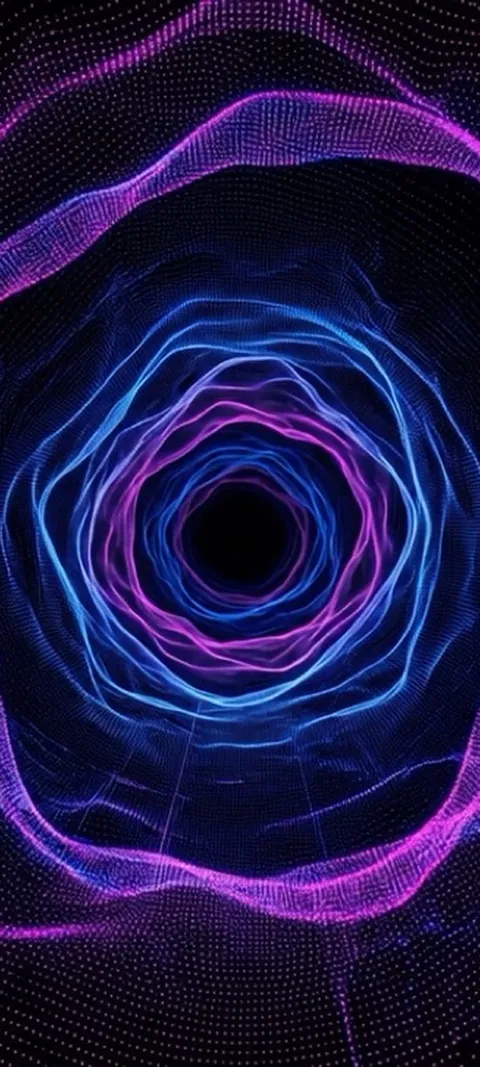 LIVE Neon Tunnel Vortex
 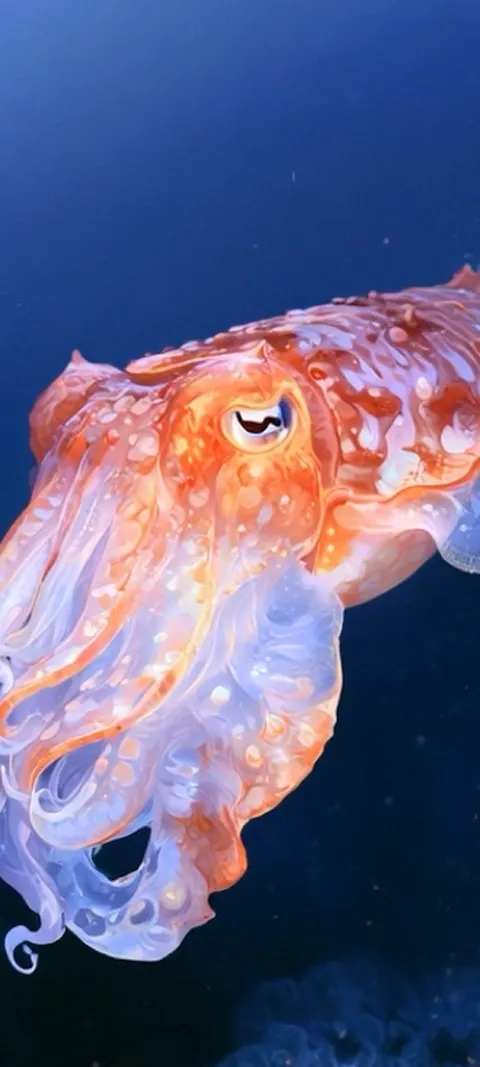 LIVE Oceanic Cuttlefish
 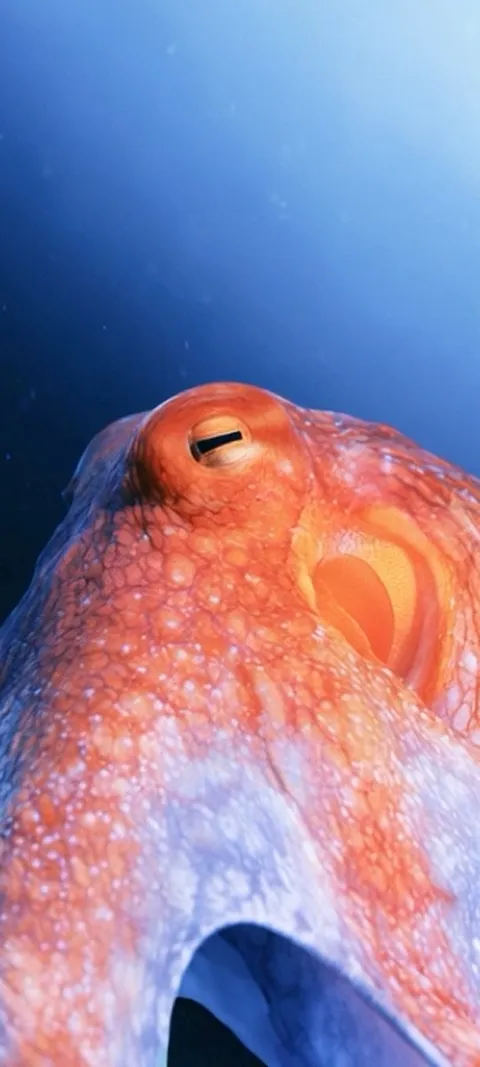 LIVE Oceanic Eye
 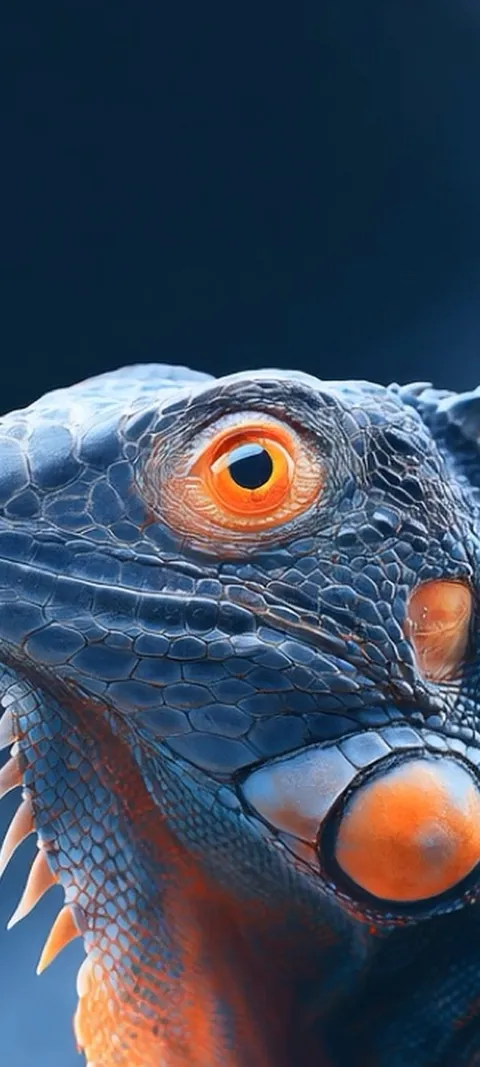 LIVE Orange Eyed Iguana
 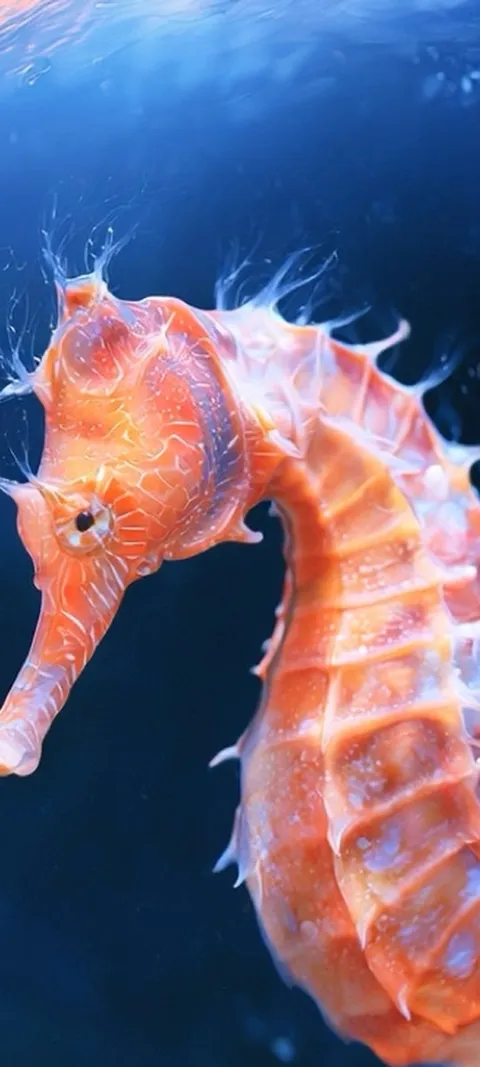 LIVE Orange Seahorse Underwater
 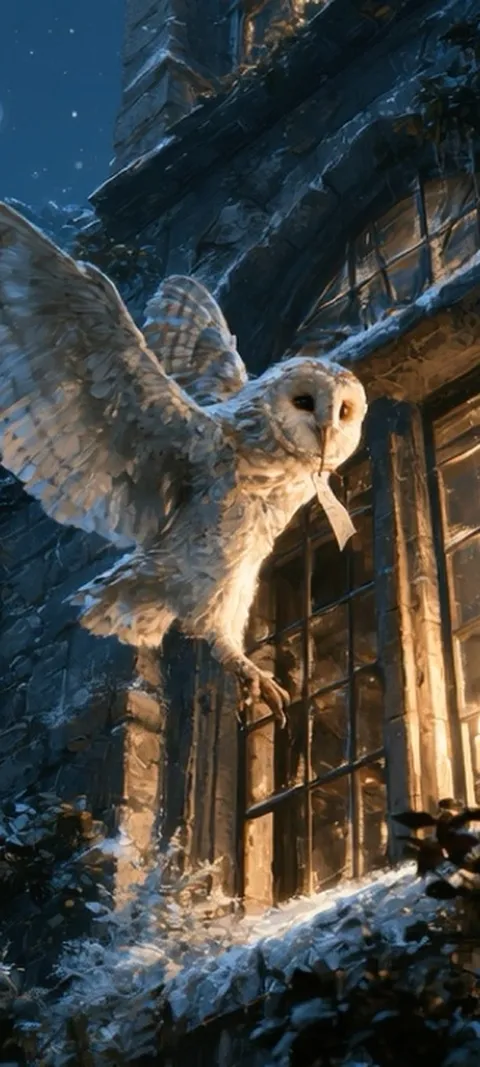 LIVE Owl's Night Delivery
 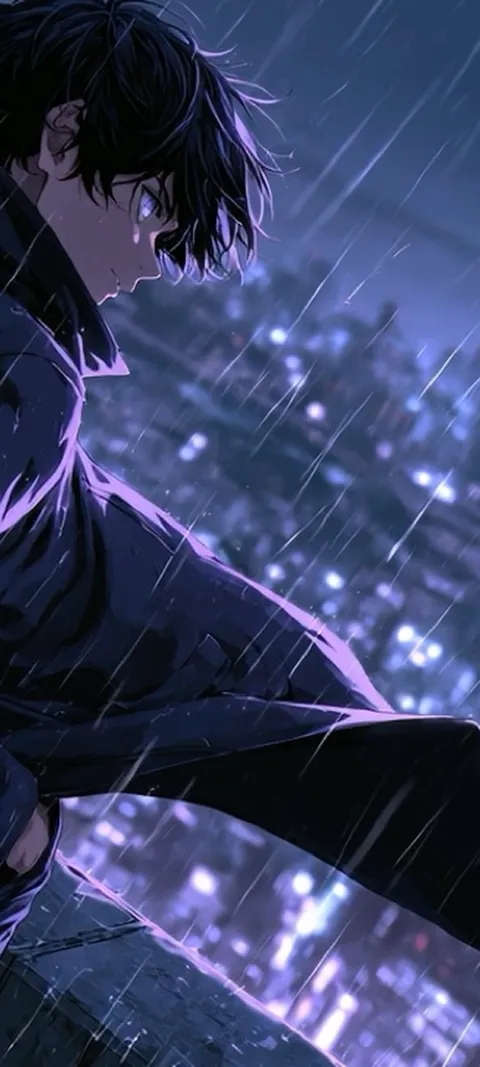 LIVE Rainy City Night
 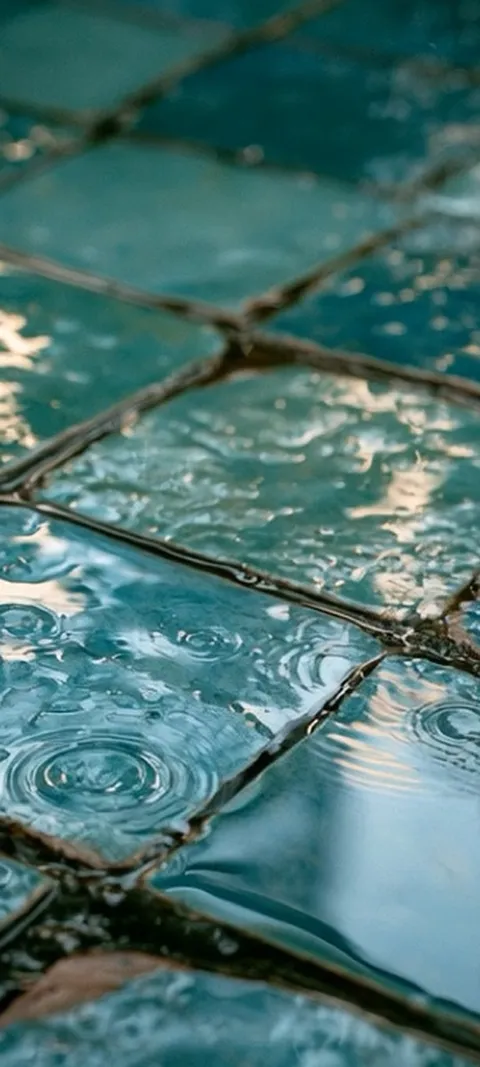 LIVE Rainy Teal Tiles
 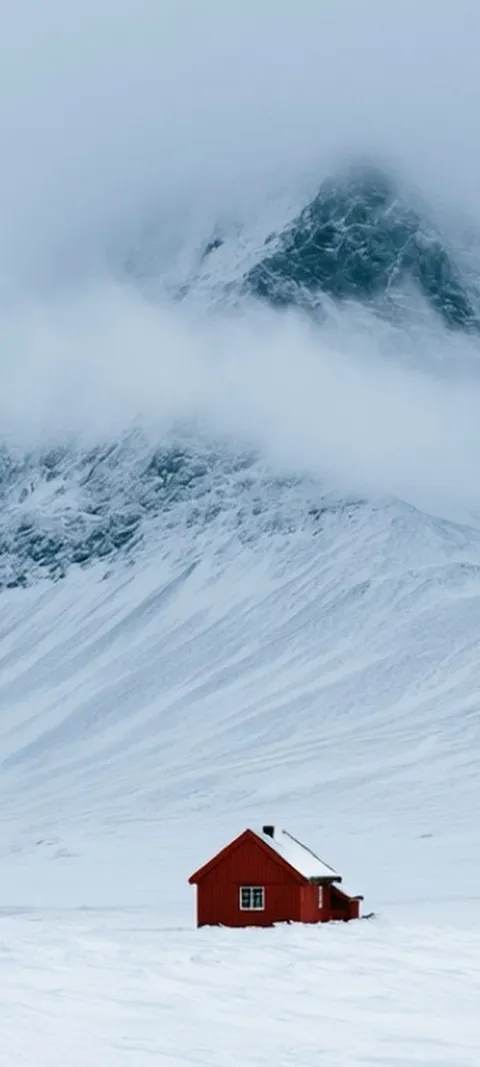 LIVE Red House Mountain
  LIVE Sky Lantern Festival
 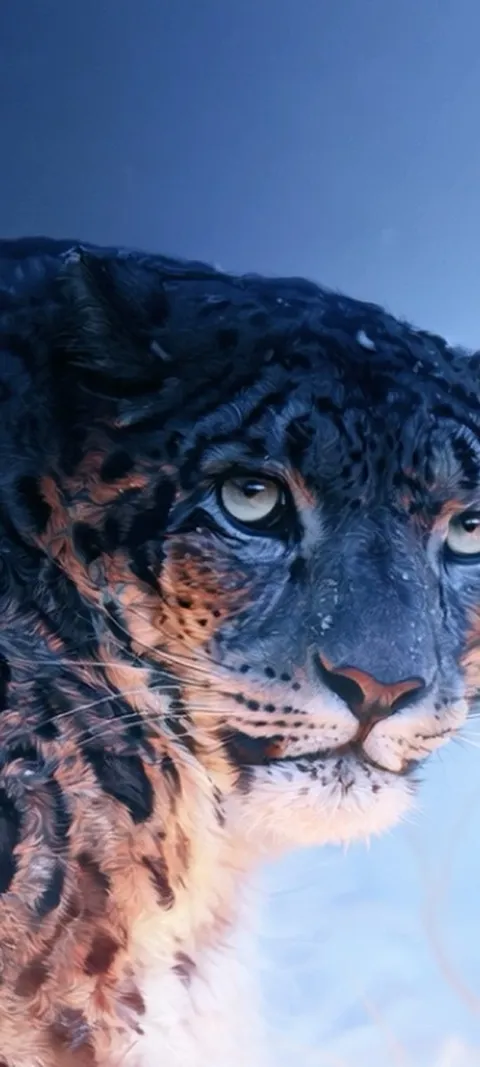 LIVE Snow Leopard Gaze
  LIVE Still Water Boat
 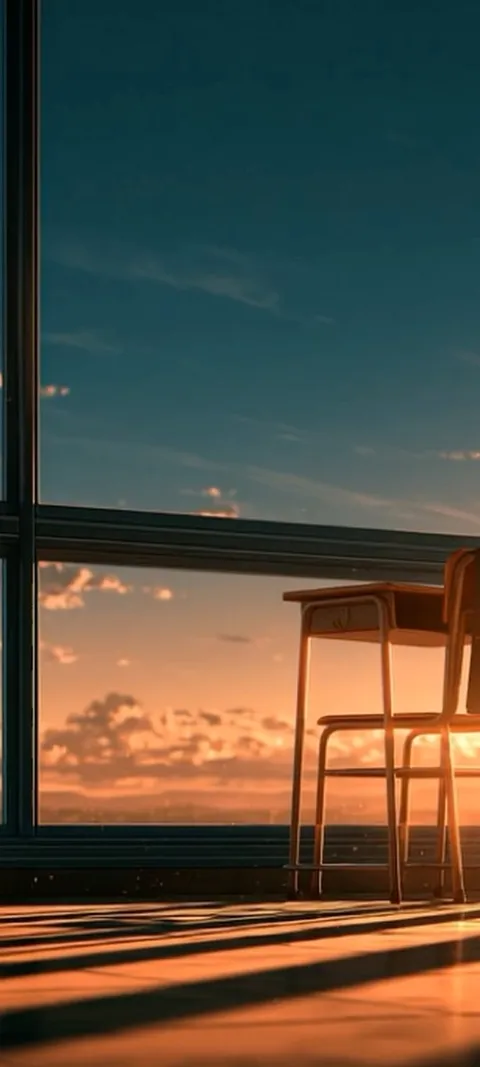 LIVE Sunset Classroom Glow
  LIVE Tunnel Speed Demon
 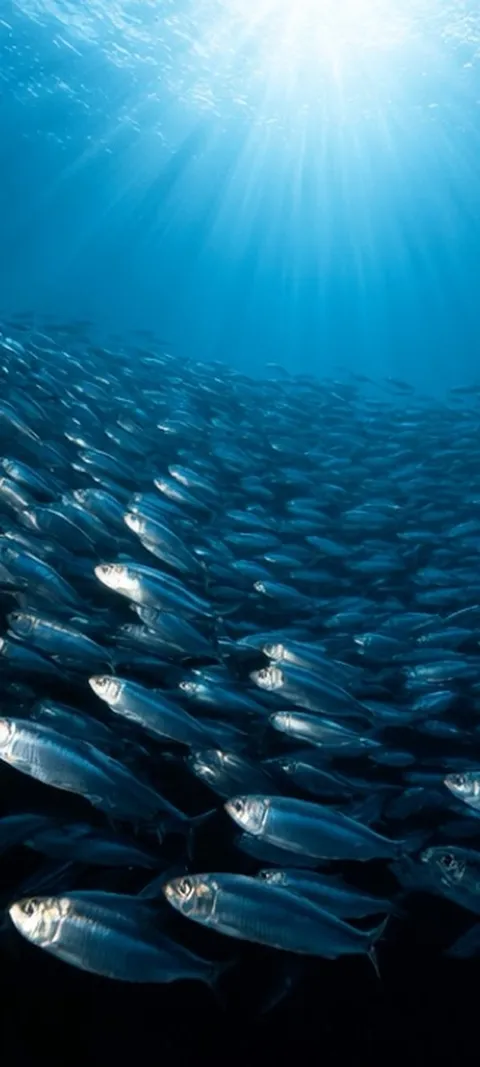 LIVE Underwater Fish Swarm
 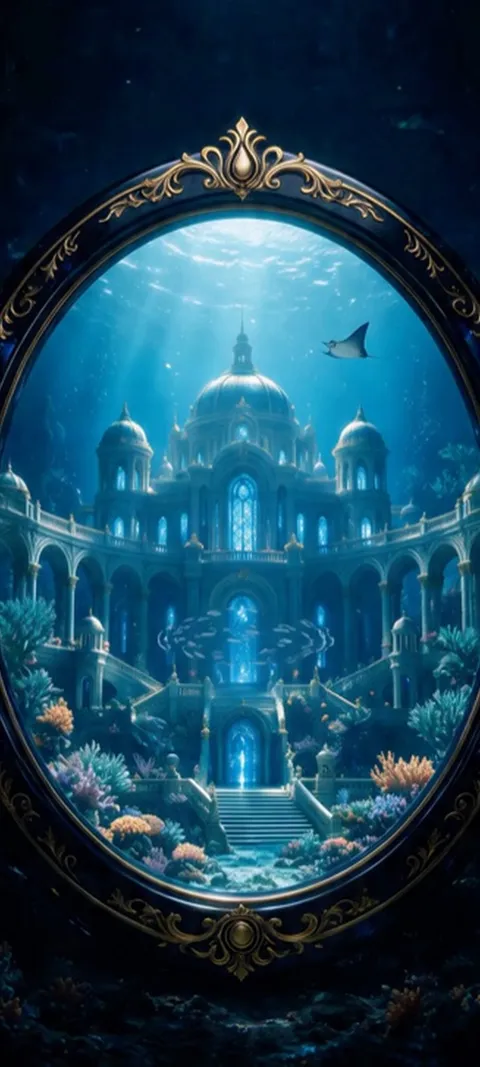 LIVE Underwater Palace Mirror
 451 ipad wallpapers in the live ScreenLux catalog — 86 of them live; showing 96 here, the rest are in the app.
How to set a ScreenLux wallpaper on iPad
- Open ScreenLux on the iPad. The app shows the large-screen catalog automatically. Pick a still or a Live Photo and check the preview.
- Save it to Photos. Tap Save. ScreenLux+ unlocks the save; the file lands in your Photos library at tablet resolution.
- Open Settings → Wallpaper. Tap Add New Wallpaper, choose Photos and select the saved image.
- Position and add. Pinch to adjust if you want, then tap Add. Choose a matching pair or customize the Home Screen separately.
- Wake the iPad. A Live Photo wallpaper plays on the Lock Screen when you wake or tap the screen.
Frequently asked
What resolution are the iPad wallpapers?
Stills go up to 2208 × 2688 pixels, and some are larger. Live Photos are 2160 × 3840, a true 4K frame, so motion stays sharp on the largest iPads. These files come from the large-screen catalog, which is separate from the 1080 × 2400 phone files; ScreenLux switches to it automatically on iPad. Because an iPad display is closer to 4:3 than a phone, each design is composed for that frame rather than cropped from the tall phone version.
Do live wallpapers work on iPad?
Yes. ScreenLux saves an iPad live wallpaper as a Live Photo at 2160 × 3840. Set it from Settings → Wallpaper → Add New Wallpaper → Photos, or from the Photos app with Share → Use as Wallpaper, exactly as on iPhone. On iPadOS 17 or later the Lock Screen plays the loop when you wake the iPad; the Home Screen shows the still and does not animate continuously. Picks like Arctic Fox Cub and Barn Owl Gaze are in the iPad set.
Does one ScreenLux+ purchase cover both iPhone and iPad?
Yes, as long as both devices are signed in to the same Apple ID. Buy ScreenLux+ on either one, then open the app on the other and use Restore Purchases if it does not unlock on its own. Lifetime is $19.99 once; annual is $14.99 a year with a 7-day free trial; $1.99 a week comes with a 3-day trial, where the store offers it. Purchases made on Google Play stay on Android and do not unlock the iPad app.