 SCREEN
 iOS 26 Wallpapers with Depth Effect
This page collects iOS 26 wallpaper picks from ScreenLux: 121 subject-led designs for the iOS 26 Lock Screen, where the clock adapts to the photo and Liquid Glass widgets sit over it. Each has a single clear subject and room above it, which is what Depth Effect and Spatial Scene need. Barn Owl Gaze, Majestic Bald Eagle and Mandrill Primate Portrait are typical; 28 of the picks are Live Photos. Preview free in the app; ScreenLux+ unlocks downloads. For the feature itself, see Depth Effect wallpapers.
Get ScreenLux Free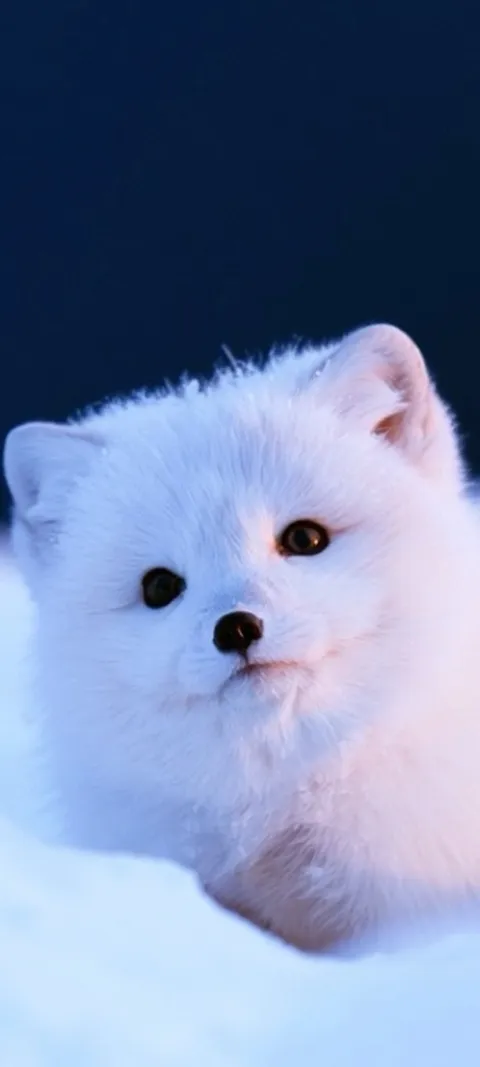 LIVE Arctic Fox Cub
 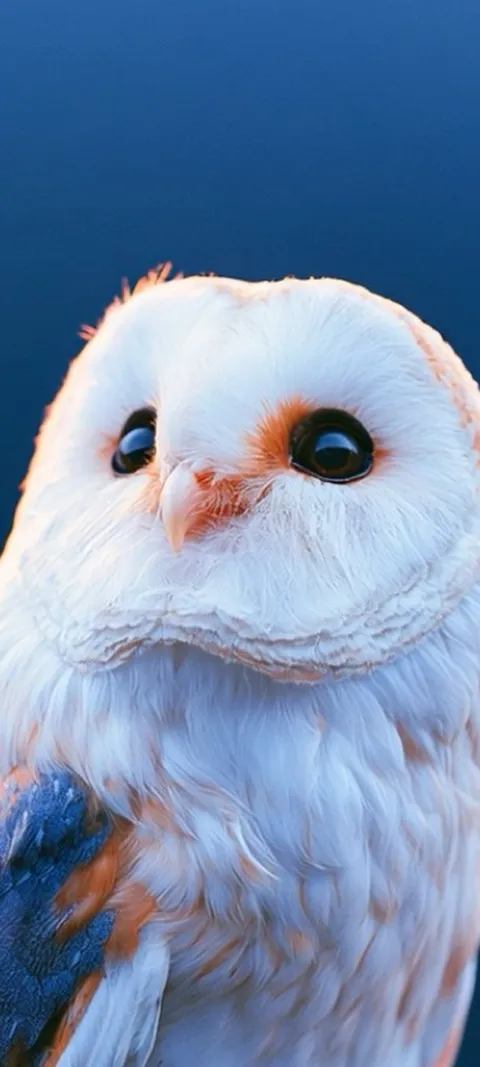 LIVE Barn Owl Gaze
 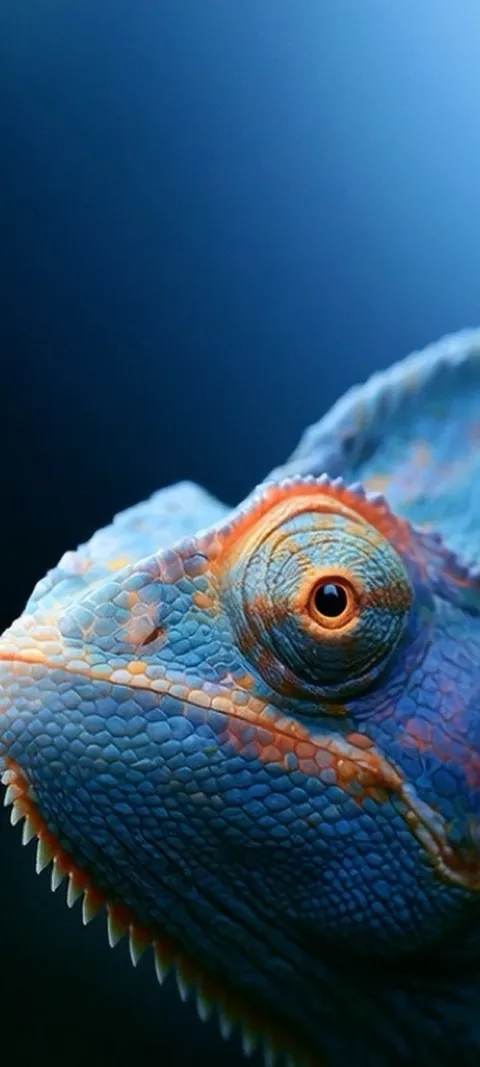 LIVE Blue Chameleon Close-up
 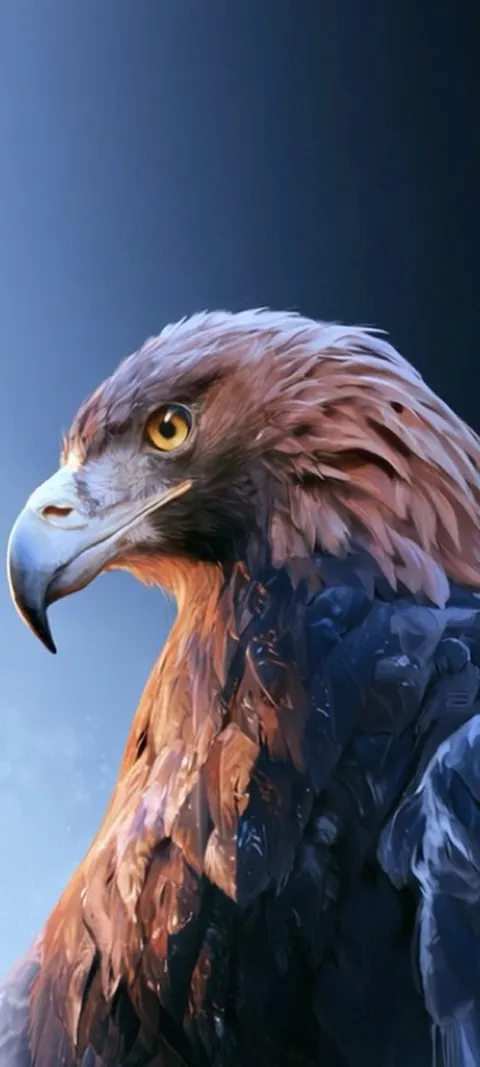 LIVE Golden Eagle Gaze
 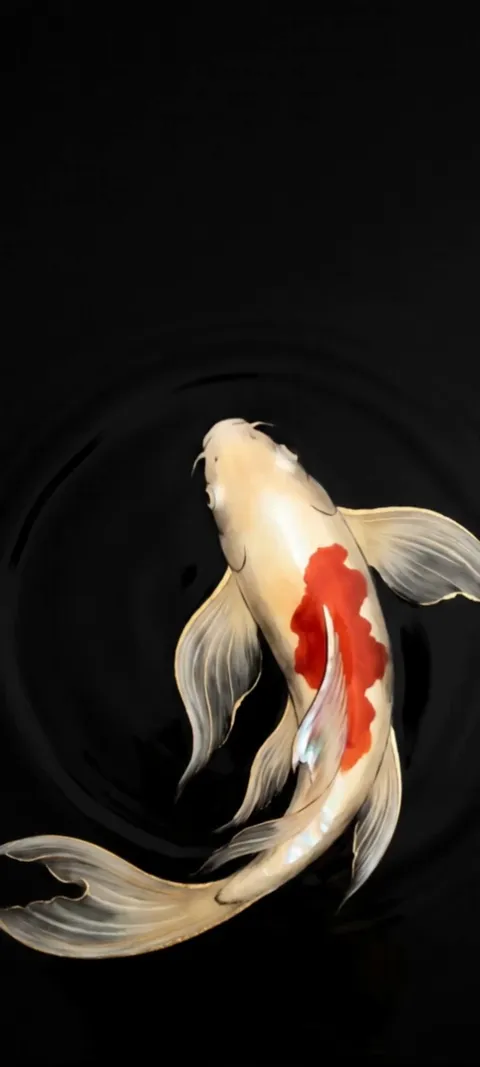 LIVE Koi Pond
 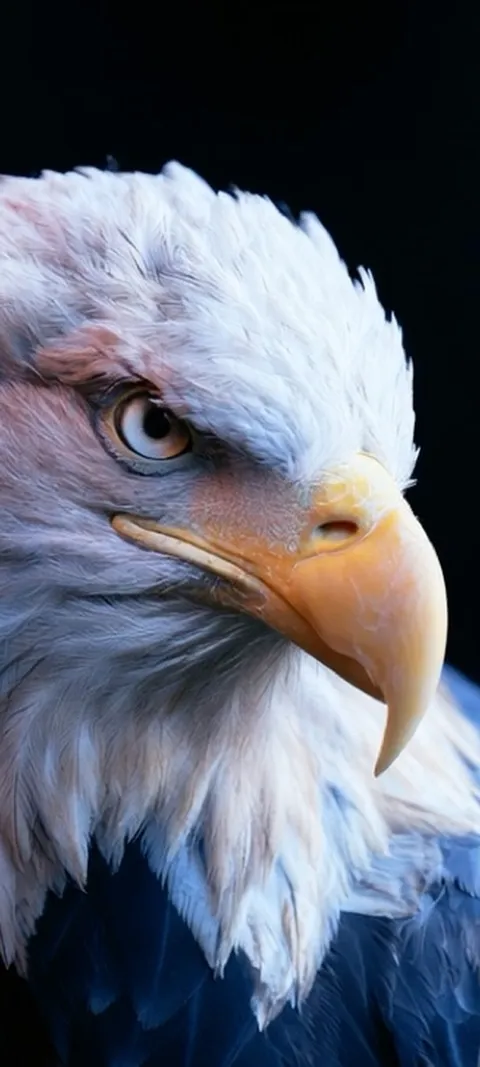 LIVE Majestic Bald Eagle
 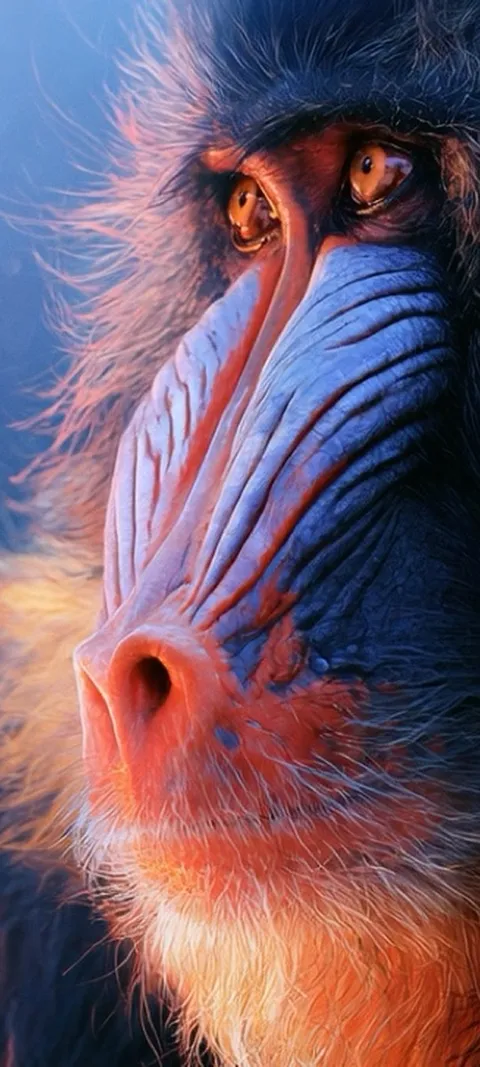 LIVE Mandrill Primate Portrait
 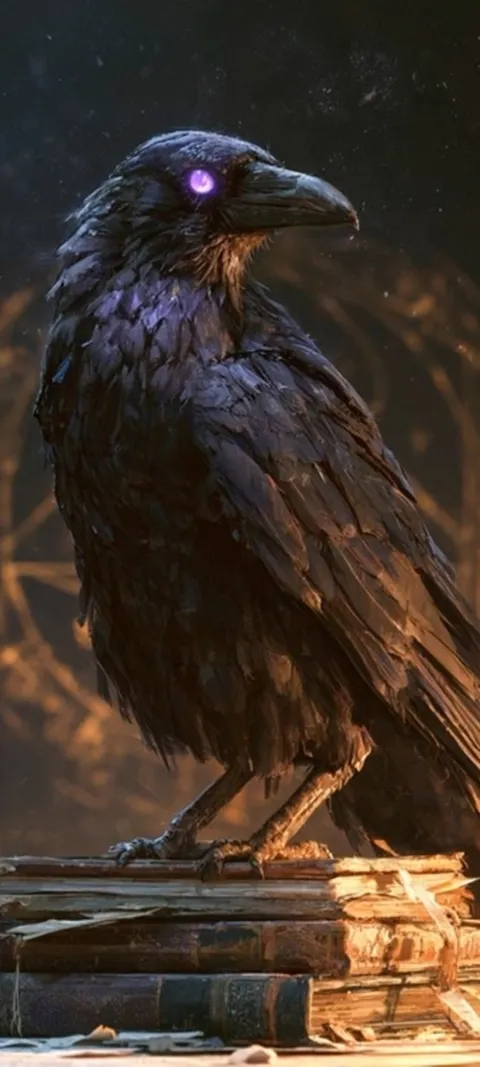 LIVE Mystic Raven Scholar
 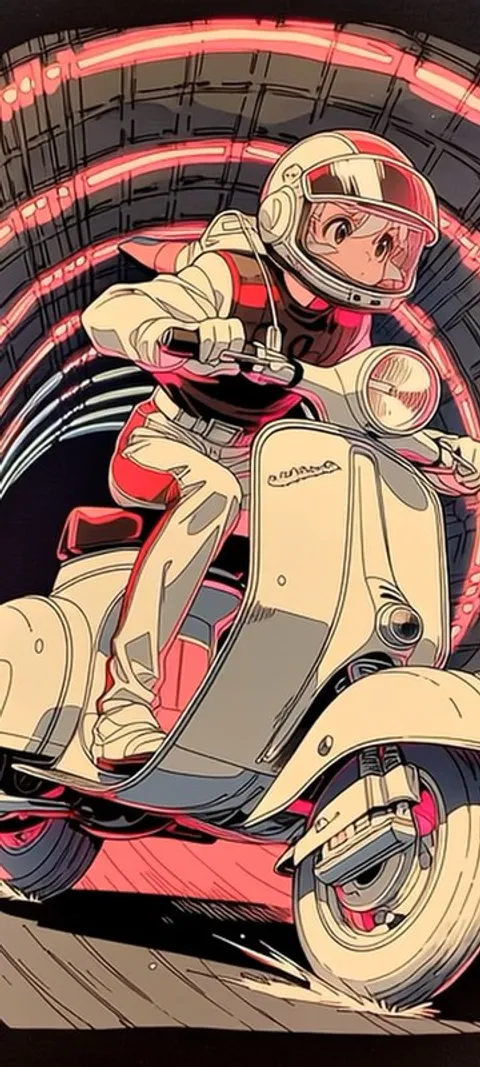 LIVE Neon Scooter
 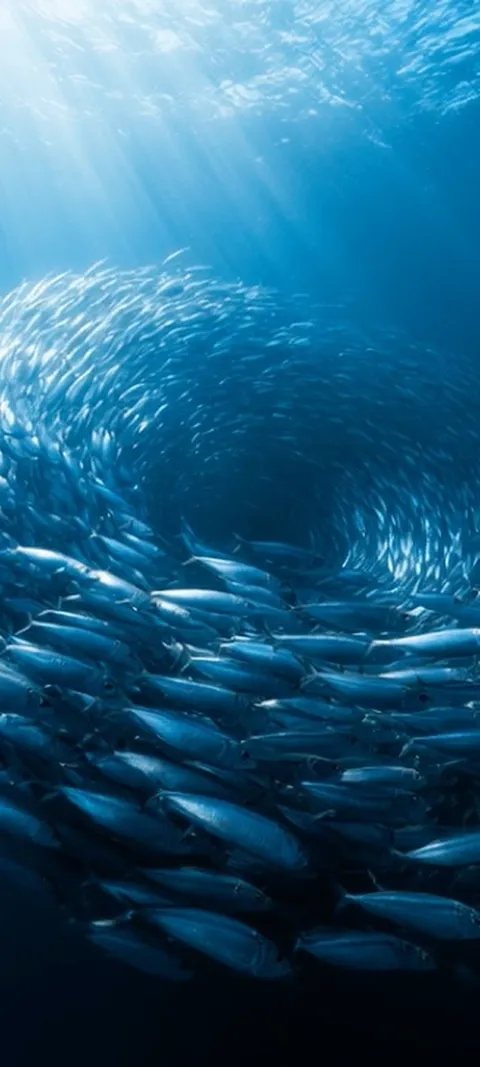 LIVE Oceanic Fish Vortex
 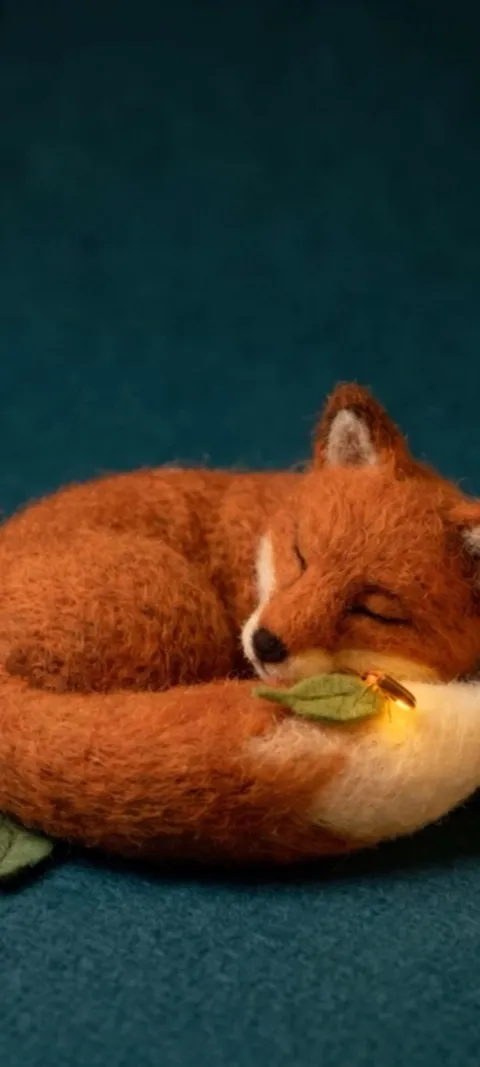 LIVE Sleeping Felt Fox
 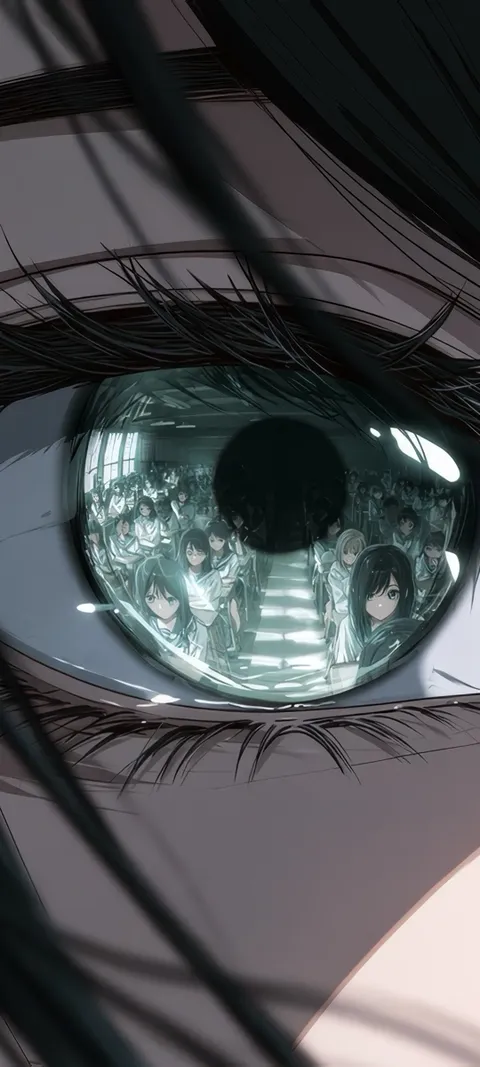 Reflected Anime Crowd
 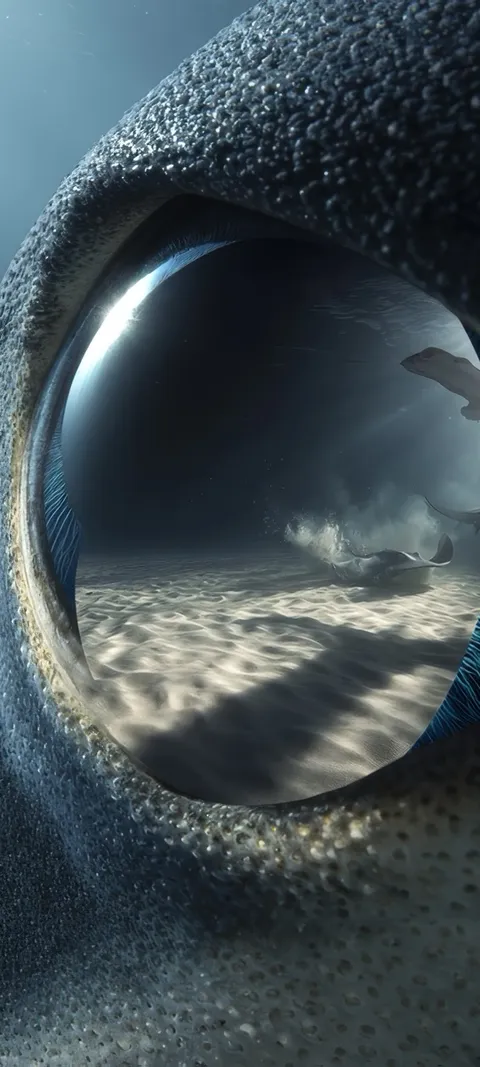 Shark Gaze
 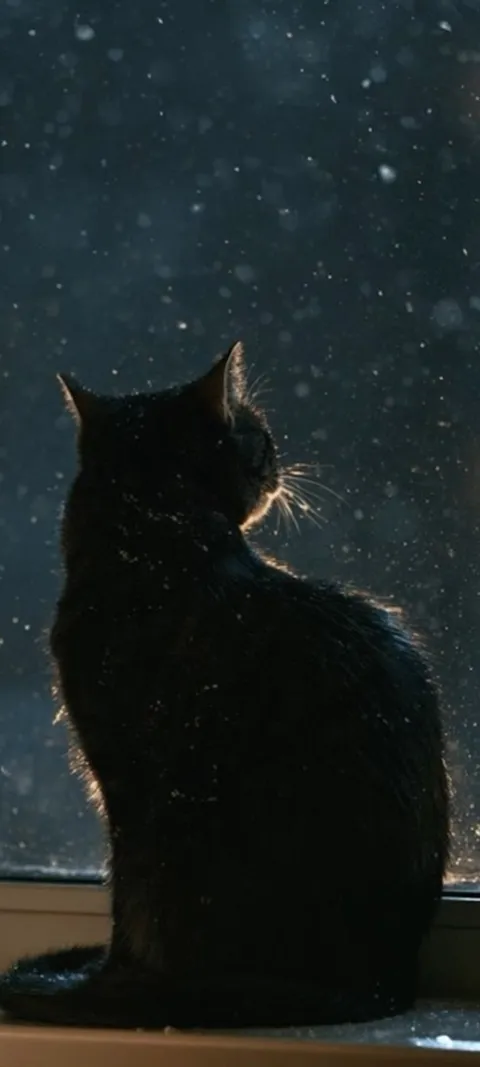 LIVE Black Cat Window
 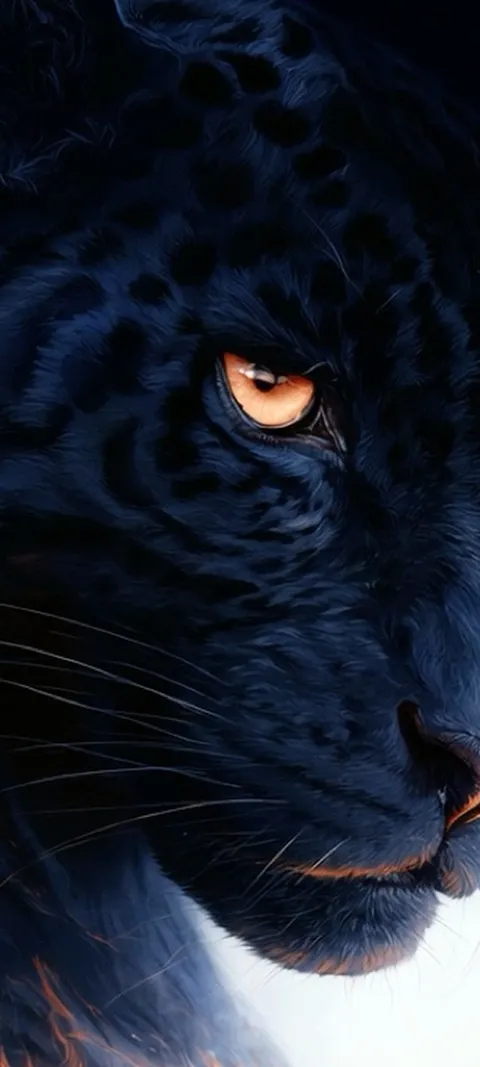 LIVE Black Panther Gaze
 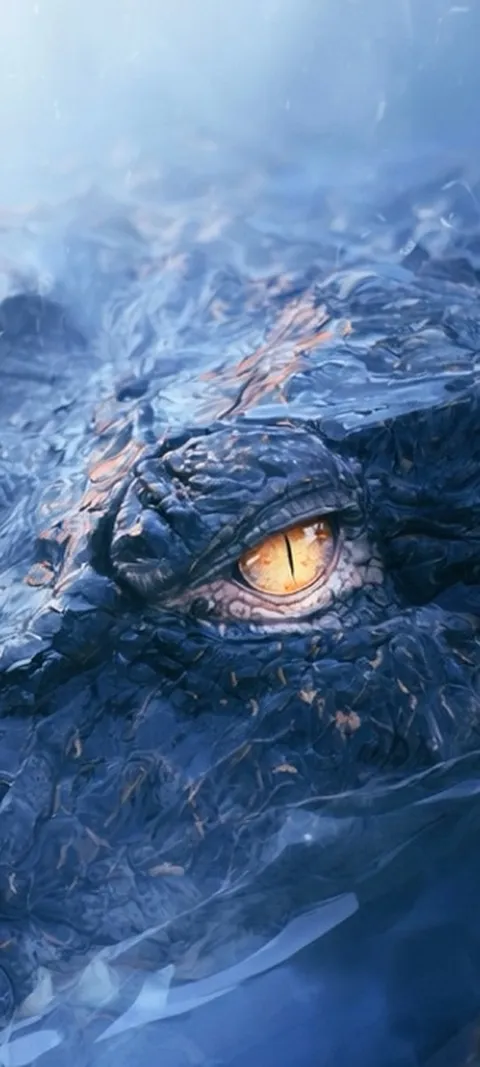 LIVE Crocodile Eye
 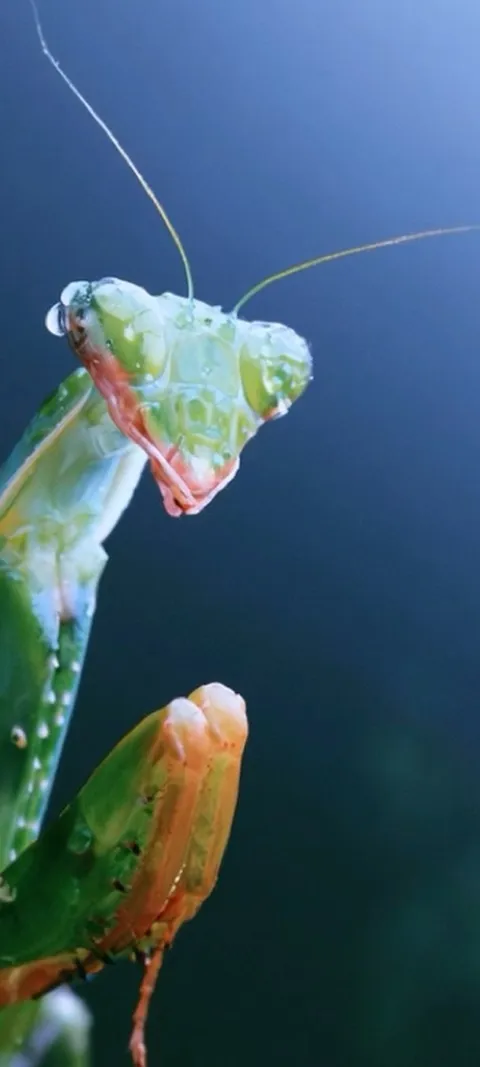 LIVE Dewy Mantis Portrait
 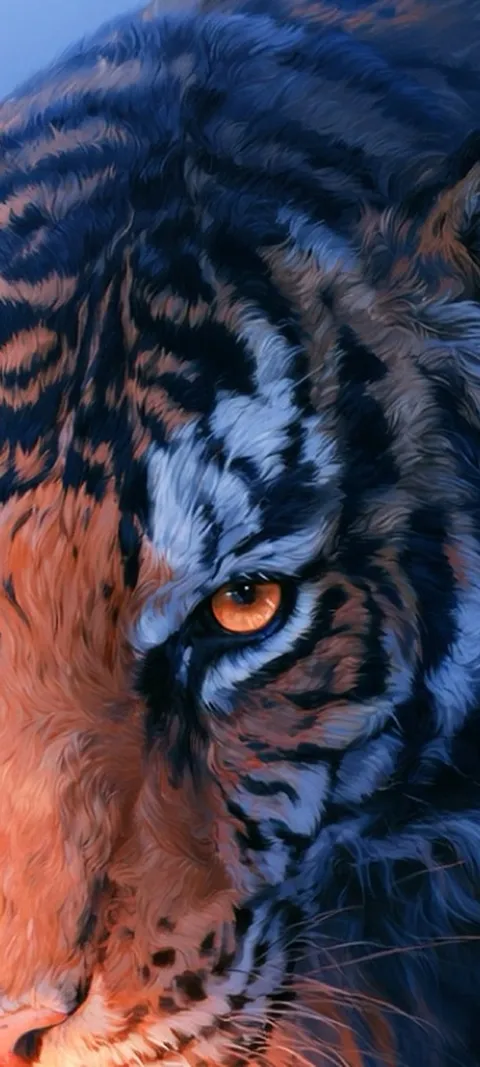 LIVE Feline Power
 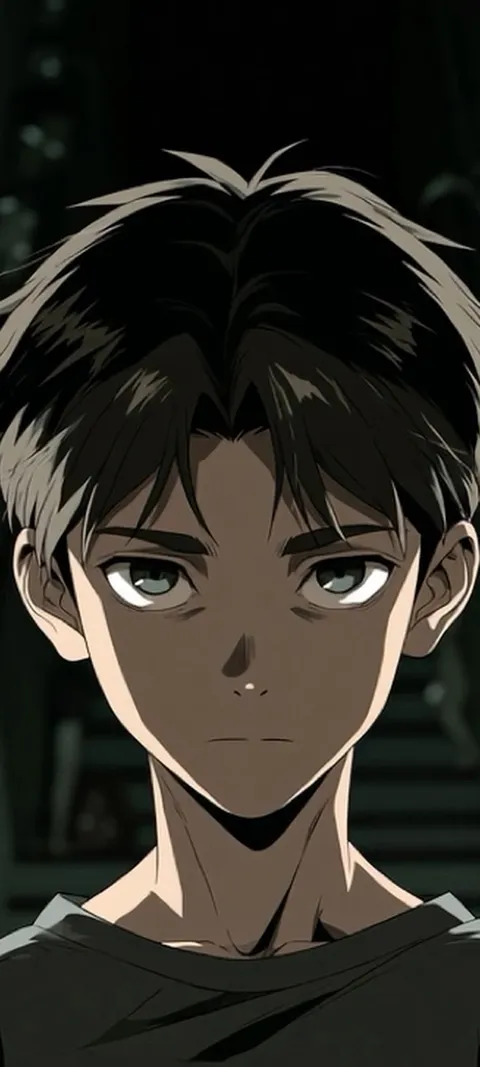 LIVE Haunted Anime Gaze
 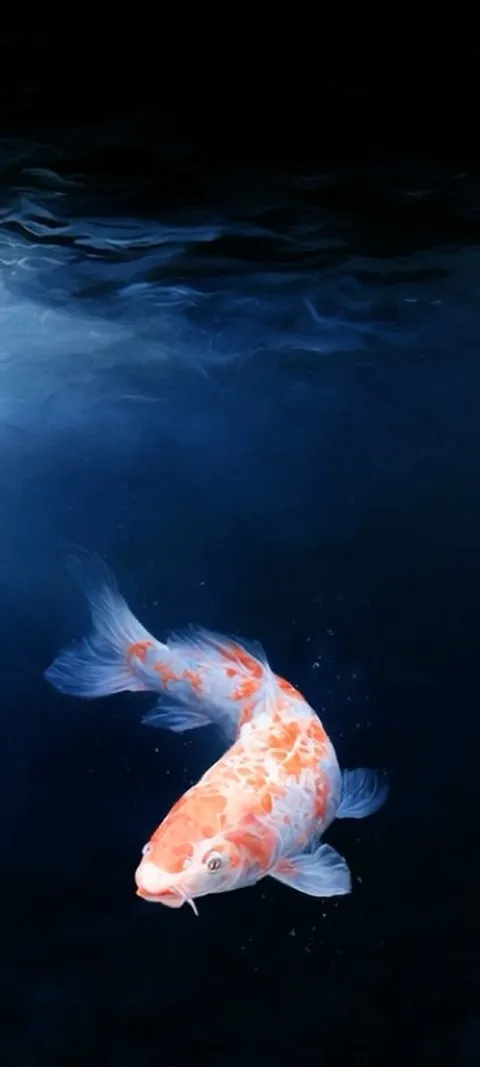 LIVE Koi In Deep
 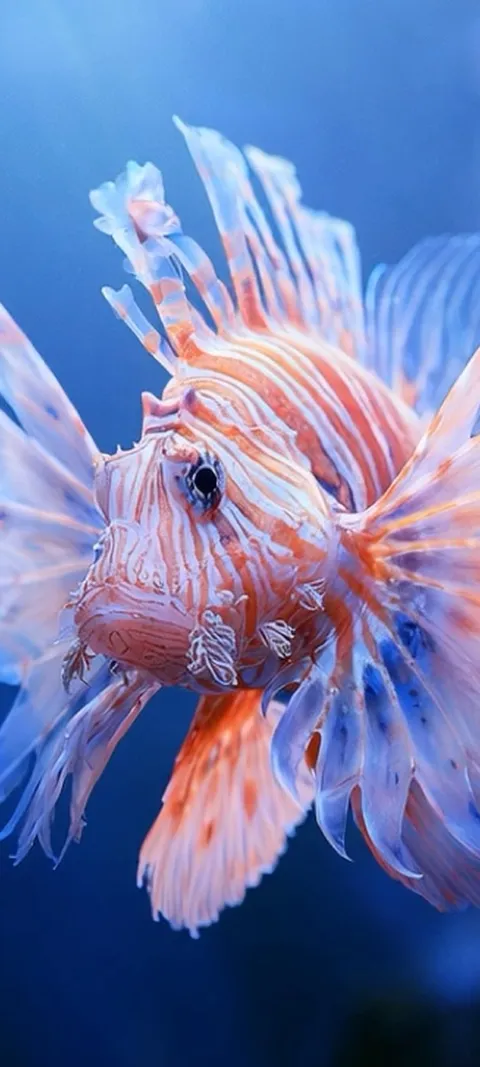 LIVE Lionfish Undersea
 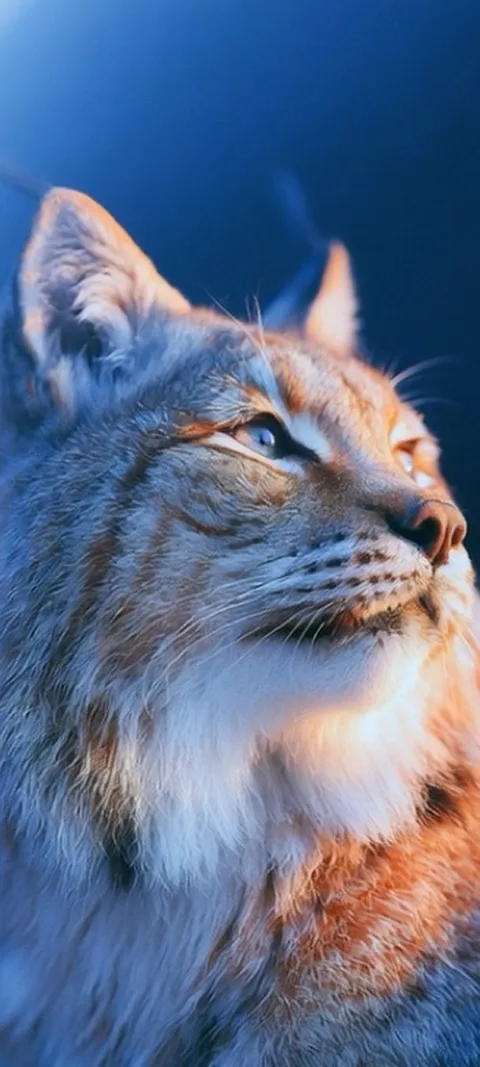 LIVE Lynx Golden Gaze
 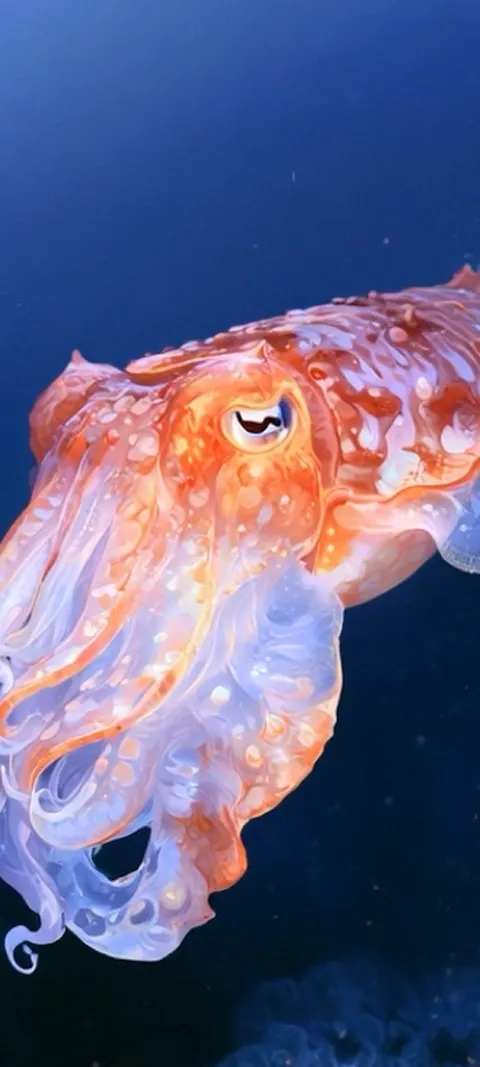 LIVE Oceanic Cuttlefish
 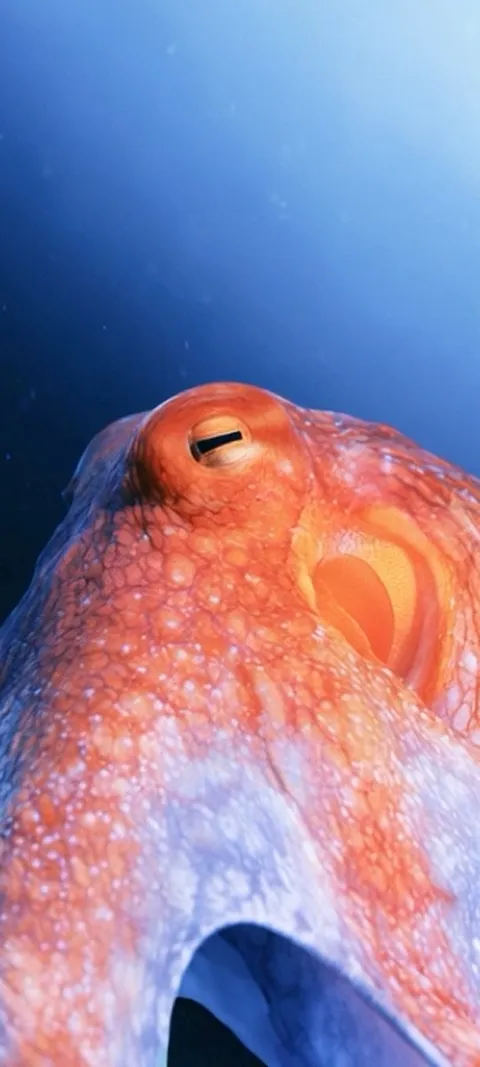 LIVE Oceanic Eye
 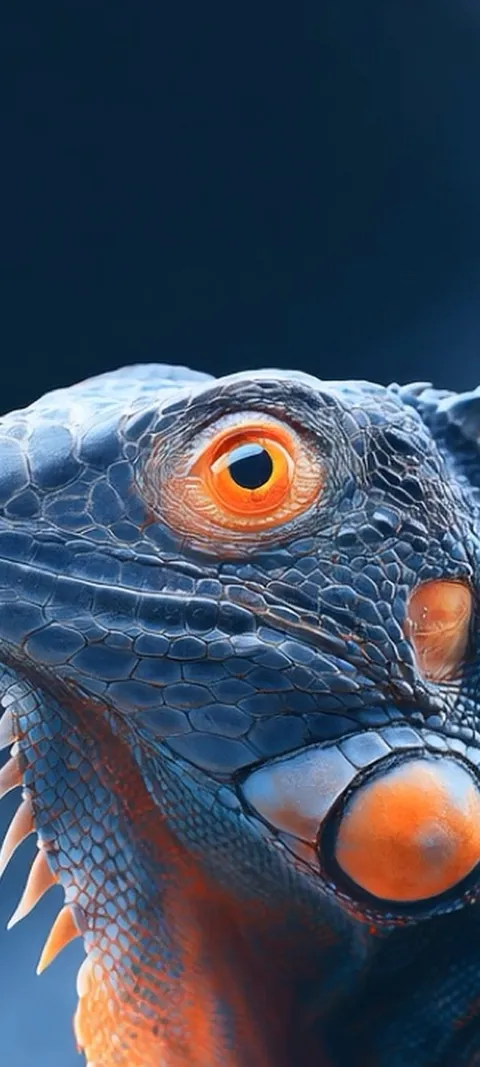 LIVE Orange Eyed Iguana
 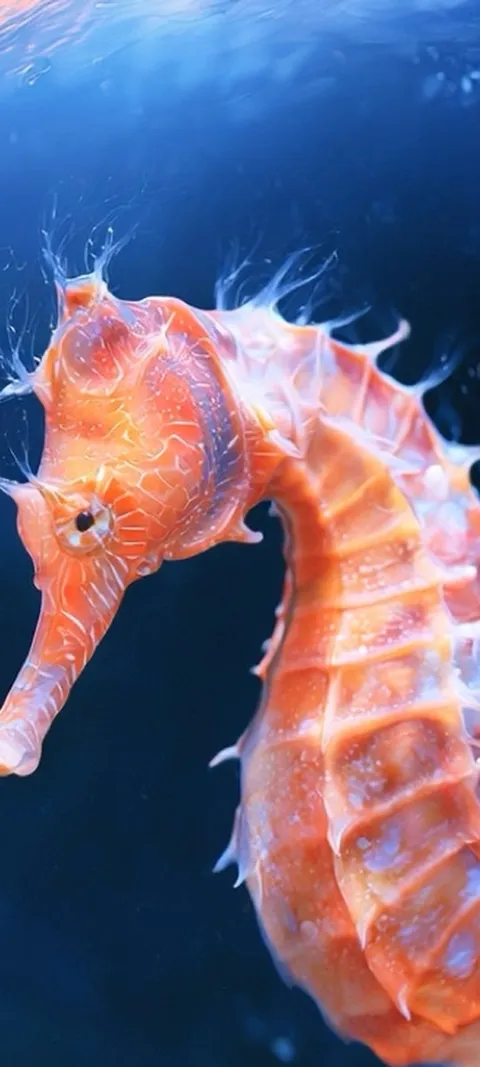 LIVE Orange Seahorse Underwater
 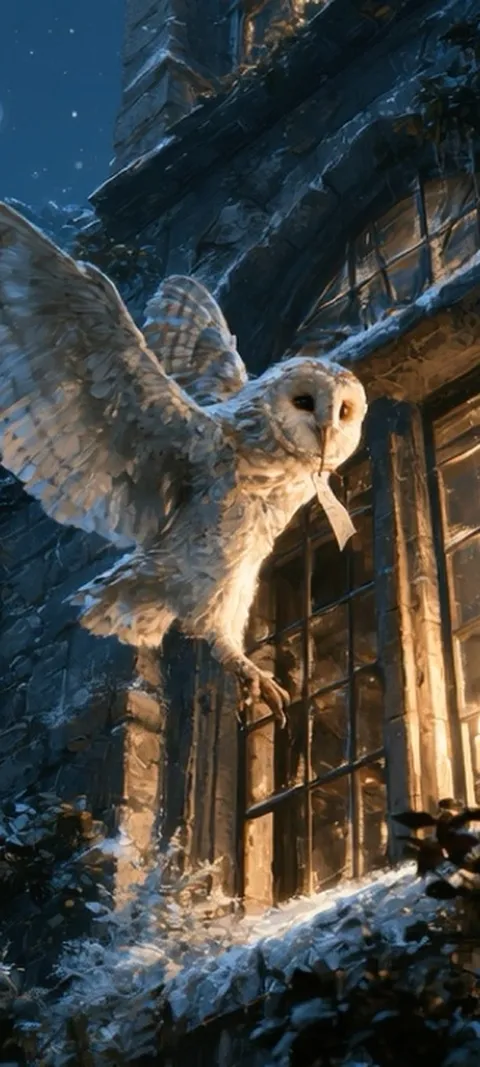 LIVE Owl's Night Delivery
 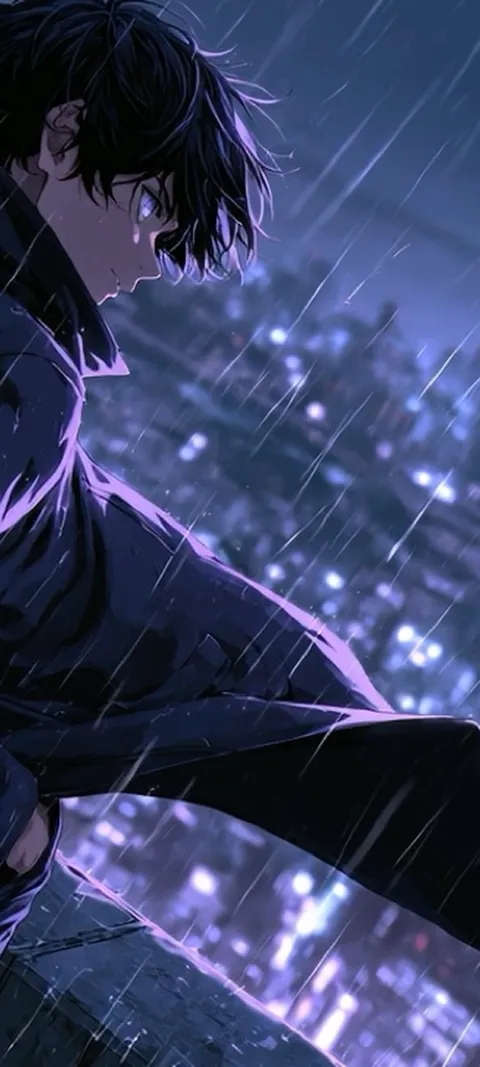 LIVE Rainy City Night
 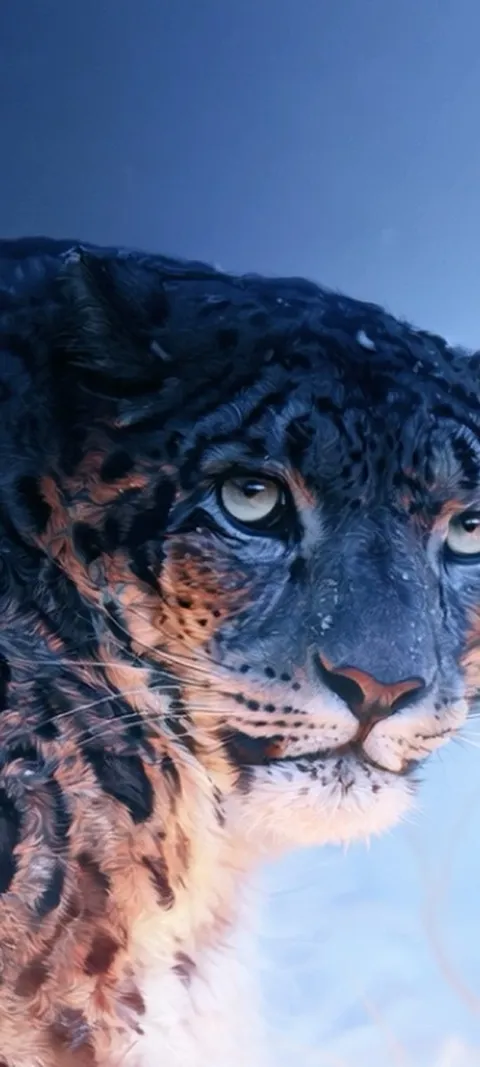 LIVE Snow Leopard Gaze
 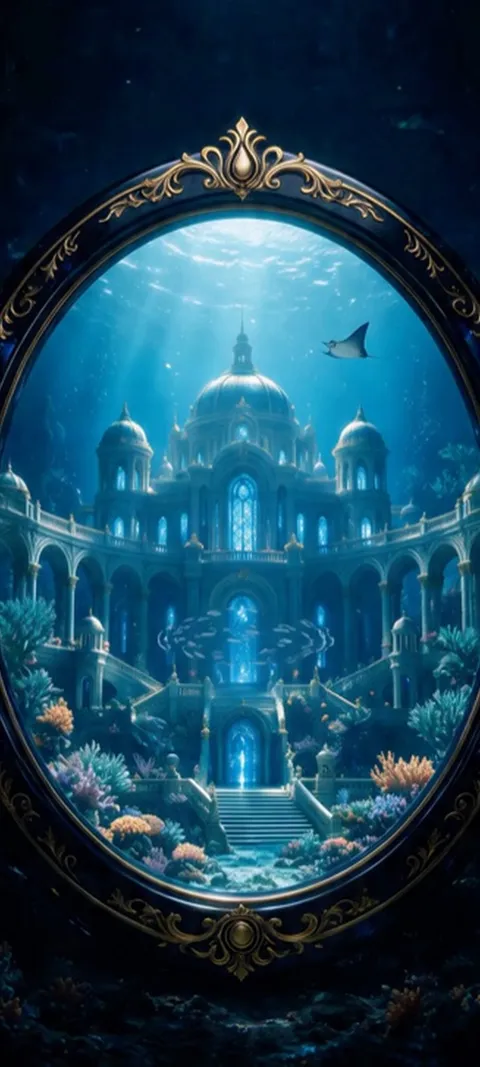 LIVE Underwater Palace Mirror
 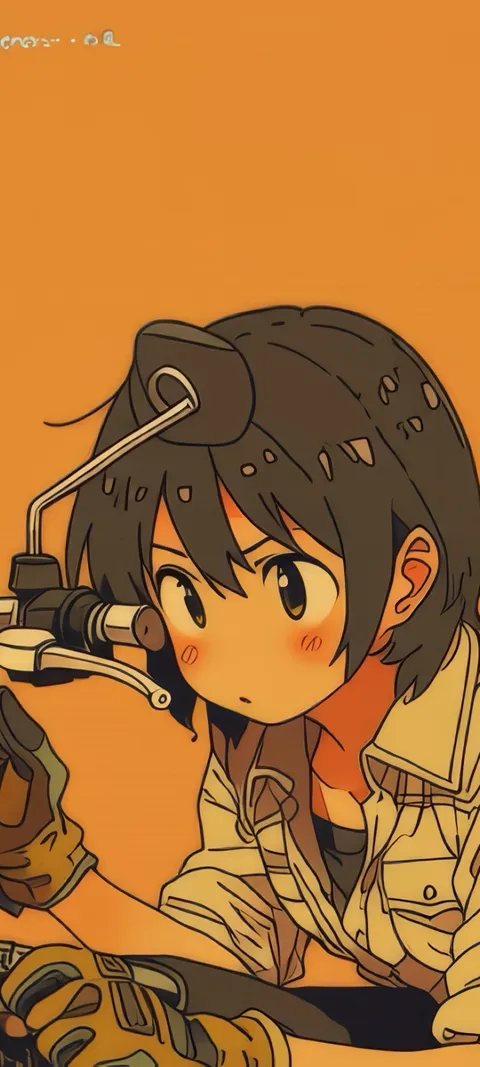 Bike Mechanic
 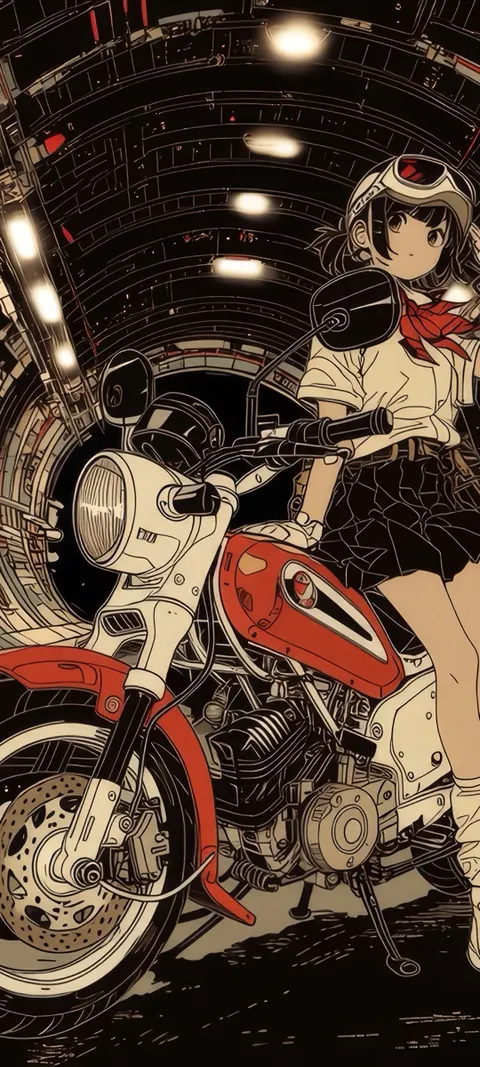 Biker Anime
 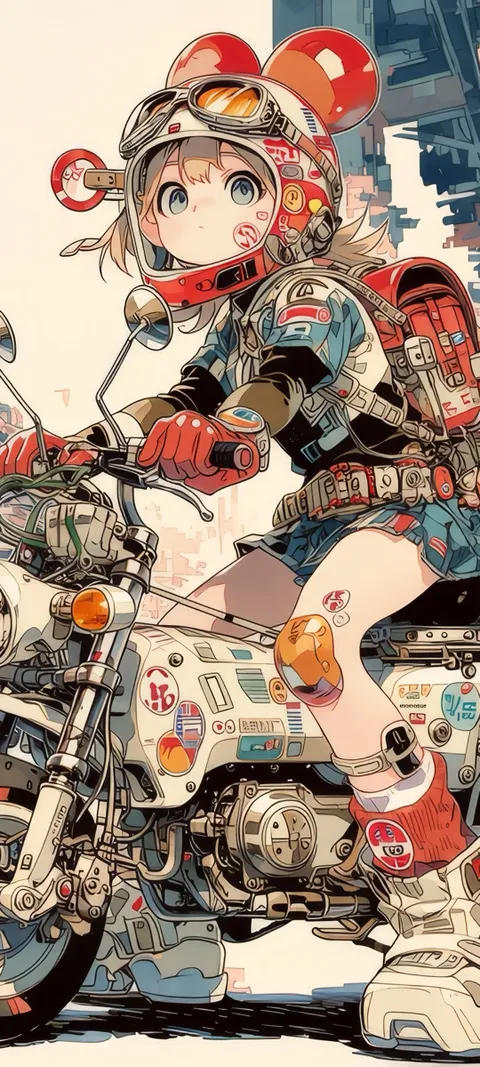 Biker Bae
 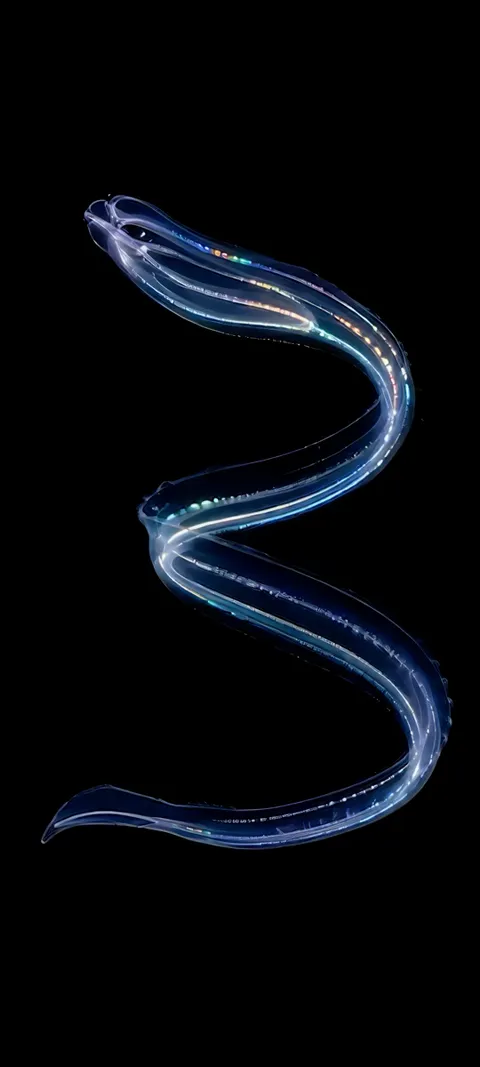 Bioluminescent Serpent
 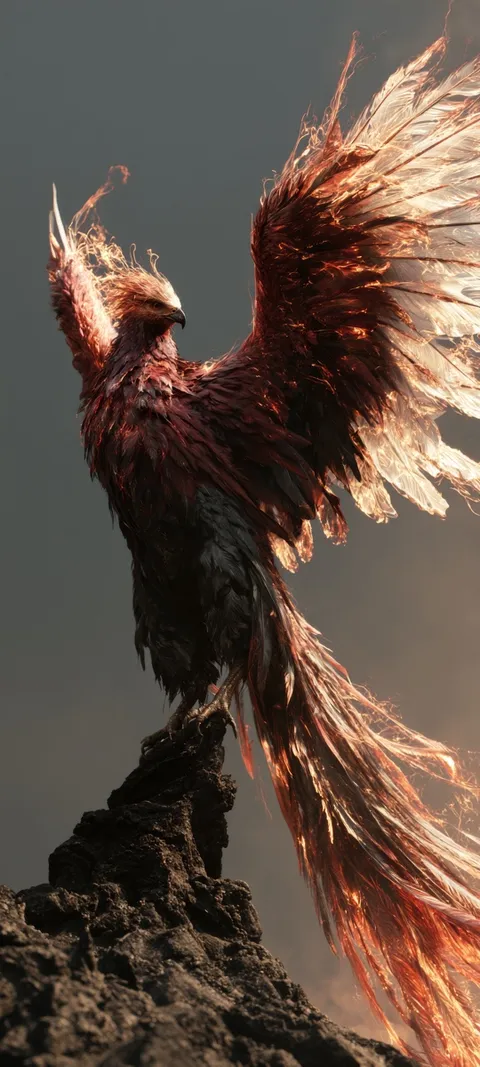 Bird
Bird 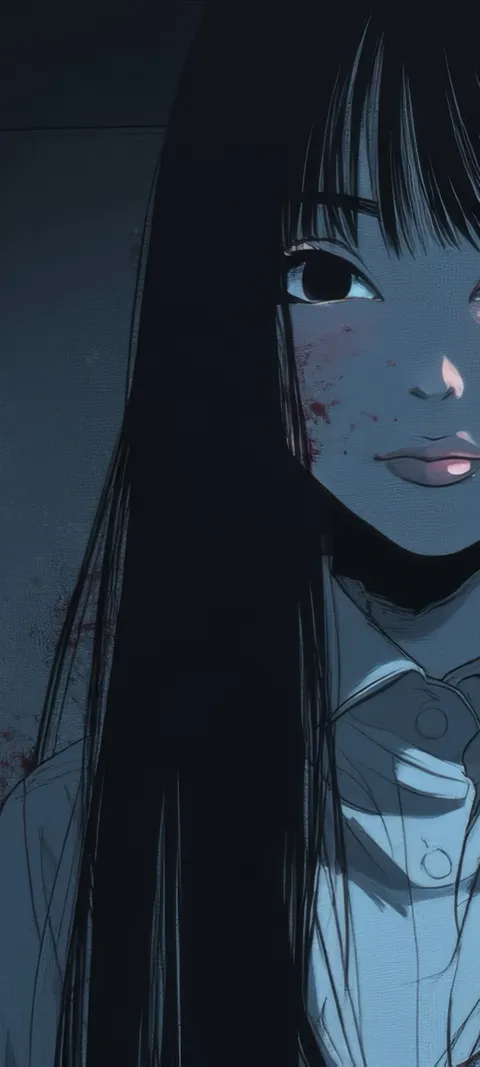 Bloody Beauty
 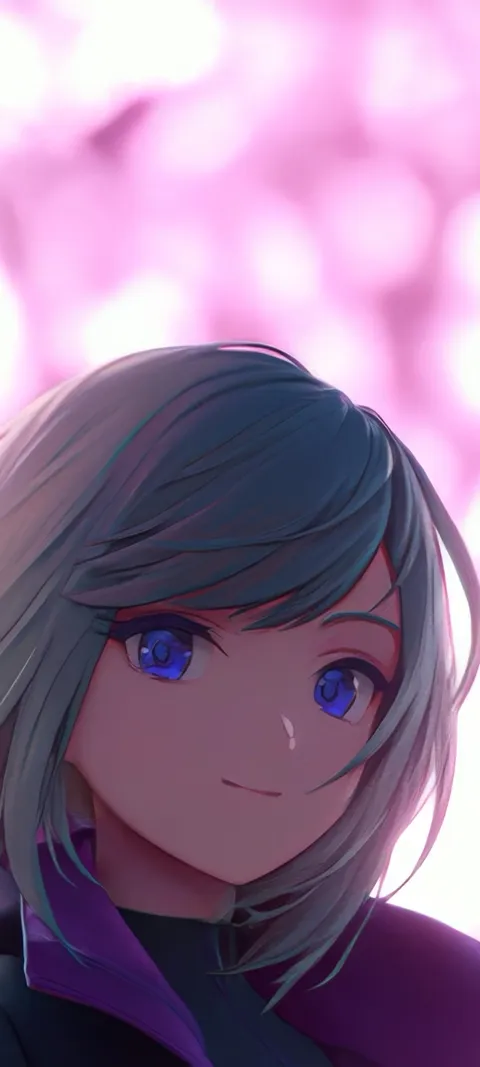 Blue Eyed
 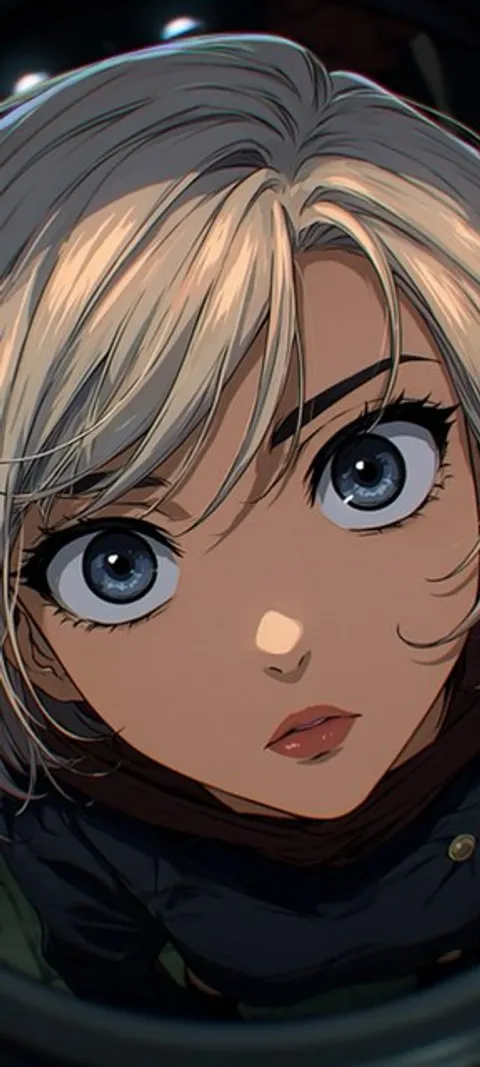 Blue Eyes
 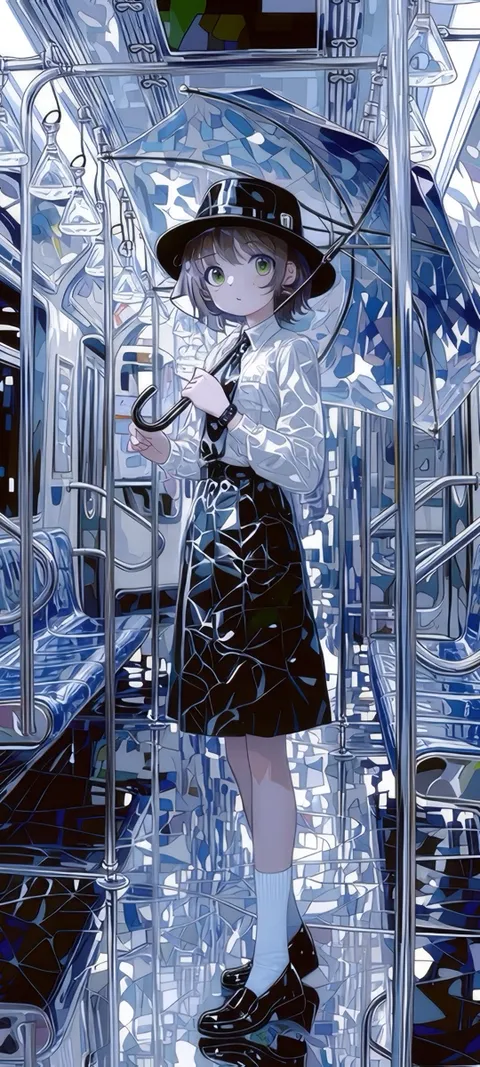 Blue Umbrella
 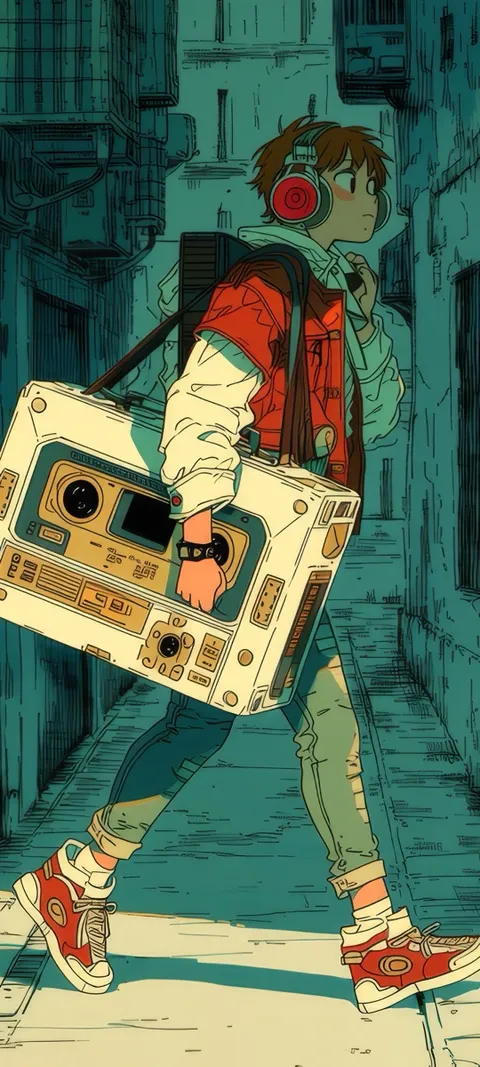 Boombox Stroll
 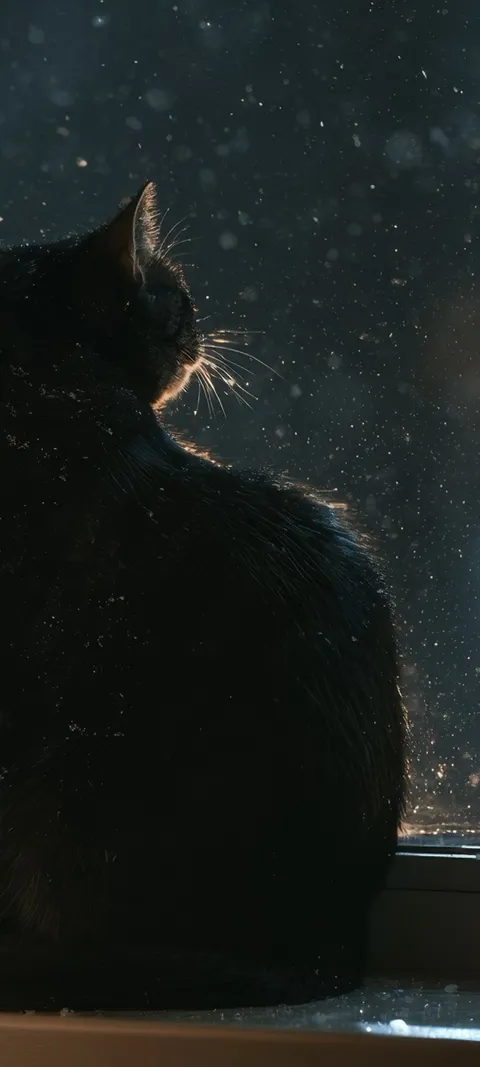 Cat Staring Out
 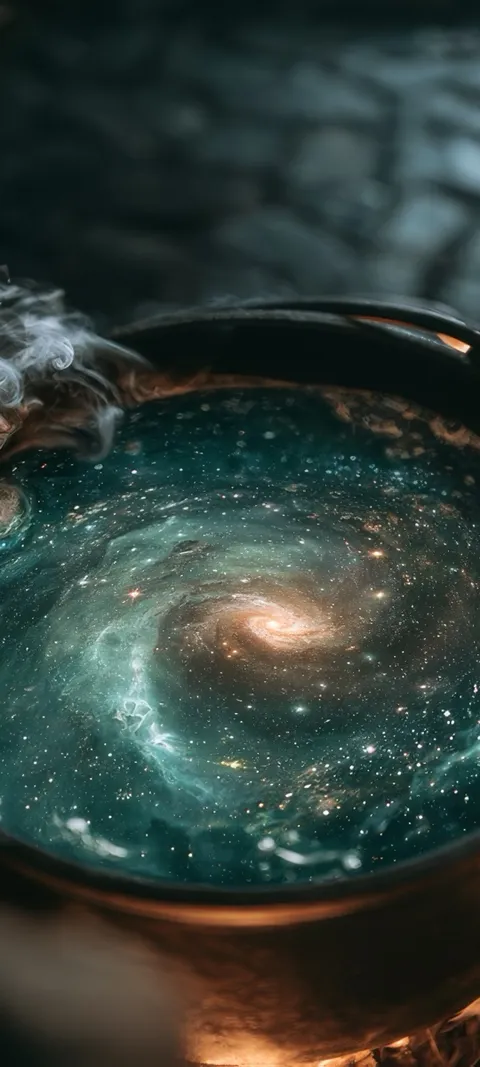 Cat Watching Snow
 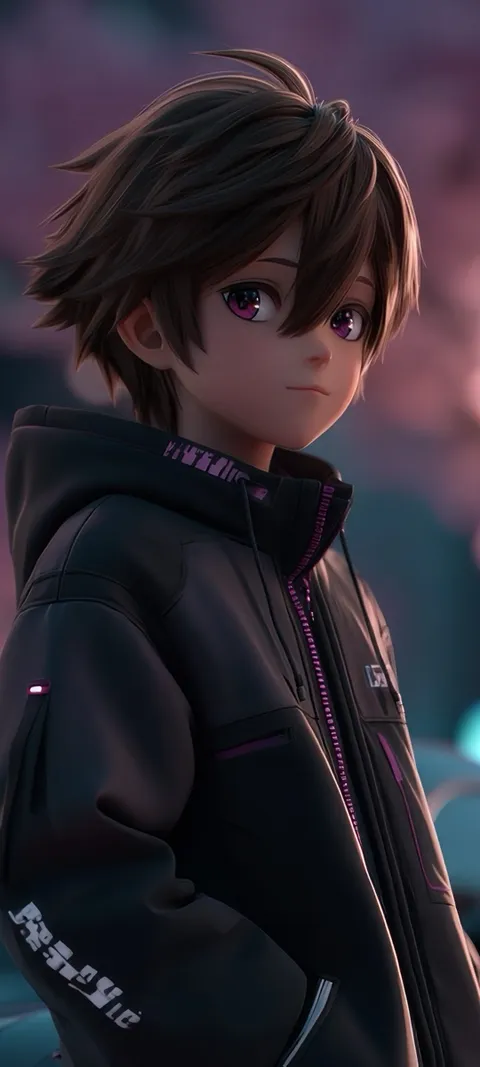 Cherry Blossom Drive
 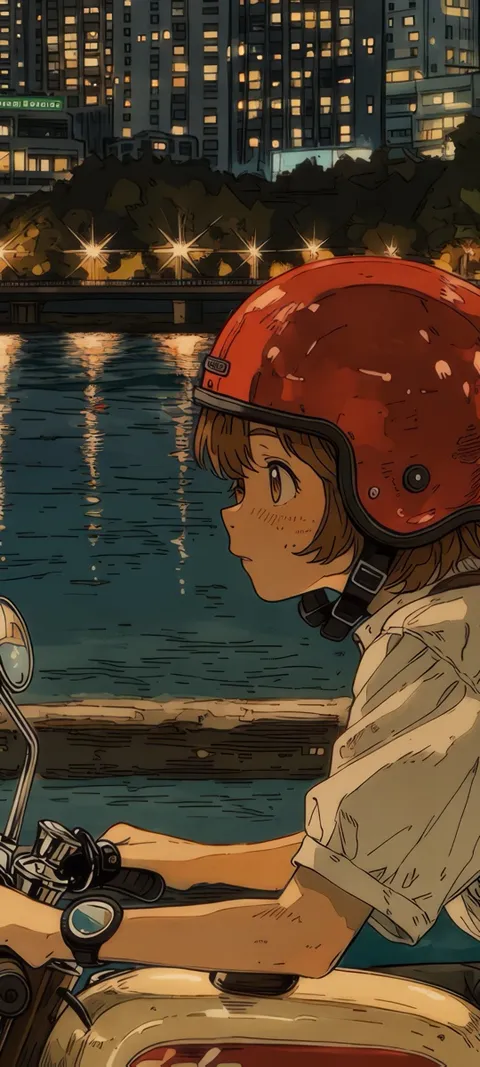 City Ride
 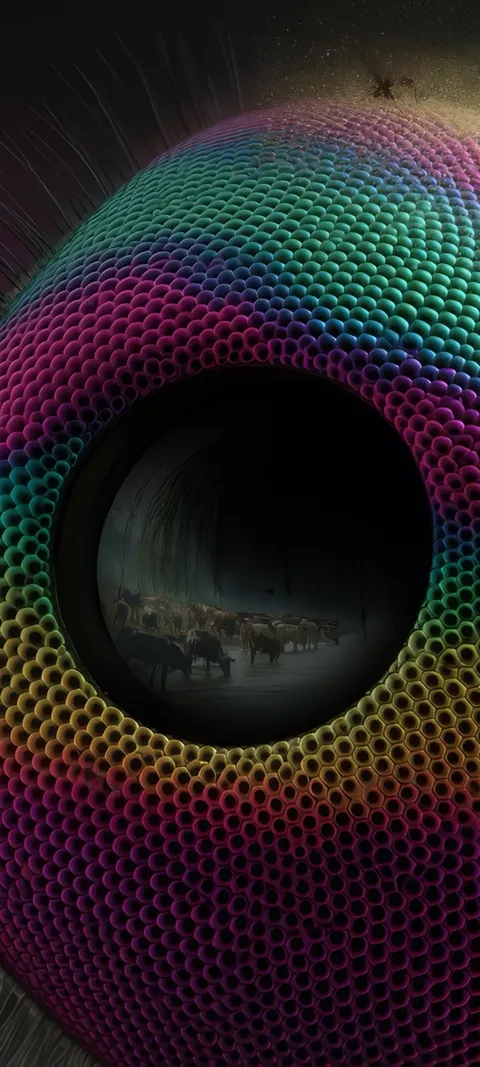 Compound Eye
 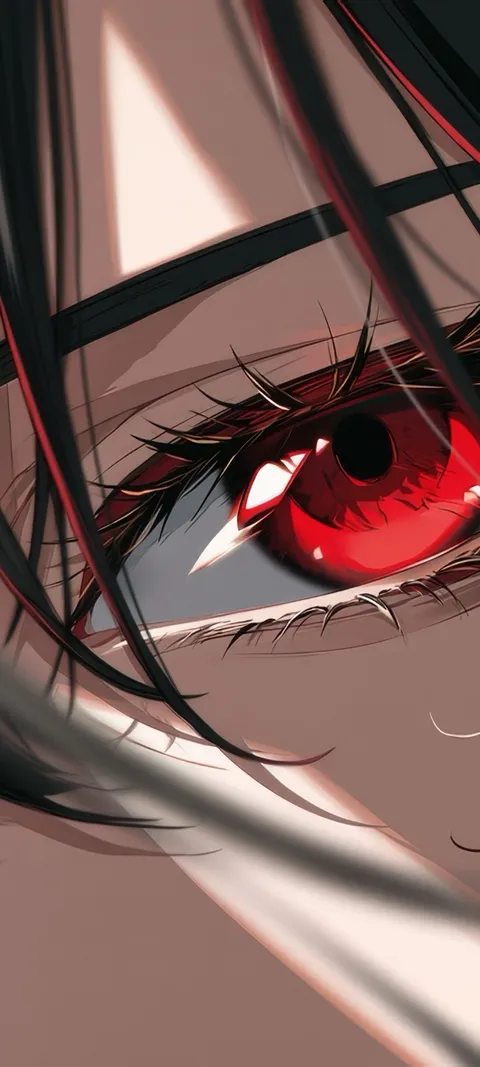 Crimson Gaze
 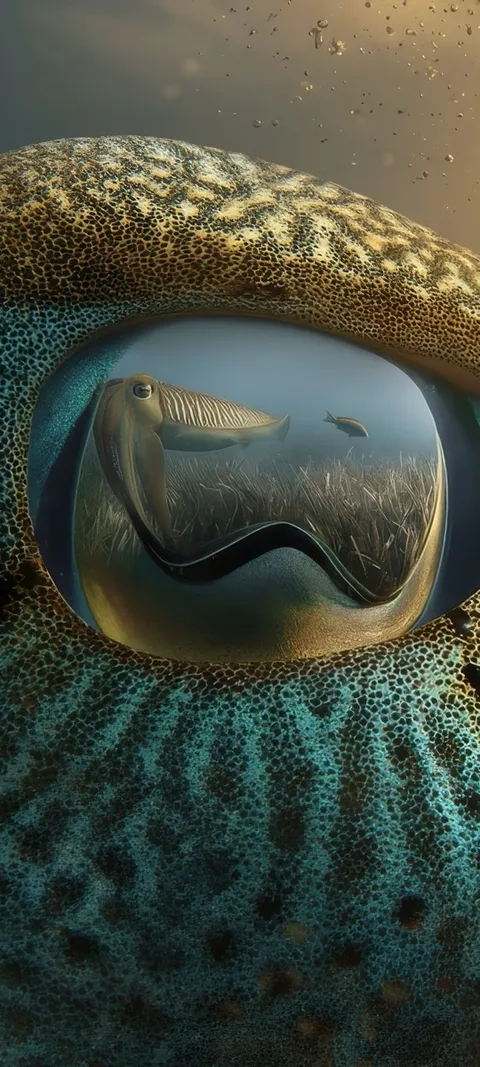 Cuttlefish Gaze
 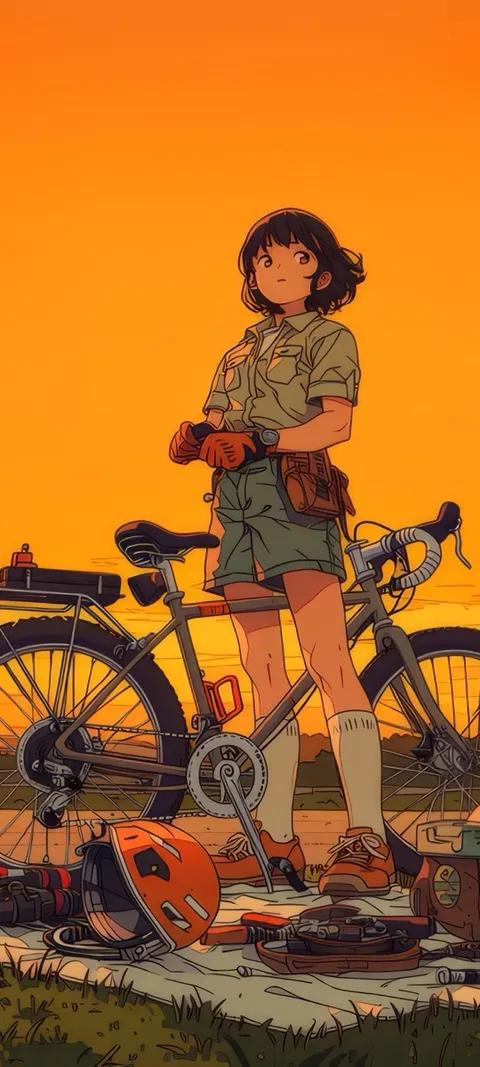 Cycling Sunset
 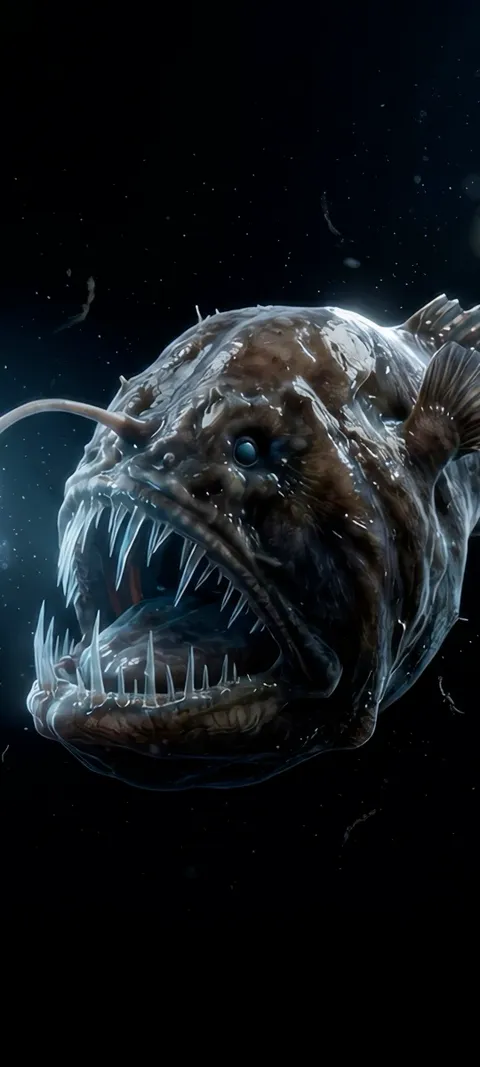 Deep Lure
 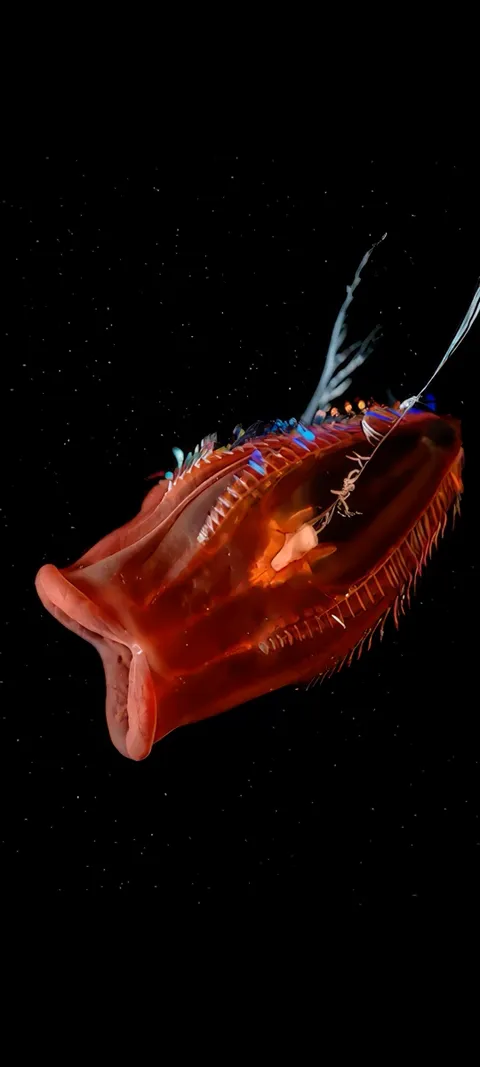 Deep Sea Red
 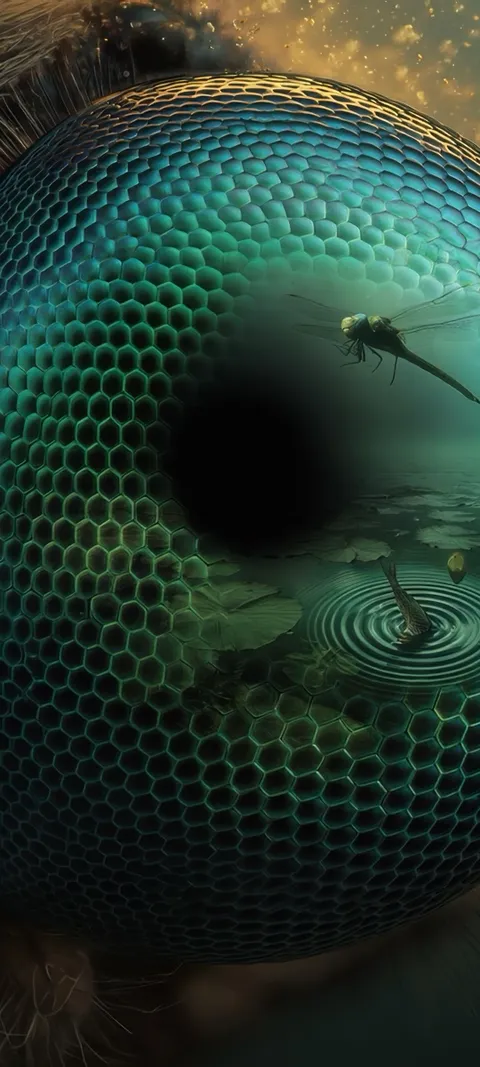 Dragonfly Eye
 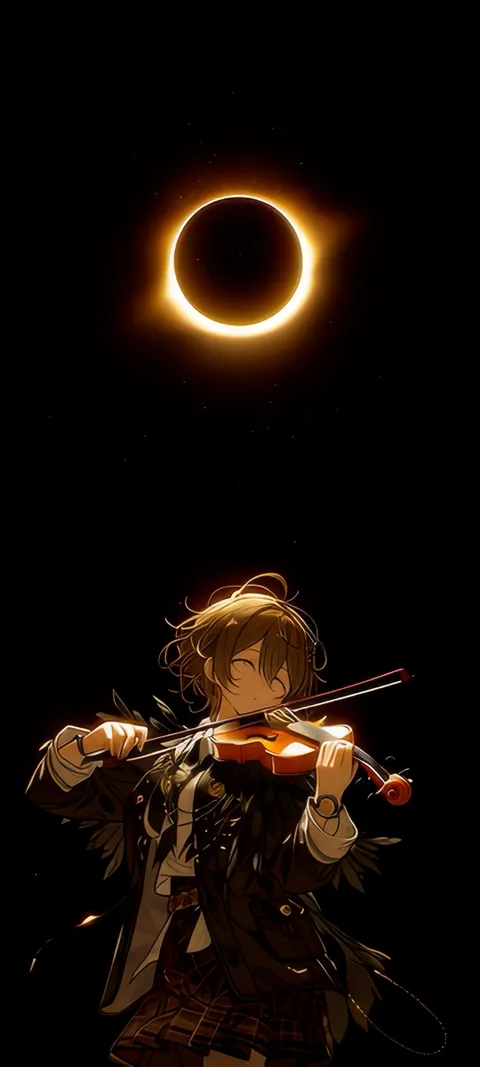 Eclipse Melody
 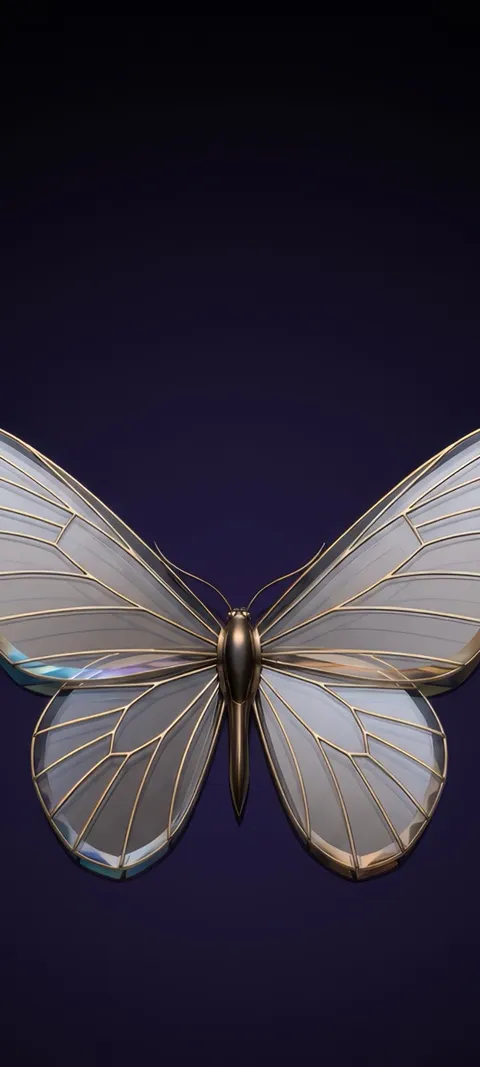 Elegant Butterfly Time
 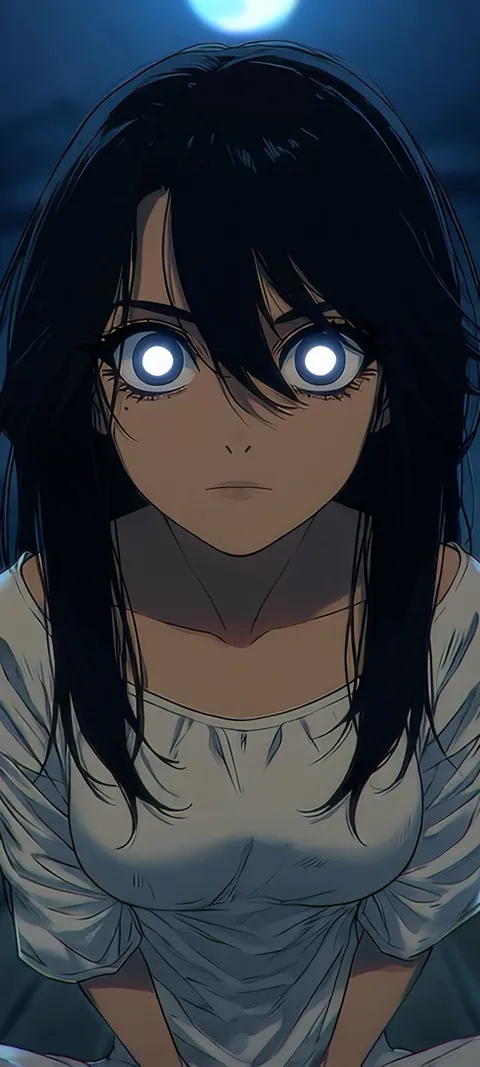 Ember Eyes
 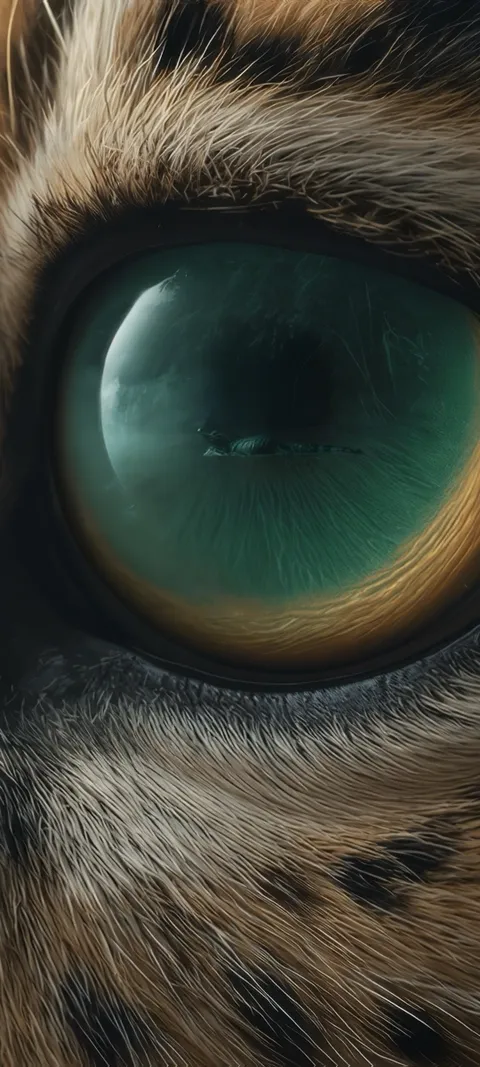 Emerald Gaze
 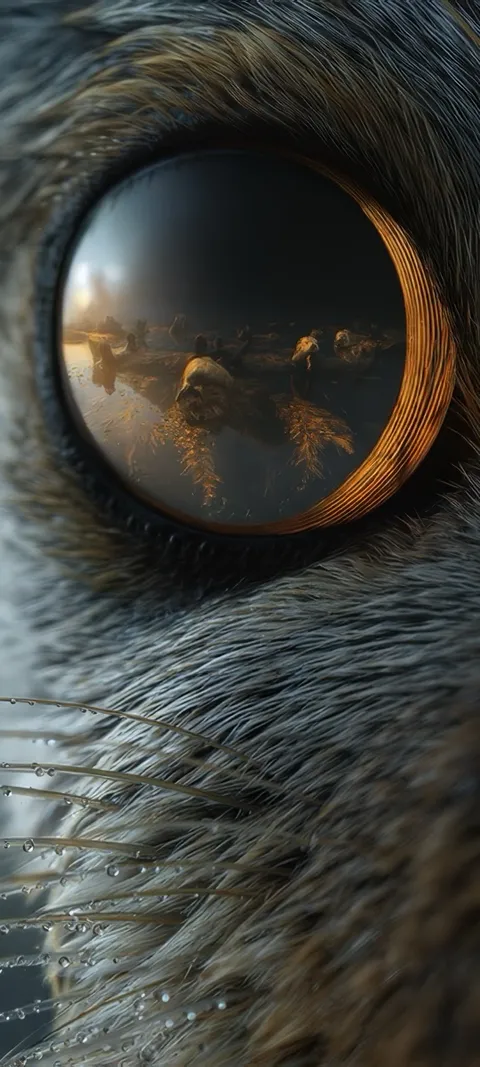 Feline Gaze
 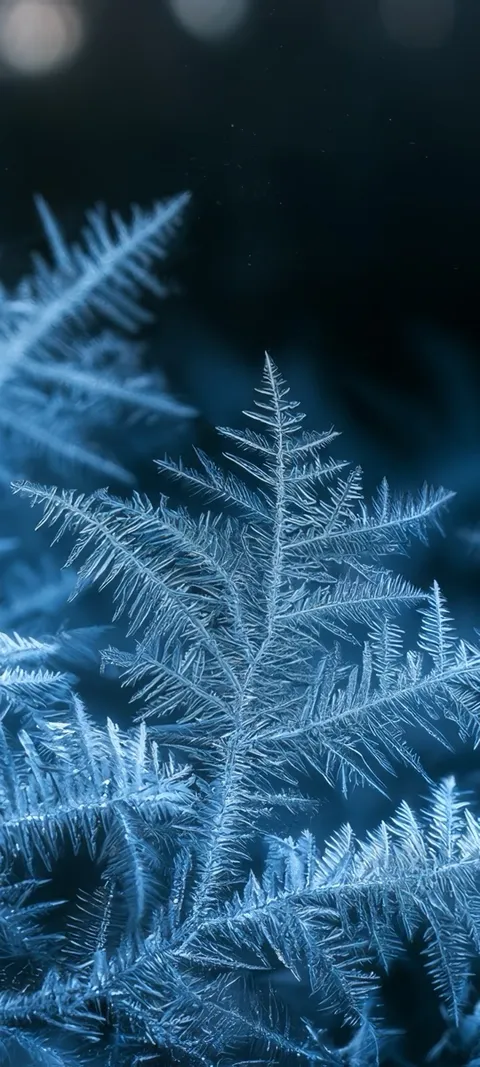 Frosty Blue Foliage
 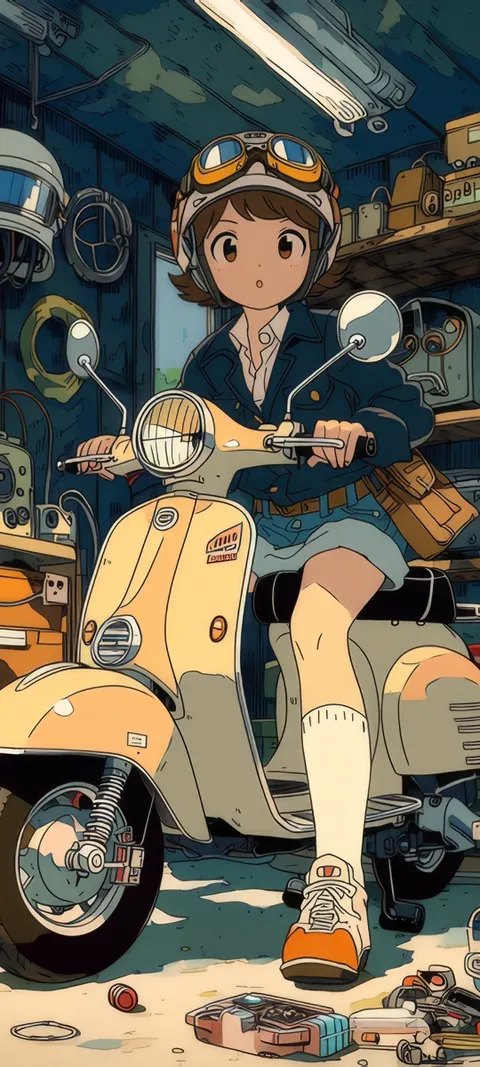 Garage Scooter
 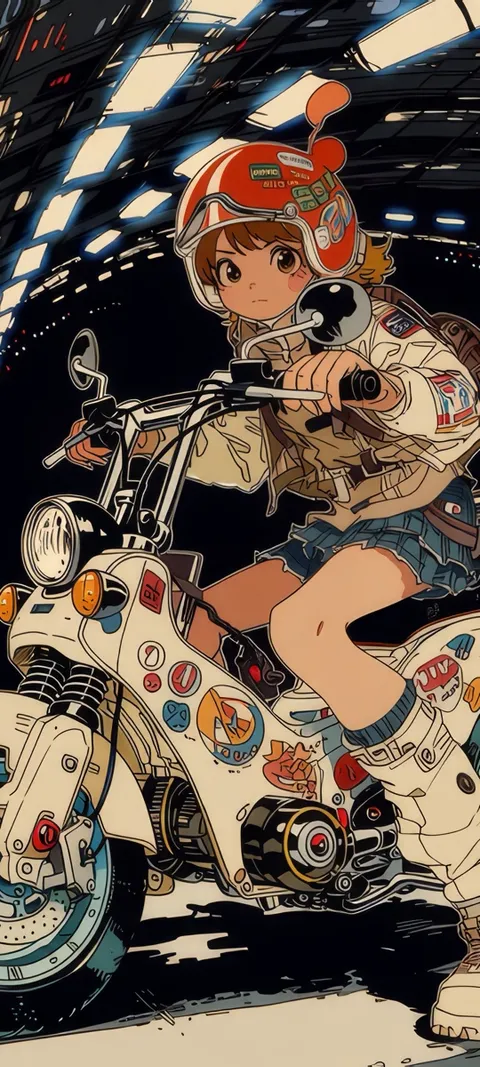 Girl Rider
 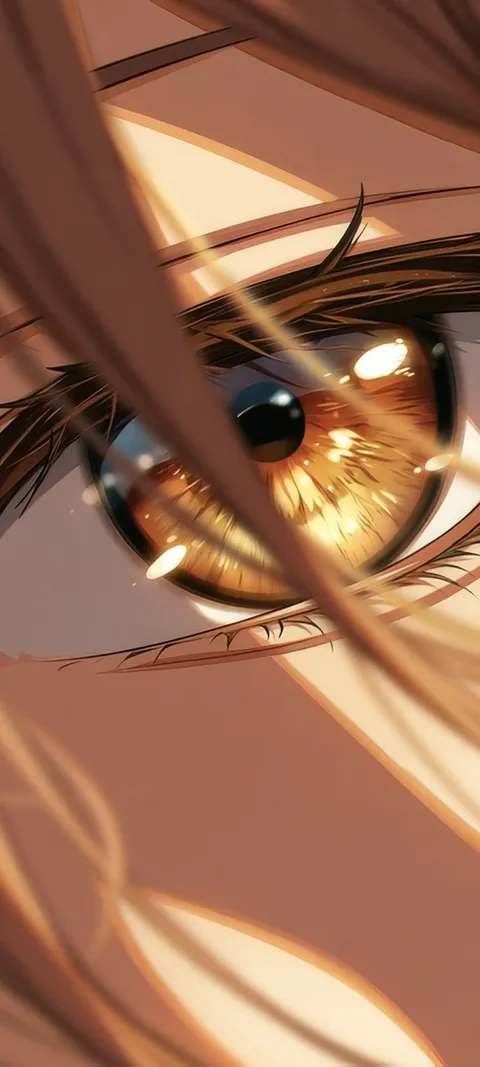 Golden Anime Eye
 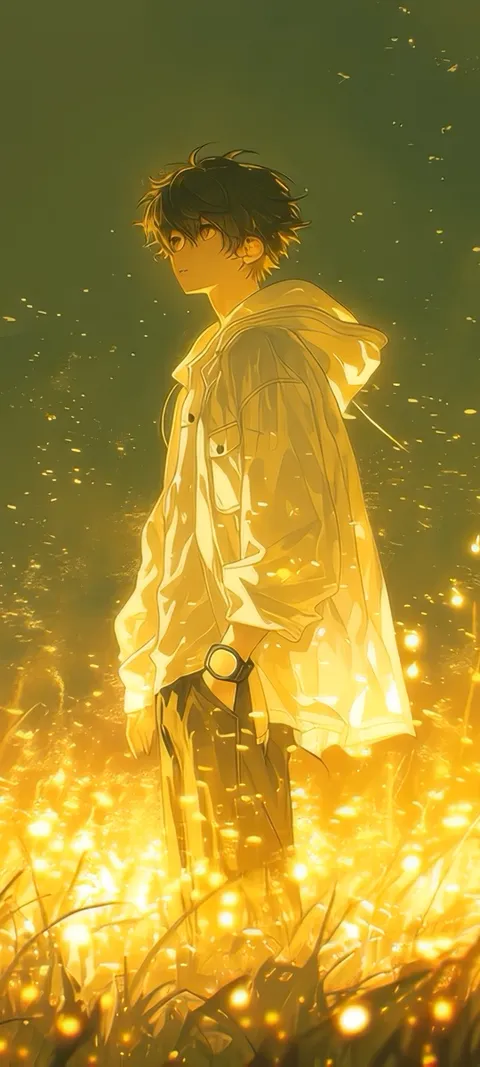 Golden Boy
 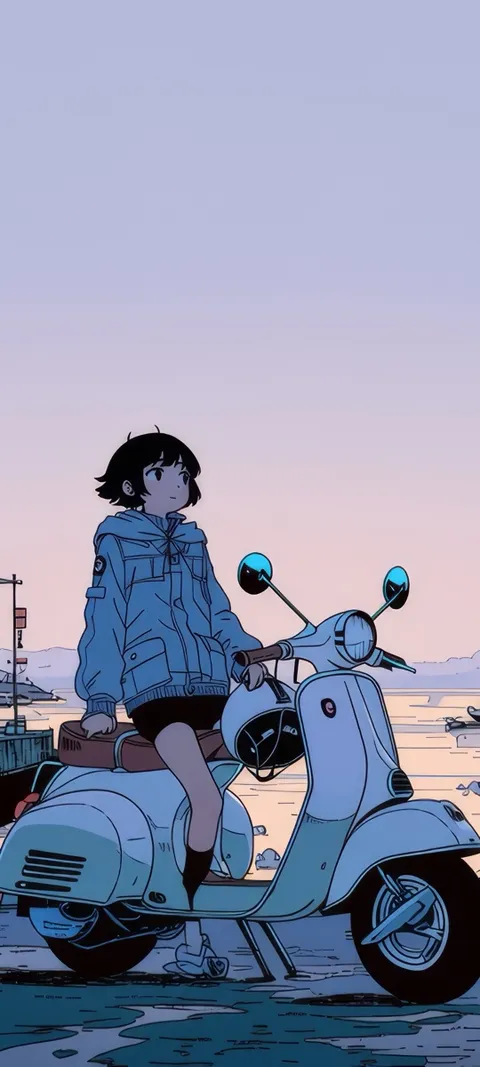 Harbor Vespa
 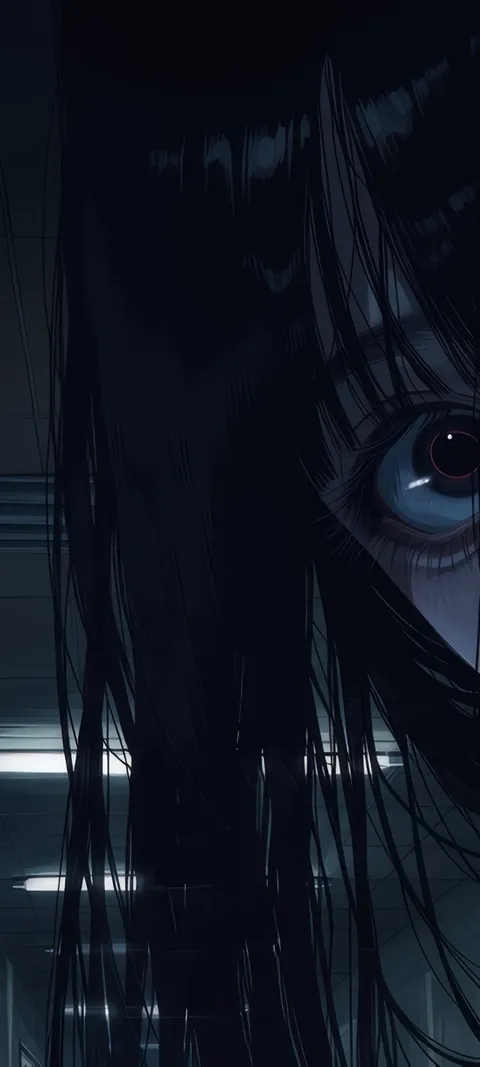 Haunted Gaze
  Haunted Look
 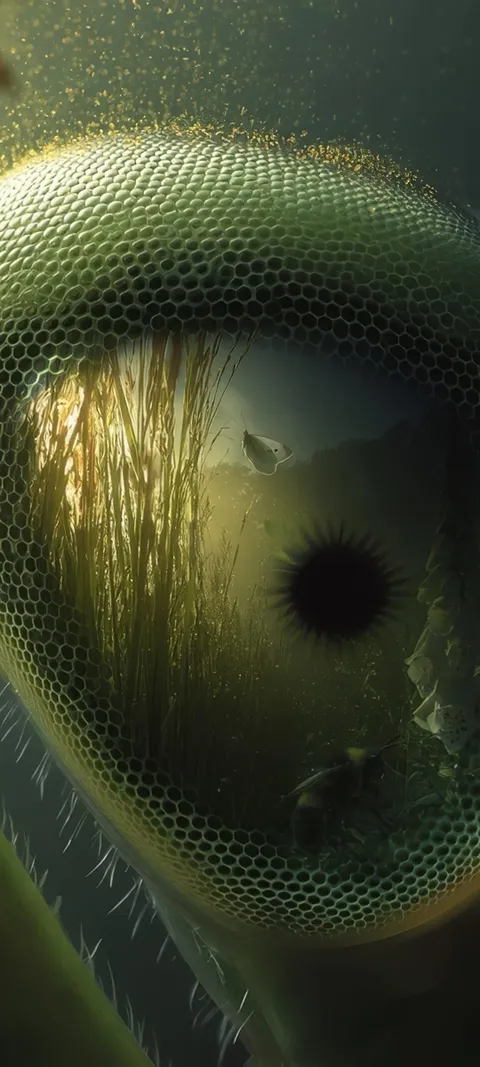 Insect Eye
 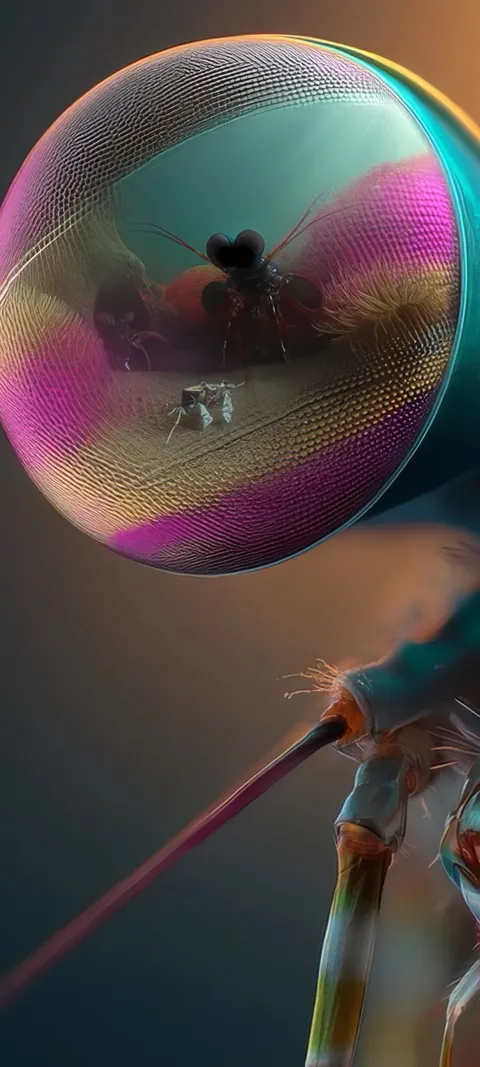 Insect Gaze
 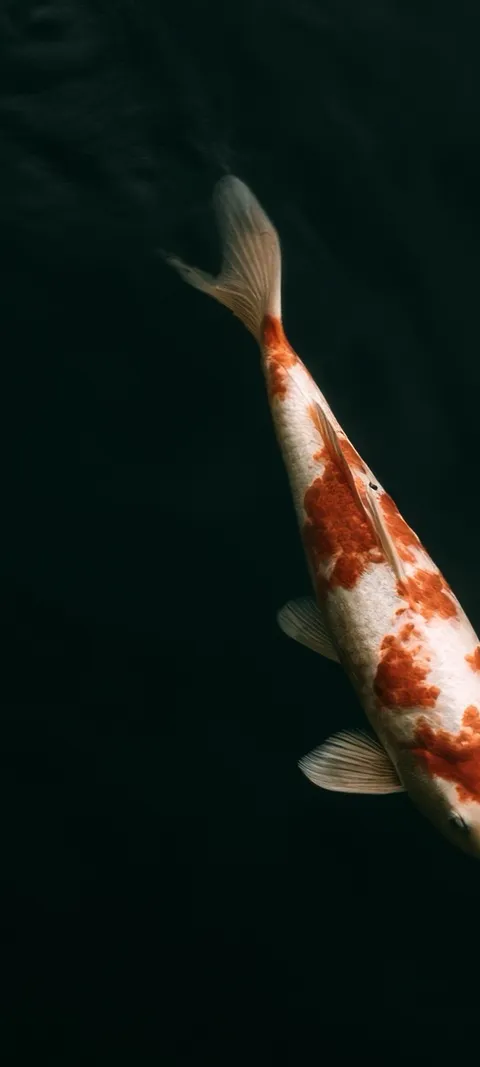 Koi Fish Time
 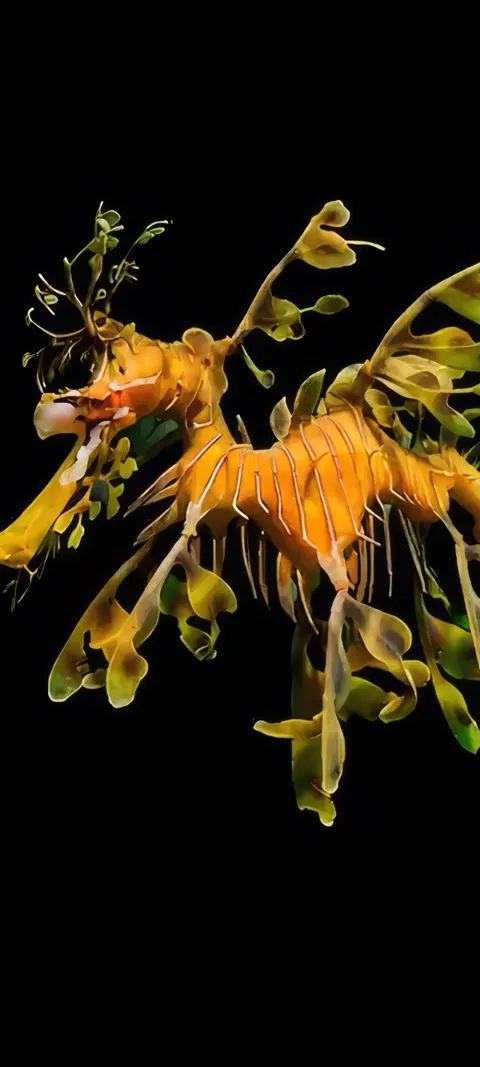 Leafy Seadragon
 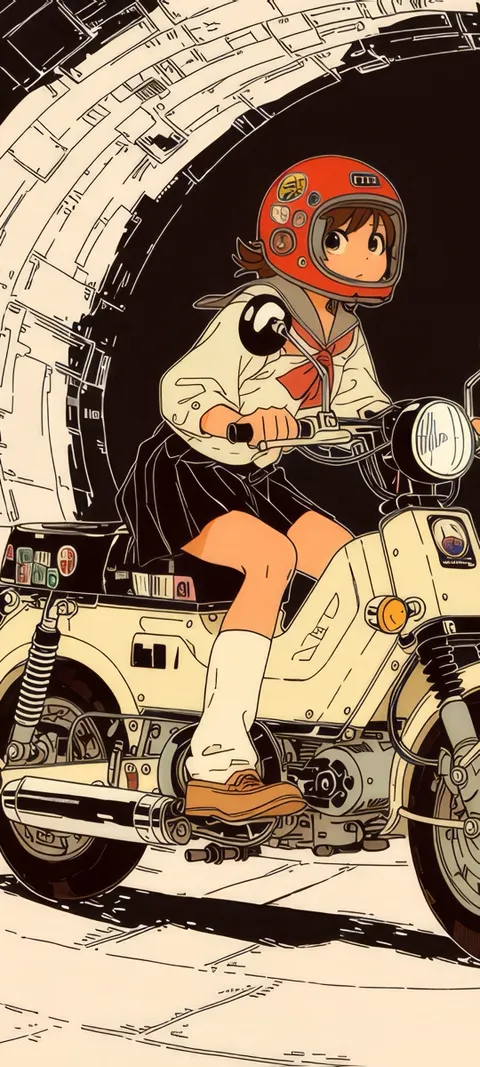 Lunar Ride
 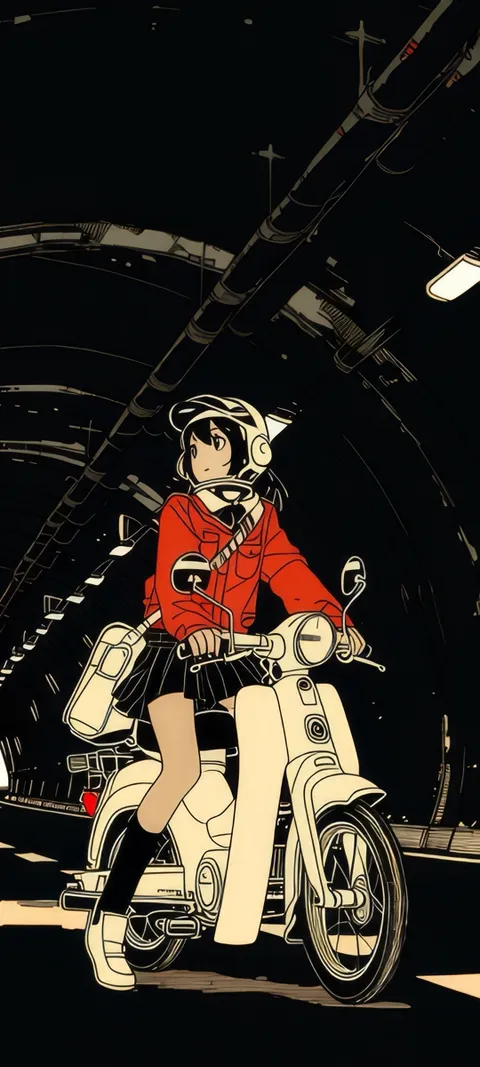 Manga Rider
 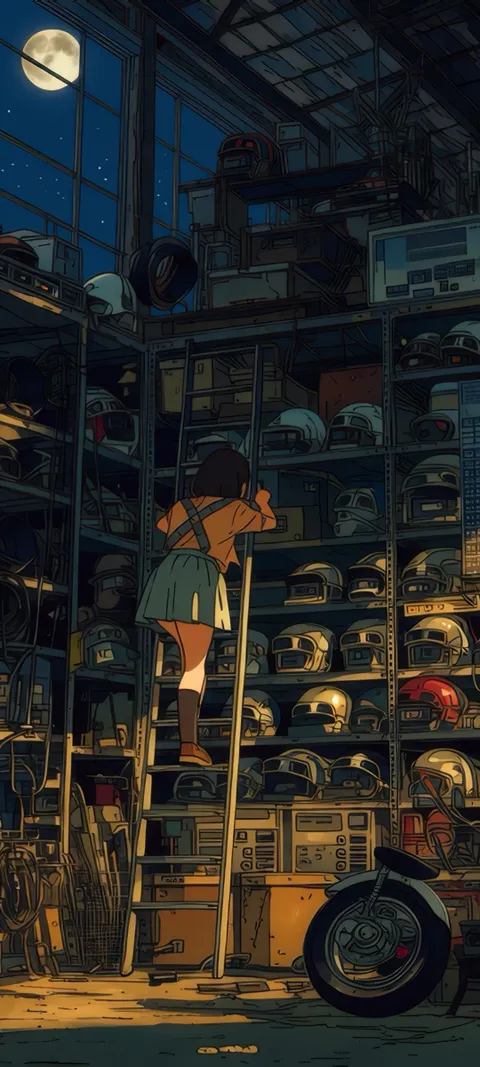 Midnight Garage
 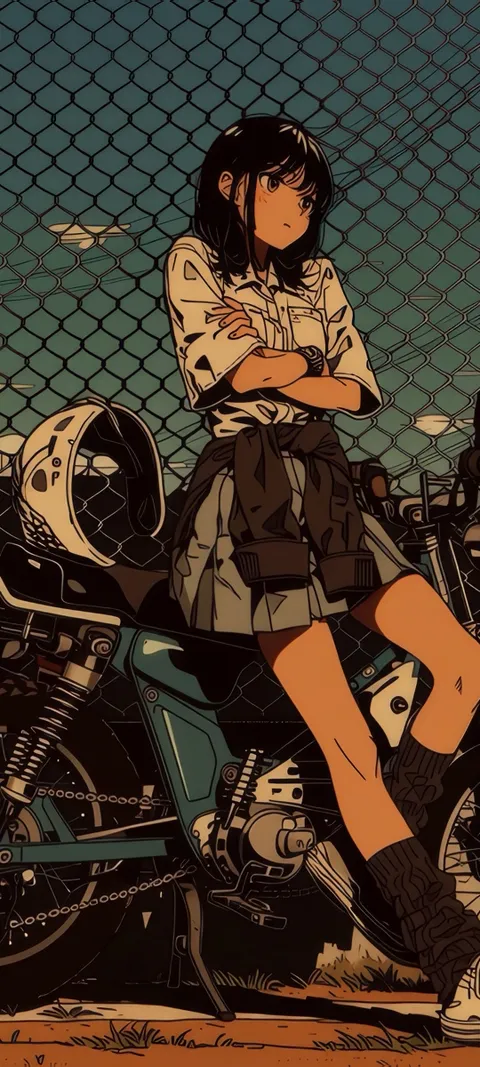 Motorcycle Girl
 121 ios 26 wallpapers in the live ScreenLux catalog — 28 of them live; showing 72 here, the rest are in the app.
How to set a wallpaper on the iOS 26 Lock Screen
- Save the wallpaper from ScreenLux. Open a pick, check the Lock Screen preview and tap Save. ScreenLux+ unlocks the save.
- Add it in Settings → Wallpaper. Tap Add New Wallpaper, choose Photos and select the saved image.
- Let the clock adapt. iOS 26 sizes the clock to the photo. Drag the image so the subject sits below the time, then pick a clock style if you want.
- Turn on Depth Effect or Spatial Scene. In the editor, use the menu to toggle Depth Effect, and the Spatial Scene control if your iPhone offers it.
- Add and pair. Tap Add, then Set as Wallpaper Pair or Customize Home Screen.
Frequently asked
Does iOS 26 support live wallpaper?
Yes, on the Lock Screen. iOS 26 keeps Live Photo wallpapers: set one and it animates when you wake the phone or tap the screen. The Home Screen shows the still frame and does not animate continuously, which has been true since Apple redesigned the Lock Screen. ScreenLux saves its motion wallpapers as Live Photos at 1080 × 2400, so they work with the iOS 26 Lock Screen, its adaptive clock and Depth Effect where the image allows.
What makes a wallpaper work well with the iOS 26 Lock Screen?
Three things. A single subject with clean edges, so Depth Effect can lift it in front of the clock. Quiet space in the top third, so the adaptive clock and Liquid Glass widgets stay readable. And contrast at the edges, because notifications stack over the lower half. That is why this page is portraits, animals and close-ups rather than busy scenes. ScreenLux composes every design at 1080 × 2400 so nothing important is cropped away.
Does Spatial Scene work with ScreenLux wallpapers?
Often, but iOS decides per image. Spatial Scene is an iOS 26 feature that builds a 3D depth effect from a photo on supported iPhones, and it works best on images with a distinct foreground subject and a softer background. The picks on this page are chosen with that in mind. The option appears in the Lock Screen editor after you add the wallpaper; if it does not show, the image or the device does not support it, and Depth Effect may still apply.