 SCREEN
 Depth Effect Wallpapers for iPhone
This is the ScreenLux depth effect wallpaper set: 121 portraits, animals and close-ups, each with one clear subject and room above it, which is what iOS needs to put the Lock Screen clock behind the subject. Shark Gaze, Golden Eagle Gaze and Koi Pond are typical; 28 of the picks are also Live Photos. ScreenLux composes each image at 1080 × 2400; iOS makes the final call per photo and device. Preview free; ScreenLux+ unlocks downloads. The iOS 26 Lock Screen has its own page: iOS 26 wallpapers.
Get ScreenLux Free LIVE Arctic Fox Cub
 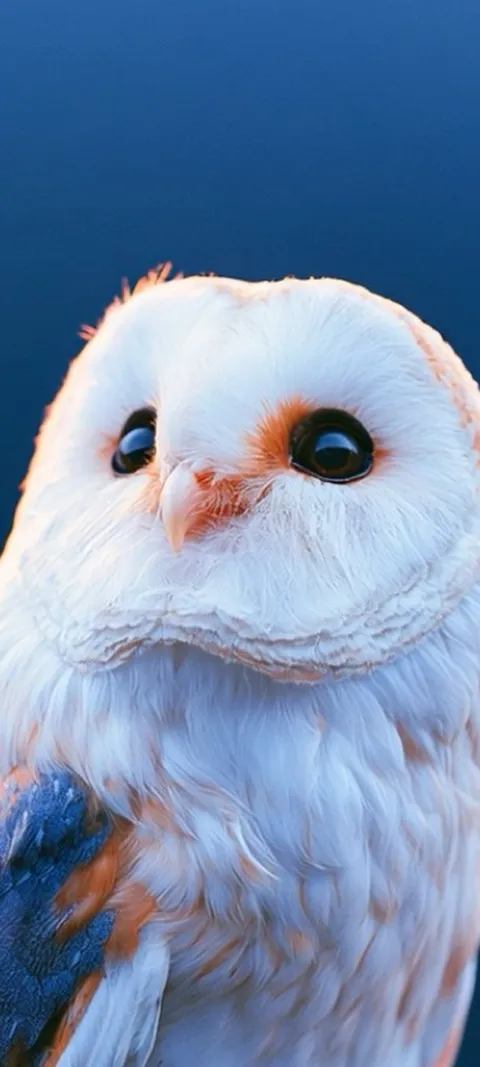 LIVE Barn Owl Gaze
 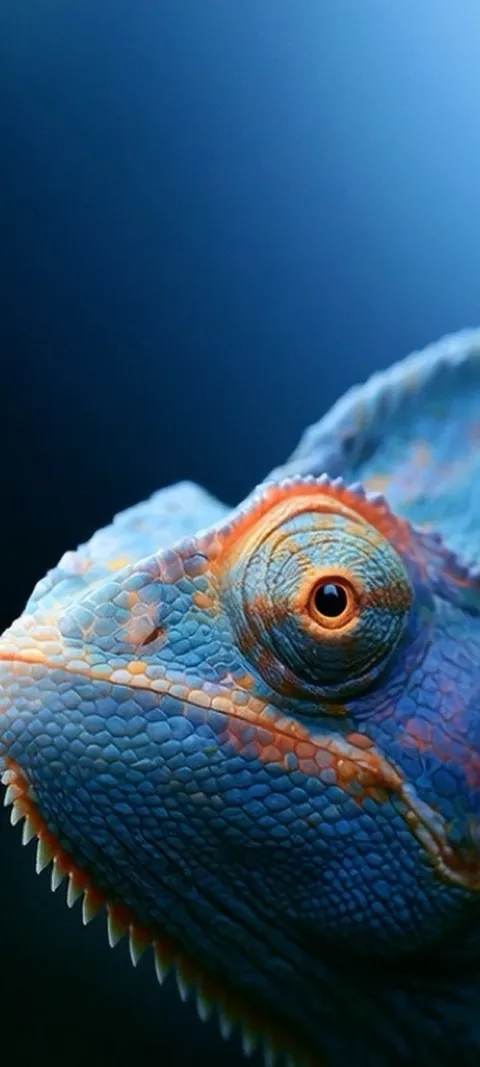 LIVE Blue Chameleon Close-up
 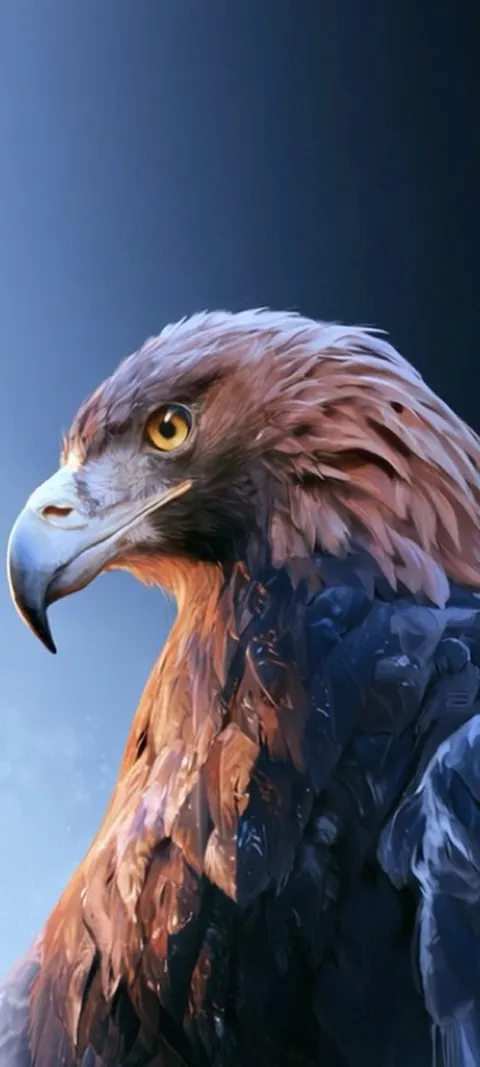 LIVE Golden Eagle Gaze
 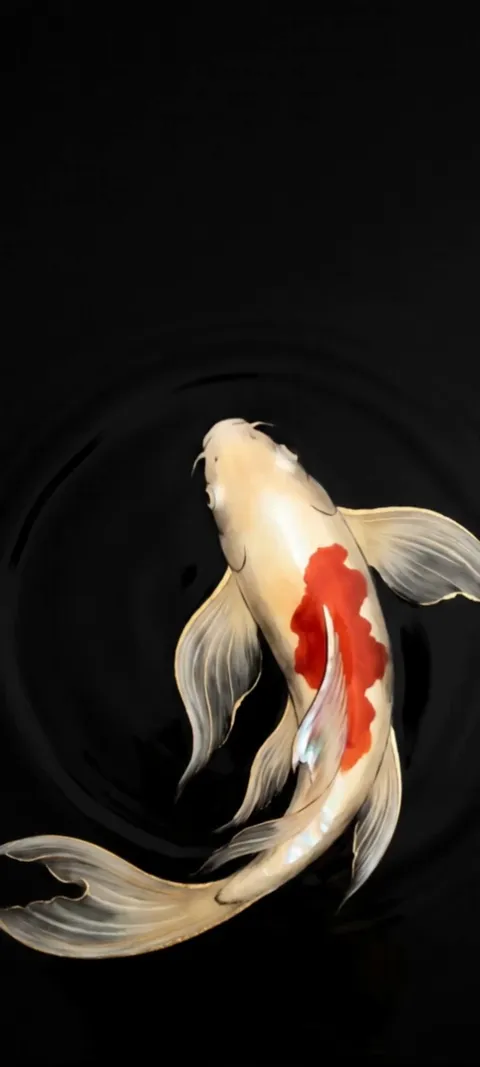 LIVE Koi Pond
 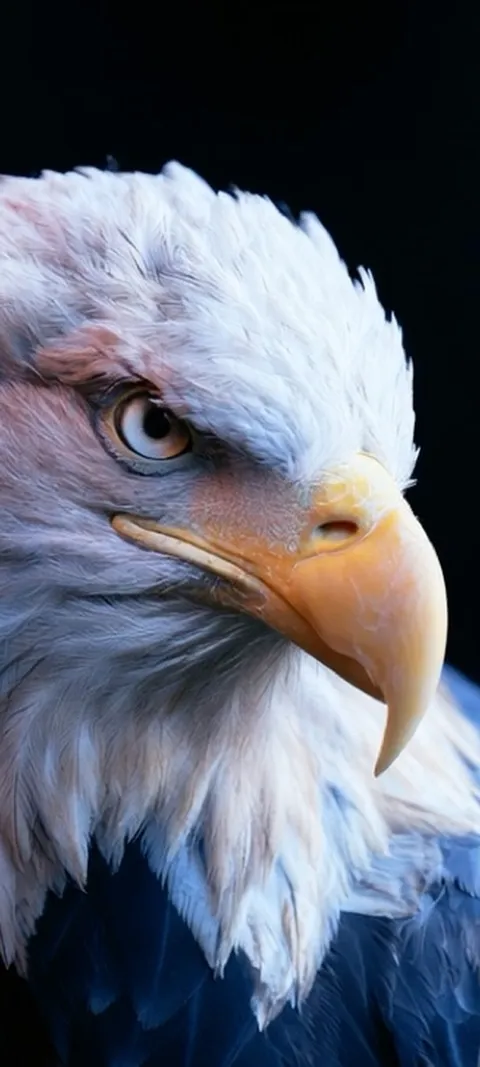 LIVE Majestic Bald Eagle
 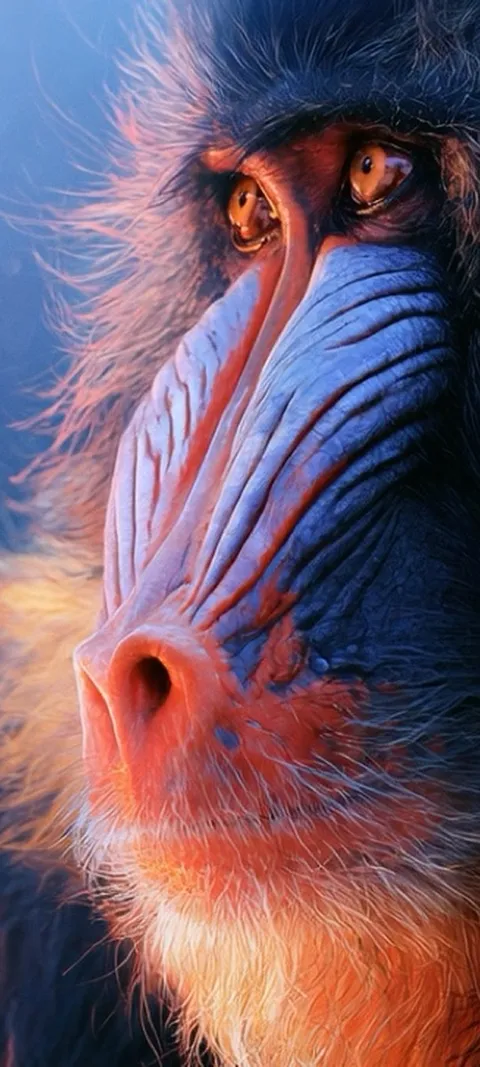 LIVE Mandrill Primate Portrait
 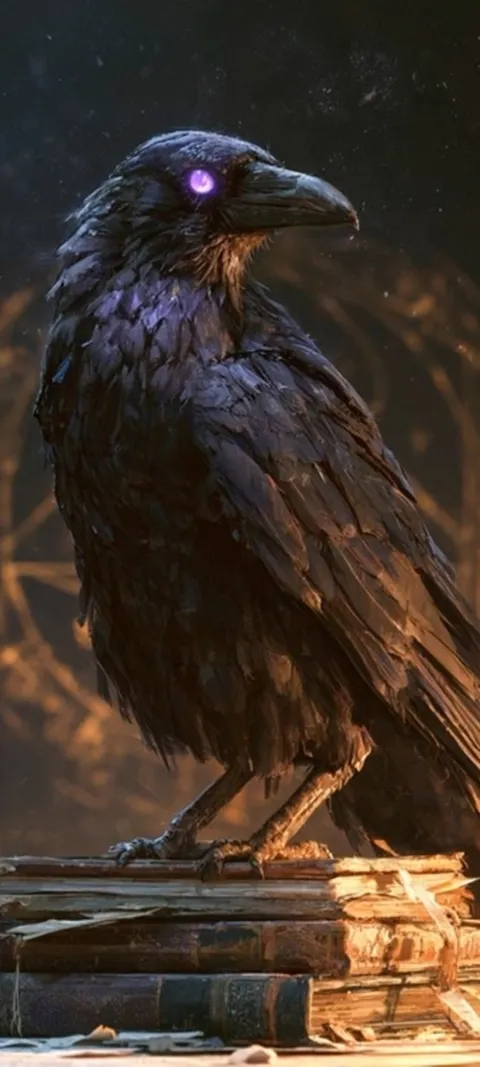 LIVE Mystic Raven Scholar
 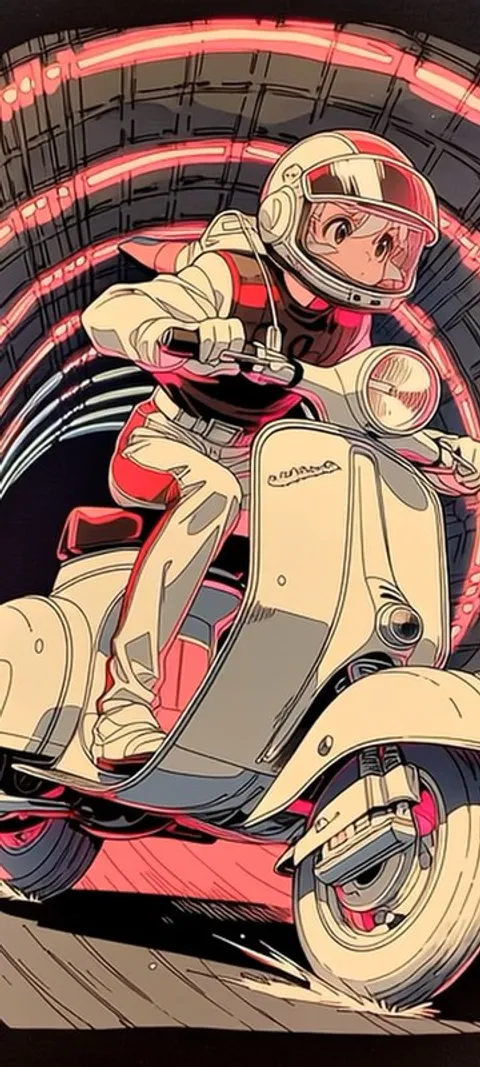 LIVE Neon Scooter
 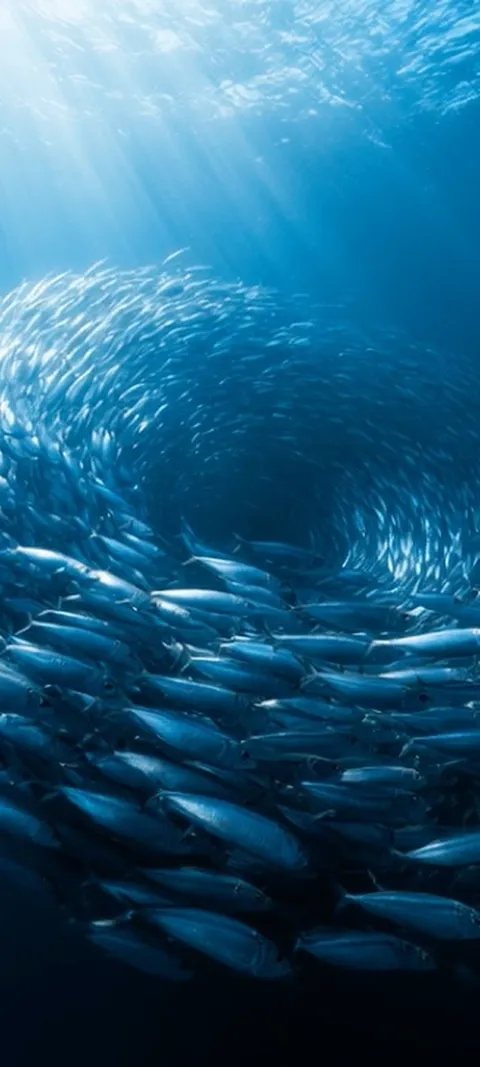 LIVE Oceanic Fish Vortex
 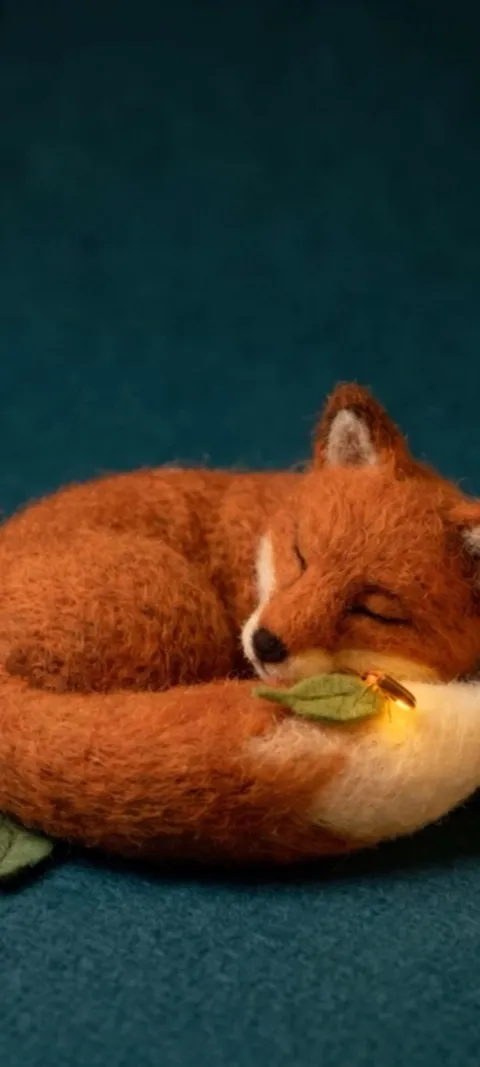 LIVE Sleeping Felt Fox
 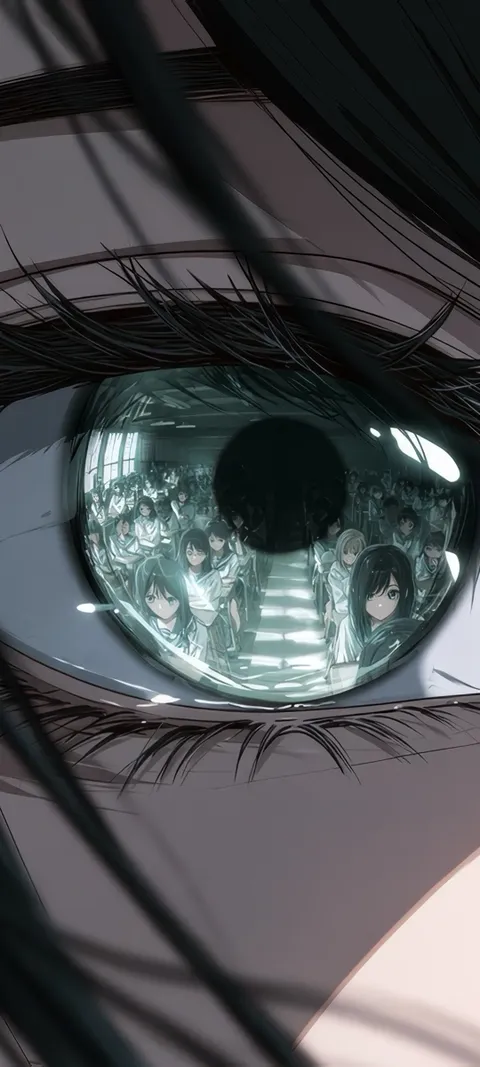 Reflected Anime Crowd
 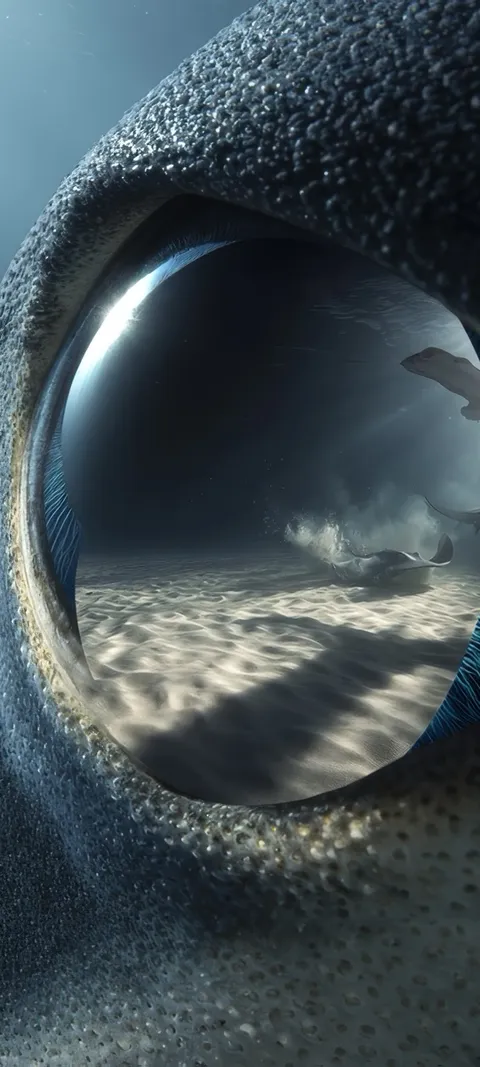 Shark Gaze
 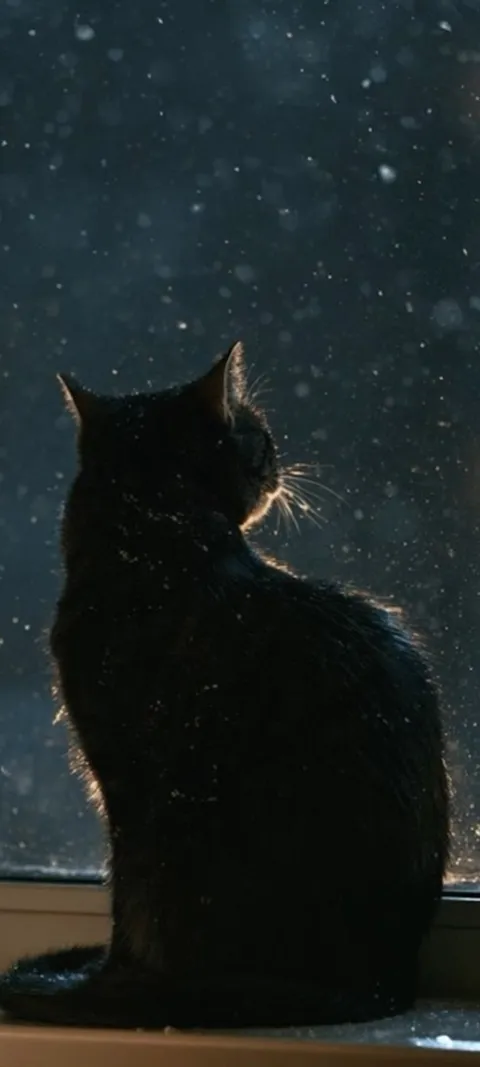 LIVE Black Cat Window
 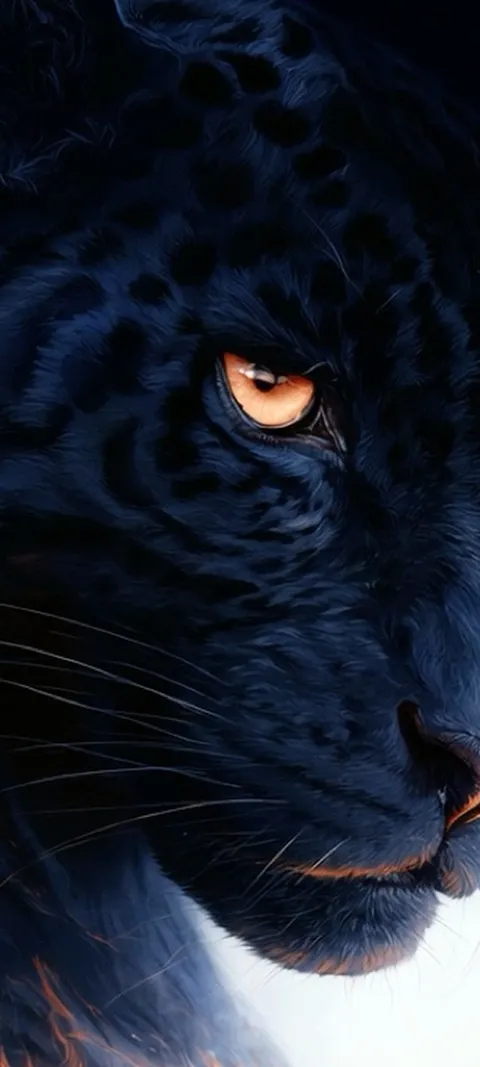 LIVE Black Panther Gaze
  LIVE Crocodile Eye
 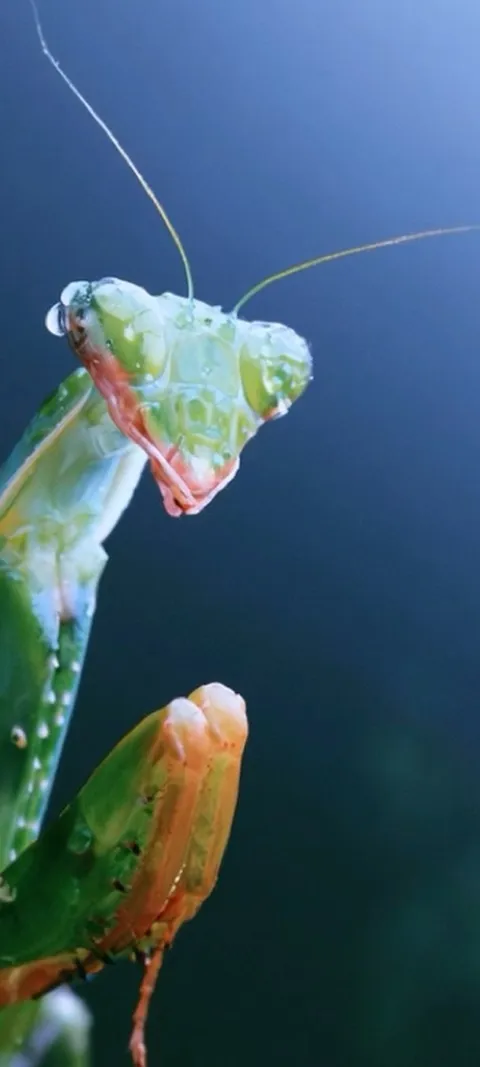 LIVE Dewy Mantis Portrait
 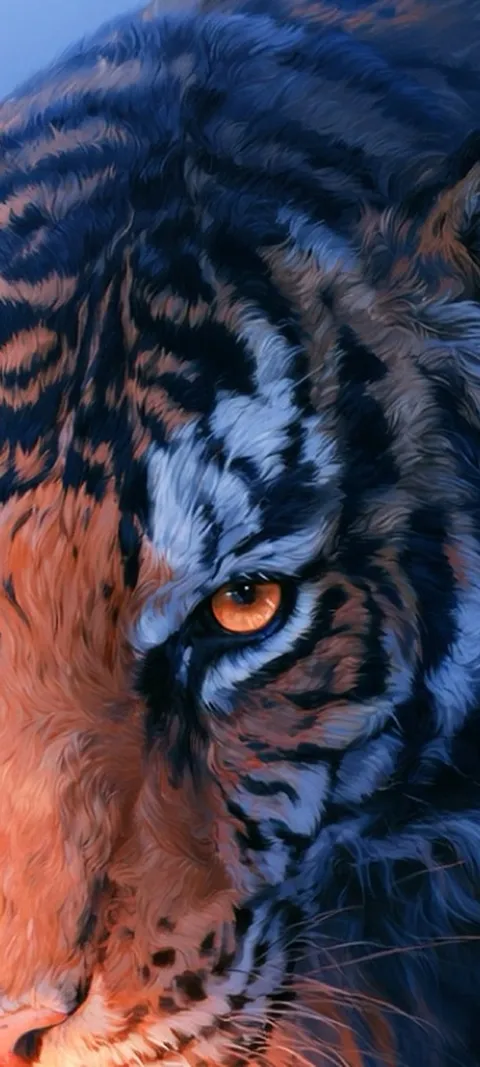 LIVE Feline Power
  LIVE Haunted Anime Gaze
 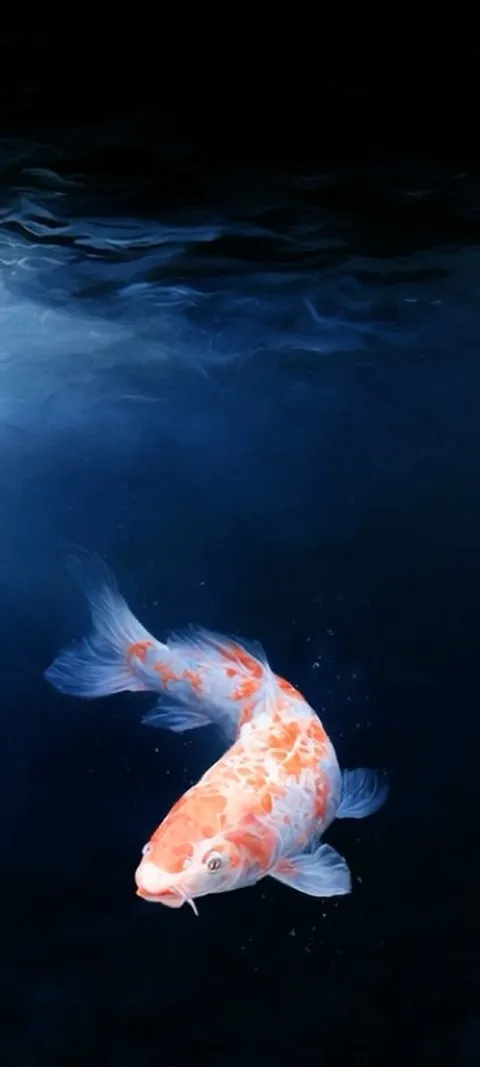 LIVE Koi In Deep
 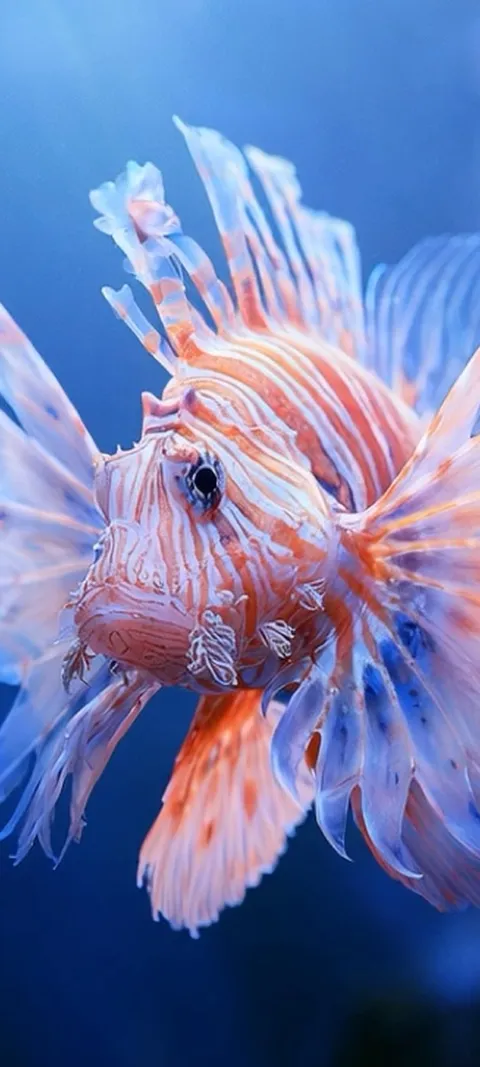 LIVE Lionfish Undersea
 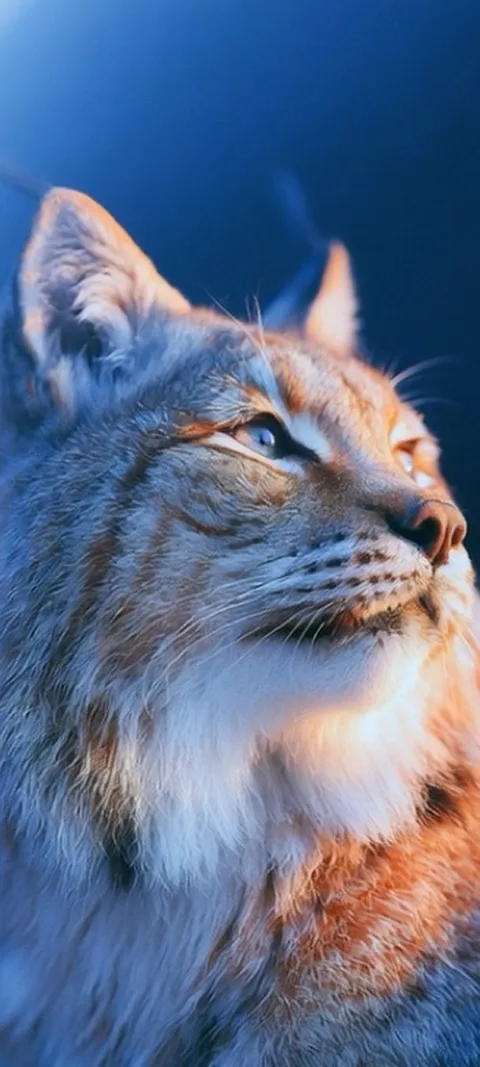 LIVE Lynx Golden Gaze
 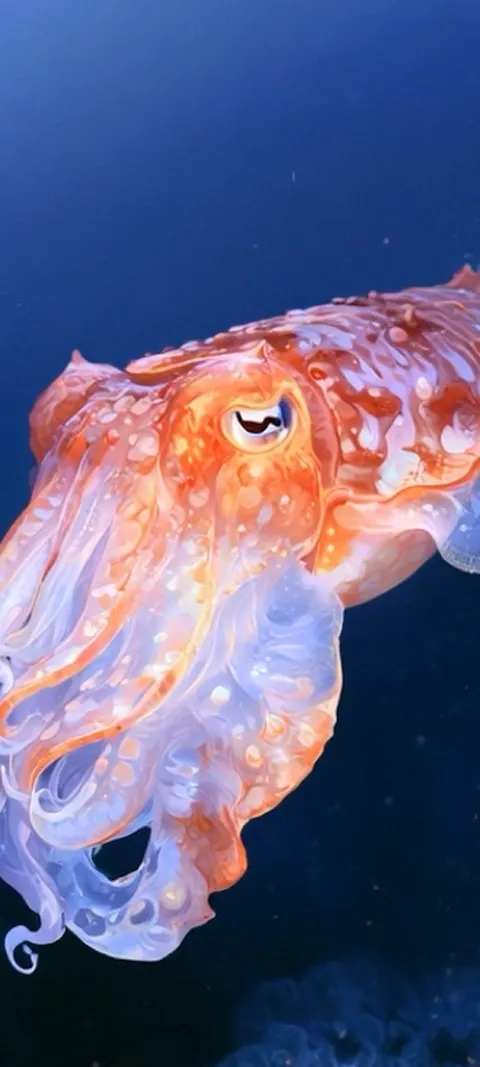 LIVE Oceanic Cuttlefish
 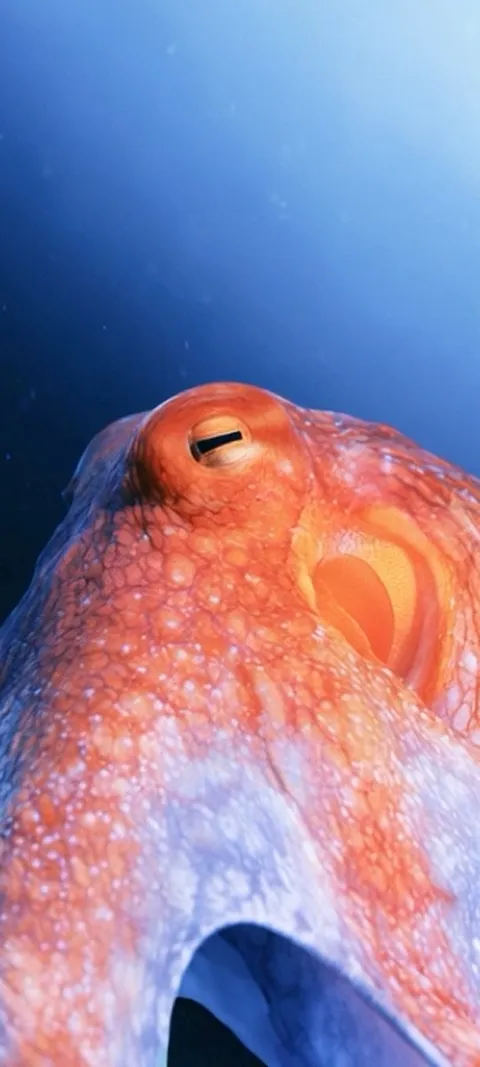 LIVE Oceanic Eye
 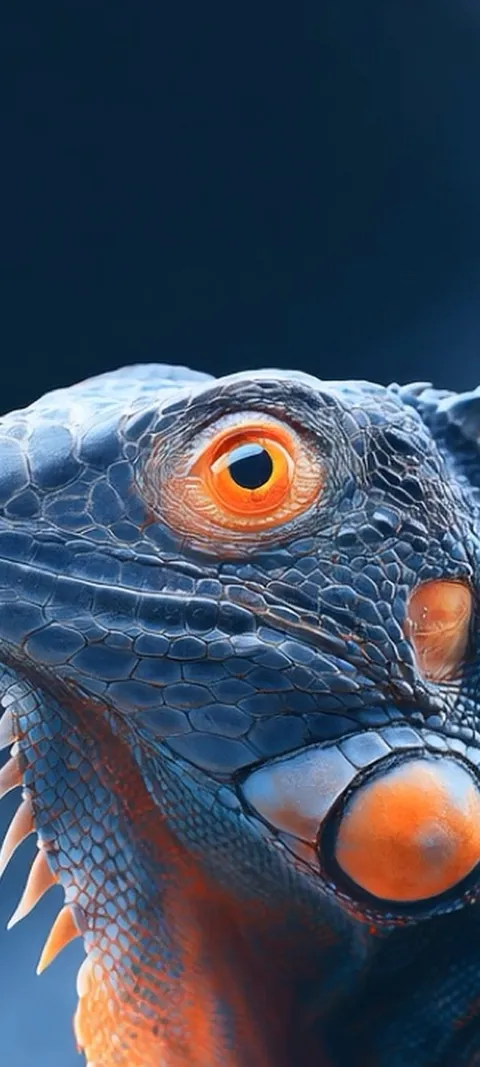 LIVE Orange Eyed Iguana
 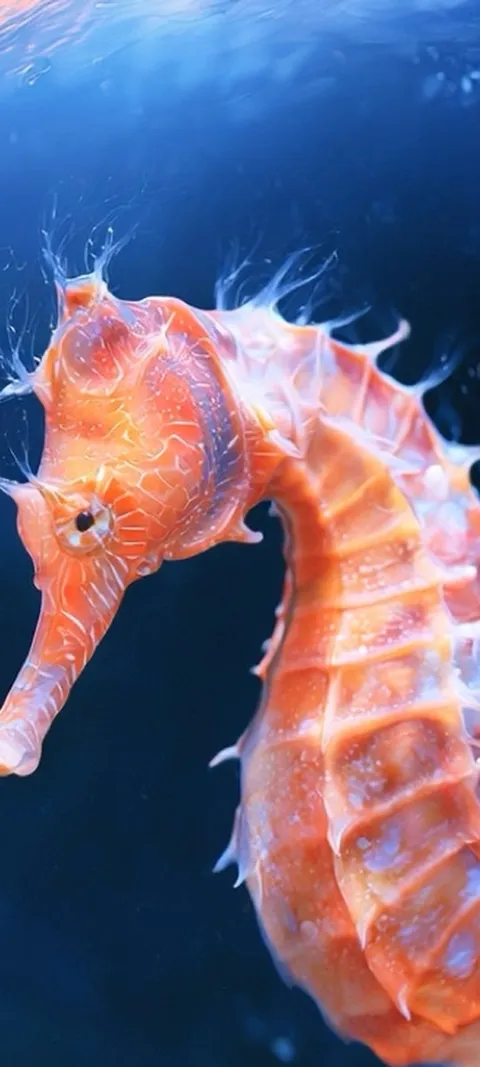 LIVE Orange Seahorse Underwater
 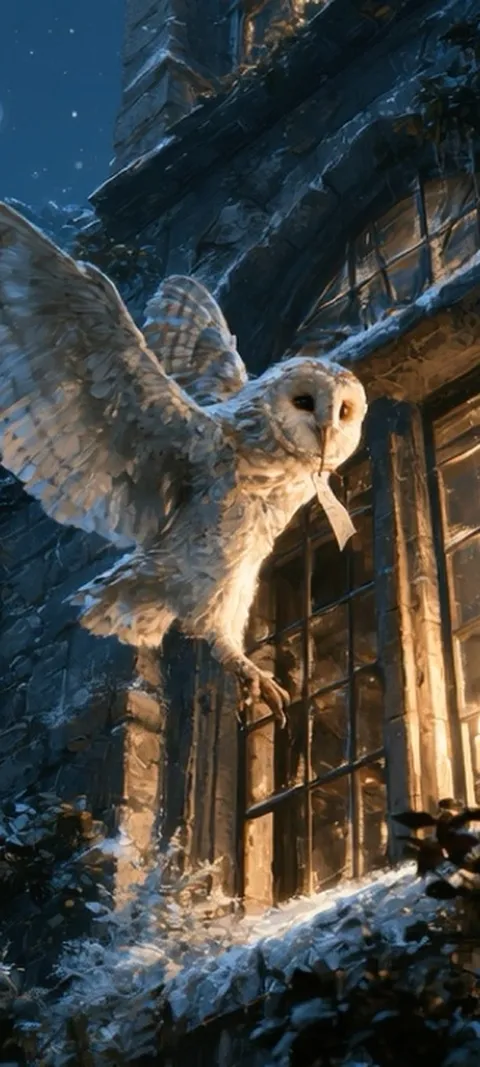 LIVE Owl's Night Delivery
 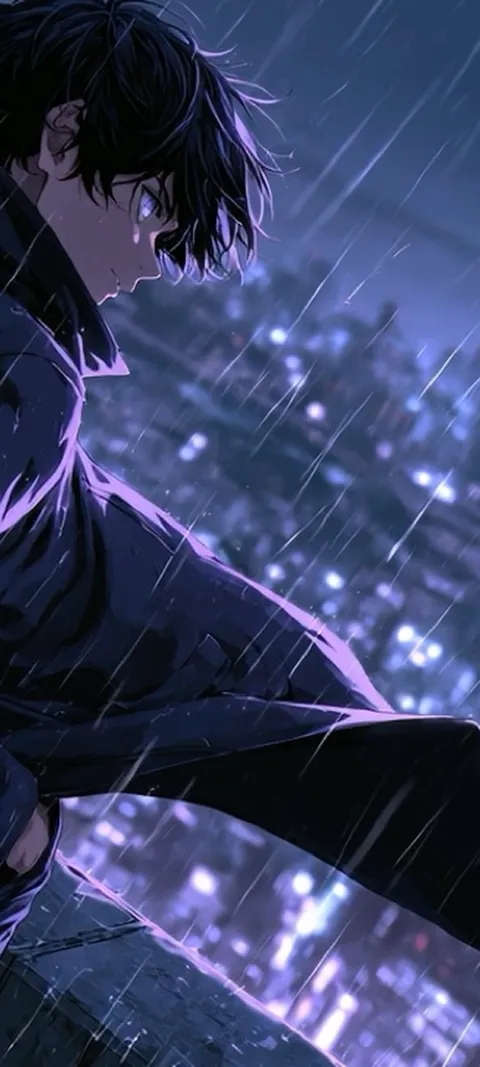 LIVE Rainy City Night
 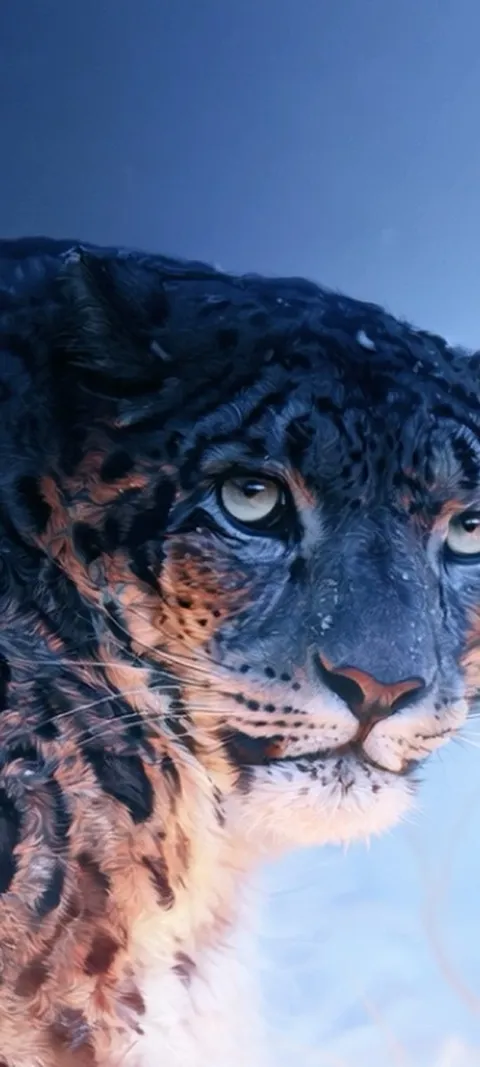 LIVE Snow Leopard Gaze
 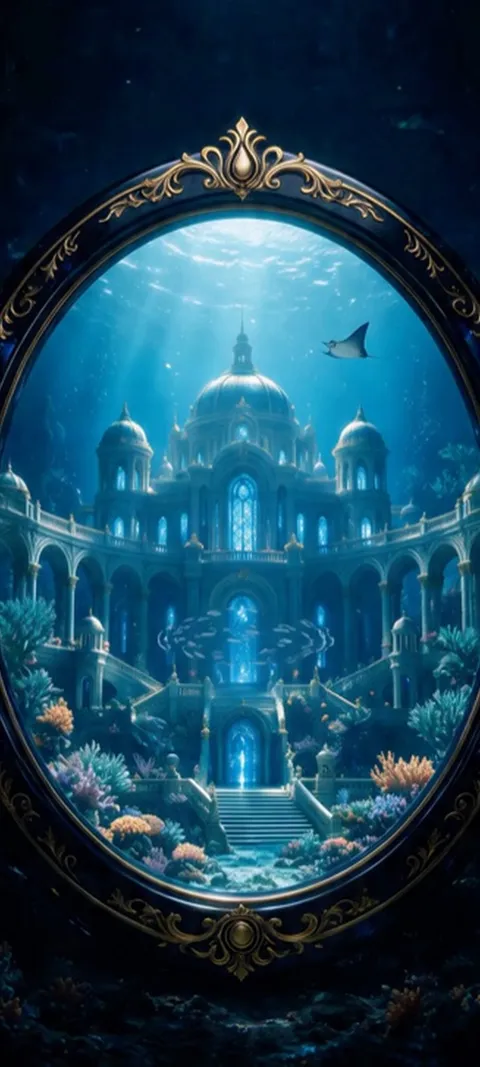 LIVE Underwater Palace Mirror
  Bike Mechanic
 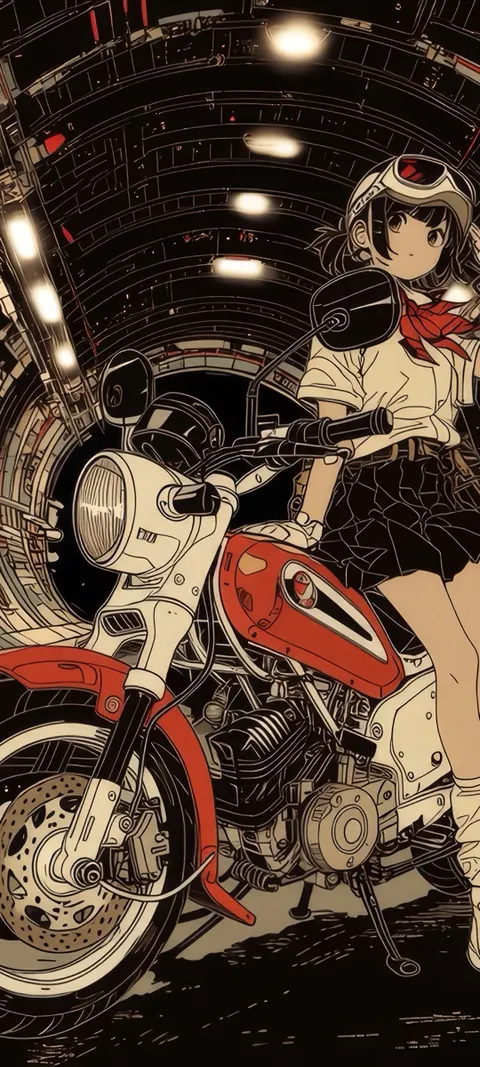 Biker Anime
 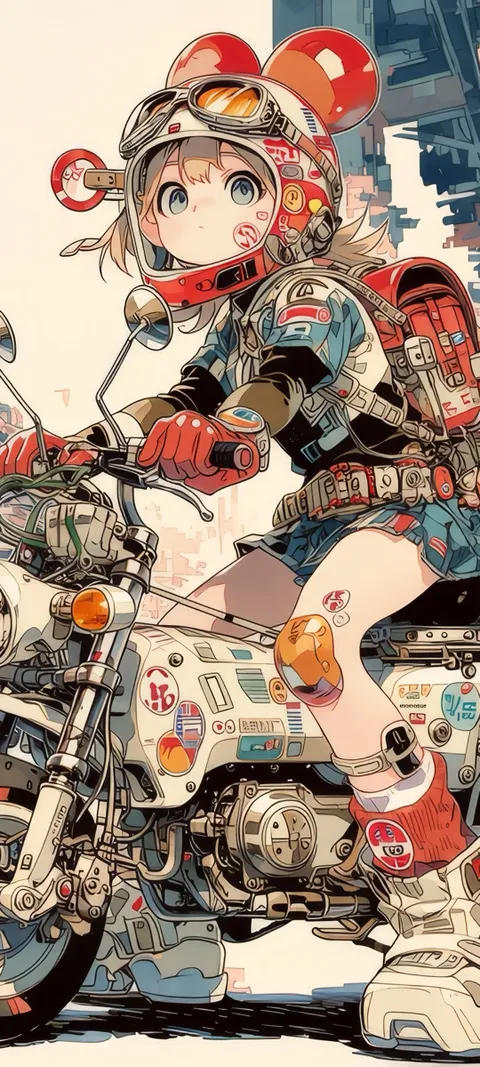 Biker Bae
 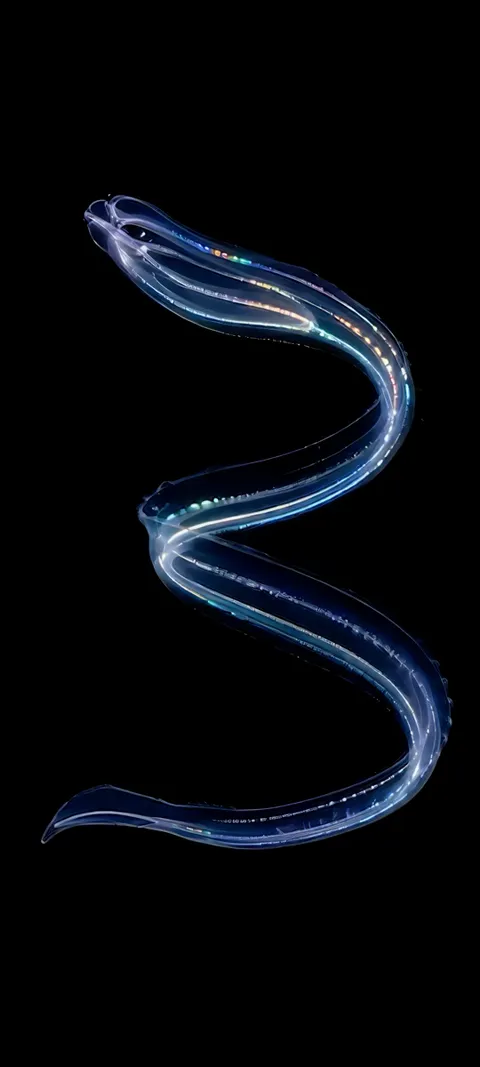 Bioluminescent Serpent
  Bird
Bird 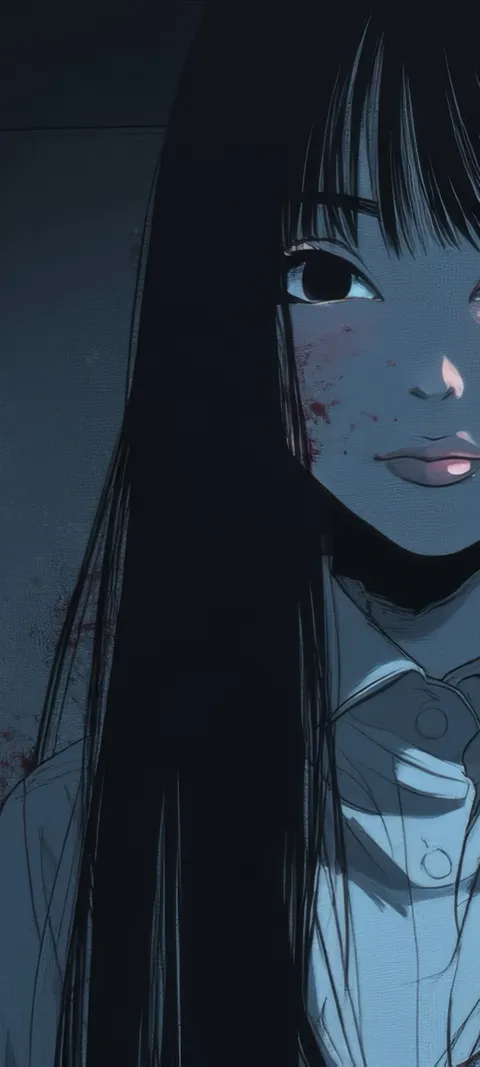 Bloody Beauty
 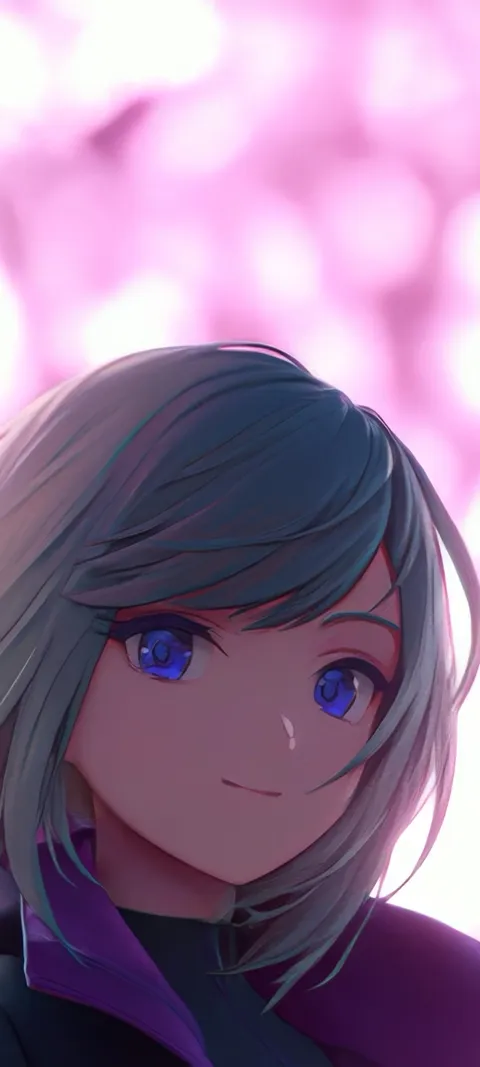 Blue Eyed
  Blue Eyes
  Blue Umbrella
  Boombox Stroll
  Cat Staring Out
  Cat Watching Snow
 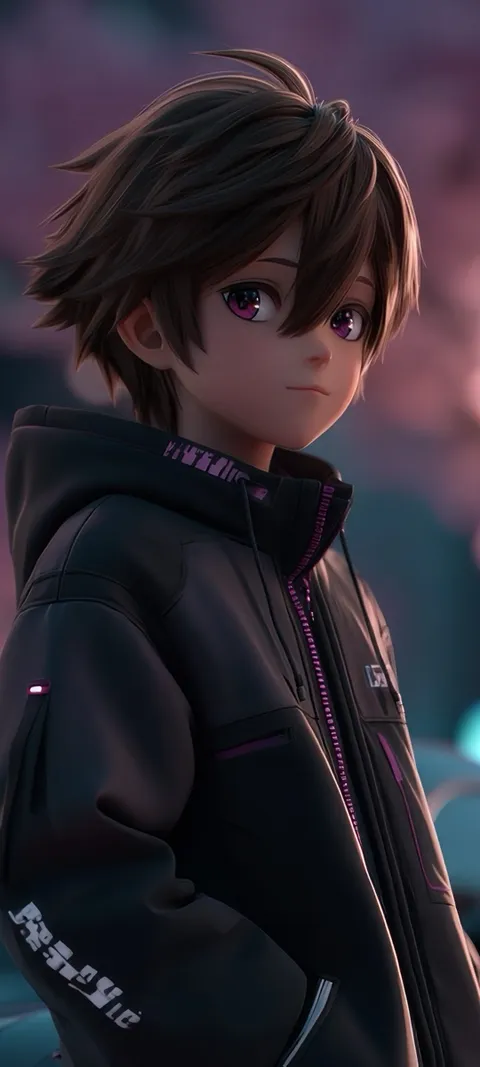 Cherry Blossom Drive
 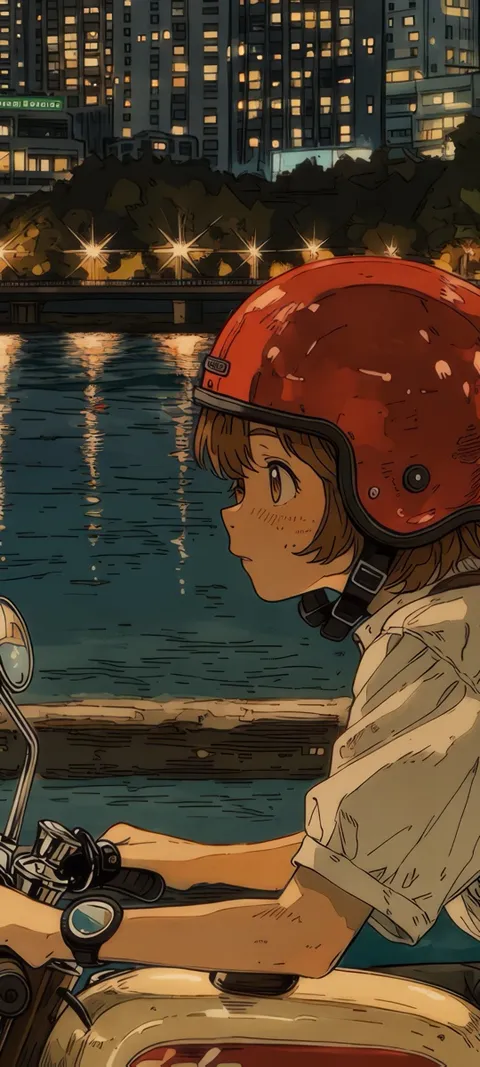 City Ride
 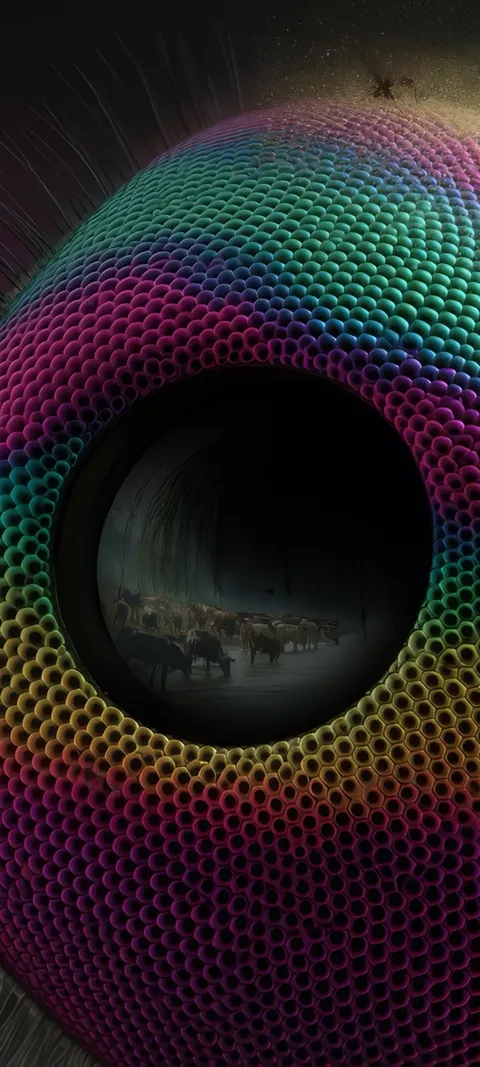 Compound Eye
 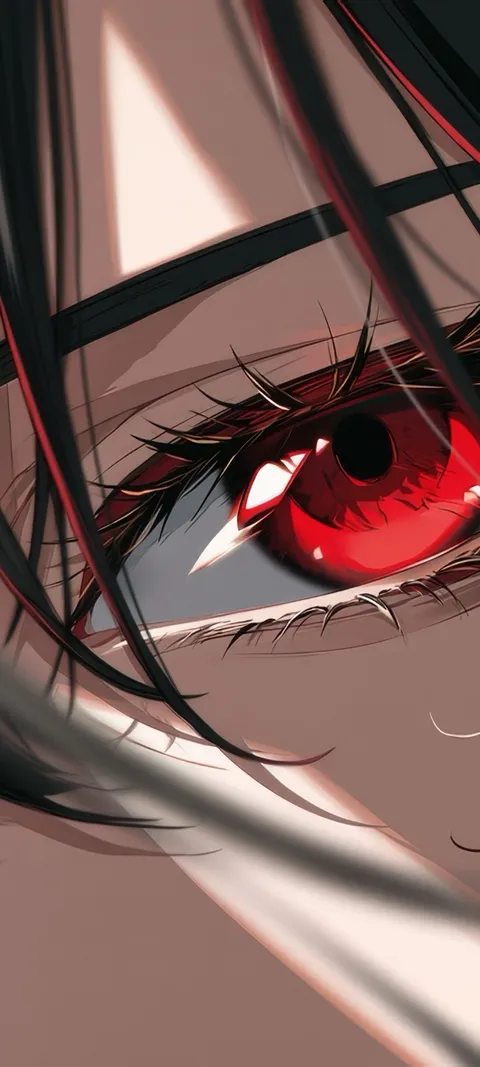 Crimson Gaze
 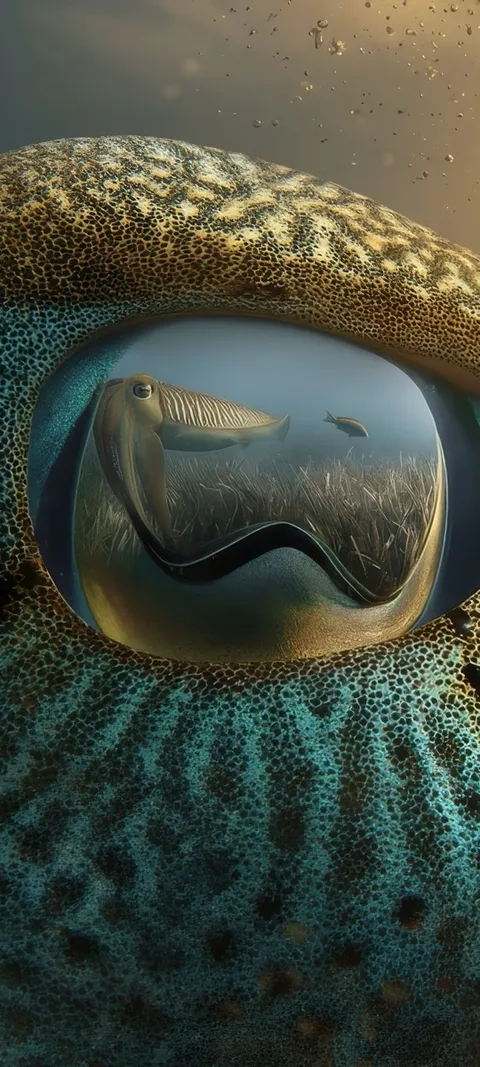 Cuttlefish Gaze
 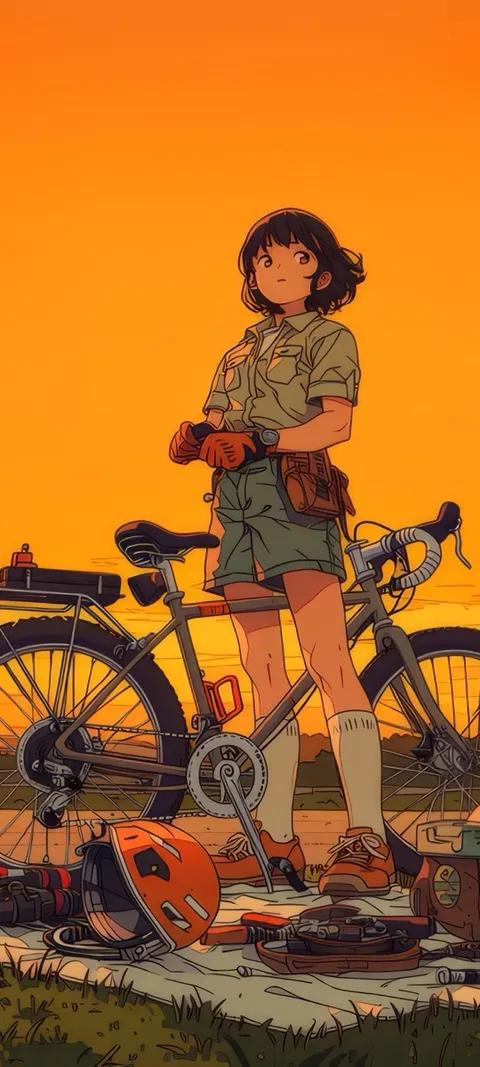 Cycling Sunset
 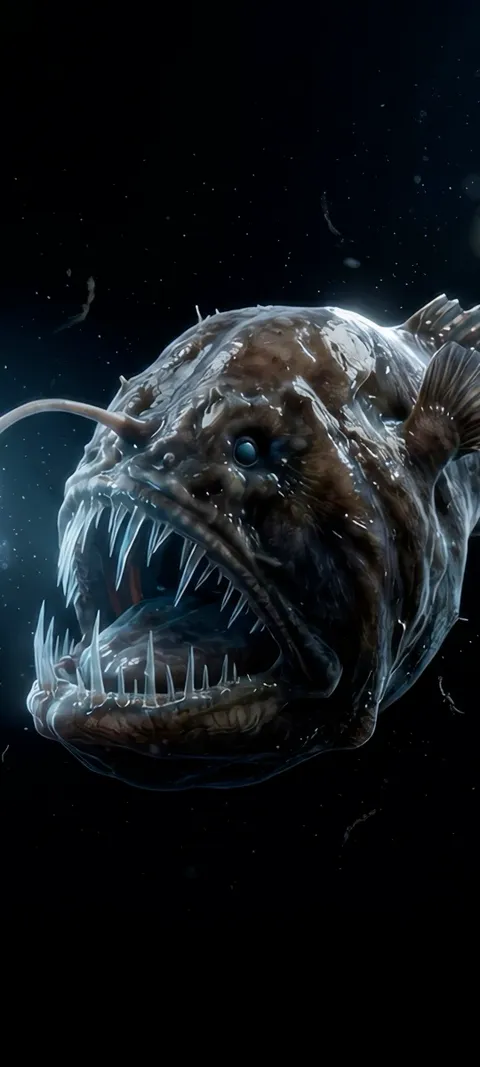 Deep Lure
 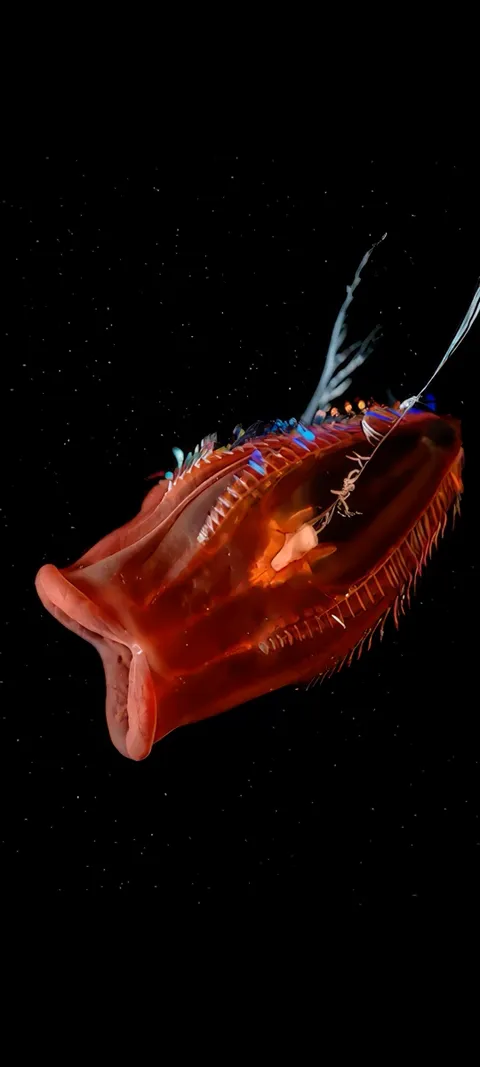 Deep Sea Red
 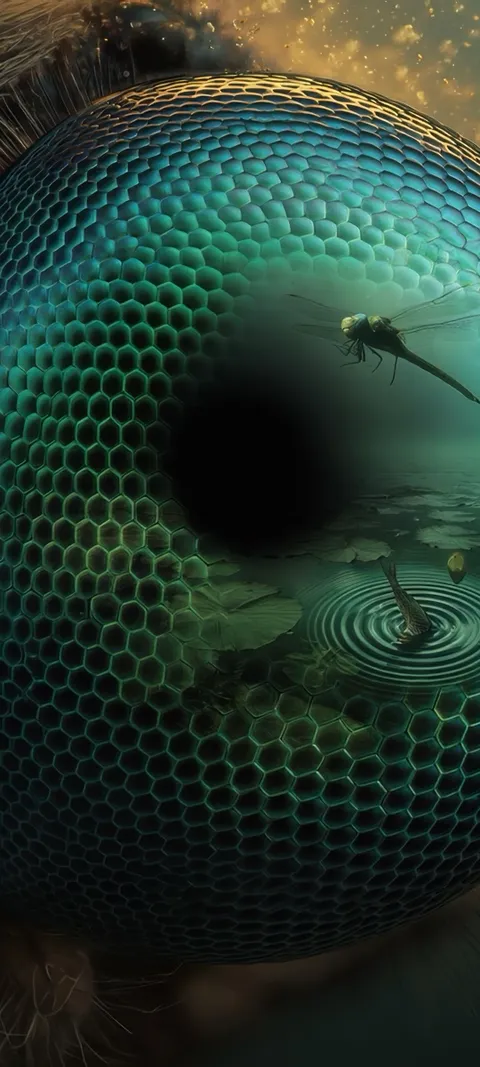 Dragonfly Eye
 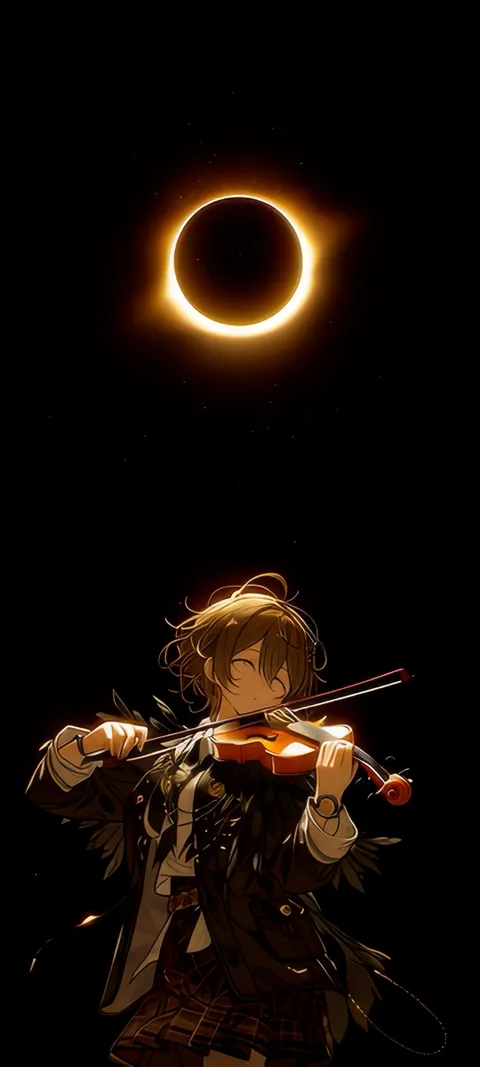 Eclipse Melody
 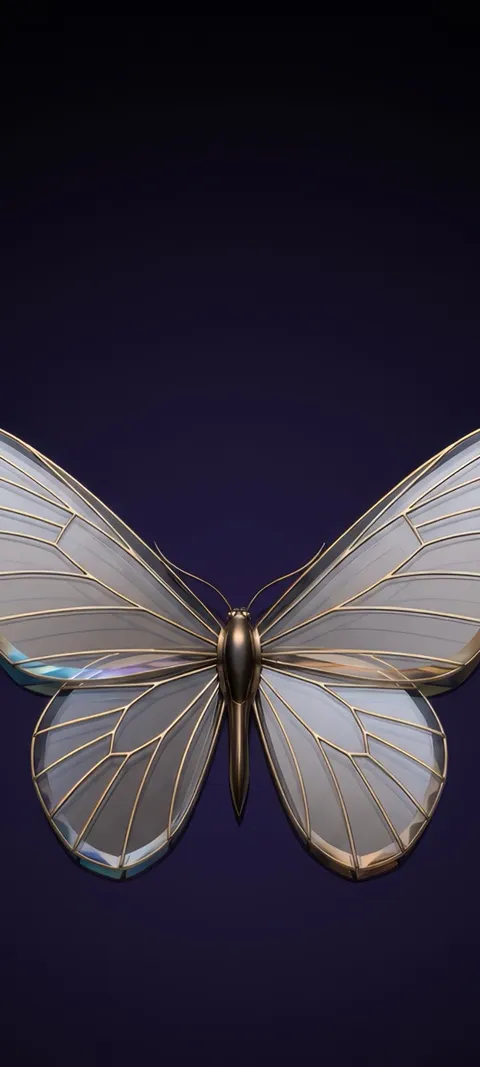 Elegant Butterfly Time
 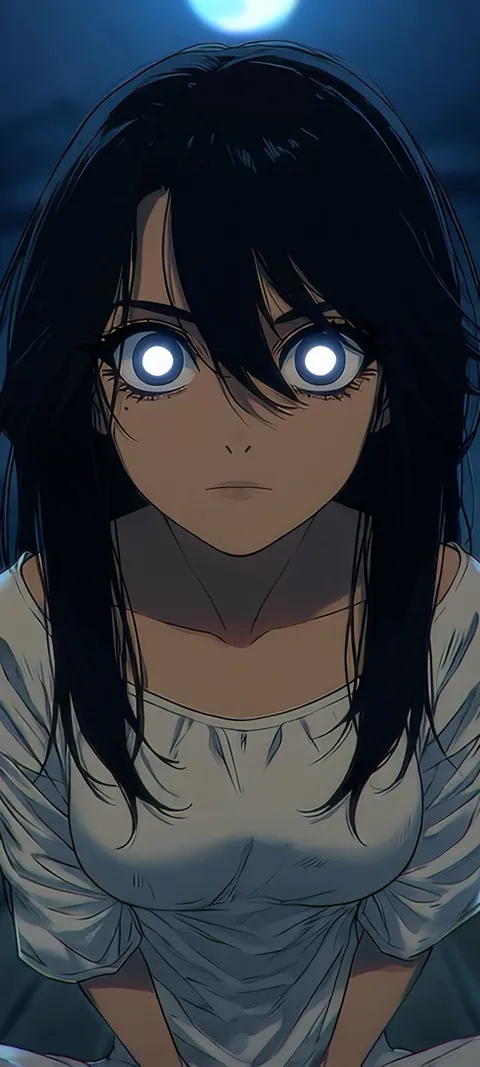 Ember Eyes
 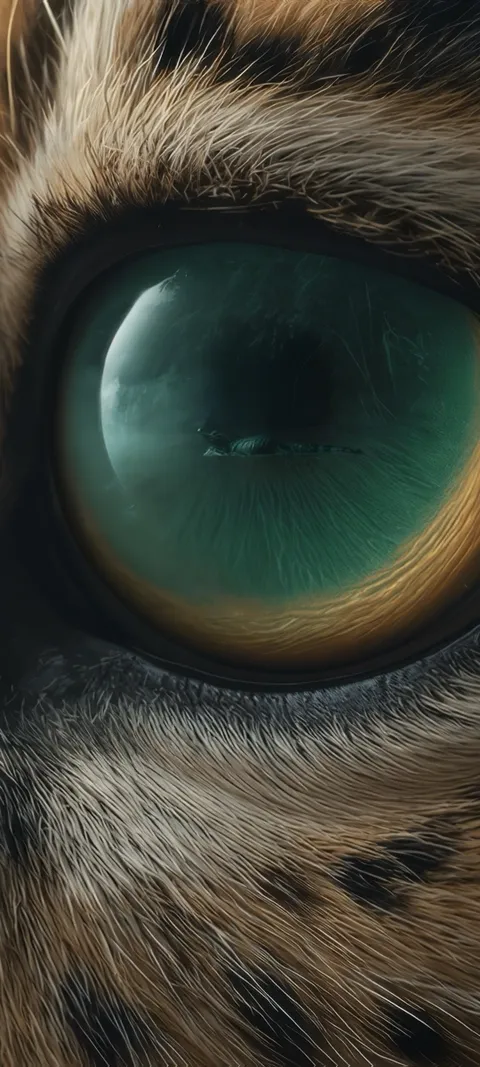 Emerald Gaze
 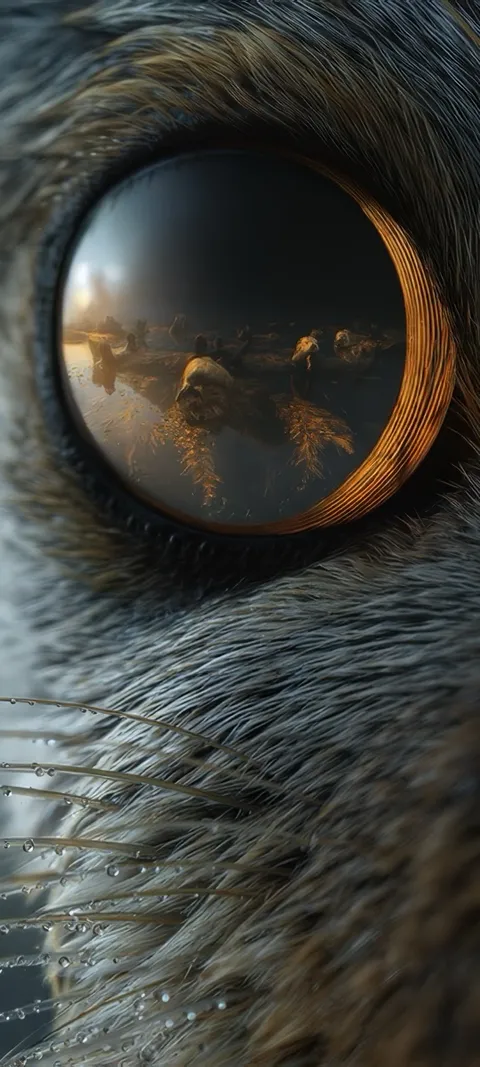 Feline Gaze
  Frosty Blue Foliage
  Garage Scooter
 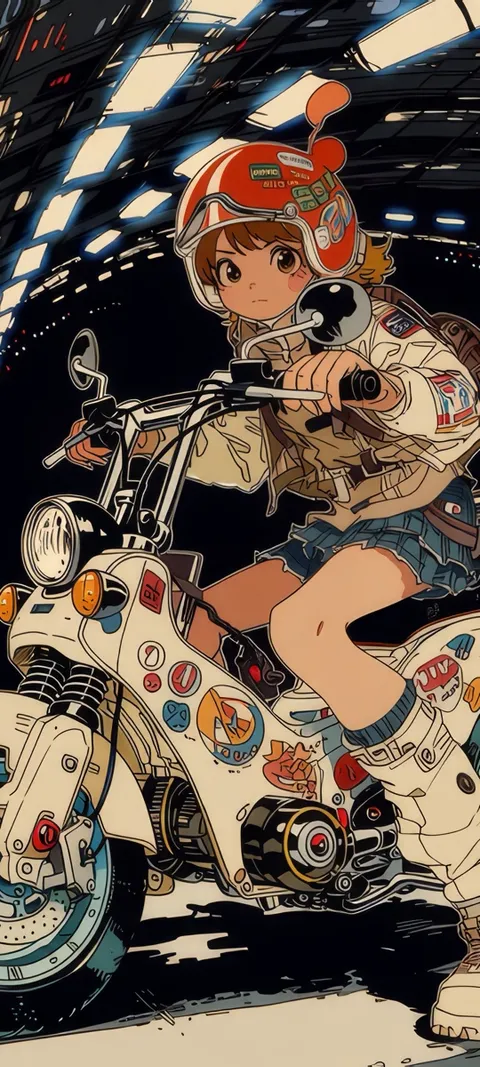 Girl Rider
 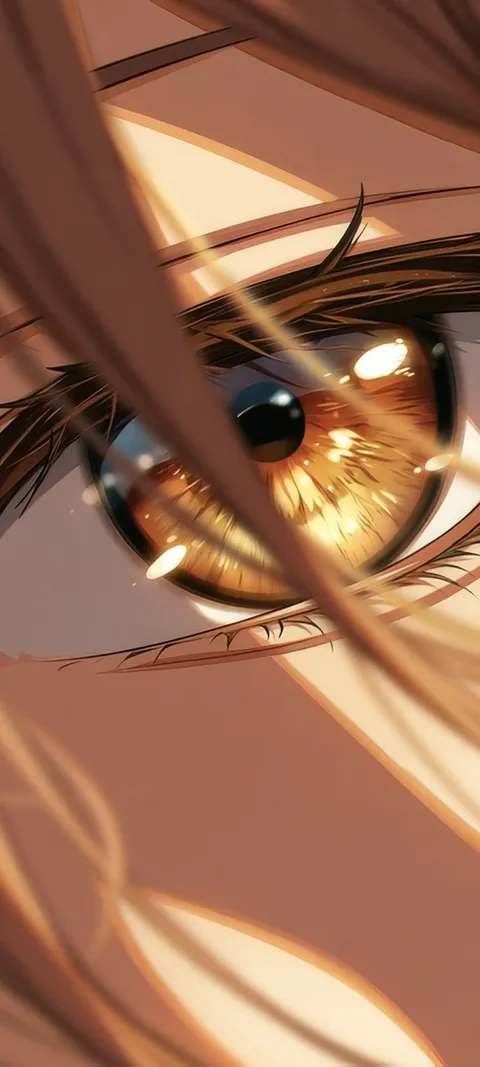 Golden Anime Eye
  Golden Boy
 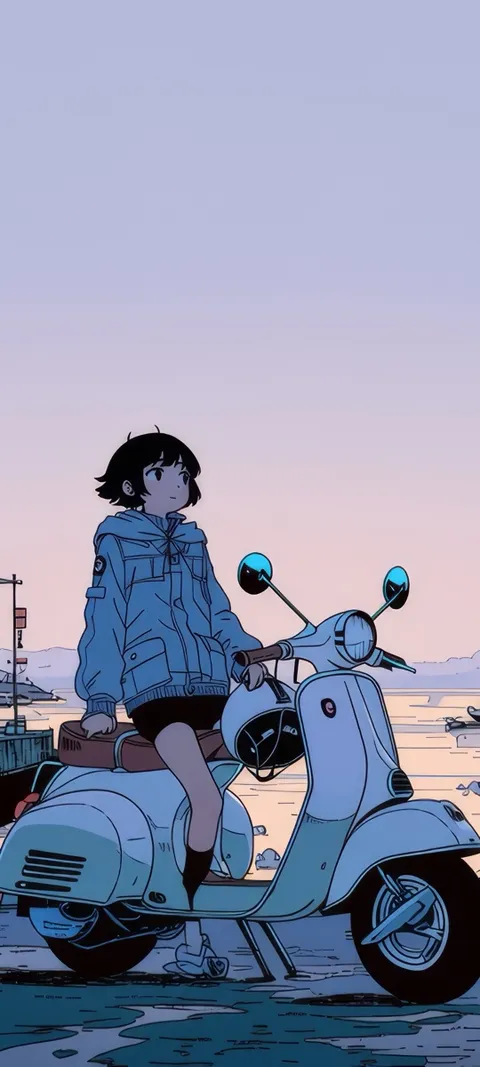 Harbor Vespa
 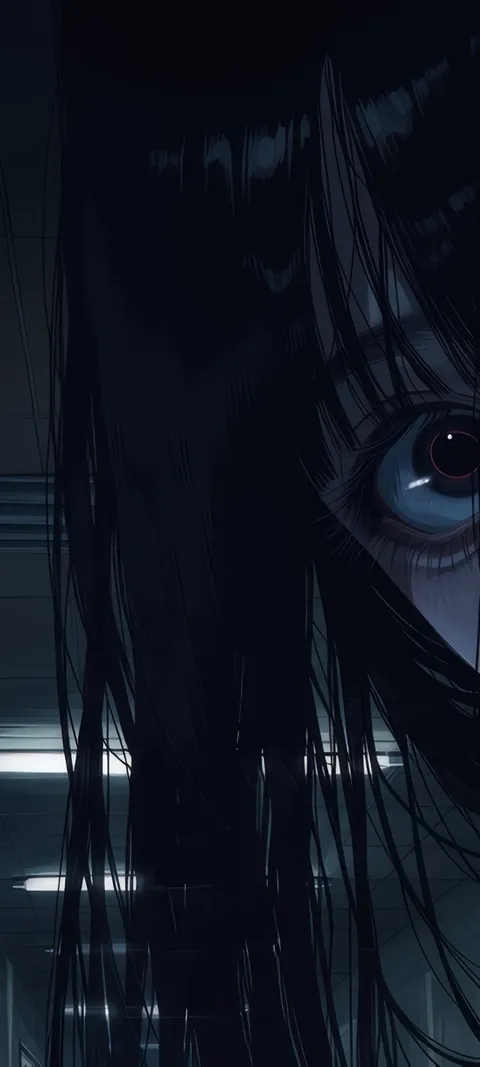 Haunted Gaze
 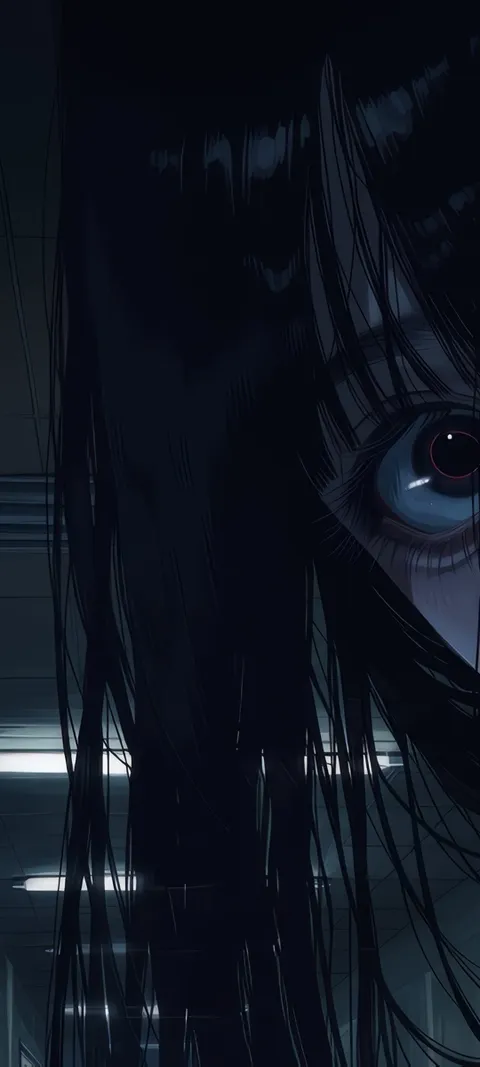 Haunted Look
 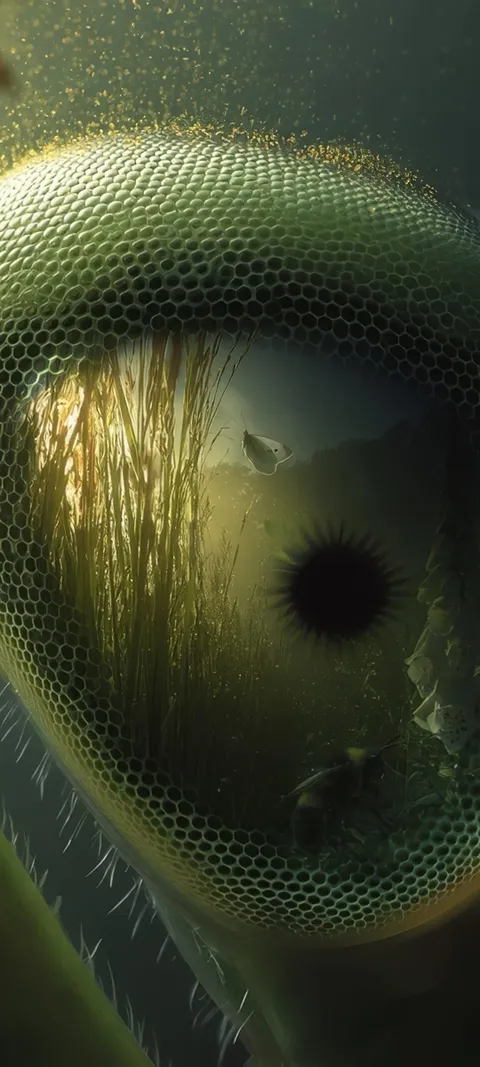 Insect Eye
 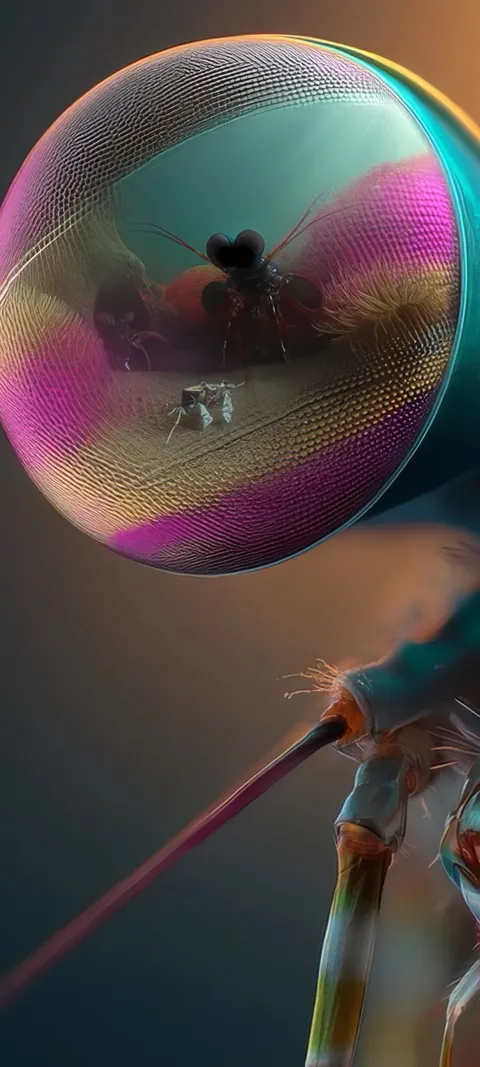 Insect Gaze
 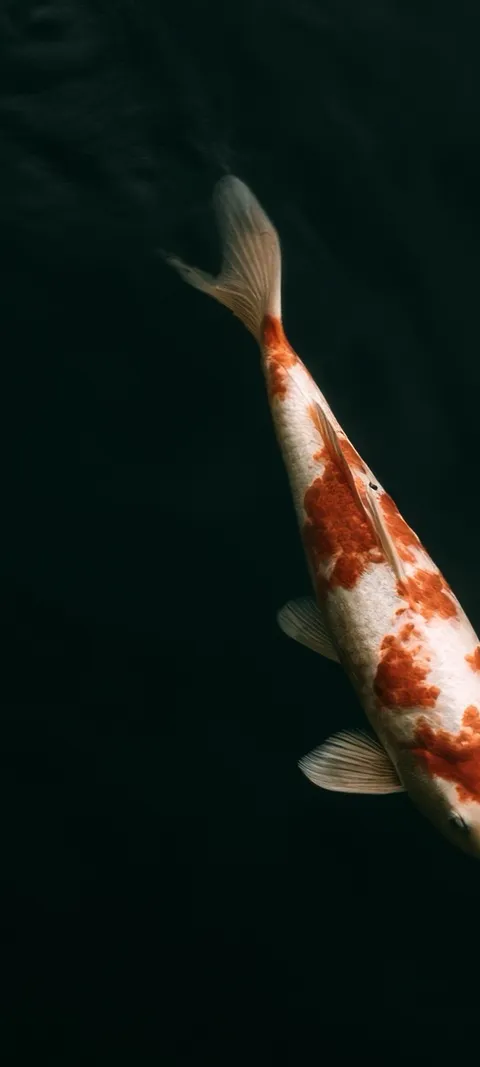 Koi Fish Time
 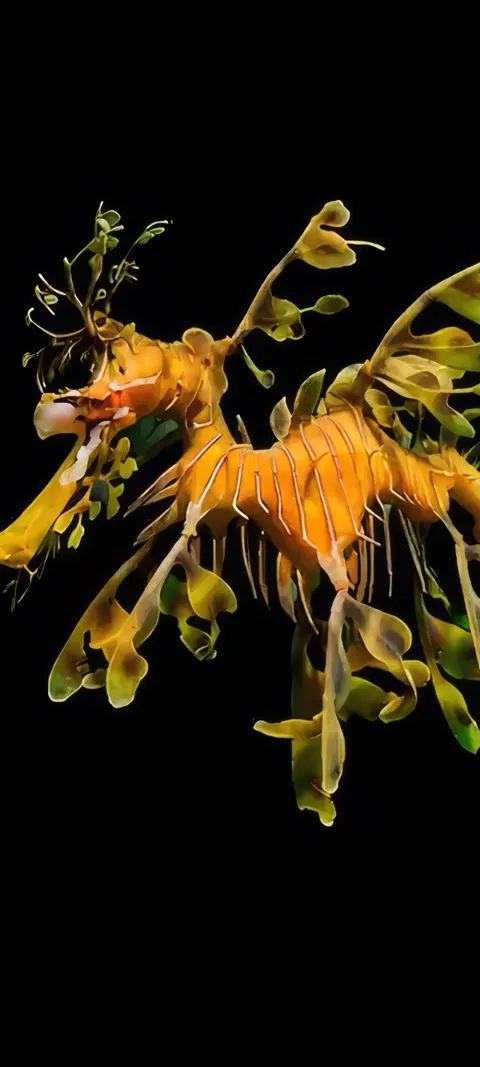 Leafy Seadragon
 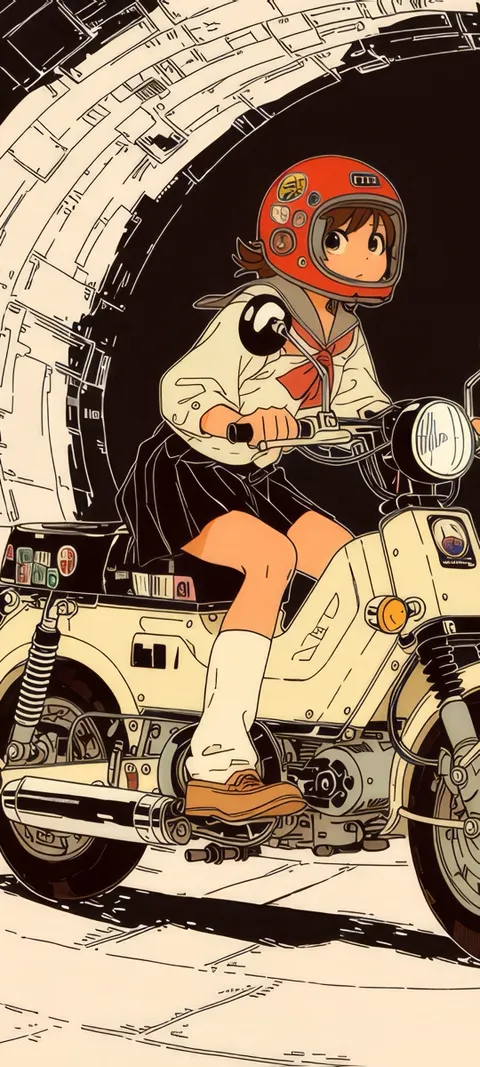 Lunar Ride
 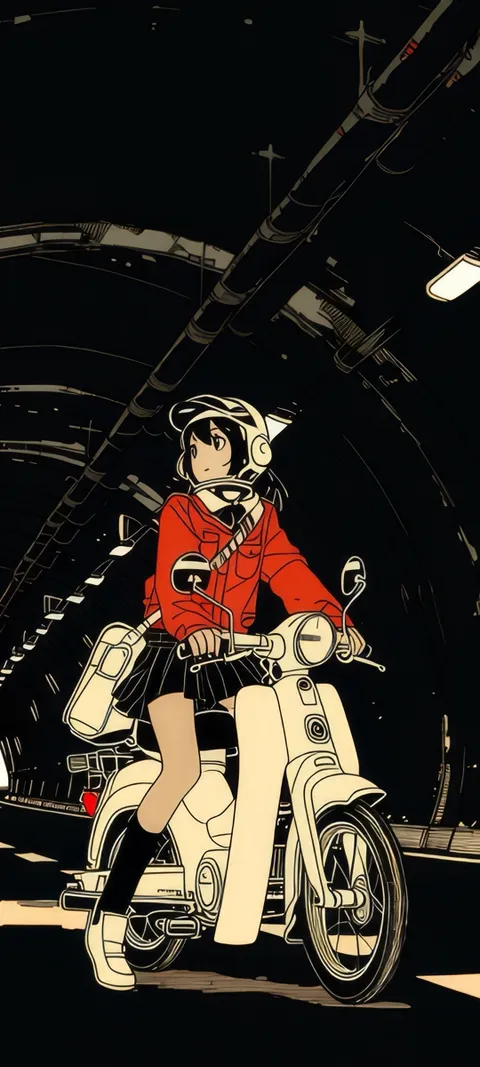 Manga Rider
 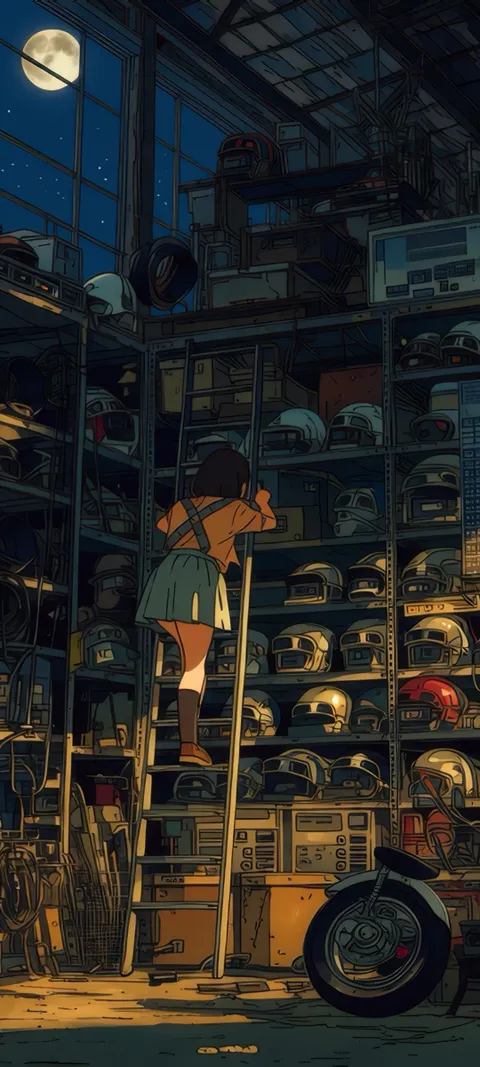 Midnight Garage
 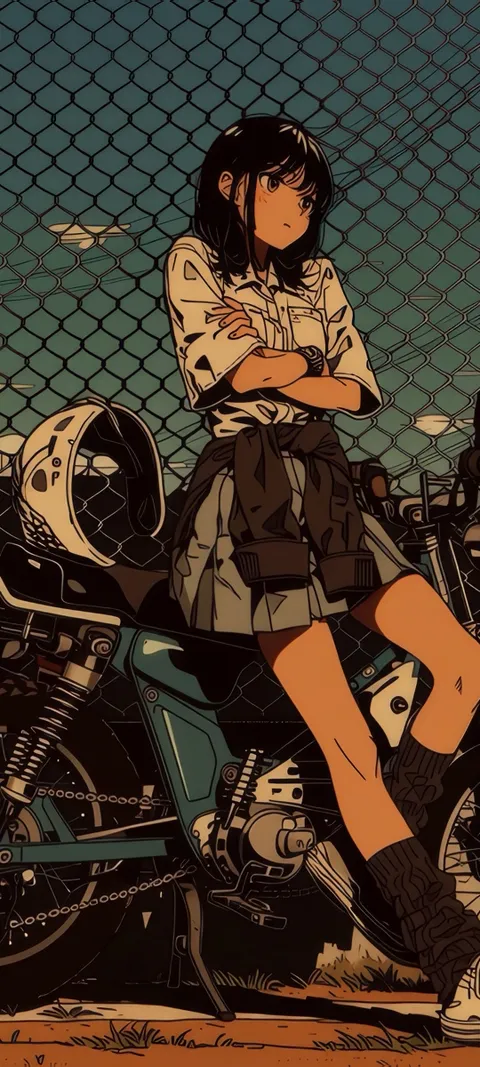 Motorcycle Girl
 121 depth effect wallpapers in the live ScreenLux catalog — 28 of them live; showing 72 here, the rest are in the app.
How to turn on Depth Effect on iPhone
- Pick a subject-led wallpaper in ScreenLux. Choose a portrait, animal or close-up from this page and tap Save. ScreenLux+ unlocks the save.
- Add it in Settings → Wallpaper. Tap Add New Wallpaper, choose Photos and select the saved image.
- Position the subject. Drag so the top of the subject just overlaps the bottom of the clock. Keep widgets off the Lock Screen.
- Switch on Depth Effect. Tap the menu button in the editor and turn on Depth Effect. If it is greyed out, move the image or try another pick.
- Tap Add. Choose Set as Wallpaper Pair or Customize Home Screen, then lock the phone to see the clock sit behind the subject.
Frequently asked
How do I turn on Depth Effect for my iPhone wallpaper?
Add the wallpaper in Settings → Wallpaper → Add New Wallpaper → Photos, then, in the Lock Screen editor, tap the menu button in the bottom corner and switch on Depth Effect. When iOS can separate the subject, it slides part of it in front of the clock immediately; drag the image so the subject overlaps the bottom of the time slightly, then tap Add. On an existing wallpaper, long-press the Lock Screen, tap Customize, and use the same menu.
Why is Depth Effect greyed out or not working?
iOS turns Depth Effect off when it cannot isolate a subject, when the subject would cover too much of the clock, or when you add widgets under the time, since widgets and the effect cannot share that space. It also needs an iPhone XS or later. Fix it by dragging the image so only the top of the subject crosses the clock, removing Lock Screen widgets, or choosing a wallpaper with cleaner edges. If the toggle never appears, the image lacks a subject iOS can detect.
Which wallpapers work with Depth Effect?
Ones with a single subject, clean edges and headroom: a face, an animal, a close-up with a soft background. iOS separates the subject from the background and layers the clock between them, so busy scenes, patterns and gradients rarely qualify. The 121 picks on this page were chosen on those criteria, but iOS makes the final decision per image and device, so a design may qualify on one iPhone and not another. Every pick is composed at 1080 × 2400 with the clock area in mind.