 SCREEN
 iPhone Wallpaper Size and Resolution Guide (Every Model)
Every current iPhone uses a tall display close to 19.5:9, so a portrait image at 1080 × 2400 pixels (9:20) fits all of them with a thin strip cropped from the top and bottom. If you want one file that works on any recent iPhone, make it that size, keep the subject in the middle, and leave the top quarter free for the clock. The per-model pixel counts are below, along with what iOS does to your image when you set it.
iPhone screen sizes by model
These are native pixel counts, the figures your wallpaper is scaled to. Every model since the iPhone 12 shares roughly the same 19.5:9 shape; only the pixel count changes with screen size. iOS renders at 3× on all of them (2× on the SE), so a 393-point layout is a 1179-pixel screen.
| Size class | Models | Native pixels | Shape |
|---|---|---|---|
| 4.7-inch LCD | iPhone SE (2nd and 3rd gen), iPhone 8 | 750 × 1334 | 16:9 — the only exception |
| 5.4-inch mini | iPhone 12 mini, 13 mini | 1080 × 2340 | ~19.5:9 |
| 6.1-inch | iPhone 12, 12 Pro, 13, 13 Pro, 14, 16e | 1170 × 2532 | ~19.5:9 |
| 6.1-inch (newer) | iPhone 14 Pro, 15, 15 Pro, 16 | 1179 × 2556 | ~19.5:9 |
| 6.3-inch Pro | iPhone 16 Pro | 1206 × 2622 | ~19.5:9 |
| 6.7-inch | iPhone 12 Pro Max, 13 Pro Max, 14 Plus | 1284 × 2778 | ~19.5:9 |
| 6.7-inch (newer) | iPhone 14 Pro Max, 15 Plus, 15 Pro Max, 16 Plus | 1290 × 2796 | ~19.5:9 |
| 6.9-inch Pro Max | iPhone 16 Pro Max | 1320 × 2868 | ~19.5:9 |
| 2025–2026 models | iPhone 17 line, iPhone Air, iPhone 18 line | Check Settings → General → About or Apple’s tech specs | ~19.5:9 |
For the 2025 and 2026 models, the iPhone 17 line, iPhone Air and the iPhone 18 line, the shape is the same tall ~19.5:9. Check Settings → General → About or Apple's tech specs for the exact figure; any portrait image of 1080 × 2400 or larger fits them regardless.
Cover, not fit: what iOS does with your image
iOS always scales a wallpaper to cover the screen. It enlarges the image until both the width and the height are filled, then crops whatever spills over. It never letterboxes and never lets you zoom out past that cover size, only in. So a tall image loses a sliver top and bottom, a square image loses about half its width, and a landscape image loses most of it. You can pinch and drag in the editor to choose which part survives, but not make the whole picture fit.
Perspective Zoom and Depth Effect both add to that crop, and both are covered below. Neither changes the file you saved; the adjustments happen at display time.
Composed for the 9:20 frame
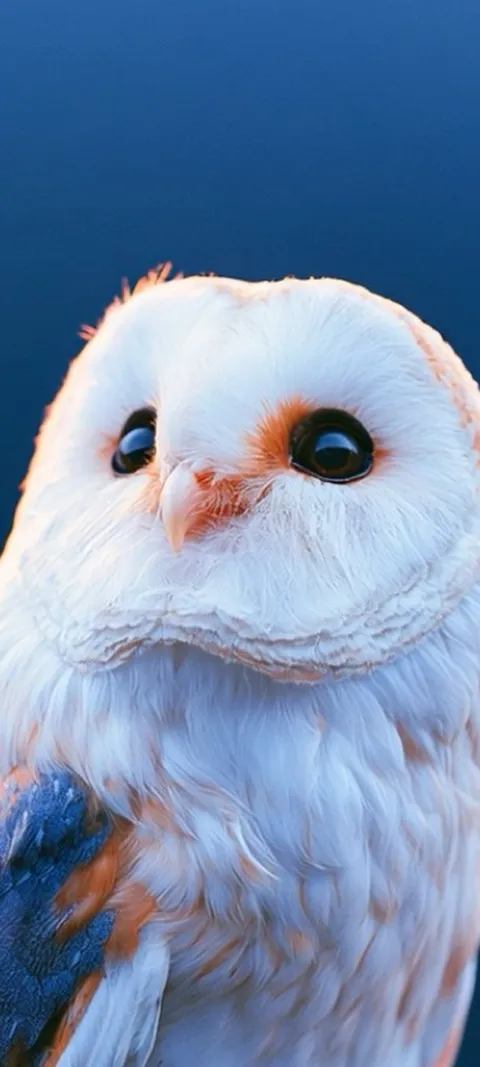
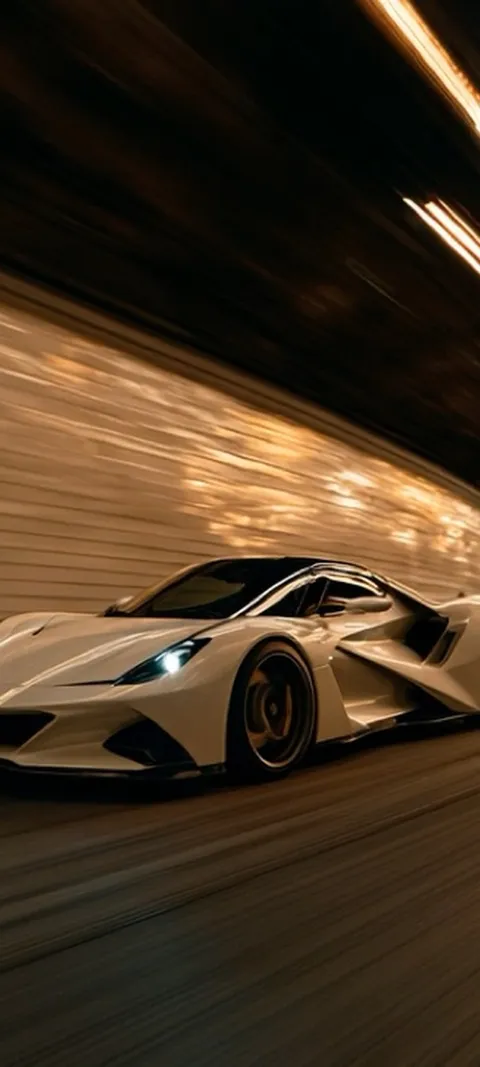
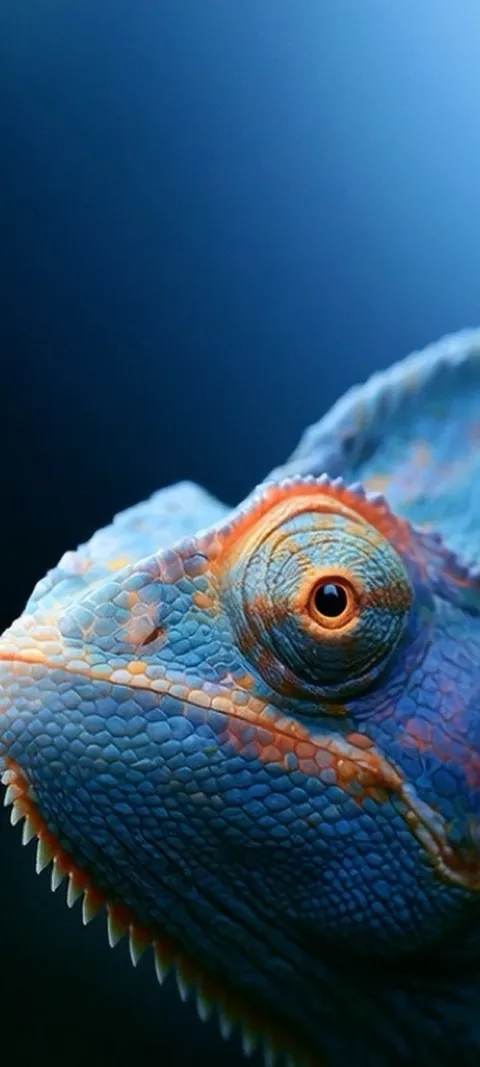
Four wallpapers from the iPhone catalog, each 1080 × 2400 with the subject clear of the clock band and the bottom buttons.

What size should an iPhone wallpaper be?
Match the native pixel count of your model if you can, and otherwise use 1080 × 2400. Native is 1179 × 2556 on the 6.1-inch iPhone 15 and 16, 1290 × 2796 on the 6.7-inch Plus and 15 Pro Max, and 750 × 1334 on the iPhone SE. Anything at or above those figures, in the same tall shape, renders sharp. Aspect ratio matters more than raw resolution: a tall 9:19.5 or 9:20 image survives the crop, and a square or landscape one does not.
If you are not sure which model you have, open Settings → General → About. Apple's tech specs pages list the exact pixel dimensions for each model and are the safest source for the newest phones; treat the shape as the fixed fact and the pixel count as something to look up.
Does a 1080 × 2400 wallpaper fit every iPhone?
Yes, with one qualification. 1080 × 2400 is 9:20, slightly taller than the 9:19.5 panel on every recent iPhone, so iOS scales it to the screen's width and trims roughly one to one-and-a-half percent from the top and the bottom. On the 6.7 and 6.9-inch phones the image is upscaled a little, from 1080 wide to 1290 or 1320, which is not visible at arm's length. The iPhone SE's 16:9 screen is the exception: it crops about a fifth of the height.
That is why ScreenLux composes every phone wallpaper at 1080 × 2400: one file covers every iPhone and almost every Android phone, with important detail kept away from the edges that might be trimmed. Everything on the iPhone wallpaper page is built to that frame, from a still like Retro Girl to a Live Photo like Mountain Aurora Reflection.
Why do 4K desktop wallpapers look cropped on an iPhone?
Because 4K is a landscape format and the iPhone is a portrait screen. A 3840 × 2160 image is 16:9; to fill a 9:19.5 display iOS has to match the height, then keep only a 997-pixel-wide slice of the 3840-pixel width. You lose roughly three quarters of the picture, and the slice that remains is narrower than the panel, so it is upscaled and goes soft. The pixel count sounds impressive, but the phone uses very little of it.
A portrait image with a quarter of the pixels looks sharper, because all of its pixels land on the screen. It is also why "4K phone wallpaper" downloads are usually nothing of the sort. ScreenLux uses 1080 × 2400 for phone files and reserves larger sizes for the iPad catalog, where the Live Photos are 2160 × 3840.
Where does the clock sit on an iPhone Lock Screen wallpaper?
In the top quarter of the screen. The time and date occupy a band just under the status bar and, with widgets added, reach roughly a quarter of the way down. The bottom edge carries the flashlight and camera buttons and the unlock hint. That leaves the middle half for the subject. Keep faces, eyes and text in that middle half; a bright, busy area under the clock makes it hard to read, and iOS may dim or recolour the digits to compensate.
On iOS 26 the Liquid Glass clock adapts to the photo, resizing into the open space above the subject, so a calm top quarter is rewarded. Wallpapers on the iOS 26 page, such as Moonlit Bedroom Window and Pink Hue Sunset, keep the top of the frame quiet for that reason; the same discipline helps on iOS 17 and 18.
Where should the subject be for Depth Effect?
Slightly overlapping the bottom of the clock, with clear space above it. Depth Effect lifts the subject iOS detects, a person, animal or object, in front of the time, and it only turns on when the subject's top edge crosses into the lower part of the digits. If the subject covers too much of the clock, or sits entirely below it, the effect is switched off. Add widgets under the clock and it turns off too. A clean background makes detection more reliable.
The Depth Effect wallpapers are composed with the subject's head or crest at that height: Barn Owl Gaze, Majestic Bald Eagle and Feline Power all sit in the middle third under a plain top quarter. Depth Effect depends on the device and the image, so preview it in the editor before you commit.
Does Perspective Zoom change the wallpaper size?
Yes, slightly. Perspective Zoom moves the wallpaper a few pixels against the icons as you tilt the phone, and to have room to move it enlarges the image a little beyond the screen. The extra crop is small, a few percent per edge, but it is why an image that fits exactly at native resolution can lose its outer edge. Turn it off in the wallpaper editor's menu if you want the full frame, or leave a margin around the subject.
Reduce Motion, under Settings → Accessibility → Motion, disables it system-wide. Neither setting changes the source file; the enlargement is applied at display time, so switching Perspective Zoom off later restores the edge you lost.
Wallpapers made for the phone
470+ original live and still wallpapers composed at 1080 × 2400. The app is free to download and every wallpaper previews free; ScreenLux+ unlocks downloads.
Get ScreenLux FreeFree to download · No account required · iOS 17+ · Android 8+