 SCREEN
 The Best Wallpaper Apps for iPhone in 2026
There is no single best wallpaper app for iPhone; there is a best one for what you want. Free photography: Unsplash. Sheer volume, plus ringtones: Zedge. Curated photos from a developer with a long track record: Vellum. Art with a credited artist community: Walli. Original still and live wallpapers composed for the phone frame at 1080 × 2400, on iPhone and Android: ScreenLux, which we make. Apple's built-in gallery is the ad-free default if you want nothing to install.
ScreenLux is our app. Every other app below wins at least one row, because each is genuinely better at something. Competitor details are general and accurate as of our last check in September 2026; confirm prices in the App Store before you pay.
Six iPhone wallpaper apps compared
The highlighted cell is the app that wins that row.
| Criteria | ScreenLux | Vellum | Zedge | Walli | Unsplash | Apple's gallery |
|---|---|---|---|---|---|---|
| Catalog focus | 470+ original stills and 91 live loops, made for the phone | Hand-picked photography and abstract stills | Enormous user-uploaded library, plus ringtones and notification sounds | Illustration and art from credited artists | Free photography from a very large photographer community | Apple's own stills, Weather, Astronomy, Emoji, Color and Photo Shuffle |
| Curation | Editorially curated original designs | Curated by a small team with a long iOS track record | Light; quality varies by uploader | Artist-reviewed submissions | Editorial picks on top of open uploads | Apple-designed; small fixed set |
| Artist community | No; studio-made catalog | No | Uploaders, mixed | Yes; artists are credited, with revenue shared as of our last check | Photographers credited; permissive license | No |
| Live wallpapers | Yes; 91 Live Photos for the Lock Screen, video loops on Android | Stills only, as of our last check | Yes; large live section, mixed quality | Mostly stills | No; photos only | Dynamic Weather and Astronomy only; your own Live Photos |
| Resolution | 1080 × 2400 (9:20), composed to fit the phone with no crop | Sized for iPhone, as of our last check | Varies by upload | Varies by artwork | Full-size originals, usually far above phone resolution; most need a crop | Native to your device |
| Price model | Free app; all wallpapers premium. ScreenLux+ is $19.99 lifetime, $14.99/yr (7-day trial) or $1.99/wk (3-day trial) | Free selection; paid tier, as of our last check | Free with ads; optional subscription, as of our last check | Free with ads; optional premium, as of our last check | Free | Free, built into iOS |
| Ads | None | Depends on tier, as of our last check | Yes, in the free tier | Yes, in the free tier | Some sponsored content, as of our last check | None |
| Account required | No | No | Optional; needed to upload or sync | Optional; needed to follow artists | No, to browse and download | No |
| Our take | Original art that fits the phone, on both platforms; paid | The photography purist's pick | Volume and ringtones; bring patience | For art with a name on it | Best free option; crop it yourself | Good enough if you want zero apps |
Resolution matters: every current iPhone uses a tall ~19.5:9 display, and a 1080 × 2400 file covers it without upscaling. Anything smaller gets stretched, the first cause in our guide to why an iPhone wallpaper looks blurry.
How each app earns its row
- ScreenLux — 470+ original wallpapers, 91 live, all composed at 1080 × 2400 so nothing is cropped. The live ones are Live Photos for the iPhone Lock Screen; the same catalog installs as a real live wallpaper on Android, where the app is rolling out. No ads, no account. Every wallpaper is premium: previews are free, downloads need ScreenLux+.
- Vellum — hand-picked photography and abstract stills from a developer with many years on iOS, plus a blur tool for tidier Home Screens. If you want a photograph a person selected, Vellum wins curation. Free selection with a paid tier.
- Zedge — the largest library by a wide margin, and the only app here with ringtones and notification sounds. Volume brings variance: uploads range from excellent to rough, some of uncertain licensing. Free with ads and an optional subscription.
- Walli — illustration from named artists, credited on every wallpaper, with revenue shared back to them as of our last check. If you care who made the thing on your screen, Walli wins the community row. Mostly stills; free with ads, optional premium.
- Unsplash — free photography under a permissive license, with full-size originals that exceed what a phone needs. Most shots are landscape and none are designed for a Lock Screen, so you crop and keep the clock legible yourself.
- Apple's gallery — free, ad-free, already installed: Apple's stills, Weather, Astronomy, Emoji and Color, Photo Shuffle, and on iOS 26 a clock that adapts to the photo plus Spatial Scene on supported iPhones. It wins price. What it lacks is choice and any third-party art.
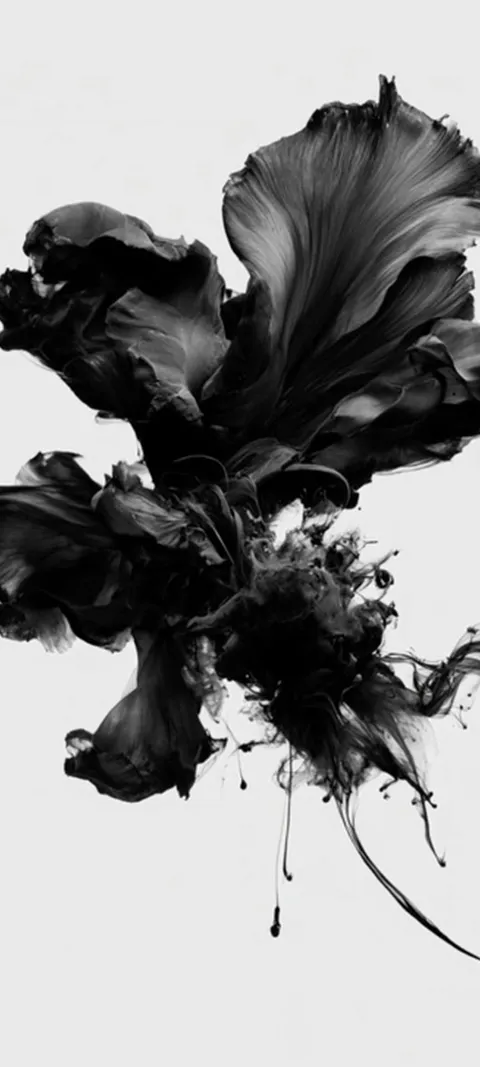
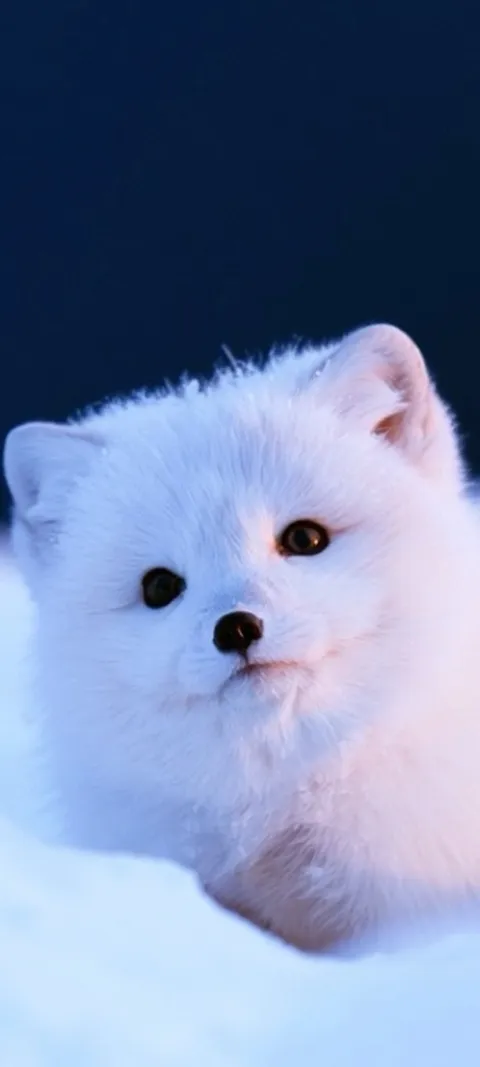
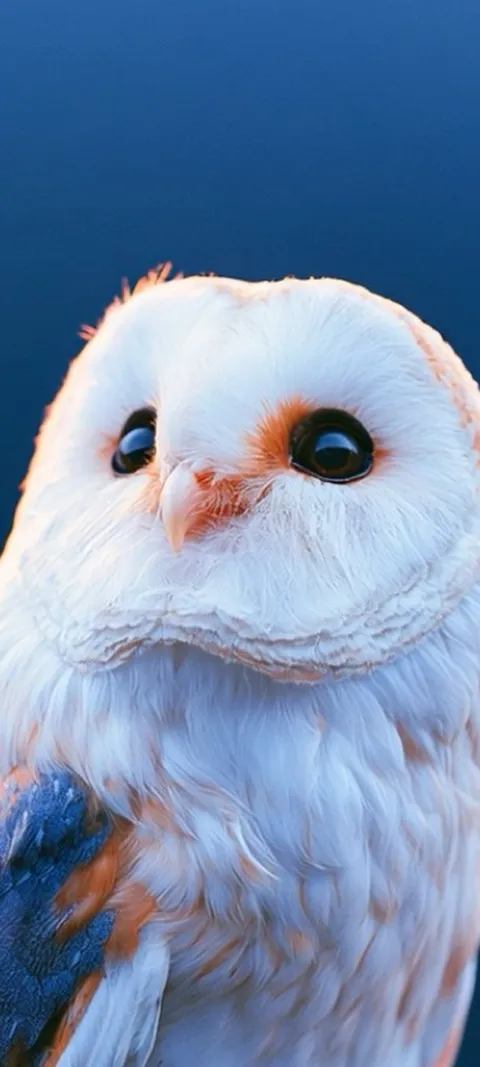
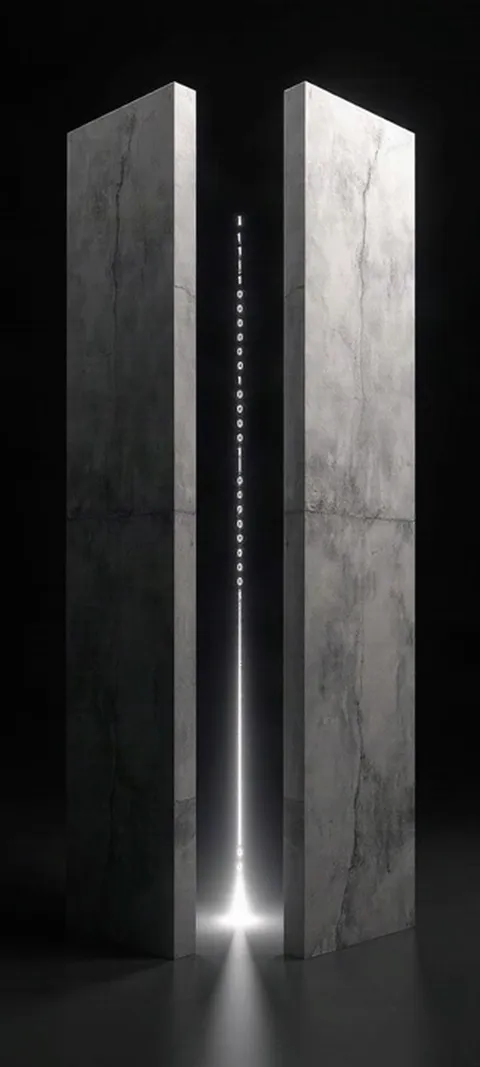
Four Live Photo loops from the catalog; the full set is at live wallpapers for iPhone, and every still and loop at iPhone wallpapers.
Which wallpaper app is best for iPhone in 2026?
It depends on what you value. For original stills and live loops composed for the iPhone frame, ScreenLux is our pick, and we make it, so weigh that. For free photography, Unsplash. For the largest catalog with ringtones in the same app, Zedge. For hand-picked photography from a developer with a long track record, Vellum. For art with a credited artist behind it, Walli. If you want no apps and no ads at all, Apple's own gallery already ships on your iPhone.
A two-app setup works: Unsplash for a free photograph, plus one curated app for wallpapers made for a phone. The iPhone wallpaper gallery shows what composed-for-the-frame means: the subject sits where the clock and icons leave room.
Are there good free wallpaper apps for iPhone?
Yes. Unsplash is free; its photos come from photographers publishing under a permissive license. Apple's built-in gallery is free with no ads. Zedge and Walli have ad-supported free tiers with optional paid upgrades, as of our last check. Vellum offers a free selection with a paid tier. ScreenLux is free to download and free to preview every wallpaper, but downloading needs ScreenLux+: $19.99 once, $14.99 a year with a 7-day trial, or $1.99 a week with a 3-day trial.
Trials apply only when the App Store says you are eligible; prices show in your local currency, and an App Store purchase does not transfer to Google Play.
Do wallpaper apps need an account or collect personal data?
Not necessarily. Apple's gallery and ScreenLux need no account at all; ScreenLux collects no personal information directly, and purchases restore through your App Store account. Unsplash lets you browse and download without signing in, as of our last check. Zedge and Walli work without an account but ask for one to sync favorites or upload. Whatever you pick, read the App Store privacy label first: a wallpaper app has no reason to need your contacts or location.
One practical check: open the app's App Store page and read the App Privacy section. A wallpaper app should sit near the bottom of that scale, and one that wants a sign-up before it shows a single wallpaper is telling you something.
Does Apple's built-in wallpaper gallery replace a wallpaper app?
For many people, yes. iOS ships with Apple's own stills, Weather, Astronomy, Emoji and Color wallpapers, Photo Shuffle, and since iOS 26 a Lock Screen clock that adapts to your photo plus a Spatial Scene effect on supported iPhones. It is free, ad-free and needs no download. What it lacks is choice: a small fixed set of Apple designs, no third-party art, and no animated wallpapers beyond your own Live Photos. Wallpaper apps exist to fill exactly that gap.
The middle ground is to keep Apple's Lock Screen features and bring your own image: any still with a clear subject can use Depth Effect, and any Live Photo animates on wake. Browse live wallpapers for iPhone for loops built for that.
Which of these apps work with Depth Effect on iOS 26?
All of them, and none of them, because Depth Effect is an iOS feature rather than an app feature. iOS separates the subject from the background of any still with a clear foreground and lets the clock sit behind it. So a Walli portrait, a Vellum landscape, an Unsplash photo or a ScreenLux still can all trigger it, provided the subject is distinct and does not cover the clock. ScreenLux keeps a Depth Effect category of stills composed with a clean subject and open space above it.
If Depth Effect refuses to switch on, the image is the reason: the subject is too large, too low, or not separable from the background. Start from the Depth Effect wallpapers, which are framed so the clock has room.
Wallpapers made for the phone
470+ original live and still wallpapers composed at 1080 × 2400. The app is free and every wallpaper previews free; ScreenLux+ unlocks downloads.
Get ScreenLux FreeFree to download · No account required · iOS 17+ · Android 8+