 SCREEN
 Why Is My iPhone Wallpaper Blurry? 6 Causes and Fixes
An iPhone wallpaper looks blurry for one of six reasons, and only one of them is a bad image. The image is too small for the screen; Perspective Zoom or a pinch-crop scaled it up; the Home Screen Blur toggle is on, which is the most common cause and is intentional; Depth Effect, a photo style or Always-On dimming is softening it; iCloud handed iOS a low-resolution copy; or the file arrived through a screenshot or a messaging app that compressed it. Match your symptom in the table and apply the fix.
Symptom, cause, fix
Start with the symptom, because the same word, blurry, covers three different things: an image that is genuinely low on pixels, an image iOS has enlarged, and an image iOS has deliberately softened. The fixes are different, and only the first one needs a new file.
| Symptom | Likely cause | Fix |
|---|---|---|
| Soft everywhere, on Lock and Home Screen; edges look jagged | Source image too small for the screen | Get the original at 1080 × 2400 or larger; check the pixel size in Photos before setting it |
| Looks zoomed in and slightly soft; shifts when you tilt the phone | Perspective Zoom, or a pinch-crop that enlarged the image | Wallpaper editor → ⋯ → Perspective Zoom off; pinch out until the image fits the frame |
| Home Screen blurry, Lock Screen sharp | The Home Screen Blur toggle is on | Settings → Wallpaper → Customize (Home Screen) → tap Blur to turn it off |
| Dim, hazy or tinted behind the clock; softer while locked | Photo style, legibility adjustment, Depth Effect, or Always-On dimming | Swipe back to the Natural style; toggle Depth Effect under ⋯; on Pro models check Always On Display → Show Wallpaper |
| Sharp on your Mac or iPad, soft once set on the iPhone | iCloud Optimize iPhone Storage handed iOS a preview-size copy | Open the photo, wait for the full download, then set it; or switch to Download and Keep Originals briefly |
| Blurry image that arrived by Messages, WhatsApp or as a screenshot | Messaging compression, or a screenshot of a thumbnail | Get the file via AirDrop, Files or send-as-document; turn off Low Quality Image Mode in Settings → Messages |
Size first. Every current iPhone uses a tall ~19.5:9 display, and a 1080 × 2400 file covers it without upscaling; if your source is smaller than that, no setting will make it sharp. The breakdown by model is in our iPhone wallpaper size guide, and every still in the iPhone wallpaper gallery is composed at that size, so it needs neither a crop nor a zoom.
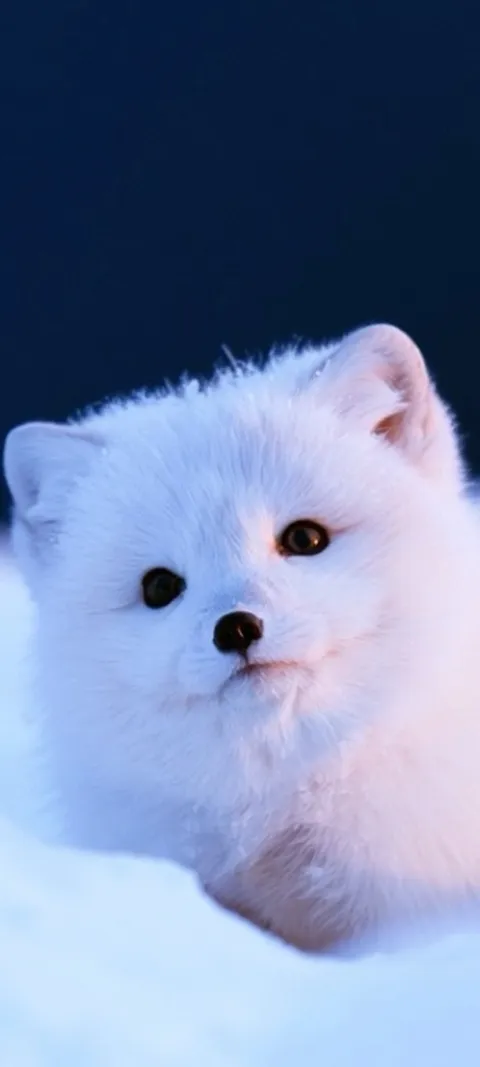
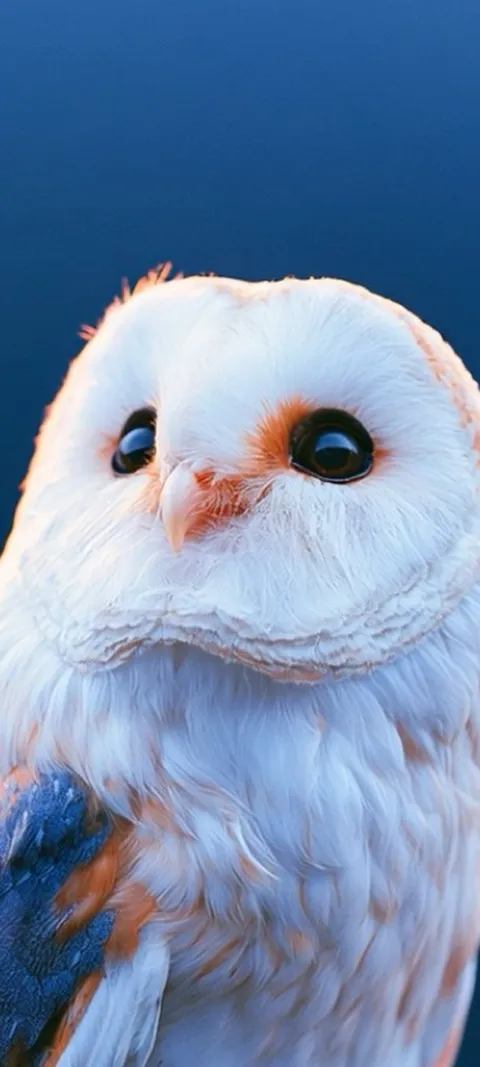
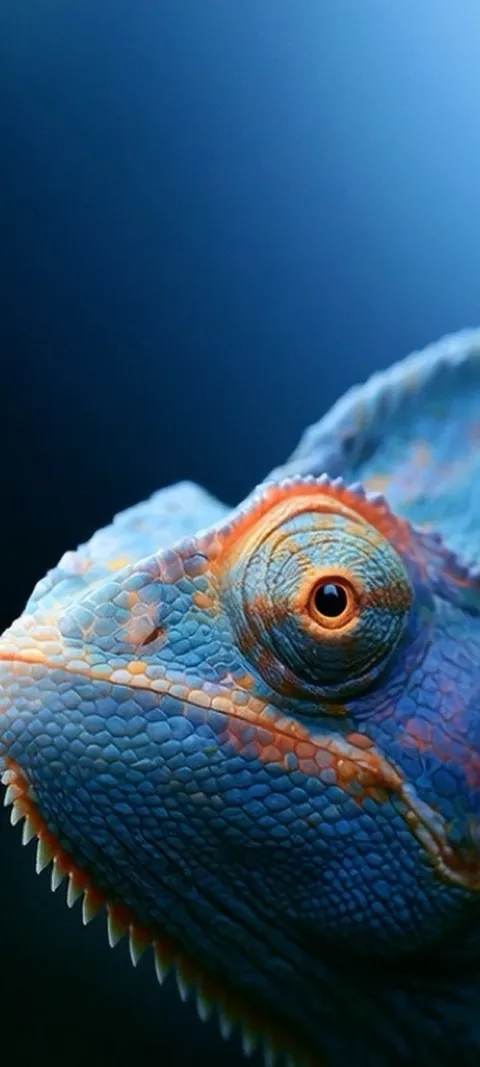
Four stills from the catalog at 1080 × 2400. Set one as a control: if it is sharp and your photo is not, the cause is the file, not the phone.

Why is my iPhone wallpaper blurry after I saved a photo from the web?
Because the file you saved was a preview, not the image. Search results, Pinterest boards and most social feeds serve thumbnails a few hundred pixels wide, and iOS has to stretch that across a display well over a thousand pixels wide and more than twice that tall, which softens every edge. Open the photo in Photos and check its dimensions: anything much under 1080 × 2400 will look soft. The fix is to find the original at full size, or use a wallpaper composed for the phone.
Tap the info button under any photo, or swipe up on it, to see its pixel size. Our iPhone wallpaper size guide lists what each model needs; the short answer is 1080 × 2400 or larger, and every still in the iPhone wallpaper gallery is that size.
Why does my wallpaper look zoomed in and slightly soft?
Perspective Zoom, or a pinch-crop you applied while setting it. Perspective Zoom makes the wallpaper shift as you tilt the phone, and to do that iOS enlarges the image beyond the screen so it has room to move, which scales the pixels up. Pinching in while cropping does the same thing. Turn Perspective Zoom off from the ⋯ button in the wallpaper editor, then pinch out until the image fits the frame, and it will stop looking magnified.
Settings → Wallpaper → Customize → tap ⋯ in the bottom corner → Perspective Zoom off. If you would rather switch it off everywhere at once, Settings → Accessibility → Motion → Reduce Motion disables it for every wallpaper. A 1080 × 2400 image already fits the tall iPhone frame, so it needs no crop at all.
Why is my Home Screen wallpaper blurry but the Lock Screen is sharp?
Because iOS blurred it on purpose. When you set a photo as a pair, the Home Screen gets a blurred copy of the Lock Screen image so app icons and labels stay readable, and the Blur toggle is usually on by default for photo pairs. Nothing is wrong with the file. Go to Settings → Wallpaper, tap Customize under the Home Screen preview, and tap Blur at the bottom to turn it off. The same photo appears sharp behind your icons immediately.
If Blur is already off and the Home Screen still looks soft, the Home Screen is using a different, smaller image than the Lock Screen. Tap Photos in the same Customize screen and choose the same original again. Wallpapers in the Lock Screen category are composed with enough quiet space that icons stay readable without the blur.
Why does my Lock Screen wallpaper look dim or hazy behind the clock?
Three iOS features soften a Lock Screen on purpose. Photo styles: swiping on the Lock Screen editor applies Natural, Black and White, Duotone or Color Wash, and the tinted ones read as haze. Legibility: iOS lightly adjusts tone behind the clock so the time stays readable, and Depth Effect can add to that when the subject sits close to the clock. Always-On display: on Pro iPhones the locked screen shows a dimmed wallpaper until you wake it. None of these change the file.
Swipe back to Natural in the editor, toggle Depth Effect under ⋯ to compare, and on a Pro model check Settings → Display & Brightness → Always On Display → Show Wallpaper. Wallpapers with open space above the subject need the least adjustment; the Depth Effect category is composed that way.
Does iCloud Photos make wallpapers blurry?
It can. With Optimize iPhone Storage on, your iPhone keeps small preview copies of photos and fetches the original from iCloud only when needed. iOS is meant to download the full file when you set a wallpaper, but on a weak connection, or when you set it from a share sheet, you can end up with the preview stretched across the screen. Open the photo in Photos first, wait for it to finish loading at full quality, then set it. It will be sharp.
To check the setting: Settings → your name → iCloud → Photos. Switching to Download and Keep Originals for a few minutes forces the full file down; you can switch back afterwards, because iOS keeps its own copy of a wallpaper once it is set.
Why is a wallpaper someone sent me blurry?
Because it was compressed on the way. iMessage shrinks images when Low Quality Image Mode is on, WhatsApp and most chat apps recompress every photo unless you send it as a document, and a screenshot of a wallpaper is only as sharp as the preview on screen when it was taken. The fix is to get the actual file: AirDrop, Files, an iCloud link, or send as document. If the sender got it from a wallpaper app, ask for the download itself, not a screenshot of it.
Settings → Messages → Low Quality Image Mode should be off on both phones. And a screenshot from a wallpaper site is usually a screenshot of a thumbnail; the real file is one tap away on the same page.
Wallpapers made for the phone
470+ original live and still wallpapers composed at 1080 × 2400. The app is free and every wallpaper previews free; ScreenLux+ unlocks downloads.
Get ScreenLux FreeFree to download · No account required · iOS 17+ · Android 8+