 SCREEN
Anime Live Wallpapers for iPhone: How They Work
An anime live wallpaper on iPhone is a Live Photo set as the Lock Screen. It plays a short clip when you wake the phone or press and hold the screen, then rests as a still; the Home Screen never animates. To get one, save an anime-style Live Photo to Photos, tap Share, choose Use as Wallpaper, keep the Live toggle on, and tap Add. Video loops from wallpaper sites have to be converted to a Live Photo first.
How to set an anime live wallpaper on iPhone
These steps hold on recent iOS versions. They assume you already have a Live Photo; the sections below cover where to find one.
- Save the Live Photo to your library. Download it from a wallpaper app, or convert your own clip. It should show the Live badge when you open it in Photos.
- Tap Share, then Use as Wallpaper. You can also press and hold the Lock Screen, tap +, and pick the picture from Photos.
- Check the Live toggle. The Live Photo control sits in a bottom corner of the editor. If it is crossed out, tap it once. If iOS says motion is not available, that file will stay still, so pick another.
- Frame the art below the clock. Pinch and drag until the face or the moving element sits in the lower two thirds of the screen.
- Tap Add and choose the Home Screen. Set as Wallpaper Pair uses a still frame of the same art behind your apps. Customize Home Screen lets you pick a plain color or a blur instead.
- Lock the phone and wake it. The clip plays as the Lock Screen appears. If it does not, check that Low Power Mode and Reduce Motion are both off.
Three places anime live wallpapers come from
Searching for anime live wallpapers mostly returns loop sites and app listings. They are not interchangeable on an iPhone. The difference is the file format each one hands you.
| Source | What you get | Plays on the iPhone Lock Screen | Selection | Cost |
|---|---|---|---|---|
| Live Photo wallpaper apps | Live Photos already framed for a tall phone screen | Yes, with no conversion | Smaller. Dozens to a few hundred designs per app | Usually a subscription or a one-time unlock |
| Free loop sites | Video loops, mostly widescreen and made for desktops | Only after you convert the video to a Live Photo | The largest by far: thousands of loops, including fan art of well-known series | Free, paid for with on-page advertising |
| Your own clip and a converter | Whatever you shoot, draw or trim | Yes after conversion; quality depends on the clip | Whatever you can make or have the right to use | Free, or a small fee for the converter |
Loop sites win on range and price, and nothing else comes close if you want a scene from a show you already love. Apps that deliver Live Photos win on fit: the file is already the right shape and the right format. Four anime-style designs from the ScreenLux catalog, all composed for a tall screen:
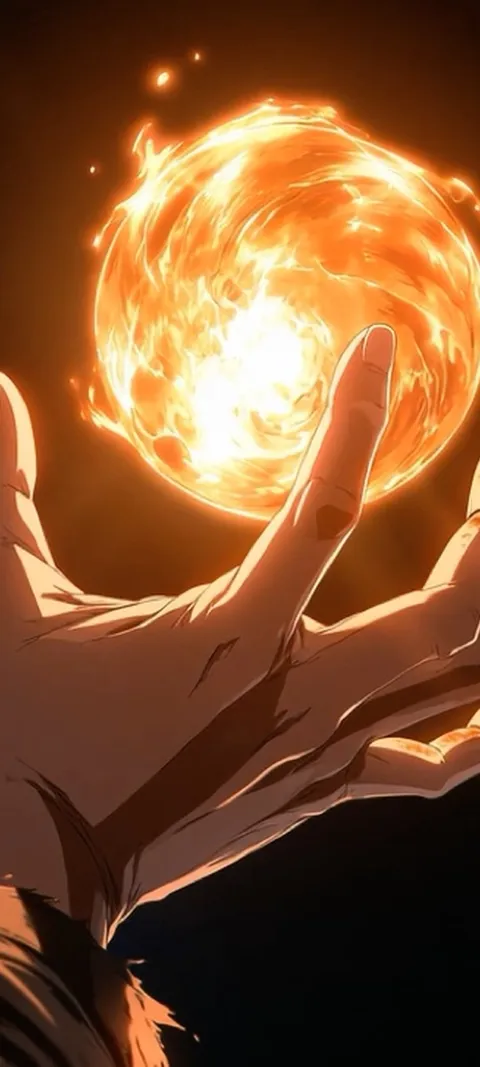
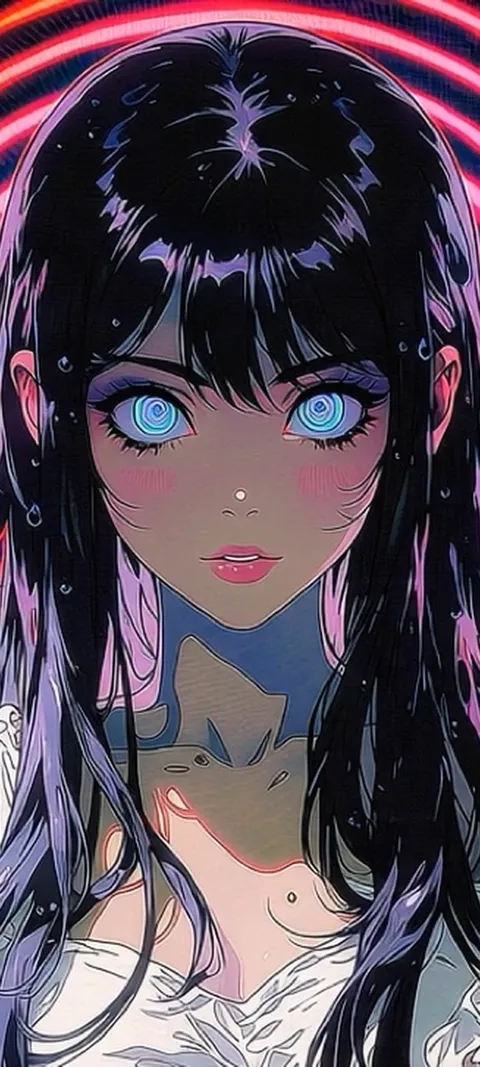
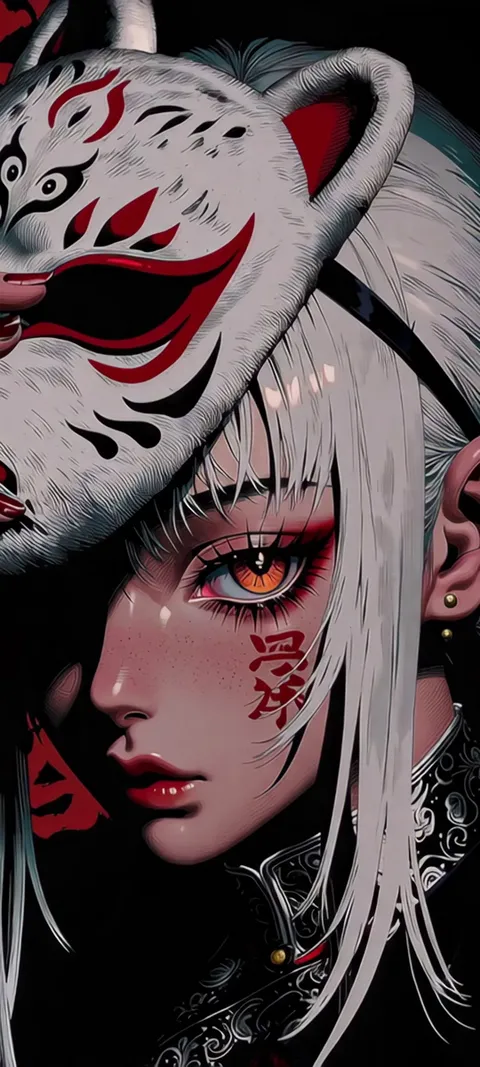
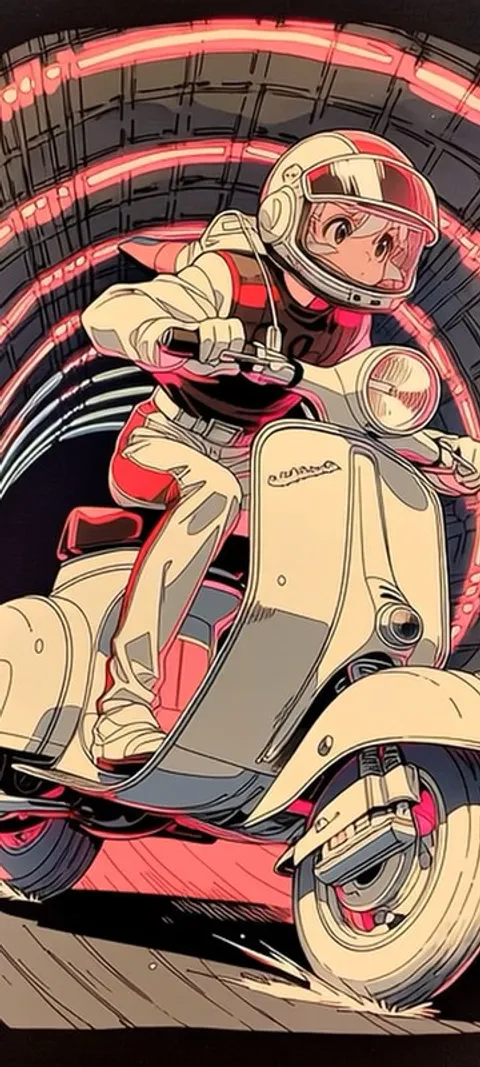
How do anime live wallpapers work on iPhone?
An anime live wallpaper on iPhone is a Live Photo set as the Lock Screen. The phone shows a still frame, then plays a short clip of motion when you wake it or press and hold the Lock Screen. It does not loop, and the Home Screen behind your apps stays still. The wallpaper editor does not accept video files or GIFs, so any moving anime wallpaper has to arrive as a Live Photo or be converted into one first.
That one rule explains most of what people run into. A thirty-second loop from a desktop wallpaper site will not play on an iPhone as it is. A Live Photo holds a moment of motion, so the art has to be built around a moment: a blink, rain crossing a window, a sign flickering. The live wallpaper setup guide walks through the editor and the Live toggle in full.
Where can you get anime live wallpapers for iPhone?
There are three sources. Wallpaper apps on the App Store that deliver Live Photos, which is the only route with no conversion. Free loop sites, which host thousands of anime video loops built mostly for desktops and Android, and need converting before an iPhone will take them. And your own clips, turned into a Live Photo with a converter app. ScreenLux is in the first group: original anime-style Live Photos at 1080 × 2400, free to preview, with ScreenLux+ unlocking downloads.
The anime wallpapers shelf holds the full set, stills included, and the live wallpapers for iPhone page filters to the ones that move. More than twenty of the anime-style designs are live. None of them come from an existing series; they are original art made for the catalog, which is a limit if you want a specific character and an advantage if you want something nobody else has on their phone.
Disclosure: we make ScreenLux, so weigh this section accordingly.
Can you turn an anime clip into a Live Photo wallpaper?
Yes, with limits. A converter app turns a few seconds of video into a Live Photo that you can set from Photos. Vertical clips with slow, steady motion convert best. Widescreen footage is cropped to a narrow slice, fast action smears, and sound is dropped. iOS sometimes refuses a converted clip with a note that motion is not available. Footage from a series belongs to its studio, so treat a converted scene as something for your own phone, not something to repost.
Trim before you convert. Pick two or three seconds where the camera is locked off and only one thing moves, and crop to a vertical frame yourself so you choose what is kept. The guide to making a live wallpaper covers converters, clip length and the Android route.
Do anime live wallpapers work on Android?
Yes, and Android does more with them. Android has a live wallpaper service that plays a muted video loop continuously on the Home Screen, so the motion is always there, not only on wake. The Lock Screen usually shows a matching still, because lock-screen video depends on the manufacturer. Loop sites that offer video downloads suit Android better than iPhone for this reason, though a video file still needs an app that can run it as a live wallpaper.
On Android, ScreenLux installs its own live wallpaper service and plays the loop at 1080 × 2400 behind your apps, on Android 8 or later. The same anime-style designs are available on both platforms, so the live wallpapers for Android page shows what the Home Screen version looks like. A continuous loop is a different design problem from a wake moment: it has to be calm enough to sit behind app icons all day.
Why does an anime live wallpaper look cropped or soft on iPhone?
Almost always because the source was made for a different screen. Most anime loops online are widescreen, built for monitors. A phone is a tall 9:20 frame, so the iPhone shows only the middle third and scales it up, which softens line art. Heavy compression adds blocky edges around flat colors, where anime shows it most. Start from a file composed vertically at phone size, 1080 × 2400 or close, and the problem goes away.
Framing matters as much as resolution. The clock covers the top third of the Lock Screen, and widgets and notifications take space below it. A portrait with the face at the very top loses the eyes behind the time. Pinch and drag in the editor so the face or the main light source sits in the lower two thirds, and check it once with a notification on screen.
Which anime styles work best as a moving Lock Screen?
Scenes with one small, clear movement and a calm frame around it. Rain on a window, a slow blink, hair or a scarf in the wind, neon signs flickering, steam, falling petals. The clip plays for a moment on wake, so a quiet scene reads better than a fight, which gets cut off mid-motion. Dark backgrounds keep the clock and notifications readable. Close portraits work if the eyes sit below the clock; wide city scenes work almost anywhere.
From the catalog, Rainy City Night and Neon Scooter are the city-at-night kind: wet streets, glow, one moving element. Kitsune Mask Reveal and Witch's Cat Companion are portraits with the motion in the eyes. For something darker, Hand On Glass, Moonlit Bedroom Window and Static Screen Glow sit on the anime horror shelf inside horror wallpapers, where the wake moment is used for a small, unsettling change in the frame.
Wallpapers made for the phone
470+ original live and still wallpapers composed at 1080 × 2400, anime-style designs included. The app is free to download and every wallpaper previews free; ScreenLux+ unlocks downloads.
Get ScreenLux FreeFree to download · No account required · iOS 17+ · Android 8+