 SCREEN
Dark Aesthetic Phone Wallpapers That Stay Readable
A dark aesthetic phone wallpaper is a deep, low-light image that still has a subject or a texture, not a plain black screen. The ones that stay readable keep their darkest, flattest tones at the top, where the clock sits, and avoid bright detail behind the app icons. Below are seven styles that work, real examples of each, and the checks to run before you commit to one.
Seven dark wallpaper styles, and where each one works
Each row names real wallpapers from the ScreenLux catalog, but the rules hold for any image you find. The last column is the screen where the style causes the fewest readability problems: textures behind the apps, subjects behind the clock.
| Style | What it looks like | Picks | Best on |
|---|---|---|---|
| True black | Pure black with one small accent: a line of color or a single shape | Black Haze, Clean Digital, Carbon Fiber Detail | Home Screen |
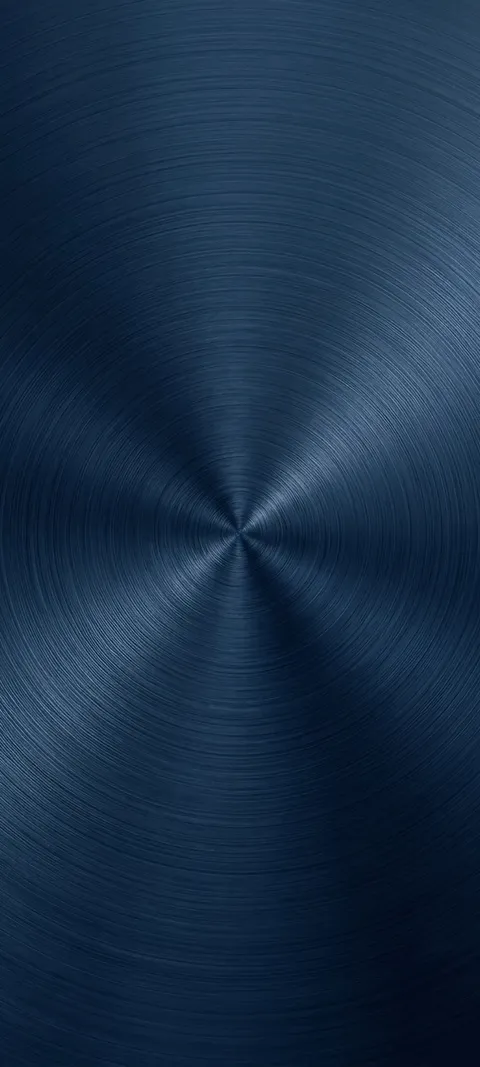
| Charcoal and stone | Grey and near-black textures such as marble, brushed metal and panels | Dark Marble, Midnight Marble, Dark Panels | Home Screen |
| Deep color gradients | Navy, oxblood or violet fading into black, with no subject to cover | Deep Blue, Crimson Shadow, Violet Haze | Either screen |
| Night scenes | Rain, streetlights and dark water with a few points of light | Rainy Window, Winter Streetlight, Lighthouse Night Beacon (live) | Lock Screen |
| Dark animals | One animal lit from the side against a black background | Black Panther Gaze (live), Cat Staring Out, Shark Gaze | Lock Screen |
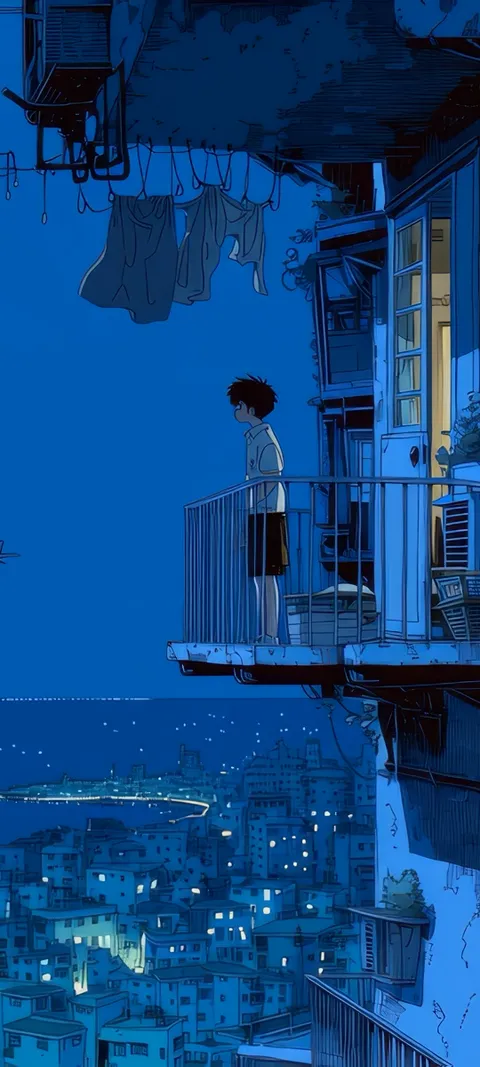
| Dark anime | Shadowed characters, night windows and a single light source | Reflected Anime Crowd, Hand On Glass (live), Moonlit Bedroom Window (live) | Lock Screen |
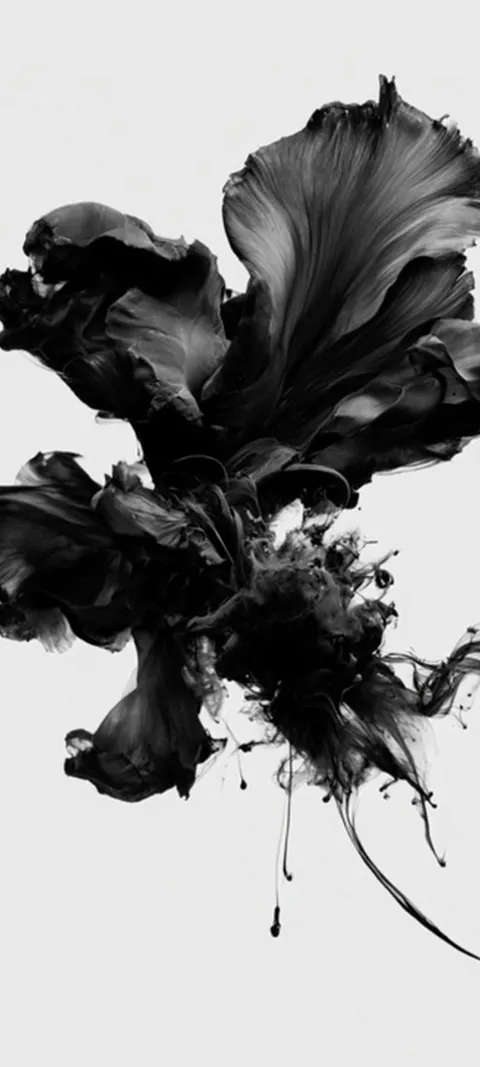
| Dark abstract | Smoke, ink and liquid forms moving through black | Abstract Black Form (live), Crystal Infinity, Blue Pulse | Either screen |
Four from the dark wallpapers page, each composed for a tall phone screen at 1080 × 2400.

What counts as a dark aesthetic wallpaper?
A dark aesthetic wallpaper is an image where most of the frame sits in deep shadow and one subject, texture or light source gives it a mood. That separates it from a plain black wallpaper, which has no subject, and from a dark photo, which is often just underexposed. The common versions are night scenes, charcoal textures, deep gradients and a single subject lit from one side. The palette stays narrow, usually black plus one or two muted colors, so the screen feels calm rather than empty.
The dark wallpapers page collects the moodier end of the catalog, and the black wallpapers page is the stricter, near-pure-black set. Pick from the first when you want atmosphere and from the second when you want the phone to disappear into its own screen. Both are composed for a tall display at 1080 × 2400, so nothing important is cropped away on a modern phone.
Which dark colors look best on a phone screen?
Navy, charcoal, deep violet and oxblood look better than pure black in most images, because they leave the screen some tone to render. Pure black is the right choice when you want the wallpaper to vanish into the bezel on an OLED phone. Avoid large areas of very dark grey with little variation, since that is where banding shows as visible steps. Warm accents such as amber and copper read clearly against black, while dark blue detail on black tends to disappear.
Deep Blue and Violet Haze are examples of a dark color field that still has depth. Candlelight Smoke shows the warm-accent idea, a small amber source against black. If you prefer no color at all, the charcoal end of the minimalist wallpapers page is where Clean Digital and its relatives live.
How do you keep the clock readable on a dark wallpaper?
Keep the top third of the image dark and even, because that is where the clock and date sit. A bright light source, a face or a busy texture behind the time forces you into a thin or tinted clock font to compensate. On iPhone, tap the time in the Lock Screen editor to change its color and weight; a light grey or warm white on a dark image is easier on the eyes at low brightness than pure white. On Android, the clock style lives in the lock screen settings, and the labels differ by manufacturer.
A quick test: set the wallpaper, lock the phone and look at it at the brightness you use at night. If the digits blur into the picture, the top of the image is too busy for a clock. Night scenes that keep the light source low in the frame, such as Winter Streetlight, pass this test. If you add widgets under the clock, the Lock Screen widgets guide covers which images keep them readable.
Is a dark wallpaper better for the Home Screen or the Lock Screen?
Dark wallpapers suit the Home Screen better than most styles, because white icon labels are easiest to read on a dark, even background. Put the near-black and charcoal textures there. Save the dark images with a subject, such as an animal or a night scene, for the Lock Screen, where only the clock and notifications cover the picture. On iPhone you set the pair in one pass when you add a wallpaper. On Android, most phones let you apply a different image to each screen.
A reliable pairing is Black Panther Gaze on the Lock Screen with Dark Marble behind the apps. The two do not need to match, only share a tone. Widgets on the Home Screen usually have translucent backgrounds, so a dark wallpaper also keeps them dark instead of turning them milky, which is the main reason a dark setup looks more finished than a light one.
Do dark wallpapers look different on OLED and LCD screens?
Yes. An OLED screen switches off individual pixels for pure black, so a black wallpaper looks as dark as the bezel and the image seems to float on the glass. An LCD lights the whole panel from behind, so black shows as dark grey and the lowest tones in a dark image can merge into one. Most current phones use OLED, including recent iPhones and Samsung Galaxy flagships, but older and budget phones often use LCD. Check which you have before you choose a near-black image.
On an LCD, choose a dark color over pure black: Deep Blue or Violet Haze will look richer than Black Haze, which can turn into a flat grey. On an OLED, pure black also draws a little less power, though the difference is small next to screen brightness. The battery guide has the numbers.
Which dark wallpapers work as live wallpapers?
The best dark live wallpapers move slowly and keep the light in one place: smoke drifting through black, a lighthouse beam turning, rain on a window, an animal blinking. Fast motion or flashing light defeats the point of a dark screen. On iPhone, a live wallpaper is a Live Photo on the Lock Screen that plays when you wake the phone, and the Home Screen stays still. On Android, a live wallpaper service can run a muted loop on the Home Screen, while lock screen video depends on the manufacturer.
In ScreenLux, Abstract Black Form, Lighthouse Night Beacon, Black Panther Gaze and Night Drive Dashboard are the dark picks among the 91 live wallpapers, and the live wallpapers page lists the rest. Previews are free in the app; ScreenLux+ unlocks downloads, at $19.99 for lifetime access, $14.99 a year with a 7-day trial, or $1.99 a week with a 3-day trial.
Five checks before you commit to a dark wallpaper
Dark images hide their problems in daylight and show them at night. Run these checks once, in the order below, and most bad picks fall out before you have lived with them for a week.
- Look at it at night brightness. Turn the screen down to the level you use in bed. A gradient that looked smooth at full brightness often shows steps, and a subject that looked moody becomes a smear.
- Check the top third. Lock the phone and read the time without squinting. If a light source or a face sits behind the digits, move the crop down or pick an image with the light lower in the frame.
- Check the icon labels. Open the Home Screen and read the smallest label on the busiest row. Dark textures pass; dark images with bright detail fail. On iPhone, the Home Screen editor offers a blur option that softens the image behind your apps if you want to keep it anyway.
- Check for banding. Hold the phone at arm's length and look at the darkest area. Visible bands mean the image has too little variation there. A texture, grain or a slightly lighter color fixes it.
- Check Depth Effect, if you use it. On a supported iPhone, the subject can sit in front of the clock, but only if it separates cleanly from the background. Dark subjects on dark backgrounds often fail that test, so a single lit subject, such as an animal face, works better than a silhouette.
Dark Mode does not choose your wallpaper for you. It changes the system menus, widgets and app backgrounds, which is one more reason a dark image looks coherent: the whole screen ends up in the same range, with the clock and labels as the only bright elements.
Wallpapers made for the phone
470+ original live and still wallpapers composed at 1080 × 2400, including true black, charcoal textures and rainy night scenes. The app is free to download and every wallpaper previews free; ScreenLux+ unlocks downloads.
Get ScreenLux FreeFree to download · No account required · iOS 17+ · Android 8+