 SCREEN
Is Zedge Safe? What to Know Before Downloading Wallpapers
Yes. The official Zedge app is safe to install from the App Store or Google Play: it is a long-running app from an established company, Zedge, Inc, and both stores review what they list. What you trade for the free library is advertising. The free tier shows ads, and the app's own privacy labels say it uses location, device identifiers and usage data for ad tracking, which you can switch off. The real risk is a copy of Zedge from anywhere other than the two stores.
We make ScreenLux, a wallpaper app that competes with Zedge, so weigh that. Everything said about Zedge here comes from its own App Store and Google Play listings as they read on November 13, 2026. Listings change; check them yourself before you install.
The short version, concern by concern
Most people asking this question are worried about one of six things. Here is what the store listings say about each, and the setting that deals with it.
| Concern | What the store listings say | What to do |
|---|---|---|
| Malware | Listed on the App Store and Google Play under Zedge, Inc; both stores review and scan what they host | Install only from the two official stores, never from a download site |
| Ad tracking | App Store label lists Location, Identifiers and Usage Data as data used to track you | Decline the tracking prompt on iPhone; delete the advertising ID on Android |
| Location | Coarse or approximate location only; Google Play marks it optional | Deny the location permission; wallpapers and ringtones still work |
| Account data | Name, email address and user ID are optional on Google Play | Skip the login unless you want favorites synced or plan to upload |
| Surprise charges | A Zedge+ subscription and credit packs are in-app purchases | Read the price on the store sheet; manage subscriptions in your store account |
| Younger users | Rated 13+ on the App Store, with content uploaded by many people | Use Screen Time or Family Link if a child uses the phone |
How to set Zedge up so it stays out of your way
None of these steps breaks wallpapers or ringtones.
- Install from the store. Search the App Store or Google Play and confirm the developer reads Zedge before you tap install. Skip any site offering the app as a file.
- Refuse tracking. On iPhone, choose Ask App Not to Track at the first prompt. On Android, recent versions let you delete the advertising ID from the Ads section of the privacy settings.
- Deny location. Both listings describe location as coarse or approximate, and Google Play marks it optional. A wallpaper does not need to know where you are.
- Skip the account. Browsing and downloading work without a login. Create one only if you want favorites to follow you between phones.
- Check before you pay. Free items say so. Anything that opens a store payment sheet is a purchase or a subscription; read the line that says when it renews.
Is Zedge safe to use on iPhone?
Yes, in the sense that matters most. The iPhone app comes from the App Store, where Apple reviews every app and iOS keeps each one in its own sandbox. Zedge cannot read your messages, it sees your photo library only if you grant full access, and it cannot change your wallpaper or ringtone by itself; it saves a file and you finish the job in Settings or Photos. The trade-off is advertising. Its App Store privacy label lists Location, Identifiers and Usage Data as data used to track you, and iOS lets you refuse that.
When the app first asks to track your activity across other companies' apps, choose Ask App Not to Track. You can change the answer later in Settings under Privacy & Security, in the Tracking list. When it asks for photo access, the add-only option is enough to save a wallpaper. Setting what you saved works the same whichever app it came from, and so does judging it: the iPhone wallpapers gallery shows what a file composed for the Lock Screen looks like, with room left for the clock.
Is Zedge safe on Android?
The Google Play version is. It is published by Zedge, scanned by Google Play Protect like every Play app, and its Data safety section says data is encrypted in transit and that you can ask for it to be deleted. The risk on Android is the copies. Sites that offer a Zedge APK or a modified premium build are not Zedge, and nobody has checked those files. Install from Google Play, leave Play Protect switched on, and the app is as safe as any ad-supported app on your phone.
Search results for this question still surface forum threads from several years ago about a Play Protect warning on the Android app. That is history rather than the current state: the app is listed on Google Play today, and Play Protect keeps scanning installed apps after you download them.
One permission is worth understanding. An Android app that sets a ringtone for you needs the system setting that allows it to modify system settings. That is normal for ringtone apps and you can leave it off if you only want pictures. Applying an image works the same way from any source; see Android wallpapers for how the Home Screen and Lock Screen differ.
What data does Zedge collect?
Per its own store listings, checked on November 13, 2026: on the App Store, coarse location, device ID and advertising data are used for third-party advertising, and purchase history, search history, product interaction and crash data are used for analytics and app functionality, all marked as not linked to your identity. On Google Play, the Data safety section says in-app search history and device IDs are shared with third parties for advertising or marketing, and that approximate location, name and email address are optional.
That is a typical profile for a free app paid for by ads. It is not spyware, and it is not nothing either: a search for a wallpaper becomes an advertising signal. To be fair about our own app, free ScreenLux users see one small banner ad as well, served by Google's ad network, so some advertising data applies there until ScreenLux+ removes the banner. What ScreenLux does not have is a login; there is no account to create.
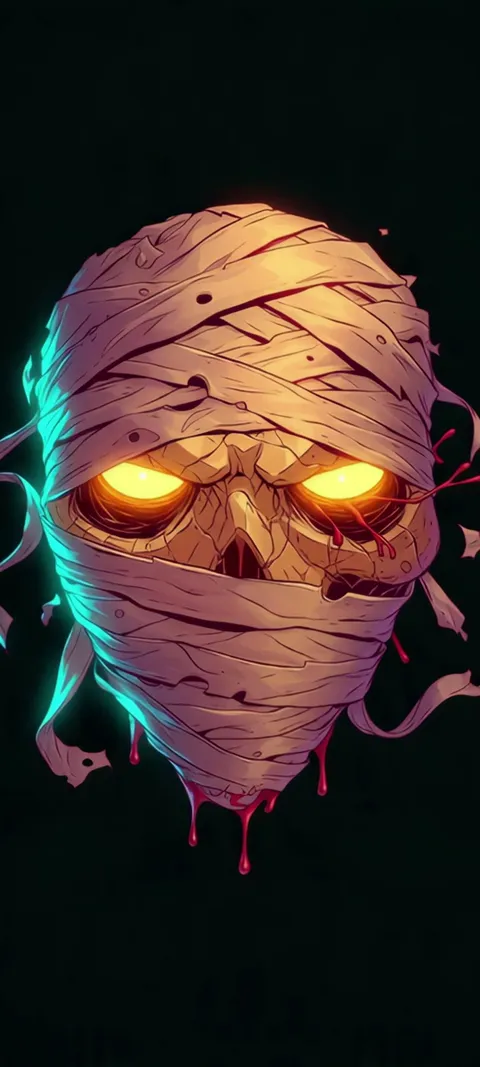
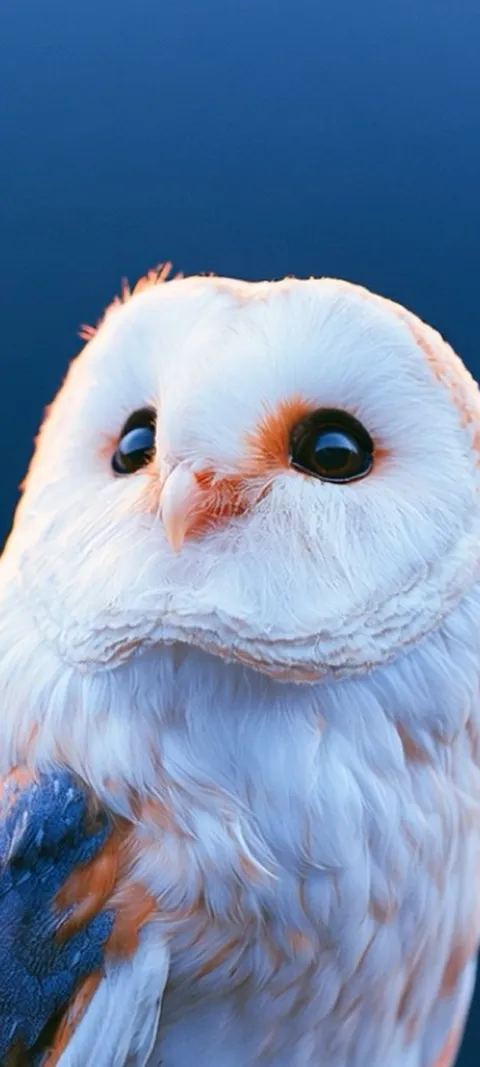
For comparison, four wallpapers from the ScreenLux catalog, each composed at 1080 × 2400 so nothing is cropped on a current phone.


Are Zedge ringtones and wallpapers really free?
Many are. The listing promises a large free library, and you pay for it with your attention: the free tier shows ads. Not everything is free. The App Store lists a Zedge+ subscription in several lengths plus a lifetime option, and packs of credits that unlock premium items. Those are ordinary in-app purchases billed by Apple or Google, so the price appears on the store sheet before you confirm, and you cancel a subscription from your store account, not inside the app.
If the ads are what bother you, the comparison is simple. Pay for Zedge+, or move wallpapers to an app with a different model and keep Zedge for sounds. We lay out the options, including free ones, in the best Zedge alternatives.
Is Zedge a good app to use?
For ringtones and sheer choice, yes. Its App Store rating was 4.6 from about 204,000 ratings on November 13, 2026, and no other wallpaper app in our comparisons carries sounds at all. The weak spots are the ones that come with volume. Uploads arrive from many people, so quality and sizing vary, and a file that is too small stretches on a tall display. If you want one Lock Screen image that fits without a crop, a smaller curated catalog is less work.
That is the gap ScreenLux, which we make, is built for: 470+ original wallpapers, 91 of them live, every phone file composed at 1080 × 2400. Every wallpaper is premium. Browsing and previewing are free, and ScreenLux+ unlocks downloads at $19.99 once, $14.99 a year with a 7-day trial, or $1.99 a week with a 3-day trial. Zedge wins on catalog size, free downloads and ringtones; the row-by-row version is at ScreenLux vs Zedge.
How do you check whether a wallpaper app is safe before installing it?
Read three things on the store page. First, the developer name: it should match the company you expect, not a lookalike with a similar icon. Second, the privacy section, called App Privacy on the App Store and Data safety on Google Play. A wallpaper app has no reason to need contacts, a microphone or precise location. Third, the in-app purchases list, so a subscription does not surprise you. After installing, deny any permission that does not match the job.
The same check works on every app in our comparison of iPhone wallpaper apps, ours included. If motion is what you are after, the live loops at live wallpapers preview in the browser before you install anything.
Wallpapers made for the phone
470+ original live and still wallpapers composed at 1080 × 2400. The app is free to download and every wallpaper previews free; ScreenLux+ unlocks downloads.
Get ScreenLux FreeFree to download · No account required · iOS 17+ · Android 8+