 SCREEN
Aesthetic Halloween Phone Wallpapers: Cute, Witchy and Creepy
An aesthetic Halloween wallpaper is a dark, mostly quiet image with one clear October signal: a black cat in a window, a cauldron glow, a pale moon, or a ghost drawn cute instead of scary. Pick one of three moods (cute, witchy or creepy), choose a portrait image with its detail below the clock, and set it at full resolution. The picks below are real wallpapers you can preview today.
Halloween wallpaper ideas by mood
Cute works if your phone comes out in meetings. Witchy is the safest all-month choice, because one warm light in a black frame is calm enough for the Home Screen. Creepy belongs on the Lock Screen. All of these are from our catalog, composed at 1080 × 2400 for a tall phone screen.
| Mood | What it looks like | Wallpapers that fit | Works best on |
|---|---|---|---|
| Cute | Plush ghosts and monsters, candy colors, nothing that startles | Arcade Plush, Monster Mash | Home Screen; soft shapes sit well behind icons |
| Witchy | Near-black with one warm glow: candles, cauldrons, a cat in a window | Black Cat Window, Cosmic Cauldron, Mystic Raven Scholar, Candlelight Smoke | Either screen; the glow gives the clock a quiet backdrop |
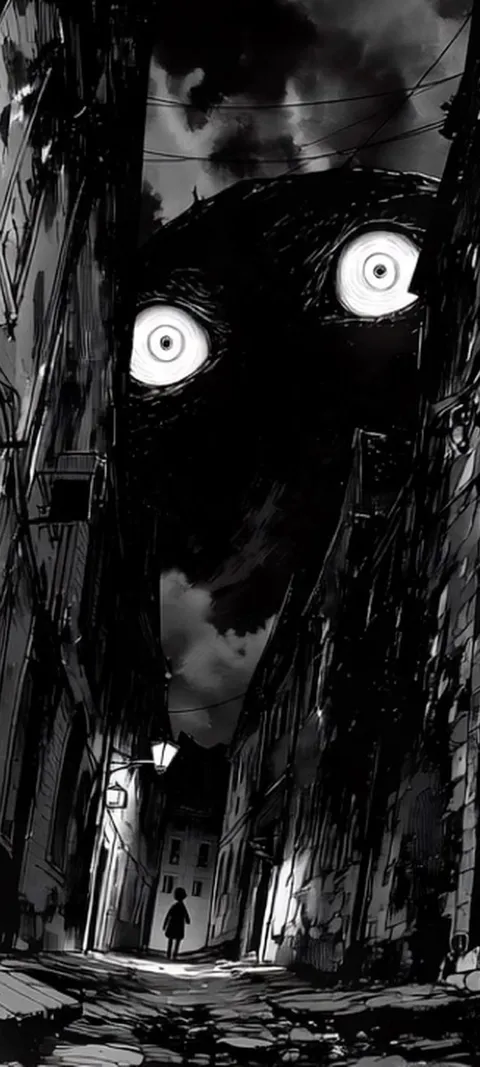
| Creepy | Anime-style horror, fog, glowing eyes, rain on glass | Hand On Glass, Ember Eyes, Reaching Out, Static Screen Glow | Lock Screen; one strong image for the moment you wake the phone |
Black Cat Window is the most classic pick: a black cat at a window on a snowy evening, in soft focus with warm light behind it, and it moves. Cosmic Cauldron is the most witchy, a glowing pot of swirling stars. Moonlit Bedroom Window sits between moods; it is a calm anime-style room under a full moon, spooky only because you know what season it is.
How to set a Halloween wallpaper that stays readable
- Pick the mood. Cute for a phone that is often on the table, witchy for all of October, creepy for a Lock Screen only.
- Check the shape. Use a portrait image at least 1080 pixels wide. Square pins and desktop images crop hard and lose the subject.
- Place the subject low. On iPhone, long-press the Lock Screen, tap the plus button, choose the image, and drag it so the cat, face or glow sits below the clock.
- Match the clock. Take an orange, violet or off-white color from the image rather than pure white against a bright moon.
- Decide on the Home Screen. Use the same image as a pair, or a darker crop so icons stay legible.
- On Android, long-press the Home Screen, open Wallpaper & style, and set the image for the Home Screen, Lock Screen or both.

What is the Halloween aesthetic for a phone wallpaper?
On a phone, the Halloween aesthetic means October mood without clutter. The palette is black, charcoal or deep navy with one accent: pumpkin orange, candle amber, eerie green or violet. The subject is a single symbol, such as a black cat, a raven, a moon, a cauldron or a ghost, rather than a collage of all of them. Fog, grain and soft light make it feel aesthetic; hard clip-art edges make it look like a party flyer. Most good Halloween wallpapers are dark wallpapers with one spooky detail.
That is why the Halloween wallpapers page overlaps so much with the dark wallpapers page. A mostly black frame sets the mood and keeps clock digits and app labels easy to read; the one accent makes it Halloween.
What are some cute or girly Halloween wallpaper themes?
Cute Halloween trades fear for charm. Popular themes are pastel ghosts, smiling pumpkins, kittens in witch hats, candy colors on a black background and plush monsters. Pink or lilac with an orange accent is the most common girly combination, and it reads well behind a white clock. In the catalog, Arcade Plush and Monster Mash are the cute end of the Halloween set: kawaii plush ghosts and monsters in a claw machine, no blood, and nothing that startles you when the phone lights up.
Cute Halloween wallpapers also last longer: a plush ghost still looks fine in November. For the look without the holiday, the cute wallpapers page has kawaii and pastel options that sit well next to a Halloween Lock Screen.
How do you set up a Halloween Lock Screen on iPhone?
Long-press the Lock Screen, tap the plus button, choose Photos and pick the image. Drag it so the cat, moon or glow sits below the clock, then choose a clock color taken from the image, such as orange, lilac or off-white. Add one or two widgets at most. Tap Add, then decide whether the Home Screen gets the same image or a darker version. If the wallpaper is a Live Photo, it plays a short clip each time you wake the phone.
iPhone keeps several Lock Screens side by side, so you do not have to delete your everyday wallpaper to try a spooky one. Build the Halloween Lock Screen as a new one, and swipe back to your usual screen on November 1. The live wallpaper guide covers the Live Photo steps in more detail, including why the motion only plays on wake.
Which Halloween wallpapers work as live wallpapers?
The ones built around a single slow movement: a cauldron that simmers, a raven reading by candlelight, a hand pressed against fogged glass, static flickering on an old TV. On iPhone these play as Live Photos on the Lock Screen when you wake the phone, and the Home Screen stays still. On Android, ScreenLux loops a muted clip on the Home Screen through its live wallpaper service; whether the lock screen plays video depends on the manufacturer. Black Cat Window, Cosmic Cauldron and Hand On Glass are all live.
Small motion outlasts jump scares. Mystic Raven Scholar, Moonlit Bedroom Window and Subway Car Reflection keep the movement subtle, so they hold up for a whole month. Low Power Mode pauses Live Photo wallpapers on iPhone, so the Lock Screen goes still when the battery is low. The Android app is rolling out now.
How do you keep a creepy wallpaper readable behind the clock?
Creepy art is usually dark, which helps, but faces and glowing eyes compete with the time. Choose images where the face sits in the lower half or off to one side, so the clock never covers the eyes. Use a light clock color, keep widgets to one row, and on recent versions switch Home Screen icons to the dark style so they blend in. If a portrait is too intense to see fifty times a day, keep it on the Lock Screen and use a plain dark crop behind your apps.
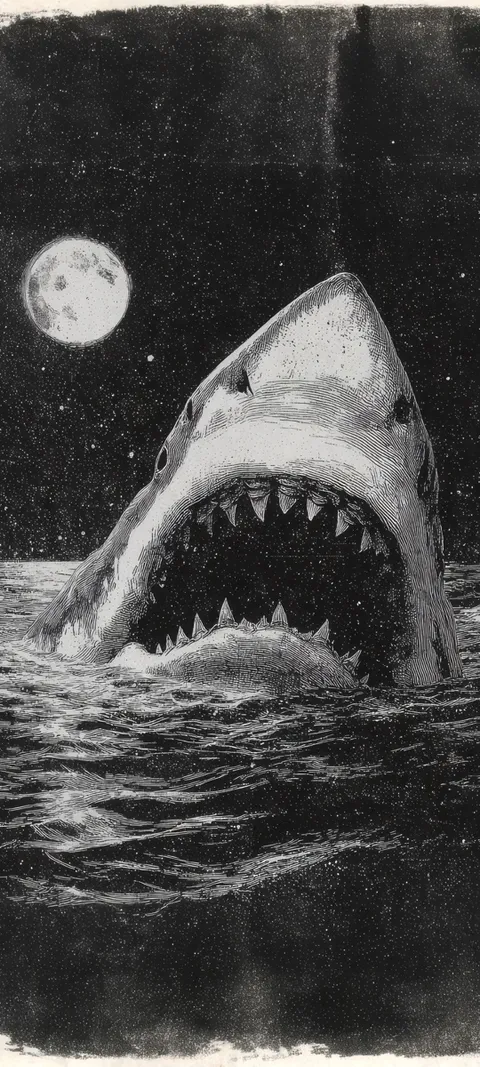
Ember Eyes and Shadowed Gaze are anime-style ghost portraits with glowing eyes, and Haunted Gaze is a pale, long-haired spirit; all three work best when the eyes land just below the clock. Hand On Glass and Reaching Out put the scare in a hand rather than a face, so the top of the frame stays calm. The horror wallpapers page has the full creepy set, including deep-sea creatures such as Deep Lure and Vampire Squid for anyone who finds the ocean scarier than ghosts.
Where can I find free Halloween wallpapers?
Pinterest boards, free photo sites such as Unsplash, and Canva templates all offer Halloween images at no cost, and Pinterest dominates the search results for this season. The trade-off is fit. Many are square pins, desktop landscapes or small files that blur on a tall phone screen. Look for portrait images at least 1080 pixels wide, check the license if you plan to share them, and preview the crop on your Lock Screen before you commit to it.
ScreenLux is not free for downloads, and it is worth being plain about that. Browsing every wallpaper and previewing it on a Lock Screen mockup costs nothing; ScreenLux+ unlocks downloads at $19.99 once, $14.99 a year with a 7-day trial, or $1.99 a week with a 3-day trial. What you get is original art composed for the phone at 1080 × 2400, with no account needed. Free users see a small banner ad, and ScreenLux+ removes it.
When October ends, a witchy wallpaper usually carries into November better than a creepy one. The fall wallpaper guide picks up from there with cozy and warm scenes, and Candlelight Smoke appears in both sets.
Wallpapers made for the phone
470+ original live and still wallpapers composed at 1080 × 2400, Halloween scenes included. The app is free to download and every wallpaper previews free; ScreenLux+ unlocks downloads.
Get ScreenLux FreeFree to download · No account required · iOS 17+ · Android 8+