 SCREEN
Aesthetic Phone Wallpaper Ideas for Every Style
The best wallpaper ideas for a phone start with a style, not a single image. Eight styles cover most of what people want: soft pastel, dark and moody, cute, minimal, neon, retro, nature and cozy. Pick the one that matches how you use the phone, choose a portrait image with its subject below the clock, and keep the Home Screen calmer than the Lock Screen. The picks below are real wallpapers you can preview today.
Phone wallpaper ideas by style
Each style does a different job. Soft and minimal images disappear behind icons, which is what a Home Screen needs. Dark, neon and nature scenes carry more detail and suit a Lock Screen, where the clock is the only thing on top. Every pick in the table is from the ScreenLux catalog, composed at 1080 × 2400 for a tall phone screen. Names marked live also move.
| Style | What it looks like | Wallpapers that fit | Works best on |
|---|---|---|---|
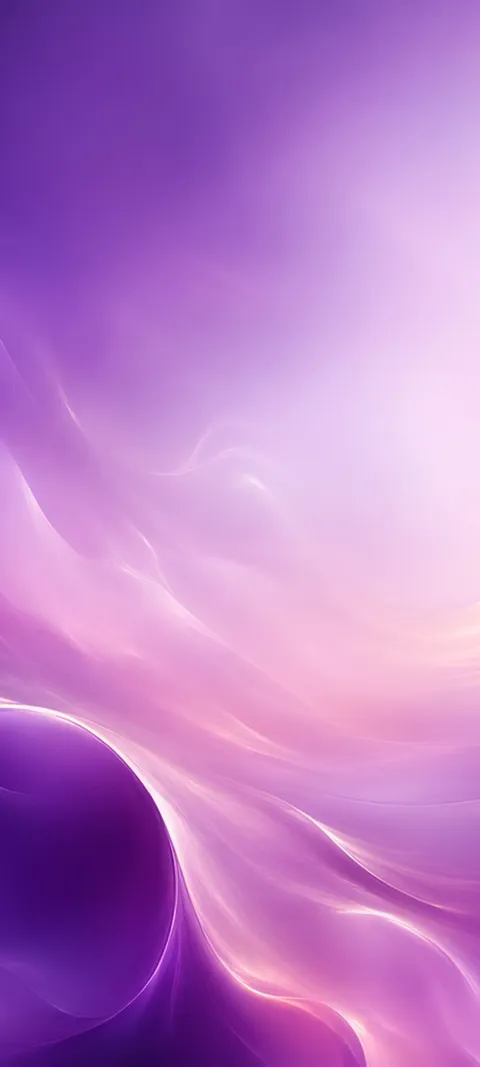
| Soft pastel | Blurred gradients in pink, lavender and pale blue, with no hard edges | Pastel Cloud, Lavender Haze, Holographic Hues, Soft Marble | Home Screen; icons and widgets stay readable |
| Dark and moody | Near-black with one glow or one texture | Candlelight Smoke, Dark Haze, Infinite Dark Corridor (live) | Either screen; strongest on OLED displays |
| Cute | Rounded shapes, plush textures, small animals, candy colors | Sleeping Felt Fox (live), Gummy Bear, Plush Prize, Zen Kitty | Lock Screen; the subject gets the space |
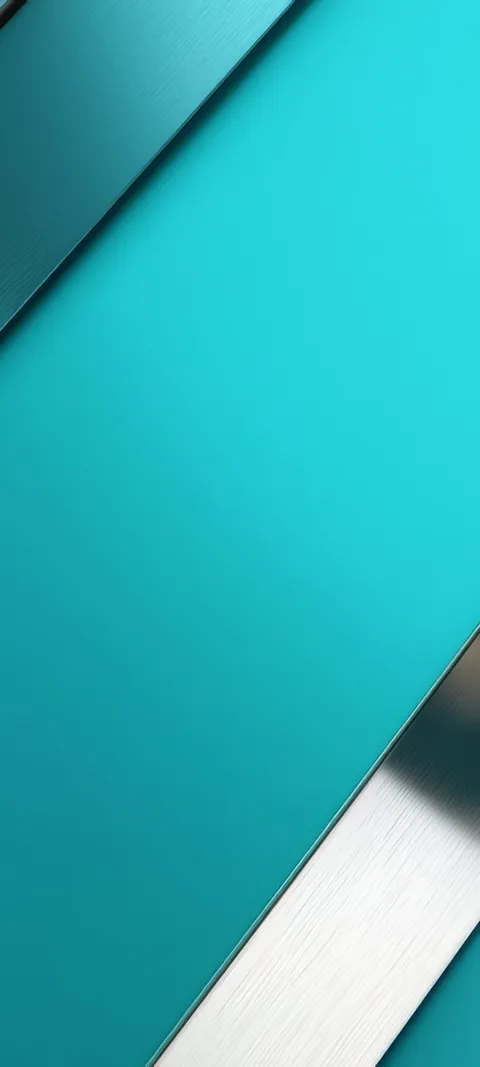
| Minimal | One tone or one shape with empty space around it | Charcoal Fade, Minimal Angle, Clean Digital, Still Water Boat (live) | Home Screen with many apps or widgets |
| Neon | Glowing pink, green and violet against black; tunnels and city nights | Neon Scooter (live), Neon Grid Tunnel (live), Neon Arcade | Lock Screen, paired with a dark Home Screen |
| Retro | Cassettes, film cameras, instant cameras, muted color | Cassette Night, Mixtape, Cinema Scope, Instant View | Lock Screen |
| Nature | Water, forests, mountains and night skies | Forest Sunburst (live), Ocean Wave Barrel (live), Mountain Aurora Reflection (live) | Lock Screen; on iPhone the motion plays on wake |
| Cozy | Windows, lamplight, rain, quiet rooms at night | Rainy Window, Evening Study, Black Cat Window (live) | Either screen |
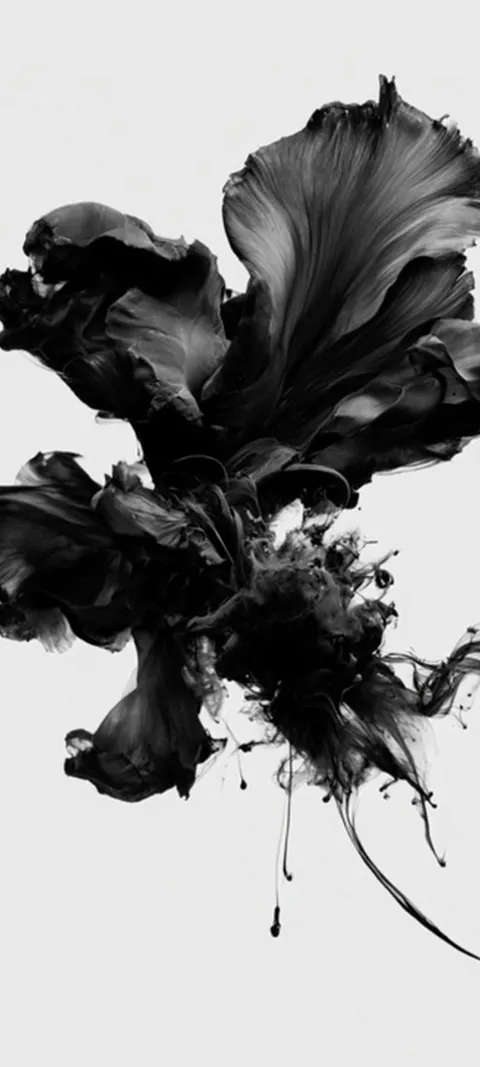
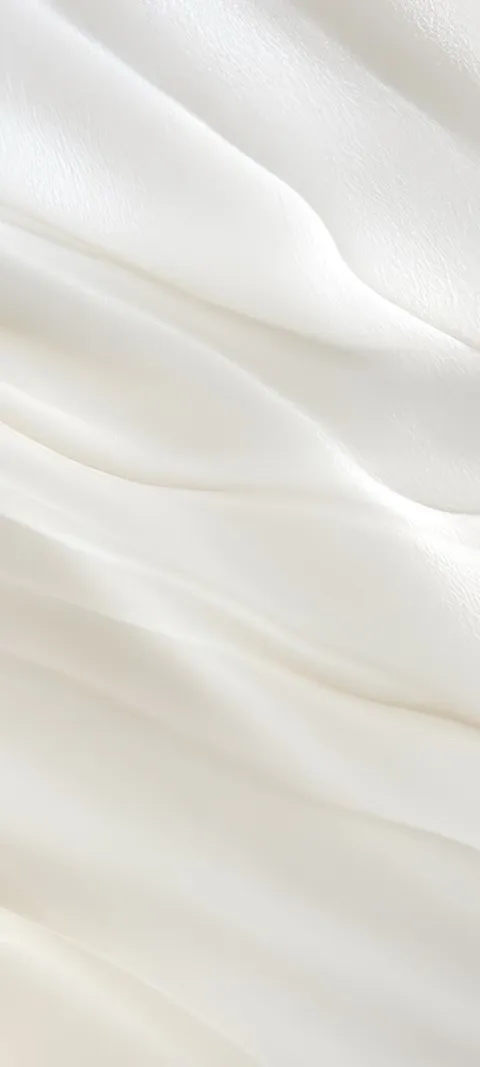
If you only want one wallpaper, start with dark and moody or minimal. Both stay readable under any icon layout. If you want the phone to feel different each time you pick it up, put a cute, neon or nature image on the Lock Screen and a soft gradient behind the apps. The aesthetic wallpapers page collects the soft and abstract end of this list in one place; four of them are below.
How to choose a wallpaper that fits your phone
- Start with how you use the phone. A Home Screen full of apps and widgets needs a soft or minimal image. A clean Home Screen can carry almost anything.
- Pick one style per screen. A detailed image on the Lock Screen and a quiet one on the Home Screen is the pairing that holds up longest.
- Check the shape. Use a portrait image at least 1080 pixels wide. Landscape photos crop hard and lose the subject.
- Place the subject low. On iPhone, long-press the Lock Screen, tap the plus button, choose the image, and drag it so the detail sits below the clock.
- Match the clock. Pick a clock color from the image itself rather than pure white against a bright area.
- On Android, long-press the Home Screen, open Wallpaper & style, and set the image for the Home Screen, the Lock Screen or both.
What are some good ideas for phone wallpapers?
Start with eight proven styles: soft pastel gradients, dark and moody scenes, cute or kawaii characters, minimal designs, neon city nights, retro objects, nature and cozy interiors. Then narrow by where the image will sit. A gradient or a quiet texture works behind a full Home Screen. A single strong subject, such as an animal, a figure or a wave, works on the Lock Screen, where only the clock covers it. Photos of your own people and places are the ninth idea, and often the best one.
Your own photos need the same test as any other wallpaper: portrait shape, subject in the lower two thirds, nothing important under the clock. On iPhone, Photo Shuffle rotates a set of your pictures through the Lock Screen, which suits anyone who cannot settle on one. If a favorite photo looks soft once it is set, the blurry wallpaper guide covers the usual causes.
What should I put on my phone wallpaper?
Put something on it that you can look at a hundred times a day without tiring of it. For most people that is one of three things: a person, pet or place that matters to them; a calm color or texture that makes the screen easier to read; or a piece of art in a style they like. Avoid images with small text, busy patterns or a bright center, because the clock, widgets and icons all have to sit on top.
A useful split: the Lock Screen is for the picture you love, and the Home Screen is for the picture that behaves. A portrait or a detailed scene goes on the Lock Screen. A darker crop, a blurred version or a plain gradient such as Charcoal Fade goes behind the apps. The separate Lock and Home Screen guide shows how to set the two independently on iPhone.
What wallpaper is trending now?
Going by what people search for, three looks lead in 2026: dark aesthetic wallpapers, cute and kawaii designs, and soft pastel gradients. Each draws thousands of US searches a month. On iPhone, the Lock Screen in iOS 26 and later also favors images with one clear subject and open space above it, because the clock adapts to the photo and Depth Effect can lift the subject in front of the time on supported photos. Seasonal sets spike on a schedule: fall and Halloween in October, Christmas from November.
Trends are a starting point, not a rule. A dark wallpaper is popular partly because it is practical: it hides nothing, it is easy on the eyes at night, and it dims cleanly on phones with an always-on display. The dark wallpapers page covers low-light scenes and near-black abstracts. For the opposite mood, the cute wallpapers page runs from arcade plush toys to sleeping animals.
How do you match a wallpaper to your Home Screen icons and widgets?
Choose the wallpaper first, then tune the icons to it. On recent iOS versions, press and hold an empty part of the Home Screen, tap Edit, then Customize, and switch the icons to a dark or tinted style that picks up a color from the image. On many Android phones, including Pixel and recent Samsung models, the system color palette is drawn from the wallpaper, so buttons and widgets follow it. Either way, a low-contrast wallpaper keeps app labels readable.
Widgets raise the stakes. A weather or calendar widget sitting on a busy photo is hard to read, and no icon style fixes that. If the image you want is detailed, set it on the Lock Screen and use the blur option or a plain color on the Home Screen. Minimal pieces such as Clean Digital and Dark Haze suit this job: dark, quiet surfaces with nothing competing with the labels.
Can an aesthetic wallpaper also be a live wallpaper?
Yes, with limits that depend on the phone. On iPhone, a moving wallpaper is a Live Photo set on the Lock Screen. It plays a short clip when you wake the phone, and the Home Screen stays still. On Android, a live wallpaper loops on the Home Screen, and lock-screen video varies by manufacturer. Slow motion suits an aesthetic setup best: drifting ink, shifting forest light or a sleeping animal adds life without making the screen harder to read.
In the ScreenLux catalog, 91 of the 470+ wallpapers are live. Infinite Dark Corridor is the dark pick, Abstract Black Form is black ink drifting on a pale background, Forest Sunburst and Ocean Wave Barrel are the nature picks, and Sleeping Felt Fox is the cute one. On iPhone they save to Photos as Live Photos. On Android the app installs a live wallpaper service that plays a muted loop on the Home Screen, with a matching still for the Lock Screen; the Android app is rolling out now.
Where can you find free aesthetic wallpapers for your phone?
Pinterest boards, Reddit wallpaper communities, Unsplash and Canva templates all offer free phone wallpapers, and they are the first results most people see. Quality varies. Many images are small pins or landscape photos that crop badly on a tall screen, and some are reposts with no clear license. Look for portrait files at least 1080 pixels wide, save the original rather than a screenshot, and preview the crop on the Lock Screen before you keep it.
ScreenLux takes a different route, and it is not free for downloads. Browsing and previewing every wallpaper on Lock Screen and Home Screen mockups costs nothing; ScreenLux+ unlocks downloads at $19.99 once, $14.99 a year with a 7-day trial, or $1.99 a week with a 3-day trial. The art is original and composed for the phone at 1080 × 2400, and there is no account to create. Free users see a small banner ad; ScreenLux+ removes it.
Wallpapers made for the phone
470+ original live and still wallpapers composed at 1080 × 2400, in every style on this page. The app is free to download and every wallpaper previews free; ScreenLux+ unlocks downloads.
Get ScreenLux FreeFree to download · No account required · iOS 17+ · Android 8+