 SCREEN
Matching Wallpapers for Best Friends and Couples
Matching wallpapers for best friends are two images that belong together when the phones sit side by side: the same design in two colors, two halves of one photo, or two pieces from the same series. The simplest way to match is to choose a set together, then have each person download and set their own half on their own phone. It works across iPhone and Android, because a 1080 × 2400 still looks the same on both.
How to set matching wallpapers in six steps
- Pick a matching style. Decide whether you want an obvious twin, a split photo or a looser match built on shared colors. The table below lays out the options.
- Choose the pair together. Look at both images on the same screen before anyone downloads, so the colors and framing are agreed up front.
- Check where the clock lands. The Lock Screen time sits in the top third. A pair with a calm top edge stays readable on both phones.
- Download on each phone. Each person saves their own copy directly, rather than forwarding a screenshot that may arrive compressed.
- Set it as the wallpaper. On iPhone, long-press the Lock Screen, tap the add button and choose the photo. On Android, long-press the Home Screen and open Wallpaper & style or your phone's wallpaper settings.
- Compare side by side. Hold the phones together. If one looks brighter, check that both are on similar brightness and that neither has a dimming or color filter turned on.
Five ways to match two phones
There is no single correct kind of match. Friends who like the same things often choose twins, while couples lean toward split photos. Larger groups do better with a shared palette, because a design that splits neatly in two rarely splits into four. The example pairs below are real wallpapers from the ScreenLux catalog.
| Matching style | How it works | Example pair | Best for |
|---|---|---|---|
| Color twins | The same design in two colors, one per phone | Abyss Blue + Abyss Red | Best friends who want an obvious match |
| Collection siblings | Two different pieces that share shapes and finish | Blue Blocks + Pastel Blocks | A match that still looks personal |
| Split image | One wide picture cut in half across two screens | Your own landscape photo | Couples and photos you took together |
| Subject pairs | Two animals or portraits that face each other | Wolf's Gaze + Feline Gaze | Friends with an inside joke or a favorite animal |
| Shared palette | Different images held to the same two or three colors | Opal Gleam + Opal Glow | Groups of three or more |
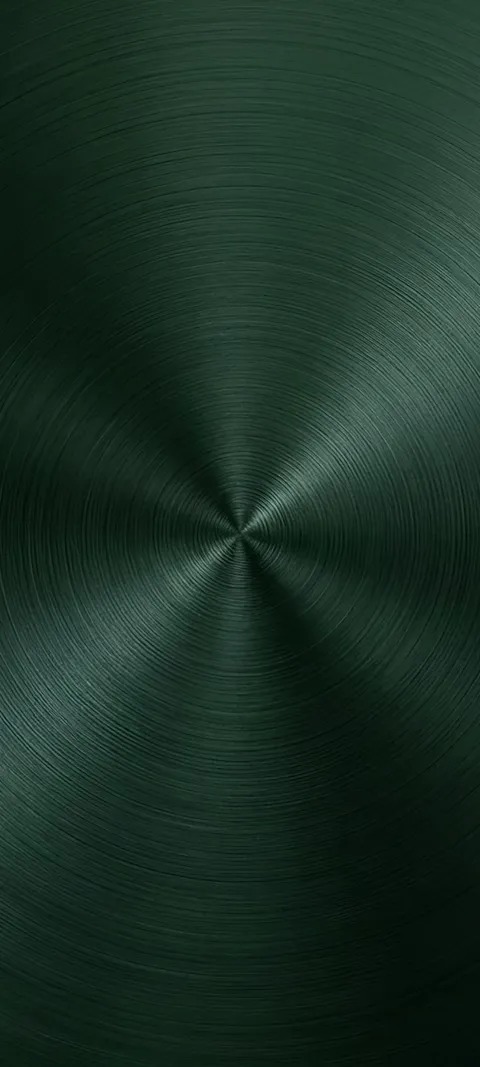
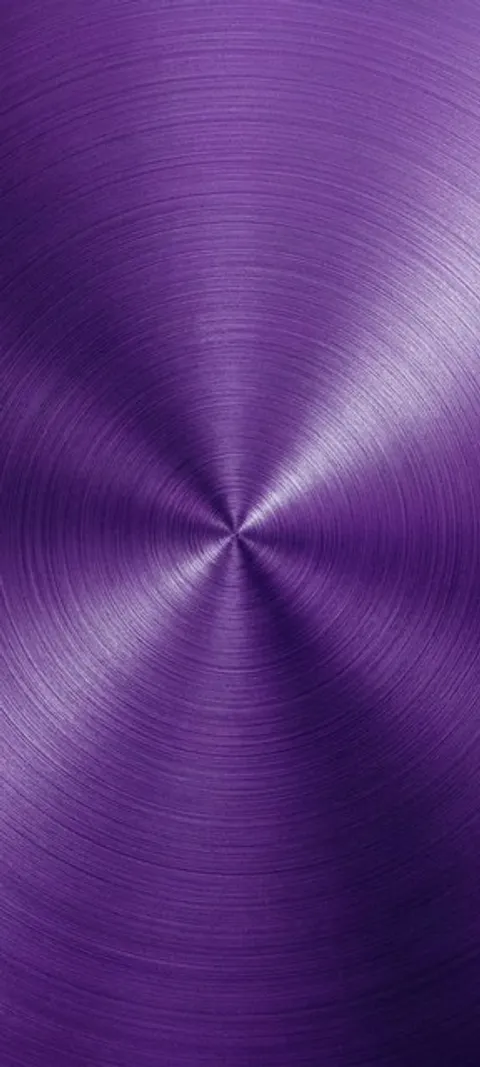
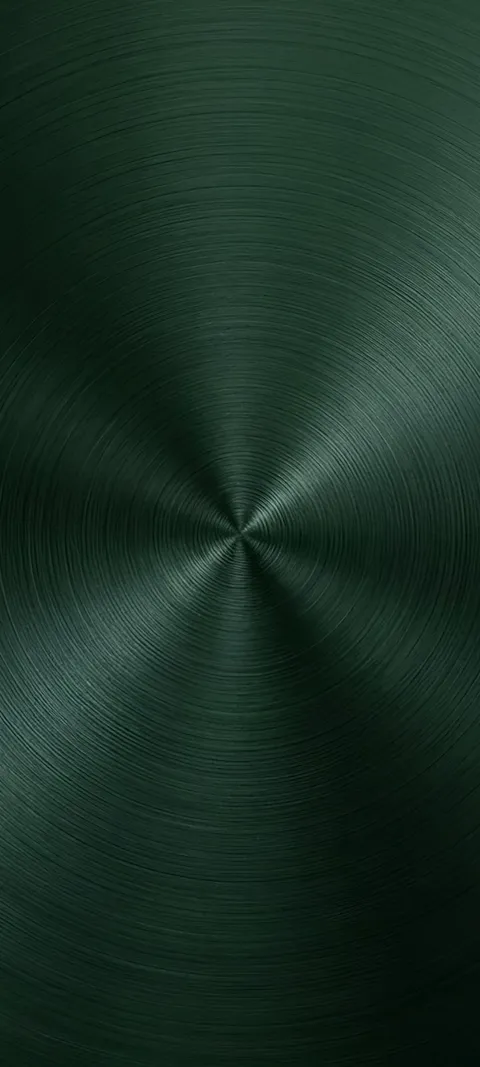
Color twins are the most recognizable match. Abyss Blue, Abyss Green, Abyss Purple and Abyss Red share the same radial, dial-like design, so a pair reads as a set from across the room while each person still gets their own color. The darker tones keep white clock text sharp, and the centered shape frames the time rather than competing with it. The rest of the radial designs sit on the luxury wallpapers page.
Collection siblings are quieter. The Blocks collection uses the same stacked planes across sixteen pieces, from Brushed Metal and Copper Angles to Pink Wood and Pastel Blocks. Two friends can pick different pieces and still look matched, which suits people who want a nod to each other rather than identical phones.

What counts as a matching wallpaper for best friends?
A matching wallpaper is any pair of images that clearly belong together when the two phones sit side by side. That can be the same artwork in two colors, two halves of one picture, two pieces from the same series, or two animals that look toward each other. The match does not have to be identical. Most people prefer pairs that share a look but still let each person pick the version that suits their own taste, case color and Lock Screen layout.
Series made as families are the easiest source, because the shapes, lighting and finish already line up. The ScreenLux collections work this way: each one is a set of pieces designed to sit next to each other, and several of them come in more than one colorway.
How do you get matching wallpapers on two phones?
Agree on the pair first, then have each person download their own copy on their own phone. Downloading directly keeps the full resolution, while photos sent through a messaging app can arrive compressed and slightly soft. After the download, each person sets the image as usual: on iPhone, long-press the Lock Screen and tap the add button, and on Android, long-press the Home Screen and open the wallpaper settings. Then hold the phones together and check that the colors line up.
In ScreenLux, browsing and previewing are free, so both of you can try a pair on the Lock Screen and Home Screen mockups before choosing. ScreenLux+ unlocks downloads: $19.99 once for lifetime access, $14.99 a year with a 7-day trial, or $1.99 a week with a 3-day trial. A purchase belongs to the store account that made it, so each friend unlocks downloads on their own account.
Can an iPhone and an Android phone have matching wallpapers?
Yes. A still wallpaper looks the same on both, as long as the file is tall enough for modern phone screens. Images made at 1080 × 2400 cover current iPhones and nearly all Android phones without stretching. Motion is where they differ. On iPhone, a moving wallpaper is a Live Photo on the Lock Screen that plays when you wake the phone. On Android, a live wallpaper runs as a muted loop on the Home Screen, and Lock Screen video depends on the manufacturer.
So a mixed pair still matches, but the two phones show the motion in different places. The Living Wild set is a good example: every piece is live, so Arctic Fox Cub on one phone and Snow Leopard Gaze on the other both move, just on different screens. The animal wallpapers page lists more creatures if you want a different pairing.
What are good couple wallpaper ideas?
The best couple wallpapers are quiet enough to live with every day. A split photo of a place you visited together is the most personal option. Two halves of a sunset, a beach or a city skyline join neatly when the phones touch. If you would rather not use personal photos, pick two colorways of the same design, or two warm images held to the same palette. Keep hearts and names small, because a wallpaper you see dozens of times a day wears out quickly.
For something romantic that is not a photo, the Valentine's wallpapers page collects warm reds and pinks that pair well. A softer route is a pastel set; the cute wallpaper ideas guide covers kawaii and pastel looks that also work as a couple's match.
How do you make a split wallpaper from one picture?
Start with a wide, landscape photo that has something interesting on both halves. Duplicate it, then crop one copy to the left half and the other to the right half, using a tall crop so each piece fills a phone screen. Leave a little overlap in the middle so the two halves still join if the phones sit slightly apart. Send each half to the right person as a file rather than a compressed preview, then set it on each phone and check the seam.
Keep the main subject away from the very center, where the two phone edges meet, or it will be cut in two. Also leave the top third fairly plain. The Lock Screen clock sits there on both iPhone and Android, and a busy sky behind the time makes it hard to read.
What else can best friends match on their phones?
The wallpaper is only one layer. On iPhone, you can also match the Lock Screen clock font and color when you customize the Lock Screen, and pick the same widgets underneath it. On many Android phones from Android 12 on, menus and icons take accent colors from the wallpaper, so a matched wallpaper often matches the whole interface. Matching phone cases and the same ringtone finish the set. Pick one or two of these instead of all of them, so it still feels like your own phone.
If you want the match on the Lock Screen but something calmer behind your apps, you can use two different images on iPhone. The guide to different Lock Screen and Home Screen wallpapers shows how to keep the matched image on the Lock Screen only.
Wallpapers made for the phone
470+ original live and still wallpapers composed at 1080 × 2400, including collections built to pair across two phones. The app is free to download and every wallpaper previews free; ScreenLux+ unlocks downloads.
Get ScreenLux FreeFree to download · No account required · iOS 17+ · Android 8+