 SCREEN
Cute Wallpaper Ideas for Your Phone (Kawaii, Pastel, Animals)
The best cute phone wallpapers have one soft subject and plenty of calm space around it. Seven ideas cover most tastes: baby animals, plush toys, kawaii characters, pastel gradients, candy and toys, hearts and ribbons, and cute-but-spooky designs. Put a character or animal on the Lock Screen, where only the clock covers it, and keep a quieter image behind your apps.
Seven cute wallpaper ideas, and where each one works
Each row names real wallpapers from the ScreenLux catalog, but the styles apply wherever you find your images. The last column matters most: a design that looks sweet on its own can vanish under a grid of icons.
| Style | What it looks like | Picks | Best on |
|---|---|---|---|
| Baby animals | One small animal, soft fur, a calm background | Arctic Fox Cub (live), Sleeping Grey Kitten | Lock Screen |
| Plush and felt | Toy textures, rounded shapes, gentle light | Sleeping Felt Fox (live), Plush Prize, Arcade Plush | Lock Screen |
| Kawaii characters | Big eyes, small features, a limited palette | Sakura Kitsune, Jellyfish Dream, Vinyl Girl | Lock Screen |
| Pastel gradients | Soft color with no subject to cover | Pastel Cloud, Soft Lavender, Aqua Sky | Home Screen |
| Candy and toys | Bright, glossy objects with a playful feel | Gummy Bear, Claw Machine, Vibrant Bubbles | Lock Screen |
| Hearts and ribbons | A single romantic object, often in pink | Heart Balloon, Pink Ribbon | Either screen |
| Cute and spooky | Friendly monsters and knit textures in darker colors | Monster Mash, Ghostly Knit Pattern | Either screen |
Four from the cute and kawaii wallpapers page, each composed for a tall phone screen at 1080 × 2400.
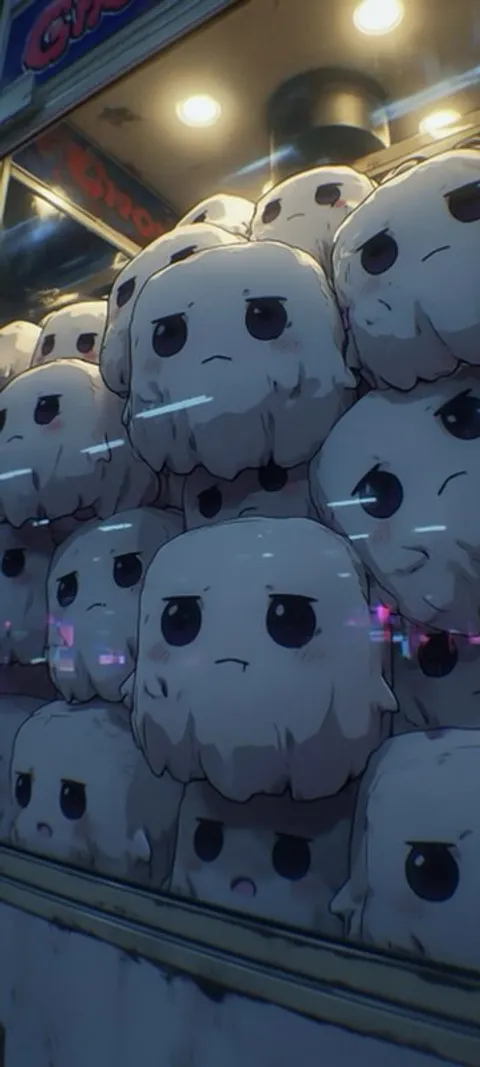
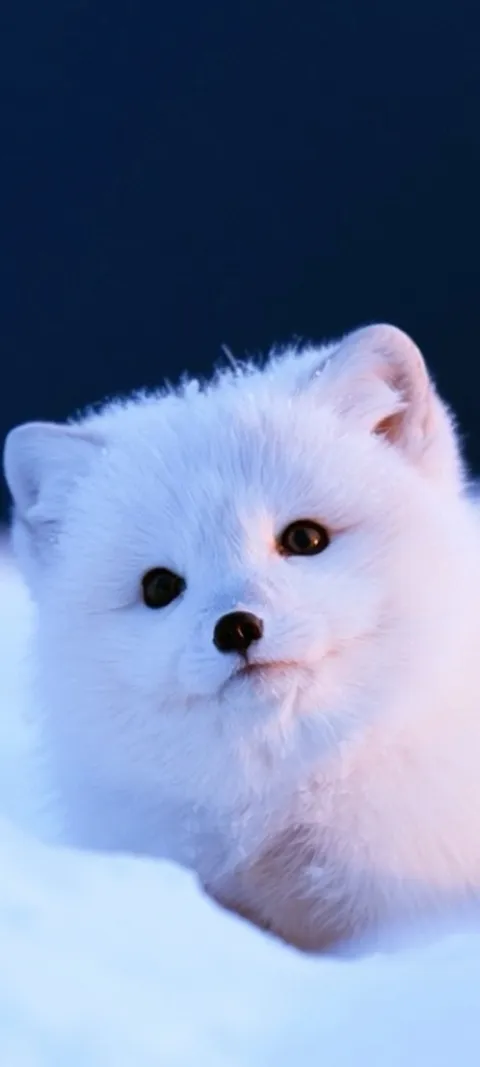
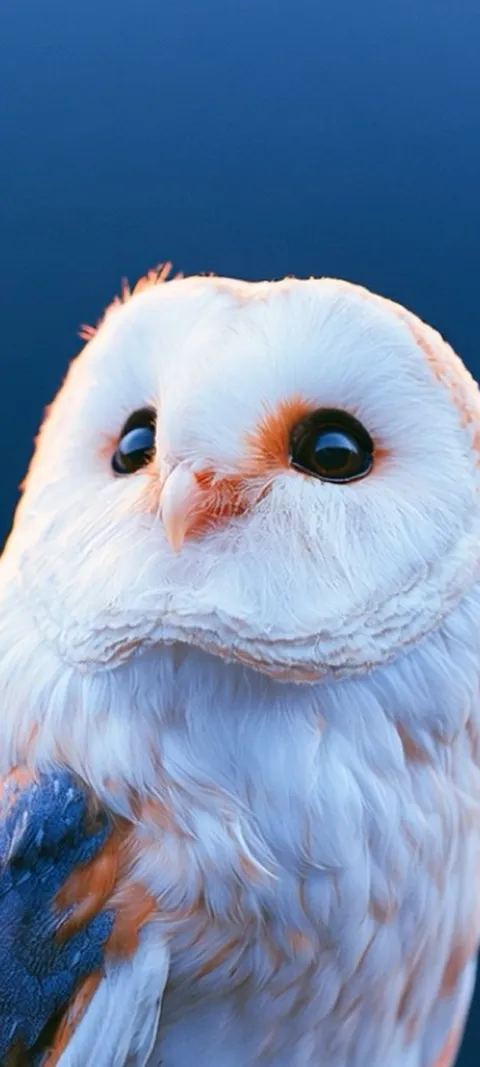
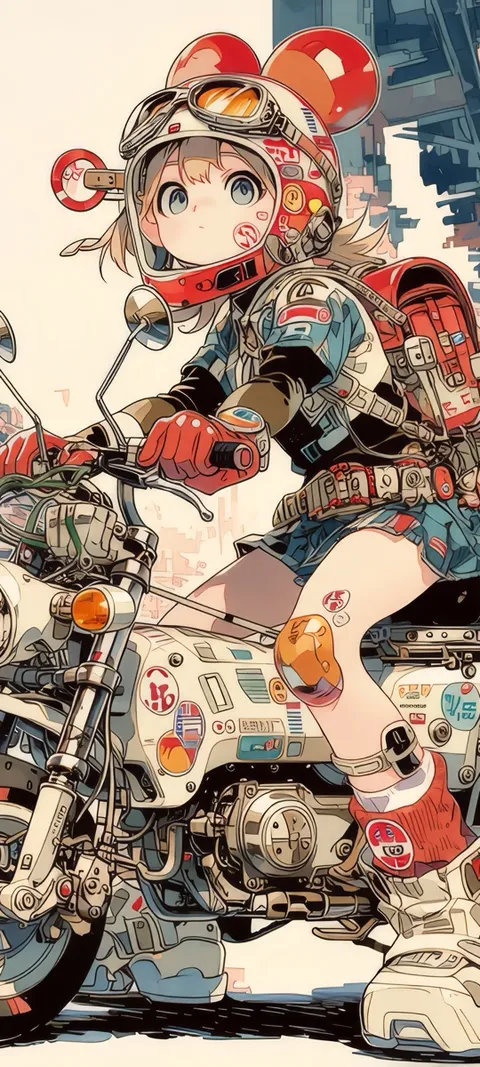
What is the best idea for a cute phone wallpaper?
Start with one small, soft subject on a calm background. A sleeping animal, a plush toy or a round character in the lower half of the frame works on almost any phone, because the clock sits above it and nothing important gets covered. If you want a single image for both screens, choose a pastel gradient or a quiet pattern instead. Those stay pleasant behind rows of icons and do not compete with your apps or notifications.
If you have no strong preference, try an animal first. It is the idea that ages best, because a kitten does not date the way a trend does. Sleeping Grey Kitten and Zen Kitty are quiet examples, and the animal wallpapers page has wilder options if cute is only part of what you want.
What are some cute aesthetic wallpapers for a phone?
Cute aesthetic wallpapers pair a sweet subject with a restrained palette, so the whole screen feels planned rather than busy. Common directions are pastel gradients, soft pink ribbons and hearts, kawaii anime characters in a limited color range, felted or plush textures, and cozy scenes such as a cat watching snow. Pick two or three colors you like and look for images that stay inside them. That one filter removes most of what looks cluttered on a small screen.
Pink is the obvious starting point, and the pink wallpapers page sorts the catalog by that color, from blush to hot magenta. It is not the only route, though. The cooler tones of Jellyfish Dream and Sky Whale feel just as gentle. For aesthetic looks beyond cute, the aesthetic wallpaper ideas guide covers eight broader styles.
How do you keep a cute wallpaper from looking childish?
Reduce the number of things on the screen. Childish wallpapers usually have many characters, saturated rainbow colors and a busy repeated pattern. A more grown-up version keeps one subject, uses muted or tonal colors and leaves plenty of empty space. Texture helps too: felt, knit and soft fur read as crafted rather than cartoonish. Darker backgrounds also work, because a small, sweet subject against a deep color looks deliberate and stays comfortable to look at in a dim room.
Cat Watching Snow is a good test of the idea: the subject is simple, but the setting gives it a mood. Purple Knitted Pattern does something similar with texture alone. A wallpaper can be cute without looking like it came from a sticker sheet, and most adults who use one are after that balance.
Should a cute wallpaper go on the Lock Screen or the Home Screen?
Put the character or animal on the Lock Screen and something quieter on the Home Screen. The Lock Screen only has to make room for the clock and a few notifications, so a single subject has space to show. The Home Screen is covered in icons, which hide faces and small details. On iPhone you can set two different images when you add a wallpaper. On Android, most phones let you apply separate images to each screen from the wallpaper settings.
A simple pairing is Sakura Kitsune on the Lock Screen with Pastel Cloud behind the apps. The two do not need to match exactly; they only need to share a color family. On Android 12 and later, many phones also pull accent colors from the wallpaper, so a soft pastel can tint menus and controls. Whether that happens, and how far it goes, depends on the manufacturer.
How do you make icon labels readable on a pastel wallpaper?
Check the labels at your normal brightness before you commit. Very pale pastels can wash out white text, so a mid-tone pink, lavender or aqua is usually easier to read than a near-white one. Avoid strong detail directly behind the icons, since it fights with the small text. On iPhone, the Home Screen wallpaper editor offers a blur option that softens the image behind your apps. Leaving part of the screen free of icons also helps the image breathe.
Lavender Haze and Aqua Sky are the kind of even, soft color fields that hold up behind a full grid. Busy patterns such as Pastel Blocks look better with fewer icons on top. If a label still disappears, the wallpaper is too light for that spot, and a slightly deeper version of the same color will usually fix it.
Can a cute wallpaper move on your phone?
Yes, on both iPhone and Android, but in different ways. On iPhone, a moving wallpaper is a Live Photo on the Lock Screen that plays a short clip when you wake the phone, and the Home Screen stays still. On Android, a live wallpaper app can run a muted loop on the Home Screen, while Lock Screen video depends on the manufacturer. Slow, slight motion suits cute subjects best, since fast action rarely feels soft.
In ScreenLux, Sleeping Felt Fox, Arctic Fox Cub and Barn Owl Gaze are the live picks among the animals, and the live wallpapers page lists the rest. Previews are free in the app; ScreenLux+ unlocks downloads, at $19.99 for lifetime access, $14.99 a year with a 7-day trial, or $1.99 a week with a 3-day trial. To use your own clip on iPhone, the live wallpaper guide walks through it.
Making your own cute wallpaper
You do not need an app to do this. A photo of your pet, a drawing or a free design template can all work if you follow a few rules for the format.
- Start with a tall image. Set your canvas to portrait, around 1080 × 2400. A wide photo has to be cropped hard, and the part you like may not survive.
- Keep the subject low. Leave the top third of the frame open for the clock. Faces placed high end up behind the time.
- Limit the palette. Two or three colors are enough. Pull them from the subject, such as the pink of a nose or the cream of a coat.
- Test it on the phone. Set the image, lock the phone and look at it with notifications showing. Then open the Home Screen and check that the icons still read.
Pet photos are the easiest version. Shoot from the animal's eye level, against a plain wall or blanket, in soft window light. That gives you the calm background this style depends on, and it costs nothing.
Wallpapers made for the phone
470+ original live and still wallpapers composed at 1080 × 2400, including cute animals, plush toys and pastel gradients. The app is free to download and every wallpaper previews free; ScreenLux+ unlocks downloads.
Get ScreenLux FreeFree to download · No account required · iOS 17+ · Android 8+